
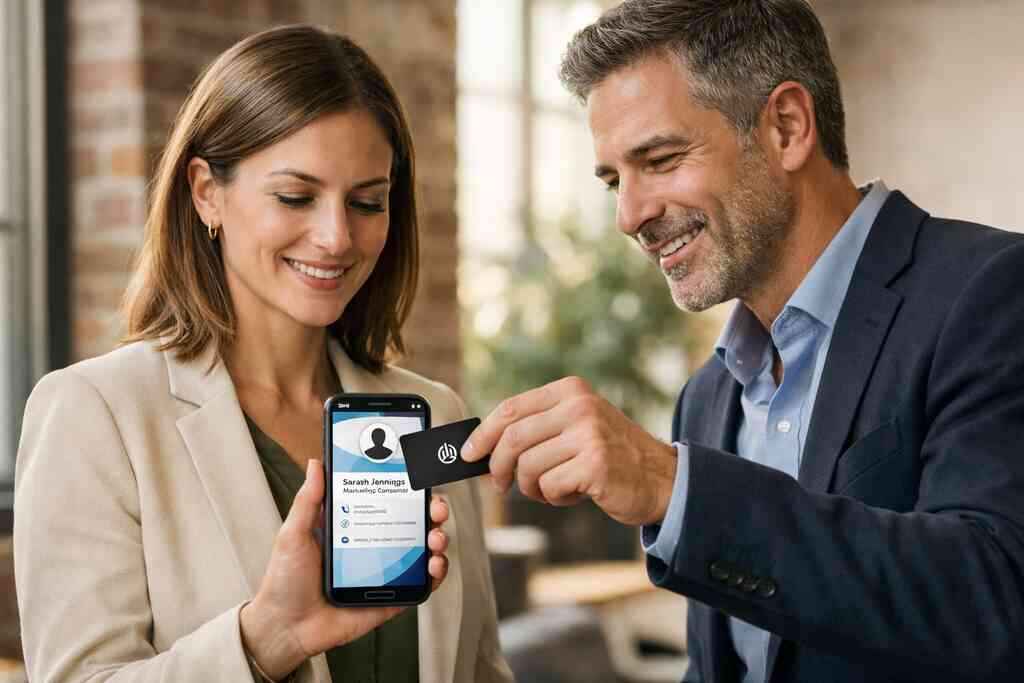
Why paper cards disappear right when follow-up matters most
I remember a broker in Hauppauge pulling a stack of damp cards from his jacket pocket after a rainy mixer. Half the ink had blurred. The other half was unreadable. If you have ever left an event with a pocket full of cardholders and no energy for follow-up, that frustration makes perfect sense. The hard part is not meeting people. The hard part is keeping the connection alive after the handshake.
The coffee stain, the forgotten wallet, and the contact that never gets saved
Paper cards fail in ordinary ways. They bend in wallets, fade under coffee cups, and end up in desk drawers. Sometimes the real problem is simpler: the person meant to save your number, then got distracted. A paper card does not remind them. It does not prompt action. It just waits.
That is why many professionals now compare paper cards vs digital cards before their next event. A digital business card gives the other person a way to save your details instantly. A virtual business card or online business card can be shared in seconds, then stored in a phone contact list. On busy Long Island event nights, that speed matters. People move fast at mixers in Hauppauge, in Commack co-working spaces, and on NYC commuter trains.
What a paper card still does well when the handoff is face to face
Paper still has one real strength: it feels immediate. It feels familiar. It also works when someone prefers a simple, physical exchange without opening a phone.
A well-made business card design can still signal polish. The texture, the weight, and the print finish say something before you speak again. For some industries, that matters. A luxury listing agent, for example, may still want a neat printed card at an open house. A contractor meeting a homeowner at the curb may want that same tactile cue. Still, the card only works if it gets saved.
Here is the part most people miss: a paper card is not a contact strategy. It is only a handoff.
Why Long Island professionals are rethinking the old card exchange at busy events
On Long Island, networking rarely happens in calm, quiet rooms. It happens between panels, in parking lots, at civic breakfasts, and during quick introductions that last thirty seconds. We hear this from sales professionals and small business owners all the time. They do not need more cards. They need better follow-through.
That is why paperless networking is growing. A digital business card can reduce friction when you meet ten people in one hour. It can also help if you are comparing digital business cards near me options and want something that fits a local workflow. Business networking on Long Island often rewards speed, clarity, and easy contact sharing. Paper can still play a role, but it no longer has to do all the work.
What changes when your card can be scanned, tapped, and saved instantly
The shift from paper to digital is not cosmetic. It changes the entire exchange. A card can become a live profile instead of a dead slip of paper. That is a major difference, especially when timing matters.
How a digital business card turns a name into a live contact profile
A digital business card is more than a picture of a card. It is a shareable profile that can hold business card details, phone numbers, email addresses, links, and sometimes action buttons. That makes it feel more like a working contact hub than a printed object. The person receiving it does not need to type your information by hand. They can scan, tap, and save.
That is why a smart business card often performs better in fast introductions. It can support contactless sharing on mobile devices, which feels natural at events and client meetings. If you want a simple breakdown of how setup works, the team’s How It Works page is the right place to start. A good setup also helps people share contact info without friction. And if your profile is built well, it acts like a tiny, mobile-friendly landing page.
QR code business cards versus NFC business cards and where each fits best
QR code business cards and NFC business cards solve the same problem in different ways. QR codes work almost anywhere because most phones can scan them. NFC works by tap-to-share behavior, which feels fast and polished when the device supports it. Both can fit professional networking, but not every setting needs the same tool.
OptionBest useStrengthLimitationQR code business cardsBroad sharing, events, printed materialsEasy scanningNeeds camera accessNFC business cardsFast hand-to-phone sharingVery smooth experienceDevice support variesFor many teams, a QR-first approach is the simplest start. For others, NFC fits premium client meetings better. Apple’s Core NFC framework and the ISO 14443 standard help explain why tap-based exchange feels dependable when devices support it. If you want a deeper comparison, NFC business cards for contactless sharing is worth a look. The right choice depends on the people you meet most often.
Why contactless sharing feels easier at conferences, site visits, and client meetings
Contactless sharing removes a small but real social burden. No one has to ask for a pen. No one has to enter someone’s number by hand later. No one has to wonder if they mistyped the email. That simplicity matters in noisy rooms and rushed schedules.
We saw this recently at a Garden City meeting where a real estate agent used a digital card between showing appointments. She did not need a full pitch. She only needed a clean handoff. The card went straight to the buyer’s phone, and the next message arrived with no delay. That is the appeal. It lowers the odds of drop-off after a good conversation. A paper card cannot do that.
What digital card analytics can reveal that paper never could
Paper gives you no signal after the exchange. Digital tools can. Digital card analytics may show if someone opened your card, tapped a link, or returned later. That does not guarantee a deal. It does give you evidence.
If you are evaluating digital card analytics for lead capture, think of it as a timing tool. It tells you when interest is warm. That can help you send a better follow-up. In practical terms, it supports lead capture and smarter outreach. On the projects we’ve finished this year, that timing has mattered more than fancy design. The data is not the point. The next conversation is.
The parts of a smart business card that paper can never carry
A printed card can show your name. A digital one can show your movement. That difference matters when your role changes, your offer changes, or your team grows. Paper freezes you in place. Digital lets you adapt.
Custom branding, business card design, and the difference a strong template makes
Good digital business card design is not about stuffing in every detail. It is about guiding attention. A strong digital business card template keeps the layout clear, mobile-friendly, and easy to read. That is especially important when someone opens it on a crowded train platform or during a quick break between meetings.
For teams that care about brand consistency, online business card design and branding can do what paper often cannot. You can keep colors, logos, and calls to action aligned across the team. That supports custom branding without forcing every person into a generic card. If you are comparing business card templates for real estate professionals, that flexibility matters even more. A digital layout can hold more context without looking crowded. That is rare in print.
How to share contact info without reprinting anything
This is the quiet advantage of an electronic business card. You update your profile once, then share the same link or QR code again. No reprint. No waste. No waiting on a new batch because a title changed or a phone number moved.
That matters for freelancers, founders, and growing teams. It also matters for anyone using a digital card maker to create a digital business card and keep control of the details. You can update business card details, change a website, or swap a headshot without touching the old stock. If you want a practical starting point, digital business cards vs paper cards in 2026 lays out the broader shift clearly. The real win is flexibility. Paper does not flex.
Lead capture, follow-up automation, and CRM integration in plain English
This is the part that makes many people lean in. A digital business card app can do more than share a profile. It can help with lead capture, follow-up automation, and CRM integration if the platform supports those functions. That means new contacts can move into your system faster, with less manual typing.
If that sounds technical, keep it simple. Lead capture means you collect contact details. Follow-up automation means the system helps nudge the next step. CRM integration means your card can connect to a customer database instead of living in isolation. If you want to create a digital business card with CRM integration, look for a setup that fits your sales process, not the other way around. Digital business card features for lead capture are a useful reference point.
Digital business cards for LinkedIn, Apple Wallet business card use, and Google Pay card options
A strong profile should live where people already are. That includes your inbox, your phone wallet, and your social network links. Many professionals use digital business cards for LinkedIn because LinkedIn is already part of their follow-up flow. Others prefer wallet access for quick sharing on the move. 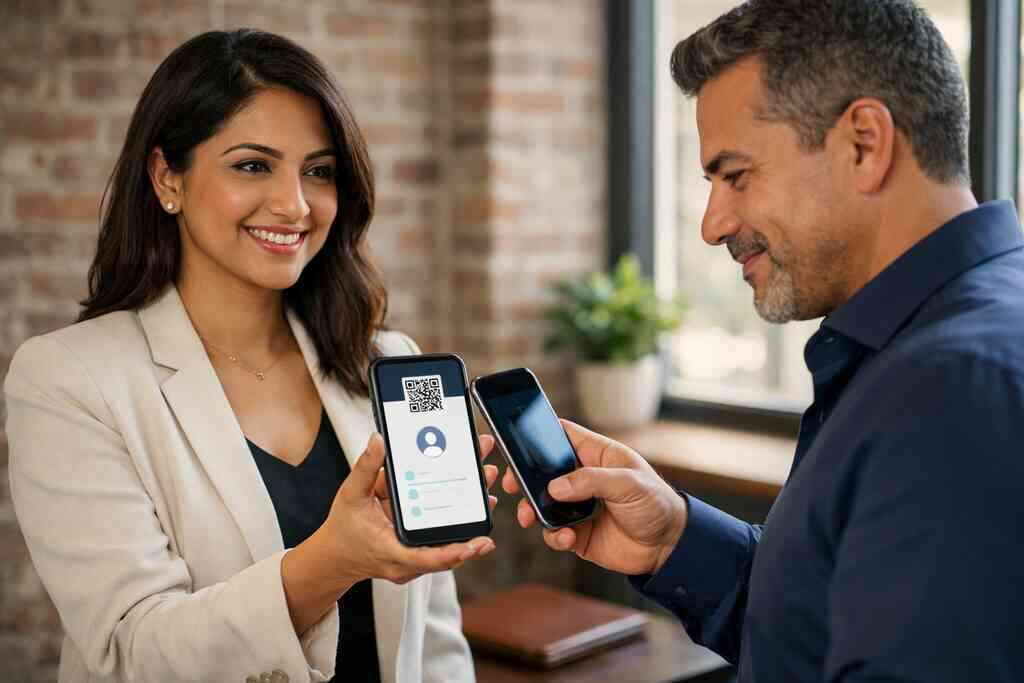
An Apple Wallet business card or Google Pay card-style setup can make access easier, depending on the platform and device. The goal is not novelty. It is convenience. If your card sits where you already open daily tools, you will actually use it. For LinkedIn-oriented professionals, how to use digital business cards for LinkedIn growth is a smart next read. The best tool is the one you remember to open. ### Why sales professionals, real estate agents, freelancers, and corporate teams use digital card makers differently
Different jobs need different workflows. Sales professionals often want speed and follow-up tracking. Real estate agents may want branded listing links and a clean presentation. Freelancers usually want simplicity and low friction. Corporate teams often care about consistency across many users.
That is why one template rarely fits everyone. A digital card maker should let you adapt the profile to the audience. For example, real estate teams may benefit from real estate digital card examples, while corporate teams may focus on standardized digital business card features. The right setup makes the card feel natural in your workflow. That is the test.
When a paper card still makes sense and when it quietly slows you down
Not every printed card is a mistake. Some still serve a purpose. But you should know where paper helps and where it creates drag. That honesty saves money and time.
The moments when a printed card feels polished and familiar
Paper still works when the moment calls for ceremony. A refined printed card can feel appropriate in a formal boardroom, a luxury sales meeting, or a traditional trade setting. It can also be useful when someone expects a physical handoff and may not want to scan anything right away. That expectation is real.
Still, the card only carries so much value. If the details are current and the design is clean, a paper card can make a nice first impression. If the design is crowded or outdated, it works against you. That is why the conversation is not paper or digital in theory. It is paper in the right setting, and digital when speed matters more.
The hidden costs of reorders, outdated details, and uneven business card design
The hidden cost of paper is rarely the paper itself. It is the reprint after a title change. It is the box sitting unused because the phone number changed. It is the awkward moment when two people on the same team hand out cards with mismatched layouts. That undermines trust more than most people realize.
Digital avoids that churn. You update once, then reuse the same virtual business card or electronic business card format as needed. That also helps with business card design consistency across teams. For those comparing digital card pricing for small teams, the real question is not just the starting cost. It is the cost of changes over time. Paper looks simple until the reorders start.
How sustainable business cards fit modern paperless networking goals
A lot of people care about waste, and rightly so. Sustainable business cards support paperless networking by reducing the need for repeated print runs. That does not make every paper card bad. It does mean digital can align better with a lighter footprint.
On Long Island, where many professionals travel between offices, client sites, and Manhattan meetings, less paper often means less clutter. It also means less to carry. For teams trying to look modern without sounding trendy, eco-friendly business cards offer a practical middle path. They keep the brand visible while reducing reprint churn. That is a cleaner system, not just a greener one.
A practical digital card versus paper decision for small business branding and growing teams
If you run a small business, the decision often comes down to rhythm. Do you need a card that stays fixed, or one that changes as you grow? Do you need one design, or many team variations? Those are real questions.
Here is a simple filter:
- Choose paper if the handoff is highly formal and rarely changes.
- Choose digital if your contact details change often.
- Choose digital if follow-up speed matters.
- Choose digital if your team wants consistent branding.
- Keep paper only where the physical card adds real value.
If you are comparing free digital business card options with premium plans, think about use, not labels. Free can be enough for testing. Premium may fit teams that need branding, analytics, or broader workflow support. The best choice is the one you will actually use.
The clearest way to choose your next card before the next meeting lands
The goal is not to chase every feature. It is to pick the format that makes your next conversation easier. That is where most people get stuck, and it is understandable. Too many options can make simple networking feel oddly technical.
How to make a digital business card without overthinking the layout
Start with the basics. Name. Role. Phone. Email. Company. Then add one useful action, not five. That might be a booking link, a website, or a profile page. A digital business card template works best when it stays clear on a phone screen.
If you want a simple structure, think in this order:
- Put your name and title first.
- Add one primary contact method.
- Include a branded image or logo.
- Use one action button.
- Test the card on your own phone.
That is usually enough. If you want a guided setup, how to create a digital business card with CRM integration can help frame the process. A clean layout beats a busy one every time.
What to look for on the pricing page before you commit to a platform
The pricing page should answer practical questions. What can you test for free? What belongs in a premium plan? How many cards or team members are included? If the page is vague, that is useful information too.
Do not get distracted by shiny labels. Look for the digital card pricing structure that fits your real use. If you are a solo freelancer, a free digital business card might be enough to start. If you manage a team, premium digital card plans may be more sensible. For a direct look, the pricing page should help you compare without pressure. Clarity now prevents regret later.
Why the best digital business card platforms are the ones that match your real workflow
The best platform is not the loudest one. It is the one that fits your day. If you live in LinkedIn, choose a profile that supports that. If you need analytics, choose a platform that surfaces them clearly. If your team needs standard branding, do not settle for random layouts.
That is the real test for the best digital business card platforms. They should make sharing feel natural, not complicated. They should also support your actual habits, not force new ones. On busy Long Island schedules, that matters. A tool that saves time on Monday gets used again on Friday.
How Long Island, New York professionals can test a digital card in real networking settings
If you are based in Long Island, New York, you have plenty of places to test a digital card. Try it at a Hauppauge business mixer. Use it in a Commack co-working space. Bring it to a client visit in Suffolk County or a quick meeting in NYC. The goal is to see how it behaves in the real world.
A local consultant once told us he kept a paper stack for “backup,” then realized he never reached for it. He kept forgetting to restock it anyway. Once he moved to a digital card, the follow-up became easier because the contact exchange stopped depending on memory. That is the real shift. It is not flashy. It is reliable.
A simple decision frame for choosing paperless networking over another stack of paper
If you are still unsure, use this frame:
- Do you want updates without reprinting?
- Do you want faster sharing?
- Do you want contact data you can track?
- Do you want a card that fits mobile habits?
- Do you want less waste in your networking routine?
If most answers are yes, digital probably fits better. If you want to see how your own setup might work, browse the platform’s virtual business card resources for paperless networking and test one profile at your next meeting. You do not have to solve every piece today. Start with one card, one event, and one clean handoff.
Frequently Asked Questions
Question: What makes a digital business card different from paper cards vs digital cards for professional networking in Long Island, New York?
Answer: A digital business card is designed for instant contact exchange, while paper cards are simply handed over and hoped to be saved later. With Digital Business Cards, you can create a digital business card that lets people share contact info through QR code business cards, contactless sharing, or a link, which can make follow-up easier after networking events in Long Island, Suffolk County, or NYC. Paper cards can still look polished, but they can also get lost, damaged, or forgotten. An online business card or virtual business card keeps your business card details in one place and can be updated without reprinting, which is especially helpful for sales professionals, real estate agents, freelancers, and corporate teams who need a more flexible networking tool.
Question: How do QR code business cards and NFC business cards fit into the blog The Difference Between Paper Cards and Digital Business Cards 2026?
Answer: The blog highlights how QR code business cards and NFC business cards offer a more modern alternative to a traditional paper card. QR codes are easy to scan with most phones, while NFC business cards can support tap-to-share-style networking when device compatibility allows it. Digital Business Cards is built around helping people create digital business card profiles that can be shared quickly and stored more easily than a printed card. That makes them a strong option for busy professional networking settings, especially when you want a smart business card that supports mobile-friendly networking and keeps your contact details accessible.
Question: Can Digital Business Cards help with digital card analytics, lead capture, and follow-up automation?
Answer: Based on the information provided, Digital Business Cards is focused on helping users share and store contact information in one place, and the content explains that digital card analytics, lead capture, and follow-up automation can be valuable benefits when those capabilities are supported by the platform. If you are evaluating a digital business card app, it is smart to confirm which digital business card features are included before you commit. In general, these tools can help you see when a contact engages, make it easier to manage follow-up, and reduce the manual work that comes with paper cards. For small business branding and growing teams, that can make a big difference in how consistently you stay connected after a meeting.
Question: What should I look for in a digital business card template or business card template if I want custom branding?
Answer: A strong digital business card template should keep your business card design clear, mobile-friendly, and easy to read, while still reflecting your brand. Digital Business Cards emphasizes simple setup, so a good business card example usually starts with your name, title, company, and one clear action such as a website or contact button. If you want custom branding, look for a virtual card design that allows you to match colors, logos, and layout choices across your team. That is especially useful for corporate teams and small business branding, because consistency matters just as much as appearance. A well-built online business card can look professional without feeling crowded.
Question: Is there a free digital business card option, or should I choose premium digital card plans for my team?
Answer: The right choice depends on how you plan to use it. If you only need a simple way to share contact info, a free digital business card may be enough to get started. If your team needs more support for custom branding, multiple users, or a more advanced workflow, premium digital card plans may be a better fit. Because Digital Business Cards is based in Long Island, New York, it understands the needs of local professionals who move between Long Island, Suffolk County, and NYC and want a practical tool for paperless networking. Before choosing, review the pricing page carefully and compare the digital card pricing structure to your actual needs. The best digital business card platforms are the ones that match your workflow, not just the ones with the most features.