
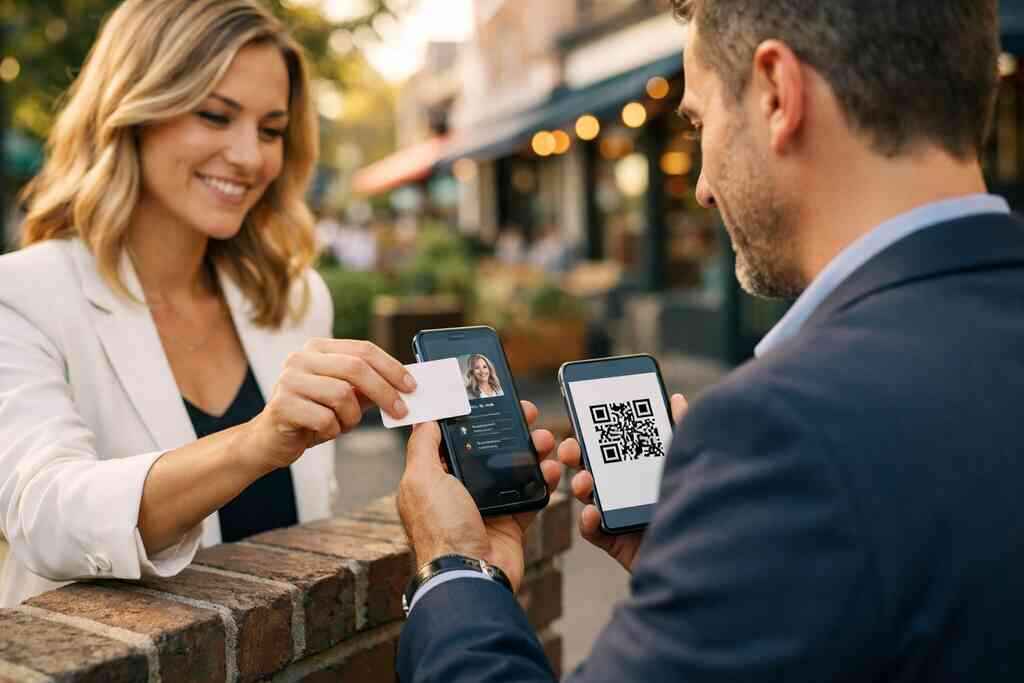
When a handshake ends with a dead card and a lost lead
The awkward part is not the handshake. It is the silence after it. You meet someone at a mixer, trade paper cards, and feel productive. Then the card disappears into a jacket pocket, a dashboard, or a pile on the desk. If you are frustrated by that cycle, you are not imagining it. It happens more often than most business owners admit.
The awkward moment when paper cards vanish before the follow-up
We hear this from clients almost every week. A good conversation can fade fast when the only contact detail is a small rectangle of cardstock. One person misplaces it, and the follow-up dies before it starts. That is a painful way to lose momentum, especially after you did everything right in the room. Paper cards are simple, but they are also easy to lose.
A digital business card changes that equation because the contact data lives in a shareable profile, not a fragile slip of paper. You can use a digital business card, an online business card, or a virtual business card to share contact info in seconds. That matters for small business owners who rely on professional networking, because speed often decides who gets remembered. If you want a practical overview, how to create a digital business card is the cleanest place to start.
Why SMBs keep paying for printing that gets tossed or damaged
Printing feels cheap until you repeat it. Then it becomes a slow leak. Titles change, phone numbers shift, logos get refreshed, and suddenly the stack in the office is outdated. That is the quiet budget drain many SMBs miss. You also pay for cards that bend, smudge, or get handed to someone who never calls.
Here is the part most owners miss. Paper cards also create hidden waste. They get left in restaurant booths, tossed after events, or ruined by rain during a site visit. For Long Island, New York businesses, that matters because weather, commuting, and back-to-back meetings do not always treat paper kindly. A smart business card or electronic business card avoids that waste and keeps your business card details current.
What Long Island professionals notice at mixers, site visits, and client meetings
On Long Island, networking has its own rhythm. You may be at a Hauppauge business mixer one night, then heading to a client meeting in Suffolk County the next morning. Add a Manhattan commute, and your pocket starts to feel like a storage bin. People notice when you fumble for a card, and they notice when your follow-up is instant. That is why digital business cards for networking fit local professionals so well.
One real estate agent in Garden City told us the problem was not introductions. It was memory. She would leave a meeting with three promising contacts, then spend the ride back trying to decode handwriting and business card stacks. Once she switched to a digital card design, sharing became cleaner and follow-up became easier. For local professionals who want contactless sharing and a stronger first impression, digital business cards in Long Island can be a practical fit.
Why NFC cards feel instant while paper cards still feel disposable
NFC cards feel fast because they remove friction. Paper cards ask the other person to store, sort, and remember. NFC cards ask for one tap. QR code business cards ask for one scan. Both can work well, but the experience is very different. For SMBs, that difference matters because small moments shape whether a lead keeps moving.
How NFC tap-to-share cards exchange contact details in seconds
NFC business cards for SMBs work by sending contact details through near field communication when a phone is close enough to tap. That is why people often call them smart business cards or NFC tap-to-share cards. There is no passing a paper slip back and forth. Instead, the other person taps and sees your digital business card, online business card, or virtual card design almost immediately. In a busy room, that feels smooth.
The hardware side is simple in practice. The phone and card exchange a tiny packet of information, then the card owner’s profile opens. Apple devices use Core NFC, and Android devices support NFC too, so the tap experience is now familiar to many users. If you want to see the setup path, how NFC tap-to-share cards work explains the flow without jargon. That is useful when you want mobile-friendly contact sharing without extra explanation in the moment.
What ISO 14443 and Apple Core NFC mean in plain English
ISO 14443 is a standard that helps NFC devices talk to each other reliably at short range. In plain English, it means the card and phone are following a shared rulebook. Apple Core NFC is Apple’s framework for reading NFC tags on compatible devices. That matters because trust in technology often comes from quiet consistency, not flashy features. If you are handing someone a card at a client meeting, the last thing you want is confusion.
This is also where the digital card vs paper question gets real. Paper is universal, but it is passive. NFC is active. It moves contact details quickly, and it supports electronic business card exchange in a way paper cannot match. For teams comparing NFC business cards for SMBs with older printed card alternatives, The Difference Between NFC and QR Code Cards for Small Business is worth reviewing alongside your workflow.
When QR code business cards beat tap-to-share in real life
NFC is not always the best answer. QR code business cards can be better when you are meeting someone with an older device, a locked-down corporate phone, or a camera that works better than tap support. The ISO/IEC 18004 standard underpins QR code structure, so the format is stable and widely recognized. In real life, that means fewer excuses and fewer dead ends. A scan can be easier than a tap in crowded or mixed-device environments.
I have seen this play out at a Commack co-working event. A guest with an older Android phone could not use NFC smoothly, but the QR code worked in seconds. No awkward reset. No extra app. That is why a good digital card maker should support both tap-to-share and QR code business cards. If your team mixes clients, vendors, and commuters, The Difference Between QR Code and NFC Business Cards in 2026 gives you a balanced path.
Why a virtual business card outlasts a stack of printed cards
A virtual business card does not get wrinkled in a bag or ruined by coffee. It also does not go out of date when someone changes roles. That is a major advantage for corporate teams, freelancers, and sales professionals who update details often. You can refresh one profile instead of reprinting hundreds of cards. That is the kind of efficiency SMBs feel in both time and budget.
Another advantage is access. You can share a digital business card for LinkedIn, email, text, or a link. You can also store it in Apple Wallet business card setups or a Google Pay card style workflow if the platform supports it. That makes the card feel present everywhere your work happens. For a clear comparison of digital card vs paper, digital business cards vs paper cards is the right place to weigh the tradeoffs.
The hidden cost of paper business cards that most small businesses miss
Paper cards look inexpensive because the invoice is small. The real cost shows up later. Reprints, lost leads, stale branding, and missing follow-up all add up. Most small business owners do not track that damage because it is spread across people and months. Still, it is real. And once you see it, you cannot unsee it.
Reprints, outdated titles, and the quiet budget drain
A paper card feels finished when it comes off the press. Then reality changes. Someone gets promoted, a phone line changes, or a new offer appears. Suddenly the stack is wrong. That means more reprints, more waste, and more time explaining why the old cards are still on the table. This is especially frustrating for small business networking tools that should make life easier. On the projects we have seen this year, that quiet drift matters most for growing teams. A business owner might order 2,000 cards and use half before the information becomes stale. That is not a dramatic failure. It is a slow bleed. A digital card template or digital business card template solves that by letting you update once and share everywhere. If pricing is part of the question, Pricing & Plans helps you compare the practical side. ### Lost follow-up when the only copy lives in someone’s pocket 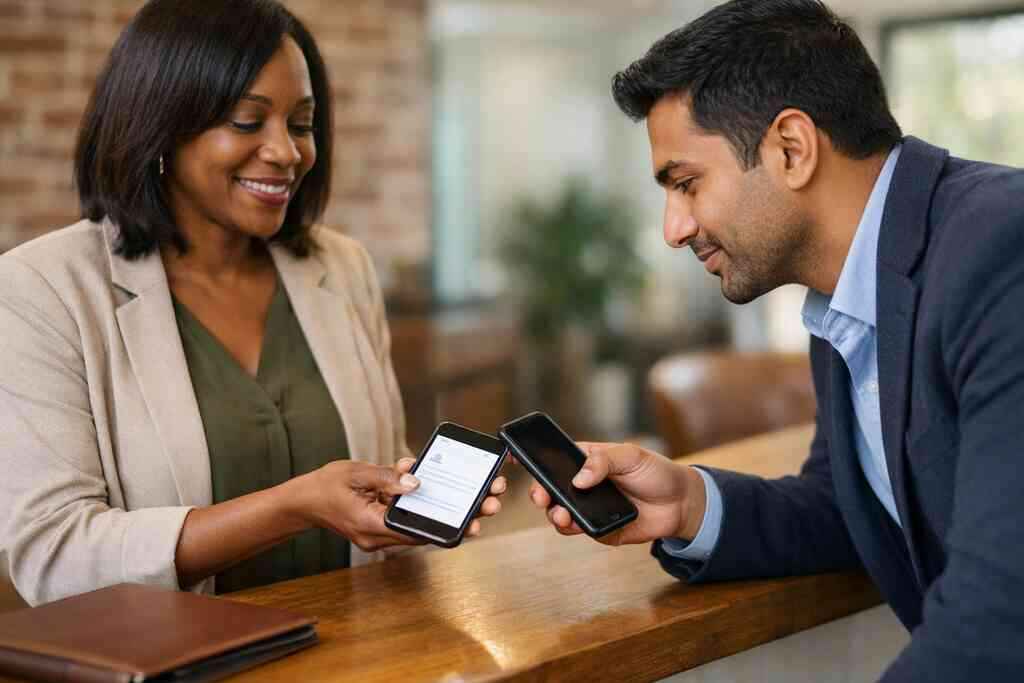
The question we get more than any other is simple. What happens if the other person never enters the contact? That is the weakness of paper. If the card stays in a pocket, the business card details may never reach a CRM, a phone, or a follow-up list. That is where deals quietly stall.
Digital business cards for networking solve this by making sharing immediate and repeatable. Some platforms also support lead capture, follow-up automation, and CRM integration, though exact feature sets vary by provider. You should always verify what is included before you choose. Still, the principle is clear. The closer your contact data stays to your workflow, the less chance it has to vanish. For teams focused on measurable outreach, How Digital Business Cards Use Analytics to Track Follow Up ROI can help reveal engagement patterns.
Why sustainable business cards matter for paperless networking
Sustainable business cards are not just a branding choice. They are a workflow choice. Paperless networking reduces waste, repeat printing, and the pile of cards that ends up unread. That matters to freelancers, sales teams, and corporate groups trying to keep operations lean. It also fits the habits of clients who already expect mobile-friendly contact sharing.
There is also a trust signal here. People notice when a business uses fewer disposable materials and more practical tools. That does not mean paper is bad in every case. It means paperless networking is often a smarter default when speed and accuracy matter. For Long Island firms that value both efficiency and image, sustainable business cards fit the moment well. If you want a local angle, Guide to Digital Business Cards for Suffolk County Small Businesses gives a useful regional lens.
How digital card analytics can reveal whether a lead actually engaged
Here is what almost no online guide mentions. Not every contact is equal. Some people scan and save. Some open twice. Some never touch the card again. Digital card analytics can help you see those patterns, though the exact metrics depend on the platform. That kind of visibility is impossible with paper.
For sales professionals and real estate agents, that difference matters. If someone opened your card after a trade show, you may have a live lead. If they shared it internally, you may have reached a decision-maker. If nothing happened, you can move on faster. That is why analytics belong in the conversation about the best digital business card platforms. When your team wants better timing and cleaner outreach, How to Integrate Digital Business Cards with CRM in 2026 becomes especially important.
Choosing the right card for your team without guessing wrong
The right choice depends on how your team actually works. A realtor does not need the same setup as a corporate account manager. A freelancer does not need the same workflow as a field sales team. That is where thoughtful digital business card features matter. You want the tool to match the job, not force the job to match the tool.
What sales professionals, real estate agents, freelancers, and corporate teams need differently
Sales professionals often need fast sharing and follow-up tracking. Real estate agents usually need polished presentation and easy local sharing. Freelancers care about a clean personal brand and a simple business card example that looks credible immediately. Corporate teams often need consistency, control, and easy updating across many users. That is why one template does not fit everyone.
If you are in real estate, you may need more visual polish and a clear action path. If you work in a service trade, you may care more about direct contact and quick response. Freelancers often want a simple virtual business card that feels professional without overcomplicating the screen. Corporate teams may need shared standards and brand alignment. For agent-specific examples, Top 10 Digital Business Cards Templates for Realtors in NY can help you picture the use case.
How custom branding and business card design shape trust
Business card design still matters, even when the card is digital. People judge fast. A clean business card template, clear digital business card design, and consistent custom branding all shape that first impression. That is true whether you are meeting in NYC, at a Suffolk County networking breakfast, or in a client lobby. The design should look intentional, not improvised.
A strong digital card design can include logo placement, colors, and a virtual card design that reflects your business. It should also make the business card example easy to read on a phone. If you are starting from scratch, using digital business card templates can save time and reduce mistakes. In practice, the best design is the one people can use instantly. For design inspiration, Custom Branding Tips for Digital Business Cards in 2026 can help frame the basics, though platform options vary.
When CRM integration and follow-up automation matter most
CRM integration matters when you are handling more leads than memory can support. Follow-up automation matters when speed affects revenue. If someone at a mixer shares contact details, you do not want that name sitting in a separate app for three days. You want it moving into your system quickly. That is where electronic business card exchange becomes a workflow tool, not just a novelty.
Not every SMB needs the same depth of automation. A solo freelancer may only need easy sharing and a tidy profile. A sales team may need CRM integration, tagging, and automatic reminders. The key is choosing based on real behavior. If your team is already losing leads after events, the case for automation is strong. For those evaluating setup and onboarding, How to Create a Digital Business Card with Digital Business Cards is a useful operational guide.
Where to compare digital card pricing and free digital business card options on our pricing page
Price matters, but it should not be the only filter. You want to compare digital card pricing, premium digital card plans, and any free digital business card option against your actual needs. A free plan may suit one person. A growing team may need more structure. The point is to match cost to value, not just chase the lowest number.
If you are comparing the best digital business card platforms, ask practical questions. Can you customize the profile? Can you share contact info cleanly? Does it support your brand? Does it fit your team size? Those answers matter more than a glossy promise. To review the available path, Pricing & Plans is the natural place to compare.
The cleanest next move for Long Island and NYC networking with a smart business card
If you are networking across Long Island and NYC, convenience wins. A smart business card should work at a train station, a conference table, and a crowded event hall. It should also support long-term follow-up, not just the moment of exchange. That is why digital business cards near me searches usually come down to reliability and fit.
The cleanest move is simple. Pick one profile, test the share flow, and use it at your next three meetings. If you are in Long Island, New York, or heading into NYC professional networking, that small test will tell you a lot. You do not need to solve everything today, and you do not need to guess alone. Start with one card, one event, and one follow-up sequence, then see how much smoother your contact sharing becomes.
Frequently Asked Questions
Question: What is the difference between NFC cards and paper business cards for small business networking?
Answer: NFC cards are a modern contactless sharing option that can open a digital business card, online business card, or virtual business card with a tap, while paper business cards rely on someone physically holding onto the card and entering the details later. For SMBs, that difference matters because paper cards can be lost, damaged, or forgotten before follow-up happens. A smart business card can help keep business card details in one place and make it easier to share contact info quickly during professional networking. If your team works across Long Island, Suffolk County, or NYC, NFC business cards for SMBs can be a practical way to reduce the friction that often comes with printed card alternatives.
Question: How does The Difference Between NFC Cards and Paper Cards for SMBs affect follow-up and lead capture?
Answer: The biggest impact is speed. With paper business cards, the follow-up often depends on whether the other person keeps the card long enough to use it later. With digital business cards, the profile can be shared immediately through a tap, QR code, link, or email, which helps reduce the chance of lost leads. That is especially useful for sales professionals, real estate agents, freelancers, and corporate teams that need a cleaner electronic business card exchange. Depending on the platform, digital card analytics, lead capture, and follow-up automation may also help track engagement more effectively than paper ever could. At Digital Business Cards, the goal is to make sharing easier and more dependable without adding unnecessary steps.
Question: Can Digital Business Cards help with custom branding, business card design, and digital business card templates?
Answer: Yes, a well-designed digital business card can support custom branding and present your business in a polished, professional way. Instead of relying on a single printed business card example, you can use a digital card maker or business card template to create a look that fits your brand and your audience. Digital business card design matters because people often judge the first impression quickly, especially in business settings like Long Island networking events, Suffolk County meetings, or NYC professional networking. Whether you need a virtual card design, a simple business card template, or more advanced digital business card features, the goal is to make the card easy to read, easy to share, and aligned with your brand identity.
Question: Are QR code business cards or NFC tap-to-share cards better for sharing contact info?
Answer: Both can be useful, and the better choice often depends on the situation. NFC tap-to-share cards are great when someone can simply tap a phone and open the profile right away, while QR code business cards can be especially helpful for people using older devices or phones with limited NFC support. A strong digital business card app should ideally support mobile-friendly contact sharing in a way that fits real-world networking. For example, a smart business card that works with both NFC and QR code sharing can give your team more flexibility during meetings, trade shows, and everyday professional networking. This is one reason many businesses compare digital card vs paper and choose the format that best matches how they actually meet people.
Question: What should sales professionals, real estate agents, freelancers, and corporate teams look for in the best digital business card platforms?
Answer: The right platform depends on how your team works. Sales professionals often want fast sharing, digital card analytics, and CRM integration to keep leads moving. Real estate agents may care more about polished presentation, digital business card for LinkedIn sharing, and a clear business card design that feels professional. Freelancers often prefer a simple online business card or virtual business card that looks credible without being complicated. Corporate teams may need consistent branding, easy updates, and options that support multiple users across the organization. If you are comparing digital card pricing, free digital business card options, and premium digital card plans, it helps to focus on value and fit rather than just the lowest cost. For businesses in Long Island, New York, a platform that supports paperless networking and contactless sharing can be a strong fit for both local meetings and broader outreach.
Question: How do I create a digital business card and make the switch from paper cards smoothly?
Answer: A smooth transition usually starts with one clear digital business card example that includes your name, role, business card details, and a clean way to share contact info. From there, you can use a digital card maker or follow a simple process to create digital business card profiles that fit your brand and your goals. If your team is used to paper cards, it helps to keep the first version simple and practical, then refine the digital business card templates over time. Some users also like having their card available as an Apple Wallet business card or a Google Pay card style experience, depending on what the platform supports. The main benefit is that you can update once instead of reprinting stacks, which makes sustainable business cards and paperless networking much easier to manage. For SMBs on Long Island and in NYC, that can be a smarter long-term approach than continuing to rely on paper business cards alone.