
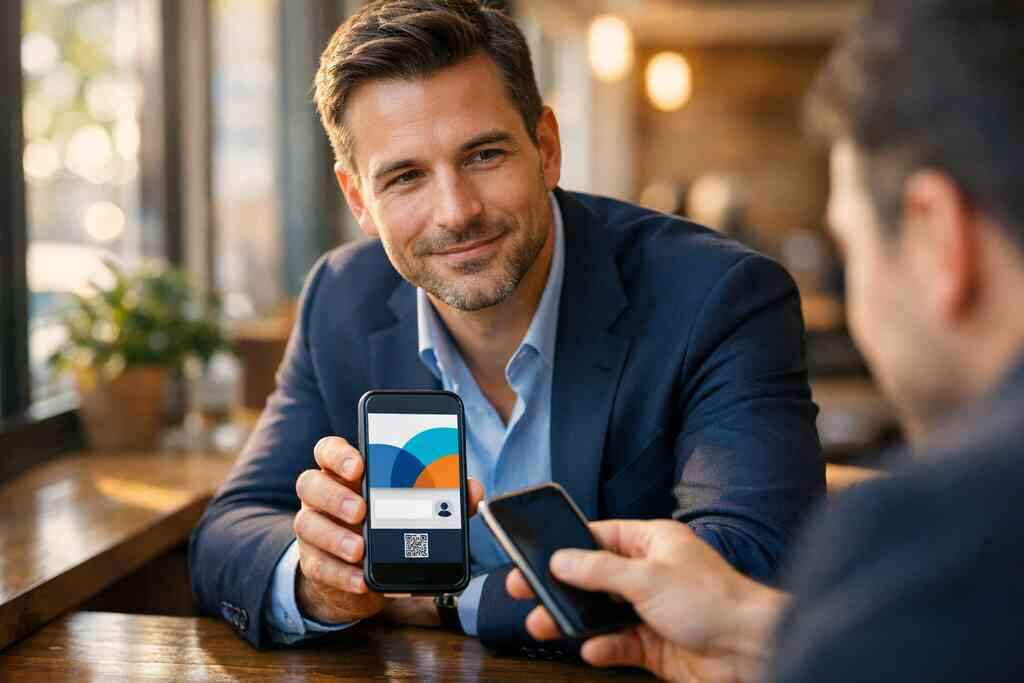
Why a LinkedIn profile alone is not enough when someone wants your contact in five seconds
You know the moment. Someone says, “Send me your info,” and their attention is already moving. If your contact details take too long to find, the follow-up gets weaker fast. That is frustrating, and it happens more often than people admit. On Long Island, where business moves quickly from introductions to action, that delay can cost real opportunities.
The moment a connection request turns into a missed follow-up
We hear this from clients almost every week. You meet someone at a Hauppauge business mixer, exchange a quick greeting, and then they disappear into the crowd. Later, they send a LinkedIn request, but your email, phone, and website are still buried in the app. A best digital business card template for LinkedIn networking in 2026 keeps your details ready before the moment passes.
This is where the pain lives. The interest is real, but the friction is small and costly. A person on the other end of the handshake does not want a scavenger hunt. They want a clean path to your contact info, and they want it now.
Why paper business cards fail after the handshake ends
Paper cards feel simple until they are not. They get bent, lost, or left in coat pockets. One client in a Commack coworking space told us he found six paper cards in a gym bag, all unreadable after a coffee spill. That is the quiet problem with paper: it depends on memory, storage, and luck.
A paper card also ends the conversation too early. It gives someone your name, but not a useful next step. By contrast, a digital business card and paper networking costs comparison helps you think beyond print waste and beyond static contact info. You are not just handing over a card. You are opening a channel.
How a digital business card keeps your contact details one tap away
A digital business card solves the timing problem. It lets someone open your contact details, save them, and act before interest fades. That matters because attention is fragile. It also matters because professional networking now happens across email, QR, tap, and shared links.
If you want a smoother handoff, start with how digital business cards work for contactless sharing. The core idea is simple: you create one digital card, then share it in the format that fits the moment. That can be a link, a QR code, or an NFC touchpoint. The less effort your contact needs, the better your follow-through tends to be.
The Long Island networking moments where speed matters most
Speed matters most in places where conversations are short. Think after-hours mixers in Suffolk County, client luncheons in Garden City, or a quick introduction before a train into NYC. The question is never only, “Do they like you?” It is also, “Can they reach you before the moment fades?”
Here is what almost no online guide mentions. In local networking, the follow-up is often decided before the first email. If your contact can save your details in five seconds, you look organized and easy to work with. That impression travels farther than a paper card ever will.
What the best digital business card template for LinkedIn has to do that a plain card never can
A plain card shares information. A strong digital template supports identity, trust, and action. That difference is huge on LinkedIn, where people already expect a professional story. Your card should echo that story without copying every detail from your profile.
How a virtual business card supports LinkedIn profile branding
Your LinkedIn profile branding sets expectations. Your digital card should reinforce them. That means the colors, headline, photo style, and tone should feel like the same person created both. When those pieces match, your online business card feels intentional instead of patched together.
A good template also helps the viewer move from curiosity to confidence. It can point them toward your profile, your website, or a direct message path. If you want a deeper look at that connection, see digital business cards for LinkedIn profile branding. The goal is not decoration. The goal is recognition.
Which business card details belong on the card and which should stay off it
Not every detail belongs on your digital card. Keep the essentials visible: name, role, company, phone, email, and a clear link to LinkedIn. You can also include a short value statement. Everything else should earn its place.
A cluttered card feels heavier than it should. That is especially true for sales professionals, real estate agents, freelancers, and corporate teams. The reader should understand who you are in one glance. If they need more, let the card expand into deeper details through a digital business card details approach that makes professionals memorable.
Why custom branding matters more than decoration
Custom branding is not about adding more color. It is about making your card believable. The best card template uses your logo, brand font, and visual rhythm in a way that feels calm and clear. That is why custom branding for a virtual business card matters so much.
People trust what feels consistent. If your LinkedIn banner says one thing and your card says another, doubt creeps in. A well-built digital business card design supports your personal brand identity without shouting. It says, “This person pays attention.”
The difference between a digital card design that gets shared and one that gets ignored
The most shared digital card designs make the next action obvious. The least shared ones make people think too hard. That single difference decides a lot. If someone has to search for your phone number, they often stop.
A strong digital business card design that builds trust usually has three traits:
- It opens cleanly on mobile.
- It presents one primary call to action.
- It keeps the most important business card details near the top.
A weak card tries to do too much. A better one reduces uncertainty. That is what makes it useful in professional networking, especially when LinkedIn is only one part of the conversation.
The template decisions that make or break trust before the first click
People judge a card before they click anything. They notice spacing, hierarchy, and how fast the card loads. If it feels messy, trust drops. If it feels easy, they stay.
What layout works best for sales professionals, real estate agents, freelancers, and corporate teams
Different professionals need different template priorities. Sales professionals often need a fast path to lead capture. Real estate agents may need property-focused messaging and quick contact sharing. Freelancers often benefit from a portfolio link and a direct inquiry path. Corporate teams usually need brand consistency across several people.
For role-specific needs, business card template ideas that convert leads can help you think in use cases, not just style. The best layout depends on how you work. If you are in the field all day, speed matters more than flair. If you speak with decision-makers, polish matters more than novelty.
How to choose a digital business card template for mobile screens first
Mobile screens are the real test. A card can look fine on a desktop and still fail in a pocket. Text must stay readable. Buttons must be easy to tap. The layout should guide the eye from top to bottom without confusion.
A mobile-first template also respects how people actually share contact info. They are often on the move, one-handed, and distracted. That is why the best digital business card app experiences keep actions close and visual noise low. If the card feels easy on a phone, it tends to feel easy in real life.
Why contactless sharing should feel effortless, not technical
Contactless sharing should feel normal. Nobody wants a mini tutorial at a reception desk. A QR code, a tap, or a shared link should work with very little explanation. If the setup feels technical, some people simply will not use it.
The strongest templates make the exchange invisible. That is where online business card features for sharing contact info fast become practical, not just impressive. A good card reduces hesitation. It does not create it.
When a QR code business card beats an NFC business card and when it does not
QR code business cards shine when you need universal access. Most phones can scan them easily, and the QR code standard has a long track record. NFC business cards are excellent for quick tap-to-share moments, especially when the other person expects that motion. Apple’s Core NFC framework also supports reliable near-field interactions on compatible devices. Still, each has limits. A QR code works well on signage, slides, and printed materials. NFC feels better in fast face-to-face introductions. If your audience includes mixed devices or a lot of event traffic, a QR option is often safer. If your audience values speed and novelty, NFC can feel smoother. Format Best use Main advantage Main caution QR code Events, printed collateral, broad sharing Easy to scan Needs camera access NFC Direct handoff, in-person meetings Very fast tap-to-share Not every device is equally ready 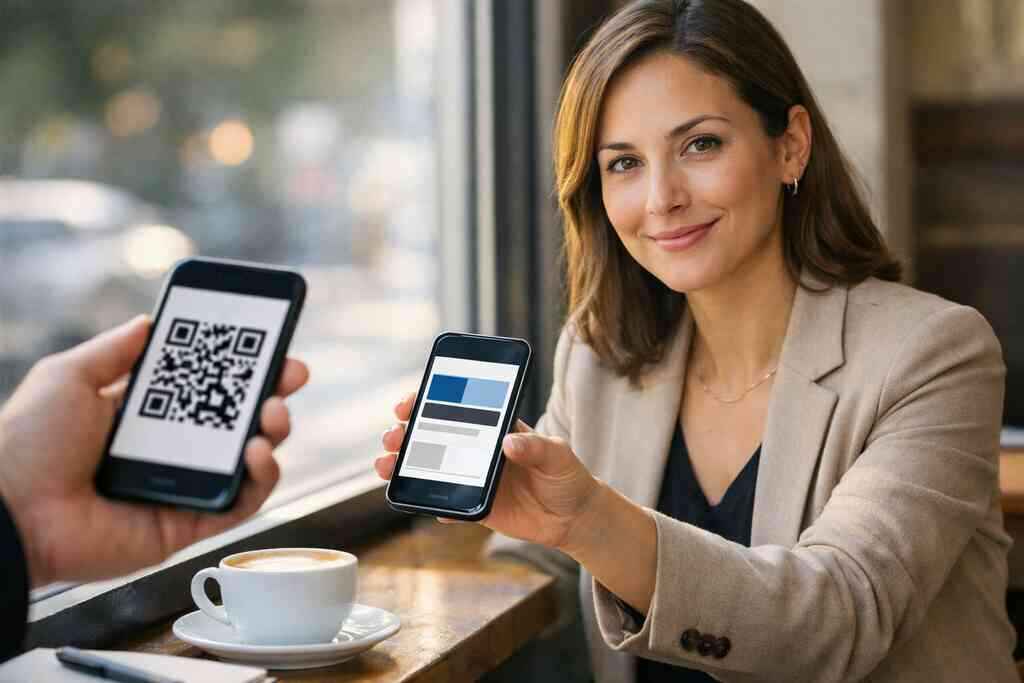
For a deeper NFC overview, near field communication (NFC) shows why tap sharing feels so natural. The template decision should follow the audience, not the trend.
How paperless networking supports sustainable business cards without looking generic
Paperless networking sounds practical because it is. It also supports sustainable business cards without forcing a recycled-paper aesthetic that may not fit your brand. You can still look refined, modern, and specific. You just avoid unnecessary print waste and repeated reorders.
On the projects we’ve finished this year, the best paperless cards felt normal to use and easy to save. That is the point. The card should reflect your business, not a generic eco message. If sustainability matters to you, let it show through clean design and less waste, not through gimmicks.
What LinkedIn-focused cards should include if you want real follow-through
A LinkedIn-focused card should do more than mirror your profile. It should help the other person act. That means the card must build credibility, create context, and keep the next move obvious. Otherwise, the connection stalls.
Which profile signals make a digital business card for LinkedIn feel credible
Credibility starts with visual consistency. Use the same name, title, and photo style across your profile and card. Add your company name clearly. If possible, include a short line that explains what you help people do.
People do not need a biography. They need signals. A profile that looks current, complete, and aligned with your card feels dependable. For more context on how this supports networking, LinkedIn networking and professional networking with digital cards connects the dots between profile strength and contact exchange.
How to present your role headline and company without clutter
Your headline should speak plainly. “Commercial Real Estate Advisor” works better than a clever phrase that explains nothing. The company name should sit nearby, but not crowd the design. This keeps the card readable and makes your value easier to remember.
A practical template gives hierarchy to the right details. Name first. Role second. Company third. Then contact methods. That order helps the reader process you in seconds, which is exactly what LinkedIn networking often demands. It also leaves room for a clear digital business card example that feels professional, not crowded.
Why lead capture and follow-up automation matter for warm introductions
Warm introductions lose value when they sit in a queue. Lead capture turns a quick exchange into a usable contact record. Follow-up automation helps you respond while the conversation is still fresh. That matters when you are balancing meetings, travel, and a full calendar.
If your card supports digital business cards improve lead capture rates, you can organize contacts without extra manual work. That does not replace your judgment. It simply removes friction. The faster you can reconnect, the more natural the relationship feels.
Where digital card analytics help you understand what people actually tap and save
Analytics tell you what gets attention. They show which links people tap, which cards get saved, and where interest drops. That is useful because assumptions are often wrong. A button you thought was minor may be the one people use most.
Digital business card analytics for lead tracking can help you compare simple changes in layout and wording. The goal is not surveillance. The goal is insight. You learn what people respond to, then refine the card accordingly.
How CRM integration can support better post-connect organization
CRM integration matters when your network stops being small. You need a place to track names, notes, and next actions. Otherwise, strong introductions disappear into email threads. That becomes a problem fast for small business, corporate teams, and busy freelancers.
A clean CRM integration for digital business cards workflow keeps contacts organized after the event ends. It also makes follow-up feel less chaotic. If you work across Long Island, New York, and NYC, that organization becomes more than convenient. It becomes part of your reputation.
The shortest path from template choice to a card people actually use
The best template is the one you will actually share. Fancy choices that slow you down are a trap. Keep the setup simple, then test how it feels in real exchanges. That is how you move from idea to habit.
How to create digital business card layouts from a digital card maker without overthinking it
A digital card maker should reduce decisions, not multiply them. Start with one clean layout, one photo, one headline, and one primary action. Then add only what supports your goal. If you want to create digital business card assets quickly, focus on clarity first.
A simple process works well:
- Choose a template that fits your role.
- Add only the essential business card details.
- Test the card on your phone.
- Share it once before you refine it.
- Edit only what feels confusing.
That approach keeps your digital business card app use practical. It also prevents the endless tweaking that delays real networking.
What to check on the pricing page before choosing free or premium digital card plans
Do not pick a plan by price alone. Look at what you actually need for sharing, branding, and tracking. A free digital business card may be enough for testing. Premium digital card plans may make sense if you need customization, analytics, or team use.
Before you decide, review the Pricing & Plans page carefully. Check whether the plan matches your workflow. The wrong plan creates friction later. The right one keeps your card useful without overspending.
Where to find digital business card templates that fit different professions
Different jobs need different templates. Real estate agents often want clean contact access and property-friendly branding. Sales professionals may want lead capture front and center. Freelancers may want a portfolio link and a short service description. Corporate teams usually need uniform branding and simple contact paths.
If you work in property, these best digital business cards for real estate agents in NY examples can help you see how a template supports a very specific audience. The better the fit, the more naturally people engage. That is true in Suffolk County, NYC, and everywhere between.
How LinkedIn networking changes when your card works across email, link, QR, and tap
When your card works across email, link, QR, and tap, networking stops feeling fragmented. You can share the same identity in different situations without rebuilding anything. That is a serious advantage for commuters, client-facing roles, and event-heavy schedules. It also keeps your follow-up cleaner.
A versatile card supports share a digital business card using QR codes while still making room for tap and link sharing. That flexibility matters because no two introductions happen the same way. One happens at a conference table. Another happens in a text after a meeting. Your template should handle both.
What a strong next move looks like for professionals in Long Island, New York, and NYC
If you are working across Long Island, New York, and NYC, your card should travel with you. It should be easy to share in a lobby, on a train, or after a quick coffee meeting. That is what practical networking looks like now: fast, simple, and consistent.
The strongest next move is not to redesign everything. It is to pick one clean template, align it with your LinkedIn profile, and test it in a real conversation this week. You do not have to figure out every detail at once. Start with one card, one share, and one follow-up. Then adjust from there.
Frequently Asked Questions
Do digital business cards work without an app?
Often, yes. Many digital business cards can be shared through a link or QR code without requiring the other person to install anything. That makes the exchange easier in crowded rooms and quick meetings. If you want the simplest setup, look for a card that opens cleanly in a browser and saves contact details fast. A practical overview is available on how it works.
Can I customize the design of my digital card?
Usually, yes, but the depth of customization depends on the platform or plan. Most professionals should focus on logo, color, photo, headline, and call-to-action placement first. Those choices affect trust far more than decorative extras. If you want to compare options, review digital business card templates that match your role.
Is NFC safe for sharing contact info?
NFC is generally safe for basic contact sharing because it transfers a limited set of data at close range. The real question is not safety alone, but how you store and manage the shared information afterward. If your workflow collects contact details, you should think about privacy and permission carefully. That is especially important for GDPR-style handling and simple contact organization.
Should I use QR or NFC for LinkedIn networking?
Use QR when you want broad compatibility and easy scanning. Use NFC when you want a quick tap in person and know the other device supports it well. Many professionals keep both available so they are ready for any situation. If you want a more detailed comparison, review business networking with QR code business cards and tap-based options side by side.
What should a LinkedIn digital business card include?
Keep it focused. Include your name, role, company, photo, phone, email, and LinkedIn link. Add one short line that explains what you help people do. Avoid clutter, because clarity helps people save and share your contact faster. A good model is a digital business card example built for quick follow-through.
Are free digital business cards enough for professionals?
Sometimes they are. If you are testing the idea or networking occasionally, a free digital business card may be enough. If you need stronger branding, tracking, or team consistency, premium options can be worth reviewing. Always compare the practical details on the pricing page before you decide.
How do I make my card feel more trustworthy on LinkedIn?
Match your card to your profile. Use the same photo style, title, company name, and visual tone. Keep the layout clean, and make the main action obvious. Trust grows when the card feels current, clear, and easy to use.