
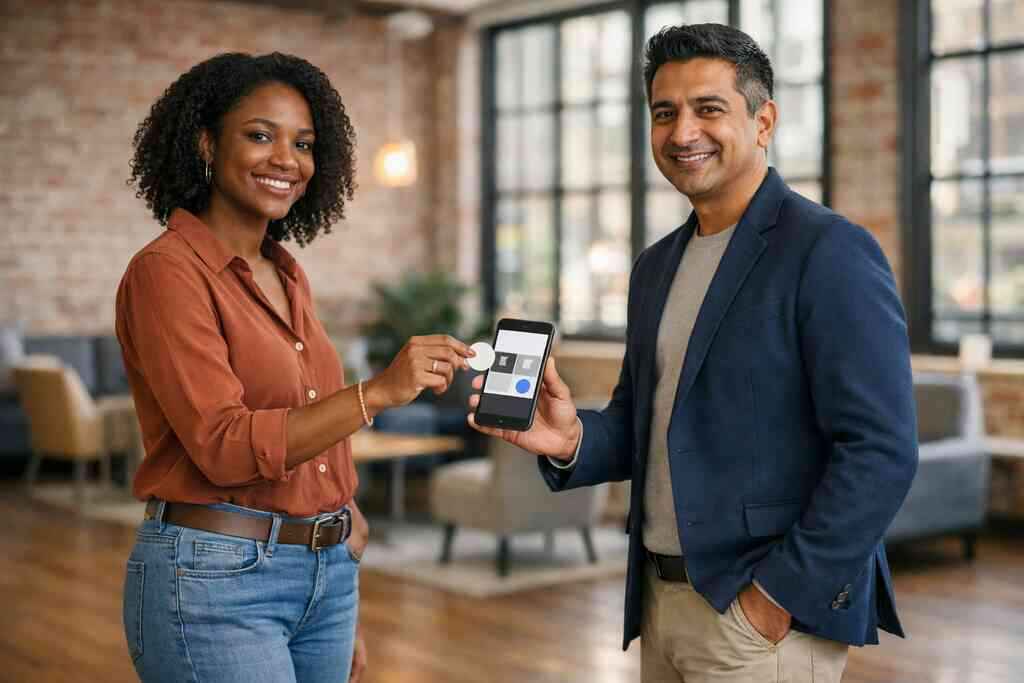
Why your LinkedIn connections disappear before the follow-up ever starts
The worst part is not the handshake. It is the silence after it. You leave a mixer with three new contacts, a bent paper card, and a phone full of half-finished LinkedIn requests. Then the card goes into a pocket, a tote, or a desk drawer, and the momentum fades. If you have felt that frustration, you are in familiar company.
The paper card problem that quietly kills momentum after events
Paper cards fail in small, sneaky ways. They smudge in a raincoat pocket. They get tossed with receipts. They split into a dozen pieces after one crowded commute. A 2023 Adobe survey found that many professionals have lost a paper card before following up, and the pain point is easy to understand. The card exists, but the contact does not stay active in your workflow.
That is why digital business cards matter. A virtual business card or online business card keeps your business card details in a place you can actually use. Instead of hoping someone types your email correctly later, you can share contact info instantly. That simple shift protects the relationship while it is still warm.
On the projects we’ve finished this year, the biggest mistake we see is timing. People wait until after the event to connect, then lose half the context. One founder I spoke with after a Hauppauge business mixer said his paper stack looked great on the table and useless by Monday. He switched to a digital card maker setup and stopped depending on memory.
How a digital business card keeps your contact info alive inside LinkedIn workflows
A digital business card works because it travels with your LinkedIn activity. You can place it in messages, Featured sections, contact details, and follow-up notes. That means your card is not a souvenir. It becomes part of your LinkedIn networking strategy. It supports professional networking on LinkedIn without forcing another app switch.
Think of it as an electronic business card that never gets lost in a jacket pocket. If someone views your profile, your digital business card for LinkedIn can point them to a clean contact path. If they reply later, you still have a usable record. That is the real value of a digital business card app: it keeps the conversation moving.
Here is the part most people miss. LinkedIn is already a follow-up machine. Your job is to remove friction. A simple digital business card design can do that better than a glossy paper business card ever could.
What professionals in Long Island, New York are doing differently at mixers and client meetings
In Long Island, New York, the networking rhythm is practical. People move between Suffolk County events, Commack co-working spaces, and NYC commutes with very little patience for messy follow-up. They want tools that work in a parking lot, a lobby, or a crowded restaurant. That is why paperless networking keeps gaining ground here.
A real estate agent from Garden City told us something memorable after a client meeting. She no longer hands over three paper cards and hopes one survives. She scans, taps, or sends a link, then connects on LinkedIn before the elevator ride ends. That small change matters when you are juggling sales professionals, freelancers, corporate teams, and small business contacts in the same week.
If you are in Suffolk County or commuting into NYC, the pattern is the same. People respect speed, clarity, and follow-through. That is exactly where sustainable business cards and digital business cards for networking earn their place.
What turns a digital card into a LinkedIn growth engine instead of just another link
A link by itself does not grow anything. A useful digital business card does more because it gives context, trust, and a clear next action. The best setups act like a small landing page, not a random URL. They combine digital card branding, custom branding, and clear contact paths. That is what helps a visitor move from curiosity to connection.
Which business card details matter most when someone opens your profile
The first thing people need is certainty. They want to know who you are, what you do, and how to reach you. So your business card design should highlight only the essentials. Include your name, role, company, email, phone, LinkedIn profile, and website if it matters. Keep the rest tidy.
A strong business card example is simple to scan and simple to trust. If your digital business card template is cluttered, people hesitate. If it is clear, they act. That is why digital business card templates and thoughtful virtual card design matter so much. A good business card template should feel like a polished introduction, not a billboard.
The best digital business card features often start with the basics done well. Your information should be easy to read. Your headshot should look current. Your digital card design should match your brand colors without overwhelming the page. Small things build credibility fast.
How QR code business cards and NFC business cards support contactless sharing
QR code business cards and NFC business cards solve the same problem in different ways. They make contactless sharing easy and fast. A QR code follows the ISO/IEC 18004 standard, which is why it scans reliably across common devices. NFC follows the ISO 14443 family of standards, and Apple’s Core NFC framework helps support tap-based interactions on compatible devices. For many users, that means less fumbling and more conversation.
If you want a direct comparison, this helps:
OptionBest useStrengthWatchoutQR code business cardsEvents, email signatures, printed surfacesEasy scanningNeeds camera accessNFC business cardsFast tap sharingVery quick handoffDevice compatibility mattersSmart business cardFlexible modern networkingStrong first impressionSetup quality mattersIf you want a deeper comparison, review the QR code business cards and NFC card comparison. It helps you decide what fits your workflow. Many people use both. That gives them backup in crowded rooms and mixed-device environments.
Why custom branding and a clean digital card design make your online business card feel credible
People judge quickly. If your online business card looks generic, they assume the same about your work. That is not fair, but it is real. Clean typography, consistent colors, and a strong logo help your digital business card design feel professional. That is especially important for digital business cards for networking.
Here is a simple rule: your card should feel like you. Not flashy. Not overbuilt. Just clear. A thoughtful smart business card with restrained custom branding tells people you pay attention to detail. That matters in LinkedIn outreach, where your profile already competes with a lot of noise.
For design planning, start with a strong template. A good business card template keeps the structure stable while letting you personalize the brand. If you are in real estate, the digital business card templates for real estate agents page is a useful reference. It shows how industry-specific structure can improve trust without overcomplicating the card.
When lead capture and CRM integration become more valuable than a static paper card
This is where a digital business card becomes more than a contact sheet. If your card can support lead capture or CRM integration, it starts helping after the scan. That matters for anyone who follows up consistently. Instead of manually copying details into a spreadsheet, you can reduce drop-off. That alone saves time.
A create digital business card with CRM integration workflow is especially useful for teams. It keeps records cleaner. It helps sales staff and managers see where leads came from. It can also support follow-up automation, which is valuable when multiple prospects come in from one event. For a deeper look, see the create a digital business card with CRM integration guide.
The mistake we see most often is treating a card as a dead end. It should be a starting point. When digital card analytics show a click, and CRM fields capture the lead, the card becomes part of your sales process. That is a very different outcome from handing someone a paper rectangle and hoping for the best.
The LinkedIn handoff that actually gets replies
A good handoff feels natural. It should not sound like a pitch. It should feel like a helpful shortcut. That is the sweet spot for digital business cards, especially on LinkedIn. You want the next action to be easy enough that nobody talks themselves out of it.
How to share contact info instantly from a digital card without breaking the conversation
The best time to share contact info instantly is while the context is still fresh. You do not need a long explanation. You can say, “I’ll send you my digital card so you have everything in one place.” That keeps the conversation light and useful. It also avoids spelling mistakes in the moment.
A virtual business card works well in direct messages, event chats, and post-meeting emails. It is faster than retyping details. It is cleaner than attaching a PDF. And it feels modern without feeling forced. If you want a practical playbook, the digital business card for professional networking on LinkedIn article is a solid match.
One client in a Commack co-working space used to send LinkedIn requests with no context. Replies were thin. Once he paired every request with a brief digital card message, his response quality improved because people knew exactly who they were dealing with. That is not magic. It is clarity.
Where to place your digital business card link on LinkedIn profile sections and messages
Placement matters more than people think. Put your card where a curious visitor naturally looks. The LinkedIn headline, About section, Featured section, and direct messages are the most practical spots. You can also include it in your email signature and meeting follow-up notes. The key is consistency. Use the same URL or access path each time. That helps people remember it. It also helps you track what works. If your card is buried in a long paragraph, it disappears. If it is placed with purpose, it becomes easy to revisit. That is simple business card optimization for LinkedIn. For visibility, keep your wording short. Try phrases like “View my digital card” or “Open my contact card.” Those are easy for people to understand at a glance. If you are comparing methods, how digital business cards improve LinkedIn networking is worth reading next. 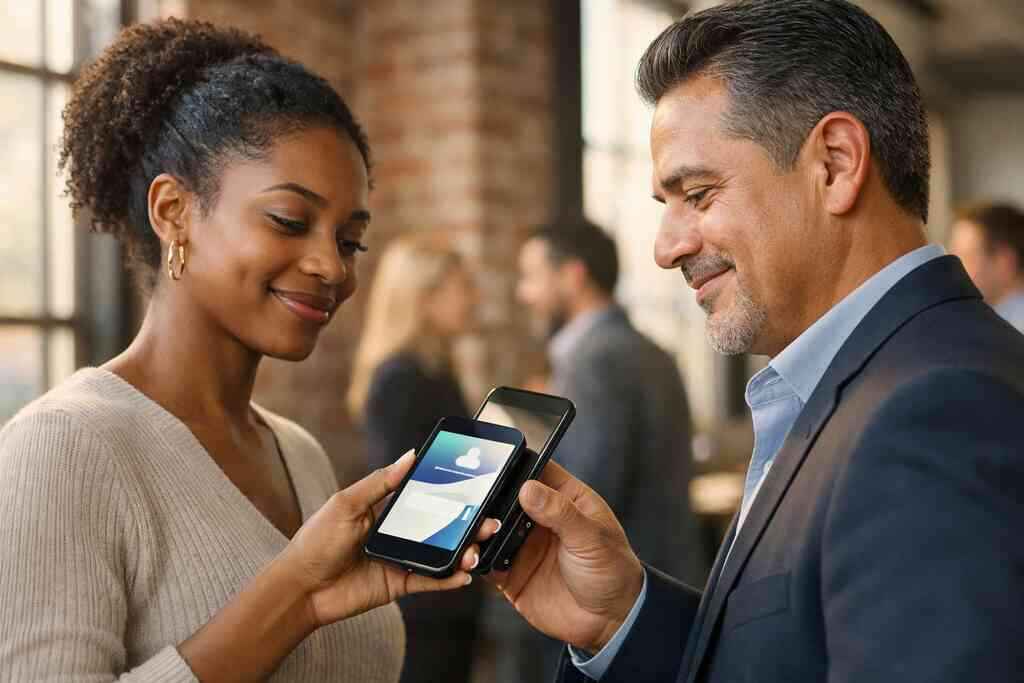
How sales professionals real estate agents freelancers corporate teams and small business owners can use a digital business card for LinkedIn growth
Different roles need different follow-up habits. Sales professionals may want faster lead handoff. Real estate agents often need polished presentation and quick callback paths. Freelancers need simple contact clarity. Corporate teams need brand consistency. Small business owners need something affordable and easy to share.
A digital business card for LinkedIn growth works across those groups because the goal is the same. You want connection, memory, and action. For real estate teams, real estate digital card examples can help frame what a clean client-facing card looks like. For broader use, a team-oriented tool can keep everyone aligned.
If you are choosing tools for a group, the best digital business card app for teams guide can help you think through the tradeoffs. You want a setup that supports brand control and easy sharing. That matters more than fancy extras.
Why digital card analytics and follow up automation help you spot warmer leads sooner
The moment someone opens your card, you learn something. If they click your LinkedIn profile, they are likely more engaged. If they return later, the signal gets stronger. That is where digital card analytics become useful. They show behavior, not guesses.
Follow-up automation can help you respond faster, which is often the real advantage. You do not want a warm lead sitting in limbo for three days. You want a timely note while the conversation is still relevant. If your platform supports it, that is a serious efficiency gain. Learn more on the digital card analytics for follow-up tracking page.
A note on privacy: if you are storing shared contact details, keep GDPR considerations in mind, even if you are based in New York. Good data handling builds trust. That is especially true when your LinkedIn audience includes clients, vendors, and cross-border contacts.
What to check before you choose from the best digital business card platforms and pricing plans
Do not pick a platform based on hype. Check the basics first. Ask whether the design is flexible. Ask how sharing works. Ask whether the platform supports the workflow you actually use. Then compare the digital card pricing only after you know the card fits your needs.
A few smart checks include:
- Can you create digital business card pages without friction?
- Does the platform support QR code business cards and, if needed, NFC business cards?
- Is there a clear free digital business card option or trial path?
- Are premium digital card plans useful for your team size?
- Does the system support digital card analytics or CRM handoff?
If cost is part of the decision, review the digital business cards pricing for small teams page. For Long Island teams, the right fit usually balances ease, brand control, and practical sharing. That matters more than chasing the cheapest possible option.
The next move that turns a scan into a real professional relationship
A scan is not the win. The relationship is. If your card helps someone remember you, contact you, and reply faster, then it has done real work. That is the standard you should use.
How to make a digital business card that supports LinkedIn networking strategy from day one
Start with your goal. Do you want replies, bookings, referrals, or profile visits? Once that is clear, build the card around it. Use strong business card details. Keep the layout simple. Match the card to your LinkedIn profile so the experience feels consistent.
If you are wondering how to make a digital business card, think in layers. First, capture the essentials. Second, refine the digital business card design. Third, test the sharing path. The how to make a digital business card for leads guide can help you structure that process. You do not need perfection. You need clarity.
What a strong digital business card example should include for Long Island networking and NYC business networking
A strong digital business card example should include your name, title, company, photo, phone, email, LinkedIn, and one clear call to action. For Long Island networking and NYC business networking, that simplicity matters. People are moving fast. They need the answer in seconds.
If you work in both areas, make sure your card travels well across contexts. It should feel polished in Midtown and practical in Melville. That is where a strong electronic business card exchange experience helps. It bridges spaces without forcing a different card for every room. For local teams, the LinkedIn networking strategy in Long Island and New York page adds useful local context.
When to compare digital card vs paper for sustainability convenience and small business networking
The digital card vs paper debate is not really about nostalgia. It is about usefulness. Paper can still work in some settings. But sustainable business cards and paperless networking reduce waste, simplify updates, and support faster follow-up. That is especially helpful for small business networking where time is limited.
Here is a simple comparison:
FactorDigital cardPaper cardUpdatesInstantReprint requiredSharingLink, QR, NFC, emailHand-to-handTrackingPossible with analyticsNot availableSustainabilityStrongerWeakerConvenienceHighModerateIf you want a locally grounded option, consider Long Island networking events with digital business cards. They are practical at busy mixers where people meet fast and move on. The Long Island networking events with digital business cards article gives useful event-based context.
How to use a smart business card with Apple Wallet business card or Google Pay card options if available
A smart business card becomes even more flexible when it can live in a mobile wallet. If Apple Wallet business card or Google Pay card support is available in your setup, that can make repeat sharing easier. People already know how to open those wallets. That lowers the learning curve. It also supports quick access during live conversations.
Still, do not assume every platform includes every wallet option. Verify it first. Features vary, and brand claims can be broader than the actual product behavior. That is why checking the digital business card features list matters before you commit. If you need a general service overview, the How It Works flow is the best place to start.
Which setup path fits you best on the Digital Business Cards platform from create digital business card to sharing through the How It Works flow
For most people, the best path is simple. Create digital business card details first. Then test the card on your phone. Then send it to a few trusted contacts. After that, use it in LinkedIn messages, event follow-ups, and profile sections. That sequence keeps the rollout calm.
If you are based in Long Island, New York, and want a cleaner way to handle professional outreach, the Digital Business Cards for LinkedIn Growth page is a natural place to continue. You do not have to rebuild your networking habits overnight. Start with one clean card, one strong LinkedIn message, and one better follow-up. That is enough to change the rhythm of your week.
Frequently Asked Questions
Question: How do digital business cards help with LinkedIn networking strategy and professional networking on LinkedIn?
Answer: Digital business cards help by making it easier to share contact info instantly and keep the next step visible after a conversation. Instead of handing out a paper card that can get lost, you can use a virtual business card or online business card to direct people to your LinkedIn profile, contact details, and website in one place. That creates a smoother LinkedIn networking strategy because your follow-up link is always ready when the conversation is still fresh. For sales professionals, real estate agents, freelancers, corporate teams, and small business owners, this can make professional networking on LinkedIn feel more organized and consistent. At Digital Business Cards, the goal is to help you create a clear, easy-to-share digital business card that fits your workflow and supports better follow-up.
Question: What should I include in a digital business card for LinkedIn growth?
Answer: A strong digital business card for LinkedIn growth should include the business card details people need most: your name, title, company, phone, email, LinkedIn profile, and website if relevant. A clean business card design matters because people should be able to scan it quickly without confusion. If you are using a digital business card template, keep the layout simple and make sure it matches your brand with thoughtful custom branding. Good digital card design is not about adding too much; it is about making the right information easy to trust and easy to use. If your goal is to create digital business card pages that support replies, calls, or profile visits, focus on clarity first and style second. That approach works well for business card optimization for LinkedIn and for broader digital business cards for networking.
Question: Should I use QR code business cards, NFC business cards, or both for contactless sharing?
Answer: The best option depends on how you network, and many people choose both. QR code business cards are useful because they are easy to scan in meetings, events, and email signatures. NFC business cards are helpful for quick tap-based contactless sharing when both devices support it. A smart business card setup can combine these approaches so you have flexibility in different settings. If you are comparing digital card vs paper, this is one of the biggest advantages of going digital: you can share contact info without relying on a physical card that may get misplaced. For professionals in Long Island, New York, Suffolk County, or NYC business networking environments, having both QR and NFC options can make sharing faster and more practical. Digital Business Cards can help you choose a setup that fits your needs without overcomplicating the process.
Question: How can lead capture, CRM integration, and follow-up automation improve networking results?
Answer: Lead capture, CRM integration, and follow-up automation can turn a simple contact exchange into a more useful networking process. When someone opens your digital business card, clicks your LinkedIn profile, or sends a message, that action can help you understand interest and prioritize follow-up. CRM integration is especially helpful for teams that want to keep records organized and avoid manual data entry. Follow-up automation can also reduce delays, which matters when a lead is still warm after a meeting or event. For sales professionals, corporate teams, and small business networking, these tools make the digital business card more than a contact page; they make it part of a workflow. If you are comparing the best digital business card platforms, it is worth checking whether the platform supports digital card analytics and easy lead handling before you choose.
Question: How do I use How to Use Digital Business Cards for LinkedIn Growth with Long Island networking and NYC business networking?
Answer: The best way to use How to Use Digital Business Cards for LinkedIn Growth is to make your card part of your everyday LinkedIn outreach and in-person networking routine. In Long Island networking settings, Suffolk County professional networking, or NYC business networking, people usually want quick, clear contact sharing. A digital business card lets you send a single link or QR code, then move naturally into a LinkedIn connection request or follow-up message. That helps your card work as a modern contact sharing tool instead of a one-time exchange. If you are based in Long Island, New York, this approach is especially practical because it supports busy event schedules, commuting, and mixed-device environments. Digital Business Cards is built around simple sharing, clean business card templates, and practical digital business card features that help your contact information stay ready whenever someone wants to connect.