
-
Why a luxury listing card still gets ignored when the design feels generic
A luxury listing can lose attention fast when the card feels flat. That stings, especially when you have spent hours preparing the showing. We hear this concern often from agents across Long Island, New York. The problem is not your experience. It is the first impression your card makes.
What real estate agents in Long Island, New York notice first when a card looks templated
Agents notice clutter first. Buyers do too. A generic business card template often looks like every other card in the pile. That weakens the signal before the conversation even starts. In a market with strong competition, sameness feels forgettable.
The sharper approach is a digital business card example that feels intentional. Clean spacing, one strong headshot, and readable business card details matter more than decorative noise. A luxury listing card should feel polished, not busy. On Long Island, where presentation still carries weight, that difference shows quickly.
How a plain business card design quietly weakens trust at open houses and client meetings
At open houses, people scan quickly. They judge in seconds. A plain card can make a strong agent look inconsistent. That is frustrating, because trust should grow from the meeting, not get delayed by the design.
One agent in Garden City told us buyers kept the listing flyer but not the paper card. The card had a dark background, tiny text, and no clear action. By the end of the weekend, the contact had been misplaced. That is the hidden cost of weak business card design. It does not fail loudly. It fades quietly.
Which visual details make a digital business card example feel polished instead of forgettable
Three details usually separate strong digital business cards from forgettable ones. First, use a clear hierarchy. Name, role, and the best contact path should appear quickly. Second, match your colors to your branding without overusing them. Third, keep the layout mobile-first so the card reads well on a phone.
A good digital business card design also respects white space. That makes the profile feel calm and professional. It works especially well for real estate digital business card design for luxury listings. If you want a subtle advantage, choose one primary action, like call, text, or save contact. Too many choices slow people down.
-
The modern real estate agent template that turns a quick scan into a saved contact
A modern template should do one thing well: help someone save you fast. That sounds simple. It is not. People at showings, mixers, and client meetings are distracted, and paper cards disappear into pockets, purses, and car consoles. A smart digital business card template solves that problem by making contact sharing effortless.
How a digital business card template should organize business card details for fast reading
The best digital business card templates organize information in the order people actually use it. Start with your name and role. Then show the fastest way to reach you. Add the brokerage, service area, and one useful link if needed. That keeps the card useful without feeling crowded.
Here is the part most agents miss: the card should answer one question immediately. “How do I reach this person again?” If that answer takes too long, people move on. For how to create a digital business card for real estate lead capture, structure beats decoration every time.
What makes a virtual business card for real estate agents easier to keep than paper
A virtual business card for real estate agents stays with people because it lives on their phone. Paper bends. Paper gets wet. Paper gets ignored. A digital card remains searchable, shareable, and easy to reopen after the meeting.
That matters in real estate digital business card workflows because buyers rarely follow up instantly. They revisit later. They compare properties. They check the agent again before responding. A digital business card app supports that behavior better than a stack of printed cards ever can. In practice, it feels less like a handoff and more like stored access.
Why share contact info instantly matters more than collecting another stack of printed cards
Most agents already have enough paper. What they need is cleaner follow-through. Instant sharing shortens the gap between interest and action. That gap matters most during open houses, broker previews, and local mixers in Commack or Hauppauge.
A shared digital card also supports paperless networking. That appeals to buyers who prefer sustainable business cards and quick access. It also works well for digital business cards in Long Island for local real estate marketing. If someone can save you with one tap, they are more likely to keep you.
-
The QR code business card layout that works when people are moving fast
QR cards are simple, but only if the layout is right. In fast-moving real estate settings, every second matters. People do not want to fumble with folded brochures or awkward handoffs. They want contactless sharing that works immediately.
Where a QR code belongs so buyers can scan without awkward fumbling at open houses
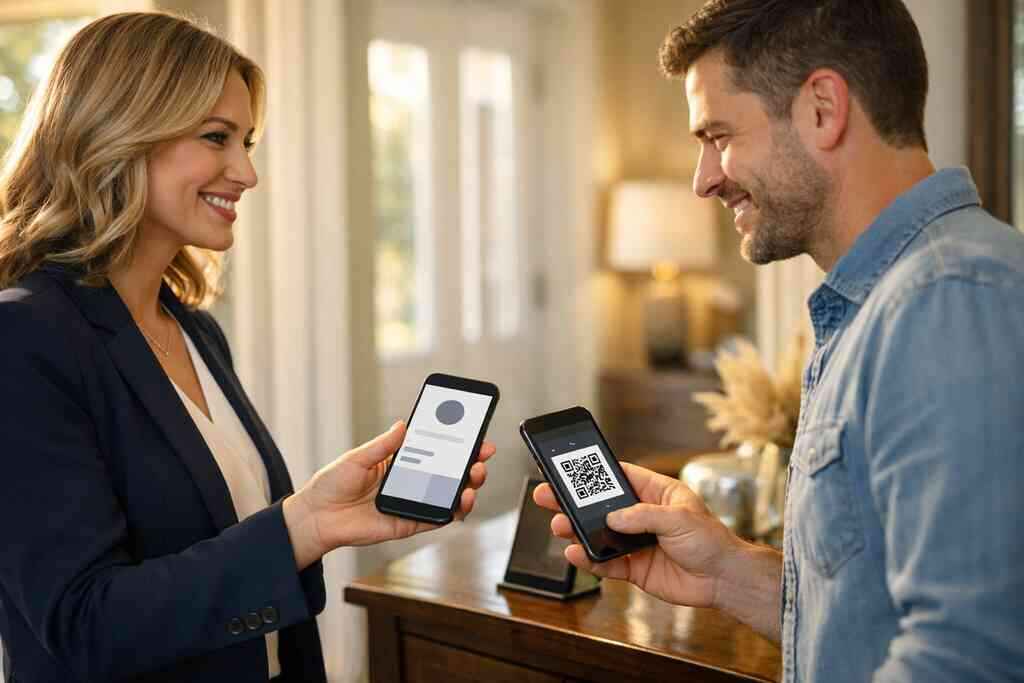
The QR code should be obvious, but not overpowering. Place it where the eye lands naturally, usually in the lower half or near the primary action. Keep enough space around it so phones can read it quickly. That helps buyers scan without stepping back or angling their device oddly.
At open houses, this matters more than many agents expect. Buyers often juggle keys, coffee, and questions at the same time. A well-placed QR code business card makes the interaction easier. It also fits the reality of QR code business card uses for real estate agents. Simple placement reduces friction.
How ISO IEC 18004 style QR logic supports reliable contactless sharing
QR codes follow ISO/IEC 18004 standards, which help make scanning predictable across devices. That reliability matters when you are sharing contact details at a doorway or busy reception table. The code needs contrast, balance, and enough quiet space to scan cleanly. If the design ignores that, the scan experience suffers.
We often see agents treat the QR like decoration. That is a mistake. The code is a function, not a logo. The best QR code business cards for real estate use the code as a utility first and a visual element second. If your digital card maker supports clean export and sizing, use it carefully. For broader contactless sharing, why digital business cards work better than paper in NY explains why the format keeps winning.
When QR code business cards for real estate outperform a paper handoff at networking events
QR code business cards for real estate outperform paper when speed matters. Networking events move fast. People want to exchange information without interrupting the conversation. That is true at community events, broker meetups, and busy professional gatherings in NYC.
A quick scan also reduces the chance of bad handwriting or lost cards. One agent we spoke with after a Hauppauge business mixer said half the paper cards never made it back to the office drawer. The QR version, however, got saved during the conversation. That difference changes the follow-up odds. For digital business cards for networking and CRM integration, the scan is often the moment everything starts.
-
Why NFC business cards for agents can feel effortless when the tap is done right
NFC feels almost invisible when it works well. That is the point. You tap, and the contact opens. For agents who move between showings, office meetings, and commuter-heavy schedules, that speed can feel natural. Still, the setup matters more than the buzz around it.
How NFC business cards differ from a standard digital card maker setup
NFC business cards for agents rely on a chip that triggers a phone action when tapped. A standard digital card maker usually focuses on link-based sharing, QR display, and profile management. Both are useful. They just solve the problem differently.
Think of NFC as a shortcut layer. The card itself needs to be built carefully so the destination opens cleanly. That is why NFC business cards for agents and contactless sharing deserve a separate strategy. For many property professionals, the best setup combines NFC and QR. That gives flexibility when one phone prefers tapping and another prefers scanning.
What property professionals should know about tap to share behavior on modern phones
Modern phones handle NFC differently depending on the operating system and settings. Apple’s Core NFC framework supports tap interactions, but the user still needs a compatible path. Android devices often behave differently again. The tap should feel easy, but it should never be assumed. The technical backbone often uses ISO 14443 data exchange standards for NFC. That sounds complex, but the real takeaway is simple. Close proximity matters. Alignment matters. Test the experience on several phones before sharing it widely. For teams evaluating NFC digital business cards, testing prevents awkward moments at the table. 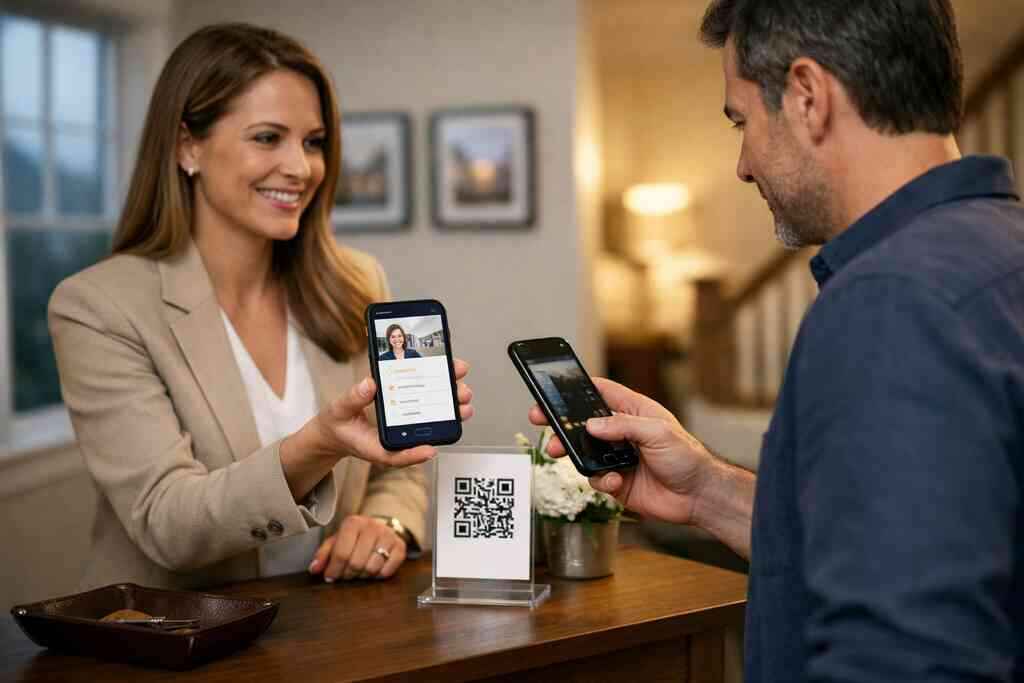
When NFC makes sense for real estate teams that want faster electronic business card exchange
NFC makes the most sense when your team wants consistent, fast, face-to-face sharing. That includes brokerages with open houses, team events, and frequent client handoffs. It also helps in locations where people expect polish, like Manhattan appointments or higher-end Suffolk County listings.
The key is to avoid making NFC your only path. A strong electronic business card exchange should still include QR and link sharing. That gives everyone a fallback. If someone cannot tap, they can still save you. For the best digital business card app for real estate teams in 2026, flexibility beats novelty.
-
The custom branding template that makes brokerage teams look coordinated not crowded
Brokerage teams need consistency. That does not mean every card should look identical. It means every agent should feel like part of one brand family. A good template gives that balance. It keeps the team recognizable without flattening individual identity.
How custom branding helps a brokerage team keep one identity across multiple agents
Custom branding helps because clients remember patterns. Colors, type, photo style, and logo placement all create recognition. If one agent uses a bright blue card and another uses a gold version with three fonts, the brand feels scattered. That weakens trust.
A business card design and branding for brokerage teams strategy should define the visual rules first. Then each agent can personalize within that system. That works especially well for teams in NYC and Suffolk County, where competition is close and first impressions stack up fast. Strong branding reduces confusion and supports a cleaner reputation.
What a business card template for brokerage teams should include for cleaner recognition
A brokerage template should include the essentials only. Agent name, role, brokerage logo, service area, direct contact, and one core action. Add a profile photo if it is sharp and consistent across the team. Keep the card readable on a phone screen.
Here is a simple checklist that helps:
- One logo placement
- One primary font family
- One accent color set
- One clear contact button
- One optional social or listing link
That structure makes the card easier to maintain. It also prevents visual clutter. For teams reviewing digital business card features for agents and brokerage teams, the template should feel like a system, not a guess.
Why a smart business card layout matters for real estate team branding in NYC and Suffolk County
A smart layout matters because local audiences move quickly. In NYC, commuters often review contacts on the train, then save them later. In Suffolk County, buyers may compare several agents after touring multiple properties. Both situations demand clarity.
A smart business card layout should scale across devices and contexts. It should work on a phone, in an email signature, and during a quick in-person exchange. That is where business card design for luxury listings and team branding intersect. One strong template saves time for the whole brokerage.
-
The lead capture template that turns a card share into follow up without extra typing
Lead capture is where many digital cards prove their worth. The card share should not be the finish line. It should be the beginning of a usable contact trail. If follow-up takes manual work, momentum drops fast.
Which digital card features help capture interest after an open house conversation
The best digital card features make it easy for the buyer to act without extra steps. Save contact, open listing link, call now, text now, and request a showing all help. A short note field can also capture context. That matters after a crowded showing when names blur together.
A card should also support simple lead capture for real estate without feeling invasive. Ask for only the details you truly need. More fields do not always mean better leads. They often mean fewer completions. If you are comparing digital business cards analytics to track lead quality, look for clarity over complexity.
How CRM integration and follow up automation can support sales professionals without overpromising
CRM integration helps when it moves a contact from the card into your system cleanly. Follow-up automation then keeps the handoff from slipping. That is useful for sales professionals, freelancers, and small business users who juggle many conversations. It also saves time during busy listing weeks.
Still, promises should stay grounded. Automation supports follow-up. It does not replace it. The message still needs a human touch. For how digital business cards improve follow up automation for teams, the real value is consistency, not magic. Good systems help good habits stick.
Why digital card analytics matter when you want to see which templates actually get used
Digital card analytics matter because they show behavior. Which template got opened? Which link got clicked? Which contact path got used? Those clues help you refine your approach.
That is especially helpful if you run multiple listing campaigns or brokerage profiles. You can compare what works and what gets ignored. On the projects we’ve finished this year, the simplest templates often performed best. Not the flashiest. The most readable. If you want to see how digital business cards for networking and CRM integration can support those decisions, analytics is the part to watch closely.
-
The LinkedIn friendly template that keeps your listing card useful after the meeting ends
The meeting ends. The need does not. Buyers, vendors, and referral partners often reconnect later through LinkedIn, email, or a saved wallet card. A template that supports those moments keeps your network alive longer.
How a digital business card for LinkedIn can reinforce your professional networking presence
A digital business card for LinkedIn works best when it mirrors your profile. The photo should match. The job title should match. The summary should sound like you. That consistency makes people trust the contact when they revisit it later.
This also helps with professional networking for real estate because LinkedIn often becomes the second touchpoint. After the event, people may search your name, check your background, and decide whether to respond. A clean card makes that easier. For digital business cards for LinkedIn networking in 2026, keep the card simple and easy to revisit.
When Apple Wallet business card and Google Pay card formats help with quick access
Wallet formats help when people want quick access without searching through emails. Apple Wallet business card and Google Pay card options can place your contact close to the user’s daily habits. That convenience matters for busy buyers and referral sources.
The best use case is short-term recall. Someone meets you at a showing, saves the card, and opens it later from their phone. That is useful for repeated access. It is also helpful for NYC commuters who organize contacts during transit. If your card supports it, wallet placement can reduce friction. Just keep privacy and storage practices clear.
Which template style works best for freelancers, corporate teams, and small business users who also sell real estate
The best template style is the one that stays readable across roles. Freelancers need a personal feel. Corporate teams need consistency. Small business users need versatility. Real estate agents often sit between those needs, so the template must adapt without losing clarity.
A balanced layout usually wins:
- Strong name and title line
- Visible contact options
- One branded image or logo
- Linked social profile
- Mobile-friendly action buttons
That structure works for professional digital business cards for LinkedIn growth and for real estate use. If you want one card that still makes sense after the open house ends, build for reuse. Start with a clean template, test it on your phone, and compare it to your current paper card side by side. You do not have to switch everything today, and you do not have to guess.
Frequently Asked Questions
Question: What should I look for in digital business cards templates for real estate agents in Long Island, New York?
Answer: For real estate agents in Long Island, New York, the strongest digital business cards templates are the ones that make it easy to share contact info instantly and keep the card readable on a phone. A good real estate digital business card design should include clear business card details, a strong name-and-title hierarchy, one primary action, and a layout that feels polished rather than crowded. That matters for open houses, listing appointments, and professional networking because buyers and referral partners often decide in seconds whether to save you. If you want a smart business card for property professionals, look for a template that supports contactless sharing, looks good as an online business card, and reflects your branding without adding clutter. At Digital Business Cards, the goal is to help you create digital business card experiences that feel simple, professional, and easy to revisit later.
Question: How does the blog Top 7 Digital Business Cards Templates for Real Estate 2026 help me choose the right digital business card design?
Answer: The blog Top 7 Digital Business Cards Templates for Real Estate 2026 is useful because it shows how different business card template styles fit different real estate needs, from luxury listings to brokerage teams and LinkedIn-friendly networking. Instead of focusing only on appearance, it explains what makes a template work in real situations: quick scanning, clean contact sharing, mobile-first layout, and follow-up automation support. That is especially helpful if you are comparing digital card vs paper options and want something more practical than a traditional paper card. The article also highlights how QR code business cards, NFC business cards for agents, and virtual business card formats can support paperless networking and lead capture for real estate. For agents in Suffolk County, NYC, and across Long Island, that combination of clarity and flexibility can make your digital business card app strategy much more effective.
Question: Can a QR code business card or NFC business card really improve contactless sharing at open houses?
Answer: Yes, QR code business cards and NFC business cards can make contactless sharing much easier at open houses when the layout is done well. A QR code business card works best when the code is placed where buyers can scan it quickly without awkward fumbling, while NFC business cards for agents can feel effortless when a tap opens the profile cleanly. Both options support an electronic business card exchange that is faster than handing out paper cards, especially when people are moving through a showing, carrying brochures, or talking with multiple agents. The key is to keep the card simple, mobile-friendly, and easy to save. Digital Business Cards is designed to help you share contact info in a more organized way, which can be especially useful for sales professionals, small business owners, and real estate agents who want sustainable business cards and cleaner follow-up after the event.
Question: What digital business card features matter most for lead capture, CRM integration, and follow-up automation?
Answer: The most useful digital business card features for lead capture are the ones that reduce friction after the conversation ends. That usually means easy save-contact actions, direct call and text options, listing links, and a layout that makes the next step obvious. For real estate agents, CRM integration and follow-up automation are especially valuable because they help move the contact from the digital card into a usable workflow without extra typing. Digital card analytics can also be helpful because they show which card gets opened, which links get clicked, and which template gets used most often. That kind of insight helps you improve your online networking tools over time. While every digital card maker works differently, a well-designed digital business card should support lead capture for real estate in a clean, practical way instead of making the process feel complicated. That is one reason many professionals prefer a smart business card approach over a paper-based one.
Question: Is a digital business card for LinkedIn useful for real estate teams, freelancers, corporate teams, and small business networking?
Answer: Yes, a digital business card for LinkedIn can be very useful when you want your networking presence to stay consistent after the meeting ends. For real estate teams, freelancers, corporate teams, and small business users, it works best when the card matches your LinkedIn profile photo, title, and overall tone. That consistency builds trust when someone revisits your contact later. A good online business card for realtors should also work well as an Apple Wallet business card or Google Pay card if you want quick access in daily use, although availability depends on the platform setup. For brokerage teams, custom branding is important because it helps everyone look coordinated while still allowing each agent to maintain their own identity. If you are looking for a business card template for brokerage teams or a virtual card design that works across platforms, Digital Business Cards can help you keep the layout simple, professional, and easy to share across Long Island, NYC, and Suffolk County networking situations.
Question: How do I know whether a free digital business card or premium digital card plans are the better choice for my real estate business?
Answer: Choosing between a free digital business card and premium digital card plans depends on how much you need from your digital business card app. If you only need a simple way to create digital business card profiles and share contact info, a free option may be enough to start. But if you want custom branding, digital card analytics, CRM integration for agents, or more advanced lead capture for real estate, a premium option may be more practical. The best digital business card platforms usually make it easy to scale from basic sharing to a more complete professional networking system. That matters if you are using the card for listings, brokerage branding, or recurring open house networking tools. Since exact pricing and feature sets can vary, it is best to review the current options on the Digital Business Cards website directly before choosing. The main idea is to pick the version that supports your workflow now while leaving room to grow later.