
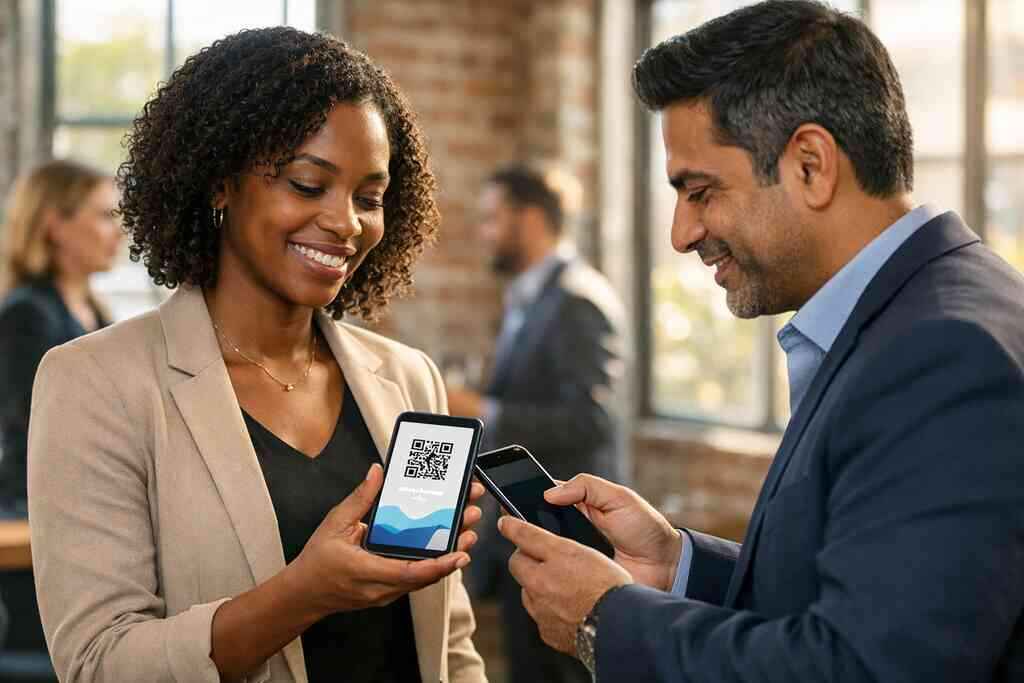
When a stack of paper cards stops paying for itself and small teams feel the leak
A sales rep left 40 paper cards on a trade show table and never saw them again. That happens more often than people admit. If you are reading this because your team keeps losing contacts, take a breath. The problem is real, and it is usually bigger than the card stock. For small teams, the leak starts with missed follow-up and ends with wasted effort.
Why paper business cards disappear before the follow-up ever happens
Paper cards are easy to hand out. They are harder to act on. A card slips into a pocket, then into a desk drawer, then into a trash can. By the time someone is ready to call, the details are gone or smudged. That is why digital business cards matter for real networking.
In a busy week, most people collect more names than they can manage. On paper, that creates friction. You still need to type numbers, sort emails, and guess spellings. A virtual business card or online business card reduces that lag. It keeps your contact details ready to share, store, and search.
The hard part is not creating a card. The hard part is making sure people can use it while interest is still fresh. That is where a digital card maker or digital business card app starts to earn its keep. A clean electronic business card helps you stay reachable when attention is highest. That matters for sales professionals, freelancers, and corporate teams.
The hidden cost of reprints, outdated details, and messy handoffs for small business teams
One client we worked with in a busy office setting had six people using different titles on different cards. When a phone number changed, three boxes became outdated overnight. The reprint cost was only part of the problem. The larger cost was trust. People noticed the inconsistency, and that made the team look scattered.
That is the part most owners miss. Paper card waste is not only physical waste. It is also time waste, brand waste, and follow-up waste. If you have ever had to throw away 500 outdated cards, you already know the sting. If you have not, the first reprint usually teaches the lesson quickly.
A digital business card design lets you update details without replacing a box of inventory. That helps small business teams stay current. It also supports sustainable business card goals without turning networking into a lecture. For teams in Long Island, New York, that can be especially helpful when job titles, phone lines, or service areas change quickly.
How digital business cards change the math for sales professionals, freelancers, and corporate teams
The ROI conversation changes once sharing becomes instant. A digital business card can move from introduction to contact storage in seconds. That shortens the path to a reply. It also makes it easier to share contact info without asking someone to manually type anything.
For freelancers, the math is simple. Every saved lead matters. For corporate teams, the benefit is consistency. For sales professionals, the advantage is speed. A polished smart business card helps all three groups look organized while reducing small frictions that quietly kill momentum.
Here is a useful way to think about it:
- Less time spent reordering cards
- Less time spent fixing outdated details
- Less time spent retyping contacts
- More chances for immediate follow-up
- More consistent branding across the team
A paperless networking system does not need to be fancy to be effective. It needs to be reliable. That is why many teams start by testing a simple digital card vs paper approach before they commit to a broader rollout.
Where Long Island, New York networking makes paper waste more obvious at mixers, conferences, and client meetings
Long Island networking is active and personal. At a Hauppauge business mixer, a Commack co-working meetup, or a client lunch near the Nassau-Suffolk line, cards move fast. People shake hands, talk shop, and trade details in seconds. Paper cards can work there, but they also disappear there.
On Long Island, New York, the problem is not that people are unfriendly. It is that they are busy. A card handed out after a quick introduction may never get entered into a phone. A paperless networking strategy for small teams in Long Island helps contacts survive those fast-moving moments. That is especially useful in NYC commuter circles, where the day moves even faster.
We hear this from teams that do a lot of in-person networking. They do not want a complicated system. They want something that works at the door, in the lobby, and in the parking lot. That is where QR code business cards and NFC business cards start to feel practical, not trendy.
The ROI story most teams miss when they compare digital card vs paper
Most people compare card prices and stop there. That is too shallow. Real digital business card ROI includes time saved, lead quality, brand consistency, and follow-up speed. If you only compare the purchase price, you miss the real return. The better question is this: how much revenue does faster contact exchange protect?
What actually counts in digital business card ROI beyond the purchase price
Price matters, but it is not the whole story. A cheap paper order can still be expensive if it leads to missed leads. A free digital business card can be a good test, but it should not be judged only by cost. The real value is in how often people actually use it and how often it helps you start a conversation.
What counts in practice is simple:
- Time saved entering contacts
- Fewer lost opportunities
- Better team consistency
- Cleaner branding
- Easier follow-up
If you are comparing tools, look at workflow, not just digital card pricing. A good tool should reduce steps. A great one should reduce mistakes. That is why many teams test a free option before moving into premium digital card plans.
How contactless sharing, QR code business cards, and NFC business cards reduce friction in real networking moments
Contactless sharing removes a small but important hurdle. Instead of exchanging paper, you can share a card through a link, a scan, or a tap. QR code business cards work well when you want universal access. NFC business cards work well when you want faster tap-to-share behavior. Both can support contactless sharing in a simple, modern way.
The technical pieces are not magic. QR codes follow the ISO/IEC 18004 standard. NFC commonly relies on ISO 14443 for short-range exchange. Apple’s Core NFC framework also supports reliable tap interactions on compatible devices. That sounds technical, but the practical point is easy: these methods are stable when used correctly.
If you want a deeper comparison, our NFC business cards and QR code business cards for SMBs guide breaks down when each format makes sense. The short version is this: QR often wins on universal convenience. NFC often wins on speed and polish.
Why lead capture and follow-up automation can matter more than the card itself
Here is the part almost no online guide mentions. The card is not the prize. The lead is the prize. A digital business card app can help you capture interest while it is still warm. That matters more than whether the card looks glossy.
A Garden City real estate agent once told us the handoff used to be the weak spot. She would meet a prospect, share details, and then lose track of who followed up first. After tightening the process, her team focused less on remembering and more on responding. That is where lead capture and follow-up automation create ROI.
If your contact process still depends on memory, you are leaving money on the table. A simple workflow can change that. If you want a practical setup, see how to make a digital business card for lead capture. It shows how the card becomes a useful front door, not just a digital replacement.
Where digital card analytics and CRM integration fit into a real return on investment picture
Tracking changes everything. If you cannot measure sharing, you cannot measure improvement. Digital card analytics help you see what gets used, what gets ignored, and where people respond. That is why analytics matter for professional networking and team reporting.
CRM connection is the next layer. If your contacts move from a scan into a pipeline, you save manual work and improve follow-up timing. That is why CRM integration matters for many NYC teams. It connects a quick introduction to a structured sales process. If you want more depth, digital business card analytics for lead capture is a strong place to start.
For teams comparing systems, analytics can also expose weak links. Maybe the card gets shared often, but no one follows up. Maybe one rep has a stronger profile than another. Those signals are useful. They show you where training or better digital business card features will improve return.
How custom branding and a clean digital business card design support trust in professional networking
People judge quickly. A messy card design can make a strong team look careless. A clean business card design signals order. Custom branding signals intention. Together, they help a digital card vs paper comparison lean in your favor. 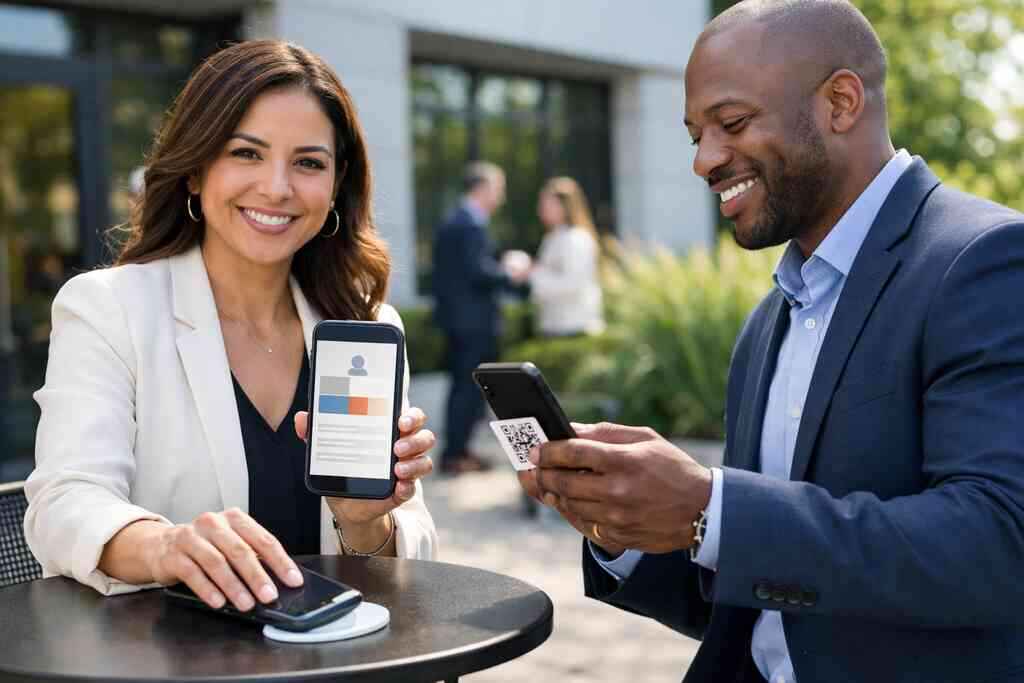
A good virtual card design should not feel overloaded. It should show the right business card details and make the next action obvious. That may be a tap, a scan, or a save-to-contacts prompt. If your card looks like a cluttered flyer, it loses trust. If it looks sharp and simple, it supports trust.
For larger groups, consistent visuals matter even more. Business card design and custom branding for corporate teams can help keep every rep aligned. That is important in a room full of prospects who notice every small mismatch.
What free digital business card options can show you before premium digital card plans become worth it
A free digital business card can be a smart test. It lets you see whether your team will actually use the tool. It also helps you understand what features matter most. Sometimes the free version is enough for a solo professional. Sometimes it exposes what you need next.
Use the free version to answer a few basic questions:
- Can people share it quickly?
- Can contacts save it without confusion?
- Does the design match your brand?
- Does the workflow fit real networking habits?
- Does it save time compared with paper?
If the answer is yes, then premium digital card plans may be worth reviewing. Our digital card pricing for small business ROI resource helps teams compare value without guessing. That is usually the smartest path for a cautious small business.
What a smarter rollout looks like for small teams that want measurable gains
A good rollout keeps momentum high and confusion low. If your team dreads setup, adoption will stall. If setup is easy, usage rises. That is why the rollout matters as much as the tool itself. For ROI, implementation is part of the product.
How to create digital business card profiles that fit a team without slowing anyone down
Start with consistency. Each person should have the same basic structure. That makes the system easy to understand and easier to update. A strong digital card maker should let you create digital business card profiles quickly without a lot of extra steps.
The goal is not complexity. The goal is repeatable use. Keep the fields tight. Use one approved phone format. Use one title style. Keep the same logo placement. That kind of discipline makes a small team look larger and more organized than it is.
If you are setting up a team from scratch, how to make a digital business card can help you structure the process. Done right, the card should feel like a tool, not a chore.
Which digital business card features matter most for small teams and which ones can wait
Not every feature is urgent. Small teams should focus on the basics first. That usually means easy sharing, good branding, simple editing, and reliable contact storage. If a feature does not help someone share or follow up faster, it can probably wait.
The most useful digital business card features for small teams often include:
- QR and tap sharing
- Editable contact details
- Clean branding controls
- Simple profile management
- Basic analytics
- Optional CRM connection
More advanced tools can come later. You may not need every add-on on day one. What you need is a system your team will actually use on a busy Tuesday.
How to choose digital business card templates that match a business card example people will remember
A strong template does one thing well: it makes you memorable without making you busy. That is why digital business card templates matter. A template should match your industry and your audience. A business card template for a consultant should not look like one for a luxury agent or a contractor.
If you want a visual starting point, think in terms of a business card example people could recall after one meeting. The layout should be simple. The name should stand out. The call to action should be clear. The design should feel like your brand, not a generic box.
Teams in real estate often need a more polished look. Digital business card templates for real estate in NY can give useful ideas for local market style. The same principle applies to every field: the template should support recognition, not compete with it.
Where digital card pricing should be weighed against time saved, follow-up quality, and team consistency
A smart buyer does not ask, “What is the cheapest option?” A smarter buyer asks, “What is the lowest-friction option that helps us win work?” That is where digital card pricing becomes a business decision. The cost should be weighed against time saved, fewer errors, and stronger follow-up.
If your team spends an hour a week chasing missing contacts, the math starts to shift fast. If one missed lead can matter, even small gains pay back. That is why premium digital card plans may be justified for teams that network often. The right comparison is not price alone. It is price versus workflow.
For a clearer side-by-side view, our digital business cards pricing guide for small teams breaks the decision into practical pieces. That makes the choice less emotional and more useful.
How to use a digital business card for LinkedIn, Apple Wallet business card sharing, and Google Pay card access when appropriate
Some teams like to make their card available in more than one place. That can help. A digital business card for LinkedIn can support networking after a meeting. Apple Wallet business card access can make the card feel immediate on iPhone. Google Pay card access can do something similar in Android-friendly settings.
The key is appropriateness. Do not spread your card across every channel just because you can. Put it where your audience already works. If your team lives in LinkedIn messages, put the card there. If your audience prefers mobile wallets, make that easy too. If you want a practical workflow, digital business cards for LinkedIn networking can help.
Why Long Island teams in Suffolk County and NYC commuter circles benefit from a paperless networking system
Long Island teams often split their week between local meetings and NYC travel. That means networking happens in motion. A paper system can break down fast in that environment. A paperless one keeps pace. It also reduces the panic of realizing your cards are still on your desk.
We see this most in Suffolk County teams that attend client events, commute into the city, and then try to organize leads at night. That is a lot to juggle. A system built around paperless networking can remove one small burden. It will not solve every sales problem. It will, however, remove a common one.
The decision frame for picking the best digital business card platforms and knowing when to upgrade to a smarter workflow
The best platforms are not always the flashiest. They are the ones your team can adopt without hand-holding. They support sharing, updating, and tracking. They also keep your brand consistent. That is what separates a useful tool from a forgotten login.
Use this simple frame:
QuestionWhat to look forCan the team use it fast?Few steps, clear sharingCan you measure it?Basic analytics and reportingCan you update it easily?Simple editing and team controlCan it grow with you?Room for more features laterIf you are comparing options, the best digital business card app for teams in 2026 should be judged by use, not hype. That is the kind of decision that protects ROI over time.
Frequently Asked Questions
Do digital business cards work without an app?
Yes, many can. Some digital cards open through a link or QR scan in a browser, which makes sharing simpler. Others work best inside an app, especially for team management or advanced controls. The right choice depends on how your team networks and how often they need updates. If you want a setup that stays easy, look for a system that supports fast sharing without forcing extra steps. A practical overview is available on our how it works page.
Can I customize the design of my digital card?
Usually, yes. Customization is one of the main reasons teams switch from paper. You can often adjust branding, layout, colors, and contact fields, though exact options vary by platform. For small teams, the goal is a clean look that matches your brand and stays easy to read. Avoid clutter. A strong design should help people remember you, not distract them. If you are comparing visual styles, our template pages can help you think through fit and structure.
Is NFC safe for sharing contact info?
NFC is generally safe for contact sharing when used properly. It works over a short range and follows established communication standards. The main caution is not the technology itself, but the information you choose to share. Keep personal data limited to what you actually want recipients to save. For most teams, NFC is best used as a quick sharing method, not a data dump. If you want the technical comparison, review our NFC-focused guide before you choose a setup.
What is better for small teams: QR code business cards or NFC business cards?
It depends on your audience. QR code business cards are widely familiar and work on almost any smartphone with a camera. NFC business cards feel faster and more polished, but they rely on device compatibility and a tap action. Many small teams use both so they can adapt in the moment. That flexibility is often the safest ROI choice. If you want the full comparison, see our NFC versus QR breakdown for SMBs.
How does digital card analytics help ROI?
Analytics show you what actually happens after you share your card. You can see whether people open it, click it, or save it. That helps you spot which team members are networking well and which follow-up paths need work. It also helps managers connect card use to lead generation, which makes ROI easier to judge. Without analytics, you are guessing. With them, you can improve the workflow with facts instead of hunches.
Are digital business cards good for real estate agents and sales teams?
Yes, they are often a strong fit. Real estate agents need quick sharing, polished branding, and easy follow-up. Sales teams need similar speed, plus consistency across many conversations. A digital card can support both by reducing delays and making contact storage easier. For local agents, especially in Long Island and NYC, that speed matters during open houses, meetings, and event networking. If you want industry-specific examples, our real estate and sales pages can help.
When should a small team upgrade from free to premium?
Upgrade when the free version starts limiting real use. That usually happens when you need better branding, team controls, analytics, or stronger workflow support. If the free version helps people share quickly but cannot support follow-up or consistency, it may be time. The right moment is not when a plan looks impressive. It is when your team needs more control than the free setup can offer. You do not have to figure out all of that today. Start with one person, one meeting, and one contact you want to keep from slipping away.