
Why paper cards still disappear before the follow-up even starts
A lot of people still feel that small jolt of disappointment after a strong meeting ends. You shake hands, swap cards, and then the paper card slips into a wallet, a tote bag, or the wrong jacket. By the time you reach your desk, the name is fuzzy and the context is gone. That is the moment when a lead quietly weakens.
What usually goes wrong is simple and frustrating. Paper bends, smudges, and gets buried under receipts or conference badges. I have seen professionals leave a Hauppauge mixer with a full stack of cards, then spend an hour trying to remember who said what. The card was handed over, but the connection was not truly captured. If you are feeling that kind of scattered follow-up pressure, that is normal.
What usually goes wrong when a great meeting ends with a flimsy card
The problem is not the meeting. The problem is the format. A paper card gives you a name, a title, and maybe a phone number, but it does not help the next action happen quickly. If the person cannot reach you in two taps, they may simply move on.
Here is the part most people miss: memory fades faster than intent. Someone may genuinely want to call you, but they will not always remember which office you mentioned or which service you actually offer. We hear this from clients almost every week. A clean conversation can still die because the follow-up material was too easy to lose.
Why digital business cards make lead capture easier than a pocket full of paper
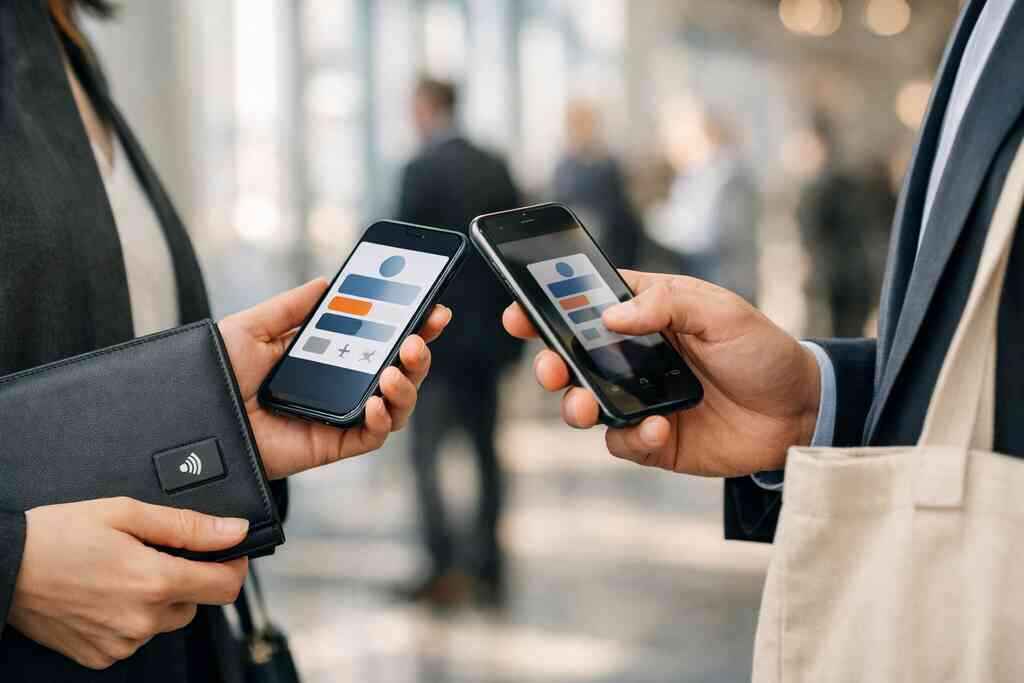
A digital business card changes the handoff. Instead of hoping the other person keeps a card safe, you share contact info instantly through a link, QR code, or tap. That means the contact lives in a phone, not a pile. It also makes the interaction feel smoother and more modern without becoming flashy.
A well-made virtual business card or online business card is more than a contact sheet. It works like a lightweight lead capture point. In practice, that means fewer missed details, less manual typing, and a faster path to follow-up. For many sales professionals, that alone makes the switch worthwhile.
How Long Island professionals are replacing lost cards with shareable contact details
On Long Island, time matters because people move fast between offices, trains, showings, and local events. A digital business card setup gives you a reliable way to keep moving. We see that especially with commuters heading into NYC, agents moving through Garden City, and founders meeting prospects in Suffolk County. They need something that works before the elevator doors close.
One client at a Commack co-working space had a stack of paper cards printed beautifully, but she kept running out. She switched to a smart business card format and started sharing the same profile by QR code in meetings and by link after calls. The result was not magic. It was simpler: no more “I think I lost your card” moments, and no more awkward reintroductions.
What a lead-ready digital business card actually needs to do
A lead-ready card has one job before anything else: make the next contact easy. That sounds obvious, but many people load their profile with everything except the essentials. A digital card should help a prospect understand who you are, why they should trust you, and how they should respond. If it cannot do that, it is just a prettier contact file.
The strongest digital business card features are usually the ones that reduce friction. Think of it as a compact system, not a decorative page. The best electronic business card setups support quick sharing, clear identity, and simple follow-up. That is the difference between a nice profile and a lead tool.
The business card details that matter most when someone scans or taps
Keep the business card details focused. Your name, role, company, phone, email, website, and one clear call to action usually matter most. If you meet people at conferences or client lunches, add only what helps them reach you fastest. Too many fields create hesitation.
A good business card example has a single path forward. It might invite a meeting, a call, or a website visit. It should not ask the viewer to solve a puzzle. The scan should feel obvious, and the follow-up should feel easy.
A few details deserve special care:
- A clear name and title
- A professional photo or logo
- One primary contact method
- A short service summary
- A direct action, such as “Book a call” or “Save contact”
How digital business card design turns a simple profile into a trust signal
Digital business card design does more than look good. It tells people how carefully you work. Clean spacing, readable type, and consistent colors signal competence before the first reply. That matters whether you are a freelancer, a corporate account executive, or a small business owner.
This is where custom branding matters. When your card reflects your brand, it feels intentional. The same is true for a polished virtual card design with strong visual balance. People do judge quickly, and they usually judge fairly. If the card feels cluttered, the follow-up feels less certain.
When to use a business card template versus building a custom branded layout
A business card template is useful when speed matters. It helps you launch quickly and avoid design mistakes. That is why many people start with digital business card templates before refining the layout later. Templates are especially helpful if you are still learning what your audience actually uses.
A custom layout makes sense when your brand already has a strong visual system. It can also help if you want your card to match a larger sales or recruiting process. If you need sector-specific examples, real estate digital card examples can show how structure changes by role. In practice, template first and custom second is a smart path for many users.
QR code business cards, NFC business cards, and the contactless sharing choice that fits your workflow
This choice is practical, not trendy. QR code business cards work well because they are simple, familiar, and easy to scan. NFC business cards add a tap-to-share motion that feels seamless on supported phones. Both are forms of contactless sharing, and both can support paperless networking.
The best fit depends on your routine. If you meet people across tables and want immediate access, NFC can feel fast. If you speak at events, hand out materials, or attend mixers, QR works everywhere and requires less setup. For a deeper side-by-side view, see the NFC business cards and QR code cards comparison.
OptionBest useStrengthTradeoffQR codeBroad sharingEasy to scan anywhereNeeds the camera stepNFCIn-person tapVery quick exchangeDevice support can varyHybridMixed networkingFlexible and familiarRequires a bit more setupThe build process that turns a digital card into a lead engine
Building a lead-ready card takes restraint. The temptation is to include every credential, every award, and every social profile. That usually backfires. A strong card guides attention instead of scattering it. Think clear, useful, and fast.
If you want a useful shorthand, start with the question: what should someone do after they see this? That answer shapes the entire build. It affects your copy, your design, and even which sharing method you prioritize. For setup guidance, how digital business cards work is a useful place to anchor the process.
How to create digital business card content without overstuffing the profile
If you want to create digital business card content that converts, write like a host, not a résumé. The profile should welcome someone into a useful next step. Lead with what you do, who you help, and how to reach you. Then stop. 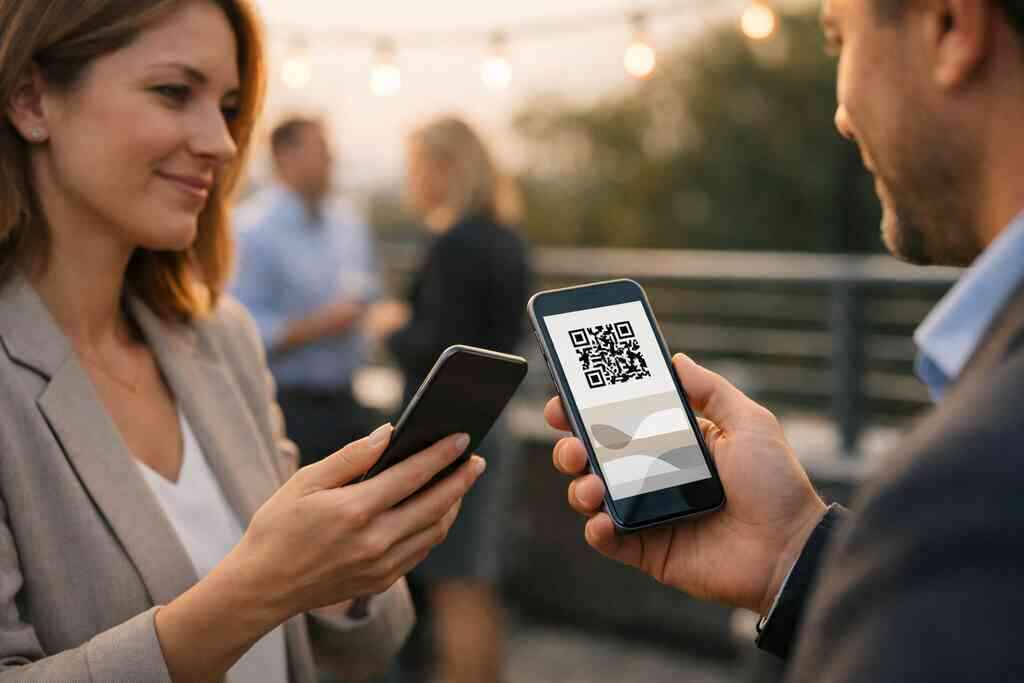
A strong digital business card example often uses short sections. It may include your title, a one-line service statement, and one action button. That is enough for most situations. If you need industry-specific structure, how to create a digital business card in 2026 for lead capture can help you map the flow.
Which digital card features help with lead capture, follow-up automation, and CRM integration
The best lead tools are the ones that shorten response time. Look for digital card features that support form submission, contact export, and quick routing. If your card can feed a CRM, even better. That is where CRM integration and follow-up automation save you real time. In 2026 specifically, many teams want less manual admin. A card that passes contact details cleanly into your workflow can reduce missed opportunities. If your system supports this, digital business card features for lead capture and follow-up automation is worth reviewing. The goal is not more tech. The goal is fewer dropped conversations. ### Why digital card analytics matter when you want to know who actually engaged
Digital card analytics tell you what happened after the share. Did someone open the card? Did they click the phone number? Did they save the contact or visit your site? Those signals help you see which conversations deserve a faster follow-up. Without that data, you are guessing.
One agent in Garden City told us her best meetings were not always her biggest ones. A shorter conversation at a local referral breakfast produced more clicks and more second meetings. The insight came from analytics, not memory. If you want that kind of visibility, digital card analytics to track lead quality can help you judge engagement more clearly.
When free digital business card options make sense and when premium digital card plans may be worth comparing on our pricing page
A free digital business card can be a good starting point if you are testing the format. It may help you learn what people tap, save, and ignore. That is useful when you are still shaping your message. It is also a practical move for new freelancers.
Still, some users need more control. If you want more refined branding, team consistency, or better workflow fit, premium digital card plans may be worth comparing. I cannot promise which plan fits your needs without seeing your setup, but a pricing review is smart. If you want to compare options, check digital business card pricing and plans before you decide.
How sales professionals, real estate agents, freelancers, corporate teams, and small business owners can adapt one digital card to their role
Different roles need different emphasis. Sales professionals usually want speed and traceability. Real estate agents need polished branding and easy contact access. Freelancers often benefit from a strong portfolio link, while corporate teams need consistency across people and departments.
For small business owners, the card should support trust and repetition. A single layout can still adapt to many users if the structure is clear. Some teams build a master design, then adjust each user’s call to action. If you work in property, digital business cards for real estate agents in New York show how that can look in practice. If you manage a wider team, digital business cards for sales teams may be a better fit.
What happens after the scan and how to keep the momentum
The scan is not the finish line. It is the opening move. What happens next determines whether the interaction becomes a lead or fades away. That means your follow-up system matters as much as the card itself. Keep the process simple enough that you will actually use it.
A good card should travel easily across channels. It should work by email, by text, by QR, and by tap. It should also support the channels where your prospects already spend time. For LinkedIn-heavy networking, digital business cards for LinkedIn networking can be especially useful.
How to share contact info through email, link, QR, tap to share, and a digital business card for LinkedIn
The best electronic business card exchange feels natural. You can send a link after a meeting, show a QR code on your phone, or let someone tap if your device supports it. Each method has a place. The key is using the one that matches the moment.
For digital networking, keep your online business card easy to resend. If someone asks for your details after the call, you should be able to send one link immediately. A digital business card for LinkedIn also helps because it fits the way many professionals already connect. That keeps the path short and familiar.
The smartest ways to use digital business cards for networking at conferences, client meetings, and local events in Long Island, New York, NY, Suffolk County, and NYC
At conferences, speed wins. At client meetings, clarity wins. At local mixers in Long Island, New York, NY, Suffolk County, and NYC, the best move is the one that feels effortless. A card should fit all three without making you explain the tool itself.
Think about a morning event in Hauppauge, then an afternoon meeting in Midtown. Your digital business cards for networking should work in both places. They should also feel normal in business networking in Long Island settings, where practical people value directness. If you want a broader local lens, digital business cards for networking in NYC is a useful comparison point.
How to keep your card useful on mobile wallets, paperless networking setups, and team systems without losing the personal touch
A good Apple Wallet business card or Google Pay card can make access easier on the go. That matters when your phone is already the thing you carry everywhere. It also keeps your information close without forcing people into another app. On the technical side, mobile wallets can support simple convenience without adding friction.
The personal touch still matters. Your message should sound like you, not like a form. If your team uses shared standards, your card should still leave room for real human language. That balance is what keeps paperless networking from feeling cold.
When to refine your design, test your message, and use our how it works path to keep improving the result
On the projects we have watched closely, the best cards are edited more than once. People trim a headline, simplify a button, or swap a photo after seeing how prospects respond. That is normal. In fact, it is smart.
If you want a steady improvement path, use how digital business cards work as your checklist. Then test the message in real conversations. A digital card vs paper comparison usually ends with the same conclusion: the better tool is the one you can update fast and share without hesitation. That is especially true for sustainable business cards and any digital card maker workflow that values speed.
Why the best next move is not a prettier card but a card that gets remembered and followed up
A prettier card may get a compliment. A better card gets a reply. That is the real goal. If your profile helps people remember you, save you, and contact you quickly, it is doing its job. If not, the design still needs work.
Here is the part almost no online guide mentions: your follow-up message should match the card. If the card felt clear and direct, your email should do the same. If you want to tighten both, review your copy, your share method, and your response timing together. Then choose one place to improve this week, and make that change before your next meeting.
Frequently Asked Questions
Question: How do I make a digital business card in 2026 that actually helps with lead capture and follow-up automation?
Answer: The best way to make a digital business card is to keep it focused on the next step you want a prospect to take. Start with the basics: your name, title, company, phone, email, website, and one clear call to action. That simple structure works well for an online business card, virtual business card, or electronic business card because it makes contact sharing easy and fast.
For lead capture, your card should make it simple for someone to save your details or reach out right away. If your digital business cards setup supports contact forms, link sharing, QR code business cards, or NFC business cards, that can help reduce friction during networking. Just be sure to choose the format that fits how you meet people, whether that is in person, by email, or through a digital business card for LinkedIn.
A strong digital business card also supports follow-up automation and CRM integration if your workflow includes those tools. We recommend keeping the profile clean, using clear business card details, and choosing a design that reflects your brand without crowding the page. That is usually more effective than trying to include everything at once.
Question: What should I include in my digital business card design so it looks professional and works for networking in Long Island, New York, NY, Suffolk County, and NYC?
Answer: A strong digital business card design should look polished, readable, and easy to use on mobile. For professional networking in Long Island, New York, NY, Suffolk County, and NYC, that means keeping the layout simple and the message clear. Your card should help someone understand who you are within seconds.
The most useful business card details usually include your name, role, company, contact information, and one action such as booking a call or visiting your site. A professional photo, logo, and consistent custom branding can also make your virtual card design feel more trustworthy. If you are using digital business card templates or a business card template to get started, that can help you launch faster before refining the look later.
Different professionals may need different emphasis. Sales professionals may want speed and direct contact. Real estate agents may want a polished presentation. Freelancers may want to highlight a portfolio. Corporate teams and small business owners often need a design that keeps the brand consistent across multiple users. The goal is not to make the card busy. The goal is to make it useful.
Question: Should I use QR code business cards or NFC business cards for digital business cards for networking?
Answer: Both QR code business cards and NFC business cards are effective forms of contactless sharing, but the best choice depends on how you network. QR code business cards are broadly accessible and work well in many settings because people can scan them quickly with a phone camera. NFC business cards are convenient for tap-to-share exchanges and can feel especially smooth in person when supported by the device.
If you attend conferences, mixers, or local business events, QR may be the simplest choice because it is familiar and flexible. If you often meet people face to face and want a quick, modern exchange, NFC can be a strong option. Some users prefer a hybrid approach so they can share contact info in different ways without worrying about the situation.
At Digital Business Cards, the best option is the one that fits your workflow. A smart business card should make professional networking easier, not more complicated. That is especially helpful for paperless networking and sustainable business cards because you are moving away from paper without losing convenience.
Question: How does the blog How to Make a Digital Business Card in 2026 for Leads help me choose the best digital business card platform?
Answer: The blog How to Make a Digital Business Card in 2026 for Leads is designed to help you think beyond appearance and focus on performance. A good digital business card is not just a digital card maker result or a pretty business card design. It should help you share contact info quickly, support lead capture, and make follow-up easier after the first conversation.
When choosing among the best digital business card platforms, look for clarity, ease of use, and practical sharing options. You may want a free digital business card to test the format, or you may decide premium digital card plans are a better fit if you need more branding flexibility or team consistency. We cannot promise which option is right for you without reviewing your needs, but comparing digital card pricing and available digital business card features is a smart place to start.
The blog also reinforces the value of digital card analytics, CRM integration, and follow-up automation when those tools are available in your system. Those elements help turn a simple exchange into a measurable part of your networking process. That is especially useful for sales professionals, real estate agents, freelancers, corporate teams, and small business owners who want a cleaner path from first meeting to next conversation.
Question: Can I use a digital business card app for LinkedIn networking, email sharing, and mobile wallets like Apple Wallet business card or Google Pay card?
Answer: In many cases, yes, but the exact options depend on the digital business card app you use. A well-structured online business card should make it easy to share by link, email, QR code, or tap where supported. That makes it useful for digital business cards for networking across LinkedIn, meetings, and follow-up messages.
A digital business card for LinkedIn can be especially helpful because it keeps the interaction close to where many professionals already connect. If your setup also supports an Apple Wallet business card or Google Pay card, that can add another convenient way to keep your details handy. We recommend checking the specific product details before assuming a feature is included, since capabilities can vary.
The main goal is simple: make it easy for someone to reach you without extra steps. Whether you use an electronic business card exchange, a virtual business card, or a digital card vs paper approach, the right system should support quick contact sharing and a more organized follow-up process.