
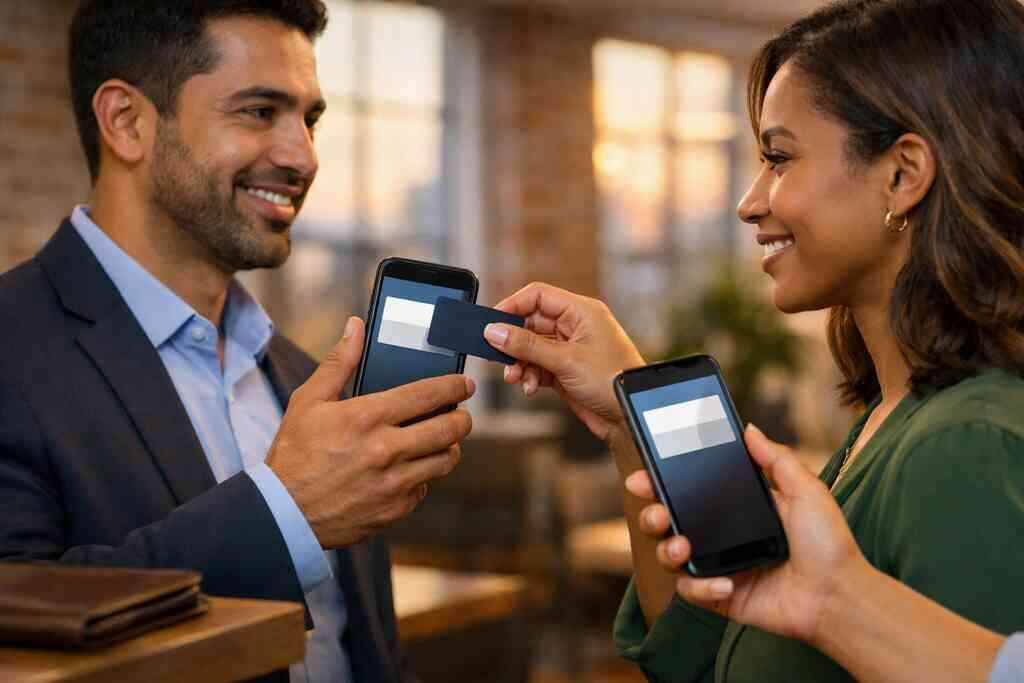
Why paper cards fail the moment a real conversation starts
You know the feeling. The meeting went well, the handshake was firm, and then your paper card disappeared into a coat pocket. By Monday, that card is usually gone. If you are reading this because your follow-up keeps slipping, take a breath. That frustration is common, and it is fixable with digital business cards for networking in Long Island, New York.
The forgotten pocket problem at mixers, site visits, and conferences
At a Hauppauge business mixer, people move fast. At a site visit, they carry tools, phones, and coffee. At a conference, they juggle lanyards, brochures, and one too many handouts. Paper cards get folded, smudged, or buried before the conversation even ends. A digital business card keeps your details available when the moment matters.
We hear this from clients almost every week. They meant to follow up, but the card never made it home. That is not a discipline problem. It is a systems problem. A paper card depends on memory, pockets, and luck. A digital card depends on a scan, a tap, or a shared link.
Here is the part most people miss: the card is not the networking event. The follow-up is. If contact details vanish, your introduction loses value fast. That is why paperless networking has become so practical for professionals who cannot afford missed chances.
How a digital business card keeps contact details from getting lost in the shuffle
A digital business card, also called an online business card, virtual business card, or electronic business card, lives on a phone instead of in a stack. That matters because phones travel everywhere. They go from the office to the car to the dinner table. They do not get tossed into a drawer with old receipts. When someone saves your card, the contact stays searchable and usable.
One client in a Commack co-working space used to print 500 cards at a time. He told us the real problem was not printing cost. It was loss. Half the people he met never reappeared in his CRM because the paper trail ended at the table. Once he switched to digital business cards, his contact info stopped depending on chance. The conversation finally had a path forward.
This is also why sustainable business cards matter beyond image. Less paper means less waste. More important, you create a cleaner digital contact exchange. That makes it easier to share contact info, track who reached out, and move a new introduction into your workflow.
What Long Island professionals notice when paper starts holding them back
Long Island professionals often notice the same pattern first. A real estate agent in Garden City may meet three buyers before lunch. A freelancer in Suffolk County may leave a networking breakfast with six possible leads. A corporate rep may come back from NYC with a pocket full of cards and no clear next move. The paper card looks simple, but the process behind it is messy.
This is where digital business cards for networking start to feel different. They work in the field, on trains, and in parking lots outside client sites. They also fit the pace of Long Island, New York, NY, where people move between local meetings and city appointments all day. If your contact system cannot keep up, it quietly costs you follow-up. That is the real issue, not the card stock.
The best digital business card platforms usually focus on speed, clarity, and easy sharing. That matters more than flashy design. You need a tool that fits how people actually meet now. If the process feels smoother, people are more likely to keep using it.
What makes a digital business card actually work for networking and CRM
A digital business card works when it does more than display a name. It should help the other person remember you, save you, and contact you later. That sounds simple, but the details matter. The strongest setups connect first impressions to lead capture and CRM integration without friction.
The difference between a digital business card, online business card, virtual business card, and smart business card
These terms overlap, but they are not always identical. A digital business card usually means a shareable profile with your business card details online. An online business card is the same idea in web form. A virtual business card often emphasizes remote sharing. A smart business card usually suggests connected features, such as QR code business cards, NFC business cards, or contactless sharing.
That distinction matters because people search differently. Some want a digital card maker. Others want to create digital business card templates quickly. Some compare digital card vs paper before committing. All of them want one thing: a way to make a cleaner introduction that does not vanish after the handshake.
If you are looking at how to create a digital business card with CRM integration, the goal should stay practical. You want contact exchange to be fast, accurate, and easy to act on later. That is what turns a nice profile into a useful networking tool.
Why QR code business cards and NFC business cards solve different moments in the handshake
QR code business cards and NFC business cards are not competing ideas. They solve different moments. A QR code business card helps when someone can scan from a distance or during a quick intro. An NFC business card helps when someone wants a tap-to-share moment that feels immediate. Both reduce friction, but they do it differently.
QR code contact sharing follows the ISO/IEC 18004 standard. That makes the scan process familiar and widely compatible. NFC follows near field communication for tap-to-share contact details and often relies on device support. Apple’s Core NFC framework helps make tap interactions reliable on compatible devices. The technical pieces matter, but the user experience matters more. If it is simple, people actually use it.
OptionBest useStrengthLimitationQR code business cardsFast scans in crowded settingsWorks broadlyNeeds camera actionNFC business cardsTap sharing in close contactFeels seamlessDevice support variesDigital card linkEmail, text, and social sharingFlexibleLess immediateIf you want a deeper comparison, the NFC and QR code business cards compared resource is a useful place to start.
How contactless sharing turns one introduction into usable lead capture
Contactless sharing does more than replace paper. It shortens the path from meeting to follow-up. That is where lead capture begins. A person scans your card, saves your contact, and chooses the best channel to reach you. That could be email, phone, LinkedIn, or a form.
Here is what almost no online guide mentions. Speed is not the only win. Accuracy matters too. When someone types your number by hand, mistakes happen. When they save it from a digital business card app, the data is cleaner. Better data means better contact management later, especially when you are handling many introductions.
For professionals who sell, recruit, or prospect, this is huge. Digital business cards for networking make the handoff feel effortless. They also support paperless prospecting, which keeps your process lighter. That helps with lead generation for professionals who need every conversation to count.
What CRM integration changes for sales professionals, real estate agents, freelancers, corporate teams, and small business owners
CRM integration changes the next hour after the scan. It does not just store contact details. It helps route them. Sales professionals can move leads into a pipeline. Real estate agents can sort prospects by property interest. Freelancers can tag by project type. Corporate teams can keep outreach consistent across staff. 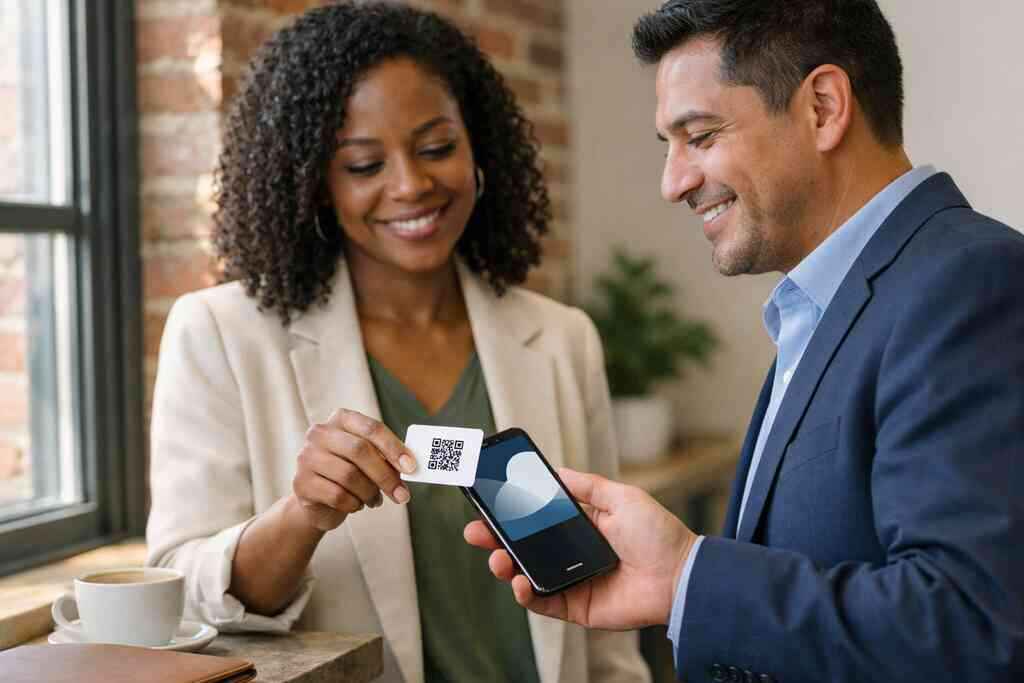
For digital business cards for real estate agents in New York, CRM-ready contact capture is especially useful. A buyer at an open house may not be ready today. But they may be ready after a follow-up, a listing alert, or a reminder call. The same logic applies to small business owners and team-based selling. The contact is only valuable if it enters a workflow.
If you are comparing options, best CRM integration for digital business cards should be on your reading list. The best setup is not the one with the most buttons. It is the one that turns a handshake into a trackable next move.
The design and setup choices that decide whether people remember you
Design is not decoration here. It is trust. If your card looks cluttered or generic, people hesitate. If it feels clear and polished, they trust it faster. Good digital business card design supports memory, action, and professionalism in one screen. ### How to create digital business card layouts that feel sharp on mobile
Most people will view your card on a phone. That changes everything. Mobile-first networking means your layout must be clean, fast, and readable in seconds. Keep the top section focused on your name, role, and one clear action. Use spacing generously. Reduce anything that forces extra scrolling.
A good digital business card example does not try to say everything at once. It says the right thing first. Then it offers depth for people who want it. If you need setup guidance, create a digital business card for Long Island businesses is the kind of resource that helps you move from idea to a usable layout.
What we have seen in 2026 specifically is that shorter, sharper layouts get saved more often. People do not want a wall of text on a small screen. They want instant clarity. That is why how to make a digital business card is really a question about restraint.
Choosing a business card template or digital business card templates without looking generic
Templates save time. They also create risk. A business card template can look polished, but it can also look identical to everyone else’s. The goal is to choose a structure that supports your brand without flattening it. That is where digital business card templates earn their keep.
Here are the features that usually matter most:
- Clear hierarchy for name, title, and contact methods
- Space for custom branding
- Easy mobile readability
- A simple call to action
- Consistent business card design across devices
If you are comparing digital business card pricing for small teams and growing businesses, think about the long-term value of customization. A free digital business card may be enough for light use. Premium digital card plans may make more sense if your team needs consistency or scale. The right choice depends on how many people are sharing cards and how often.
What belongs in business card details and what should stay off the card
The best business card details are the ones people actually use. Name. Title. Company. Phone. Email. LinkedIn. Maybe a booking link if it is relevant. Add only what supports a next step. Leave off clutter that weakens the message.
You do not need every possible detail on the card. In fact, too much can lower response rates. A digital business card should help someone choose a path quickly. Keep the card focused and easy to scan. That is the heart of professional networking, not the pile of extras.
Also, think about privacy and data handling. If you store shared contact details, GDPR-style thinking still matters. Collect only what you need. Be clear about what happens after the scan. Trust grows when people understand the exchange.
Custom branding, digital card design, and virtual card design choices that support trust
Custom branding gives your digital business card a steady voice. Use colors, fonts, and images that match your company and role. If your visual style feels random, people notice. If it feels intentional, they relax. That is especially important for corporate teams and small business owners.
If you want digital business cards for corporate teams, consistency matters even more than creativity. Every team member should look like part of the same organization. Yet each person still needs room for personal contact details. That balance builds recognition without losing individuality.
One client who split time between NYC and Suffolk County used the same branded contact sharing format for all staff. It made handoffs simpler. People knew what to expect when a card popped up on screen. That kind of quiet consistency builds confidence faster than a flashy layout ever could.
When to compare free digital business card options with premium digital card plans
Free tools are useful for testing. Premium plans are often better for teams, branding, and workflow needs. The decision should come down to use, not hype. Ask yourself how many cards you need, how much control you want, and whether your team needs shared standards.
The difference often shows up after the scan. A free digital business card may share contact details just fine. A premium setup may support stronger branding, better organization, or more team coordination. If those pieces matter to your pipeline, the upgrade is practical.
Do not pay for features you will not use. Do not save money by limiting tools you will use daily. That balance is the real pricing question. And it is why a clear digital business card app and platform updates page can help you judge what is current.
Why analytics, follow-up automation, and contact management matter after the scan
A scan is not success. It is a signal. Digital card analytics tell you which interactions are getting attention. That helps you focus on the people most likely to respond. Follow-up automation then turns that signal into a repeatable workflow.
The digital business card analytics for tracking lead quality angle is especially important for sales professionals and busy teams. If you know who opened your card, when they engaged, and where the interaction started, your outreach becomes smarter. You stop guessing. You start prioritizing. That is where contact management starts paying off.
On the projects we’ve finished this year, the biggest mistake we see is waiting too long to follow up. A good system narrows that gap. It keeps momentum alive. And that is often the difference between a polite introduction and a real opportunity.
How Long Island teams and NYC commuters use branded contact sharing in real settings
Long Island, New York has its own rhythm. People commute, meet locally, then jump into NYC meetings. A branded digital card fits that pace better than paper. It lives in a phone, not a jacket pocket. That makes it easier to share at a train platform, a client lunch, or after a networking panel.
NYC commuters especially like tools that move quickly. So do teams that split time between the Island and Manhattan. A digital business card for LinkedIn can sit beside your main contact path. Apple Wallet business card support or a Google Pay card can add another layer of convenience, depending on the setup. The point is simple: make contact sharing feel natural in real life.
If you are ready to test your own setup, digital business cards near me is not just a search phrase. It is often a search for something that works locally and quickly. You want a tool that fits the way Long Island professionals actually meet, follow up, and grow.
Frequently Asked Questions
Do digital business cards work without an app?
Often, yes. Many digital business cards can be opened through a browser link or scanned QR code without downloading anything. That makes sharing easier in fast conversations. If your audience includes clients who dislike apps, this matters a lot. A simple web view can reduce friction and improve contact exchange. For setup details, check the how-it-works guide.
Can I customize the design of my digital card?
Usually, yes, and that is one of the biggest advantages over paper. Custom branding, colors, profile fields, and layout choices help your card feel like you. Good digital card design should stay readable on mobile. If the design feels crowded, trim it back. A clean visual helps people trust the card faster.
Is NFC safe for sharing contact info?
NFC is generally safe for basic contact sharing because it transfers limited information at close range. The real issue is not safety alone. It is consent and clarity. You should always know what data is being shared and stored. If you want a tap-based option, compare it carefully with QR code sharing first.
How does CRM integration help after someone scans my card?
CRM integration moves the contact into your system faster. That means fewer lost leads and fewer manual entries. It can help sales teams, real estate agents, freelancers, and corporate teams keep follow-up organized. A scan becomes a record. A record becomes action. That is the practical value.
What should I put on my digital business card?
Keep it focused. Start with your name, title, company, email, phone, and one or two social links that matter. Add a booking link only if it supports your process. Avoid overcrowding the card with every possible detail. The goal is clarity, not completeness.
Are free digital business cards enough for small teams?
Sometimes. If your team only needs basic sharing, a free plan may be enough to test the process. If you need branding, contact management, or consistent team setup, premium digital card plans may be a better fit. Compare your use case against the pricing page. That keeps the decision grounded in real needs.
What is the best way to start using digital business cards on Long Island?
Start with one card that matches your daily work. Then test it in one real setting, like a mixer or client meeting. Ask a few people to scan it and tell you what felt clear or awkward. That feedback is valuable. You do not have to figure it all out today, and you do not have to do it alone.