
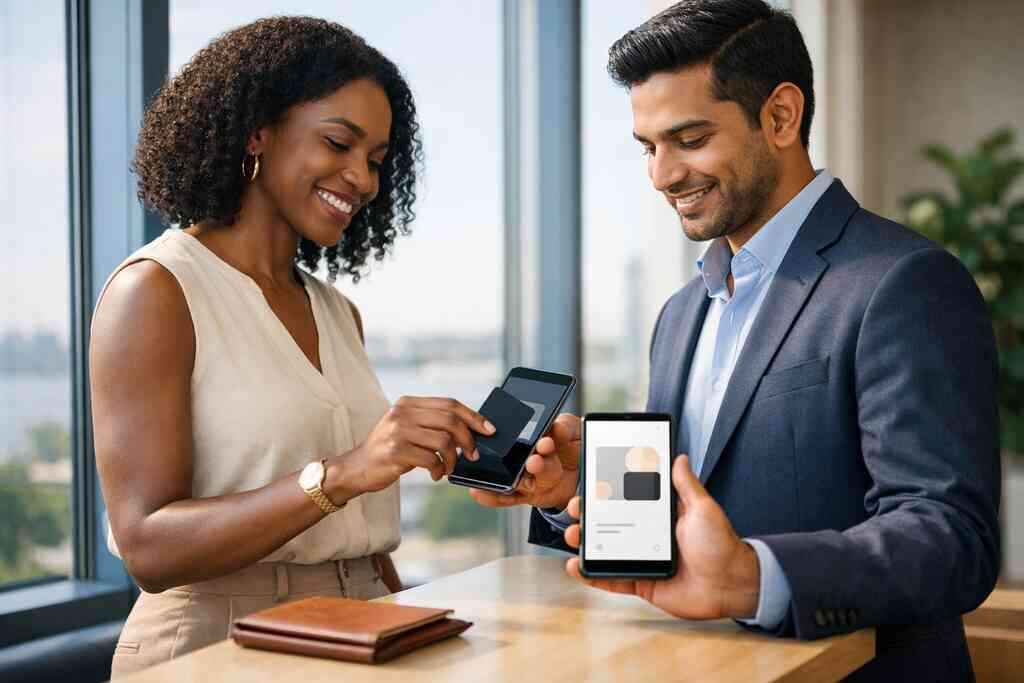
Why paper cards disappear before the follow-up does in New York
I still hear this complaint every week: “I met three great contacts, then lost their cards.” That frustration is real. In New York, the pace is fast, pockets are full, and paper gets crushed before Monday. If you are reading this because your networking feels messy, that is normal. The problem is not your effort. The problem is the format.
The conference bag shuffle that leaves your best contact at the bottom
At a Hauppauge business mixer, a paper card often starts in a jacket pocket and ends under a receipt. That is how follow-up dies. You meant to call. You meant to email. Then the card went missing. A digital business cards in New York approach keeps the contact where you can actually use it.
One client in Commack told us he left a room with twelve cards and only remembered two names. He had notes, but the cards were mixed with flyers and parking slips. That is the hidden cost of paper networking. The contact is there, yet unreachable when you need it. Digital business cards fix that by storing business card details in one place.
Why smudged ink and bent corners cost more than the card itself
A bent corner may seem harmless. A smudged phone number is not. A paper card can fail before you ever type the name into your phone. It only takes one coffee spill or damp coat pocket. Then the information turns fuzzy, and your follow-up slows down.
In New York, especially during crowded networking events and rainy commutes, cards take a beating fast. That matters more than most people admit. Your card is often the first reminder of the meeting. If it looks tired, your brand can feel tired too. Sustainable business cards help the planet, and they also reduce the chance that good contact info gets lost in transit.
What Long Island professionals notice when paper cards fail in real meetings
Long Island professionals notice paper problems in practical ways. A real estate agent in Garden City may leave a listing appointment and realize the homeowner’s card is unreadable. A freelancer leaving a client meeting in Melville may forget which card belonged to which conversation. That is not a small annoyance. That is lost revenue waiting to happen.
Here is the part most people miss. Paper cards do not just disappear; they create doubt. You second-guess spelling, titles, and numbers. You delay follow-up because you want to get it right. A digital card reduces that friction immediately, and that matters in competitive places like Suffolk County and NYC.
What a digital business card actually changes after the handshake
A digital business card does one simple thing very well. It keeps your contact details accessible the moment someone wants them. That sounds basic, but it changes the networking rhythm. Instead of hoping someone keeps a card, you can share contact info instantly. That makes paperless networking feel calmer and more controlled.
How a digital business card keeps business card details in one place
A digital business card is not just a pretty screen. It is an online business card, virtual business card, or electronic business card that lives in a shareable format. You can keep your name, title, phone number, email, and links organized. You no longer need to trust a stack of paper cards to remember who you are.
If you want to see the setup process, How It Works explains the flow clearly. The benefit is simple. Your business card details stay current, even when your role changes. That matters for sales professionals, freelancers, and corporate teams who update information often.
Why contactless sharing beats a pocket full of paper at busy events
Busy events reward speed. On a crowded show floor, people do not want to fumble with paper. They want contactless sharing that feels smooth and professional. A quick scan or tap keeps the conversation moving. That is why QR code business cards and smart business card options keep getting attention.
What we see in the field is straightforward. People remember the person who made sharing easy. They also remember the person who made them dig through a bag. That is not dramatic. It is just how networking works. A digital card app removes that awkward pause.
The difference between an online business card, virtual business card, and electronic business card
These terms often overlap, and that confuses people. An online business card usually points to a web-based profile. A virtual business card often means the same thing, but people use it more broadly. An electronic business card can also describe a digital contact exchange. In practice, all three support the same goal: faster sharing.
That is why many people compare a digital card vs paper before deciding. Paper is static. Digital is flexible. You can adjust business card design, keep branding consistent, and share the same card across different settings. For professional networking, that flexibility is hard to ignore.
The mechanics behind smarter networking from QR code business cards to NFC business cards
The right sharing method depends on the room. QR code business cards work well when people are already looking at their phones. NFC business cards work well when you want a tap-to-share moment. Both reduce friction. Both beat handing someone a paper rectangle and hoping for the best.
When QR code business cards are the fastest option on the room floor
QR code business cards are often the fastest option at busy events. The ISO/IEC 18004 standard keeps QR scanning familiar and reliable across devices. That matters because people in New York use different phones, different settings, and different habits. A scan takes seconds. No app download is needed in many cases.
At a networking breakfast in Suffolk County, speed matters more than style. Someone may stand, scan, and move on. That is fine. What matters is that your info lands cleanly. If you want a practical comparison, The Difference Between QR and NFC Cards for 2026 helps clarify where each method fits.
Where NFC business cards fit and what tap-to-share really means
NFC business cards use near field communication technology. That means a tap can trigger your card profile on a phone that supports it. Apple’s Core NFC framework supports this type of interaction on compatible devices. The ISO 14443 standard also shapes secure NFC data exchange. In simple terms, tap-to-share can feel effortless when the device setup is right.
Still, NFC is not magic. Some devices handle taps better than others. That is why many professionals keep both NFC and QR available. The room decides the method. You decide the message. If you want a deeper look at the format, near field communication explains the underlying technology well.
Why Apple Wallet business card and Google Pay card options matter for mobile habits
People already live in their wallets on their phones. That is why Apple Wallet business card and Google Pay card options matter. They fit habits people already understand. You are not asking them to learn a new process. You are meeting them where they already are. This is especially useful for NYC commuters. They are moving fast, often between trains, meetings, and client calls. A saved wallet card can make your contact easy to reopen later. That can be more useful than a paper card buried in a desk drawer. It also supports cleaner electronic business card exchange habits. 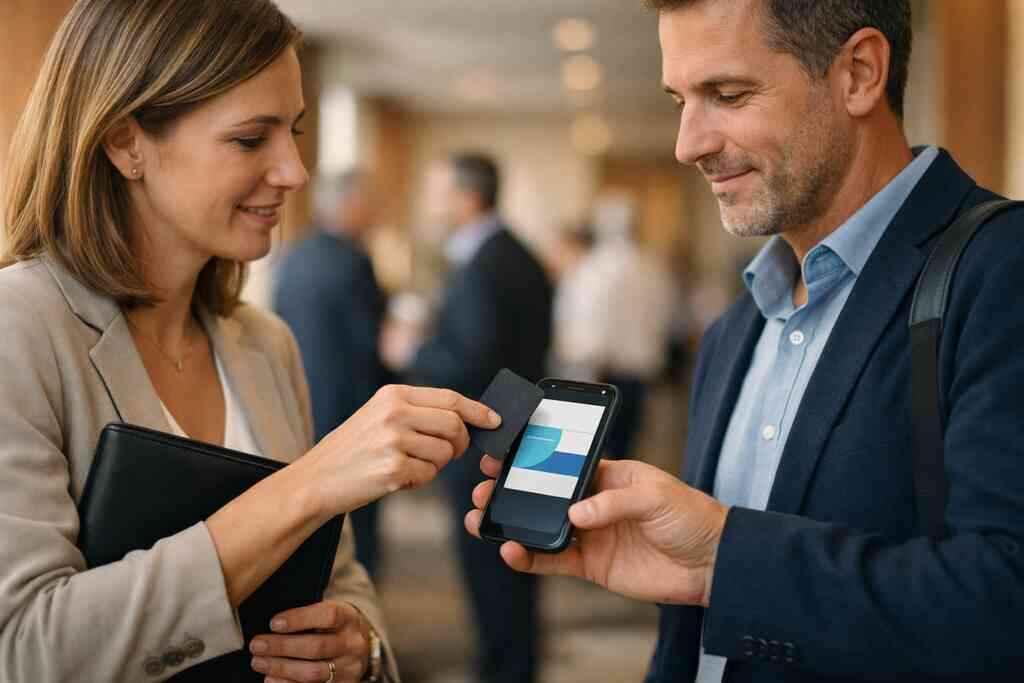
How a digital card maker and business card template shape a cleaner first impression
A good digital card maker gives you structure. A solid business card template keeps the layout clean. That is important because first impressions form fast. Too much clutter makes the card harder to use. Too little structure makes it look unfinished.
Here is a simple rule: keep the design readable, and keep the action obvious. A clear virtual card design should show who you are and how to reach you. If you want a practical starting point, How to Make a Digital Business Card in 2026 for Leads walks through the setup logic. Your card should feel sharp, not crowded.
What NY professionals gain when the card turns into a lead tool
This is where digital business cards start to matter beyond convenience. They help you turn a meeting into a next step. That is why sales professionals, real estate agents, freelancers, and corporate teams use them differently. The card is no longer just identification. It becomes part of your lead flow.
Why sales professionals and real estate agents use digital business cards for networking differently
Sales professionals want speed and repeat contact. Real estate agents want trust, locality, and easy recall. Those goals overlap, but they are not identical. A digital business card for LinkedIn may suit a seller who works across industries. A property-focused card may be better for an agent who moves between listings.
We have seen this play out in Garden City and across Nassau County. Real estate conversations often happen in short windows. You need the right card at the right moment. That is why Why Digital Business Cards Help Real Estate Agents Close More remains a strong fit for that audience. It keeps follow-up simple when timing matters.
How freelancers and corporate teams keep contact info consistent across every meeting
Freelancers change projects. Corporate teams change titles, divisions, and territories. Consistency gets hard fast. A digital business card helps you avoid version drift. Everyone shares the same approved contact details, and that reduces confusion.
That is especially useful for small business owners on Long Island. You may be juggling client calls from a café in Huntington and a meeting in Melville. Your card should not change with every location. For teams, consistency builds trust. For solo professionals, it saves time.
Where CRM integration, lead capture, follow-up automation, and digital card analytics change the outcome
This is the part almost no online guide explains well enough. A digital card can do more than share contact details. It can support lead capture, follow-up automation, and CRM integration when the platform includes those digital business card features. Digital card analytics can also show which cards or links get used most. That helps you see what actually works.
If you want a focused breakdown, Digital Business Cards for Networking and CRM Integration 2026 is worth a look. The point is not to collect data for its own sake. The point is to reduce lost leads. What we have seen in 2026 specifically is that teams value simple tracking more than flashy extras.
Why custom branding and digital business card design matter in crowded markets like NYC and Suffolk County
Crowded markets punish generic design. In NYC, people see hundreds of visuals in a week. In Suffolk County, business still moves fast, but reputation travels in tighter circles. Custom branding helps your card feel like your company, not a template clone. That distinction matters more than people expect.
A polished digital business card design also supports memory. Color, spacing, and logo placement all help people recognize you later. That does not mean overdesigning it. It means keeping the business card design sharp and readable. If you are comparing styles, How Digital Business Cards Boost ROI for NYC Teams in 2026 shows how consistency can support team credibility.
Which move makes sense next for your Long Island networking style
This is usually where people hesitate. They know paper is weak, but they are unsure what to choose next. Free tools can be enough for a simple profile. Premium digital card plans may make more sense if you want branding, analytics, or team use. The right answer depends on how often you network and how much control you need.
When a free digital business card is enough and when premium digital card plans may fit better
A free digital business card can work if you just need a clean profile and basic sharing. That is fine for occasional networking. Premium digital card plans may fit better if you need more control, custom branding, or team consistency. You should compare digital card pricing carefully before deciding. Do not pay for features you will not use.
FeatureFree digital business cardPremium digital card plansBasic sharingOften enoughIncludedCustom brandingMay be limitedUsually more flexibleTeam useOften too simpleBetter for coordinationTracking and analyticsMay be limitedOften more usefulIf you want to compare options directly, Pricing & Plans is the right place to start. Price should follow purpose, not guesswork.
How to make a digital business card without overcomplicating the design
Start simple. Add only the business card details people actually need. Use one strong photo or logo. Keep the call to action clear. Then test the card on a phone before you share it widely. If it feels cluttered, trim it.
A good digital card maker should make this easier, not harder. Many people overbuild the first version and then stop using it. That is the mistake. Your create digital business card process should be practical. If you need examples, How to Make a Digital Business Card in 2026 for Leads can guide the structure without overloading you.
What to compare on the pricing page before choosing the best digital business card platforms
Do not compare only cost. Compare the digital business card features that affect daily use. Look at sharing methods, branding options, analytics, team controls, and support for mobile habits. Also check whether the card works for electronic business card exchange in real settings. That is where the value lives.
A few practical questions help:
- Can you update contact info quickly?
- Does the card look professional on mobile?
- Does it support QR code business cards and NFC business cards?
- Is the setup simple enough for your team?
- Does the platform fit your role and location?
For a deeper setup reference, How It Works connects the process to real use. That makes choosing easier.
Why the right digital business card example should match your role, your region, and your next conversation
A strong digital business card example is not generic. It reflects your work, your market, and your goals. A consultant in Long Island will not need the same layout as a recruiter in Manhattan. A realtor near Suffolk County may need different emphasis than a freelancer in Brooklyn. That is normal.
The best digital business card platforms make that adjustment possible. They let you match the card to the conversation. That is the real win. You stop handing out static paper and start sharing something useful. If you are ready to compare formats, How to Create a Digital Business Card for Long Island 2026 is a useful place to ground your decision.
Frequently Asked Questions
Do digital business cards work without an app?
Often, yes. Many digital business cards can be shared through a link, QR code, or wallet entry without requiring a separate app on the recipient’s phone. That makes them easier to use in real networking moments. Still, the exact experience depends on the platform and setup. If you want to understand the flow better, review the card’s sharing method before you choose a service.
Can I customize the design of my digital card?
Usually, yes. Most platforms support some level of digital business card design, including colors, logos, photos, and layout choices. The amount of control varies, so check the template options closely. A good design should stay readable on a phone and match your brand. If you need a cleaner starting point, look at the platform’s template examples.
Is NFC safe for sharing contact info?
NFC business cards are generally safe for contact sharing when used properly. The exchange is short-range, which helps limit accidental sharing. Still, you should only share the business card details you want visible. For teams or regulated industries, it is smart to review privacy settings and storage practices. That keeps the exchange professional and controlled.
What is better for busy events, QR or NFC?
Both work well, but QR code business cards are often easier when people already have their phones out. NFC business cards feel faster when the device supports tap-to-share. In practice, many professionals keep both available. That gives you flexibility at conferences, mixers, and client meetings. If you want the differences explained side by side, compare the sharing options before buying.
Can digital business cards help with follow-up?
Yes. That is one of their strongest uses. Digital business cards can support lead capture, CRM integration, and follow-up automation when the platform includes those tools. Even without advanced features, they help you store contact details more reliably than paper. That means fewer lost leads and fewer awkward “remind me who this was” moments later.
Are digital business cards a good fit for Long Island professionals?
They are a strong fit for many Long Island professionals, especially if you move between local meetings, NYC events, and remote calls. They help simplify professional networking and keep contact sharing consistent. That matters for sales professionals, real estate agents, freelancers, corporate teams, and small business owners. If you are comparing options, start with the format that matches how you actually network.