
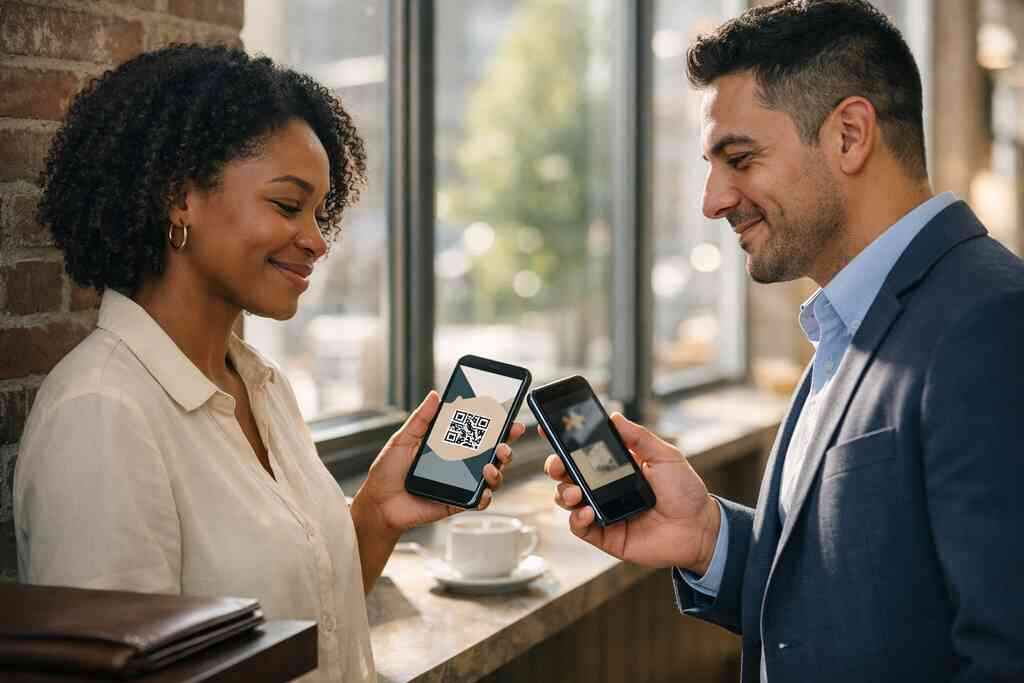
Why a paper card gets ignored the moment your phone opens social media
A paper card looks neat until it lands in a crowded bag. Then it disappears. If you have ever left a networking event with a stack of cards and a sinking feeling, that feeling is real. People want to connect, but they also want convenience. Social media rewards speed, and paper usually loses that race.
A digital business card solves that gap with less friction. It lets you share contact info while the conversation is still warm. That matters after an Instagram DM, a LinkedIn message, or a quick coffee chat in Suffolk County. It also fits the way people actually keep track of names now. No one wants to retype a title from memory after a busy day.
Here is the part most people miss: the problem is not only storage. The problem is momentum. If your contact details do not move fast enough, the connection cools. A digital business card keeps that moment alive and easy to act on.
How a digital business card keeps your contact from getting buried after an Instagram or LinkedIn exchange
A digital business card works because it shortens the gap between interest and action. Someone sees your profile, taps your link, and gets your business card details without hunting through inboxes. That is a cleaner path than a paper card photo sitting in a camera roll. It also helps your name stay attached to your brand. On social platforms, attention is fragile.
One client in Hauppauge told us he kept missing follow-ups after trade shows. He had the right contacts, but the cards ended up mixed with receipts and notes. Once he switched to an online business card sharing for LinkedIn growth, his outreach became easier to organize. He no longer relied on memory alone. That change sounds small. It is not.
The best part is the timing. A digital card can be shared during the conversation, not hours later. That makes it feel natural. It also works well for people who are juggling multiple platforms. LinkedIn, Instagram, email, and text each need a different kind of handoff, and a digital card keeps them aligned.
Why QR code business cards and NFC business cards feel faster than typing a name from memory
Typing a name from memory is where good intent gets lost. You may remember the company, but not the exact spelling. QR code business cards remove that friction. NFC business cards cut it even further when the device supports tap-based exchange. Both methods make sharing feel almost instant. That speed matters in busy rooms.
A QR code follows the ISO/IEC 18004 standard, which is one reason it scans reliably across devices. NFC also has strong technical backing through ISO 14443, and Apple’s Core NFC framework supports tap-to-share behavior on compatible devices. In plain language, both formats are built for contactless sharing. If you want a deeper comparison, our NFC business cards for contactless networking resource explains where each one fits best. The right choice depends on your audience. It is not about hype.
What we have seen in 2026 specifically is this: people respond fastest to the path they already understand. A QR scan feels familiar. A tap feels elegant. Either way, you are reducing the chance that your contact gets forgotten before follow-up starts.
What social media sharing changes for sales professionals, real estate agents, freelancers, and small business owners in Long Island, New York
Social media networking changes the pressure point. You are no longer hoping someone remembers you from a conference badge. You are giving them a path to act now. That matters for digital business cards for sales professionals, for digital business cards for real estate agents, and for freelancers who live and die by response time. It also matters for small business owners who need every exchange to count.
There is a special kind of frustration in losing a warm lead. We hear this from clients almost every week. You meet someone at a Hauppauge business mixer, they say they will reach out, and then nothing happens. A digital business card lowers that risk because it gives them a direct action. It makes the next move obvious.
Long Island networking has its own pace. People move between Suffolk County meetings, NYC commuter calls, and local co-working spaces in Commack. A paperless networking in New York approach fits that rhythm better than a paper stack. It saves time, reduces clutter, and keeps your contact reachable when the day gets noisy.
What actually makes a digital business card travel well across social platforms
A digital business card travels well when it looks native everywhere. That means it should feel right in a LinkedIn message, an Instagram bio, and an email signature. It also needs enough polish to reflect your brand without feeling overdesigned. The goal is simple: make sharing easy, and make remembering easier.
This is where many people overcomplicate things. They add too much text, too many links, and too many colors. Then the card stops feeling useful. A good digital card maker focuses on clarity first. Design second. Friction never wins here.
How custom branding and business card design make a digital card look native on LinkedIn, Instagram, and email
Strong design is not decoration. It is trust. A clean digital business card design tells people you pay attention to details. That impression matters on social platforms, where your card is often your first real brand touchpoint. If the card looks consistent with your profile, it feels native rather than pasted in.
A good digital business card design for social platforms should match your tone. A realtor may want a polished, property-focused layout. A freelancer may need a cleaner, more creative look. Corporate teams usually benefit from standardized branding across employees. That is where custom branding earns its keep. It makes every share feel intentional.
For visual planning, a digital business card template for LinkedIn approach can help you compare layouts before you commit. If you are choosing between a business card template and a more customized build, ask one question: does it make the next conversation easier? If not, simplify it.
Why digital card analytics and lead capture matter when a post share turns into a real conversation
A share is not the finish line. It is the opening. Digital card analytics show which shares get attention and which profiles get ignored. That matters because you can learn what actually drives response. Lead capture then helps convert that attention into something you can use.
Here is what almost no online guide mentions. A well-timed card share can reveal more than a paper exchange ever could. It shows who clicked, when they clicked, and which path they took next. That is useful for lead generation for professionals. It also keeps your follow-up grounded in facts rather than guesswork.
If you want a deeper look, our digital card analytics for lead capture guide explains the value without overcomplicating it. GDPR considerations also matter when you store shared contact details, especially if your audience reaches beyond New York. Keep data handling clean, simple, and transparent. That trust matters as much as the click.
Where CRM integration and follow-up automation fit without overcomplicating the contact exchange
CRM integration is useful when it removes manual work. It is not useful when it creates another dashboard you ignore. The best setups send contact details where your team already works. That keeps the exchange practical. Follow-up automation helps too, as long as it stays personal.
A digital business card can feed your CRM integration process after someone scans or taps. Then your team can segment leads and send a timely response. That is especially useful for sales teams and corporate teams with shared pipelines. It also helps small business owners stay organized after events. The contact does not sit in limbo.
If you want to see the workflow in action, review follow-up automation for digital business cards. Then compare that to CRM integration for digital business cards. Together, they can turn a quick exchange into a cleaner process. Just keep the setup lean.
How to choose between free digital business card options and premium digital card plans using our pricing page
Free tools can be fine for testing the waters. But they often limit branding, control, or scaling. Premium digital card plans usually make more sense when you need consistent use across a team. The right choice depends on how often you share, how many people need access, and how much control you want over presentation. 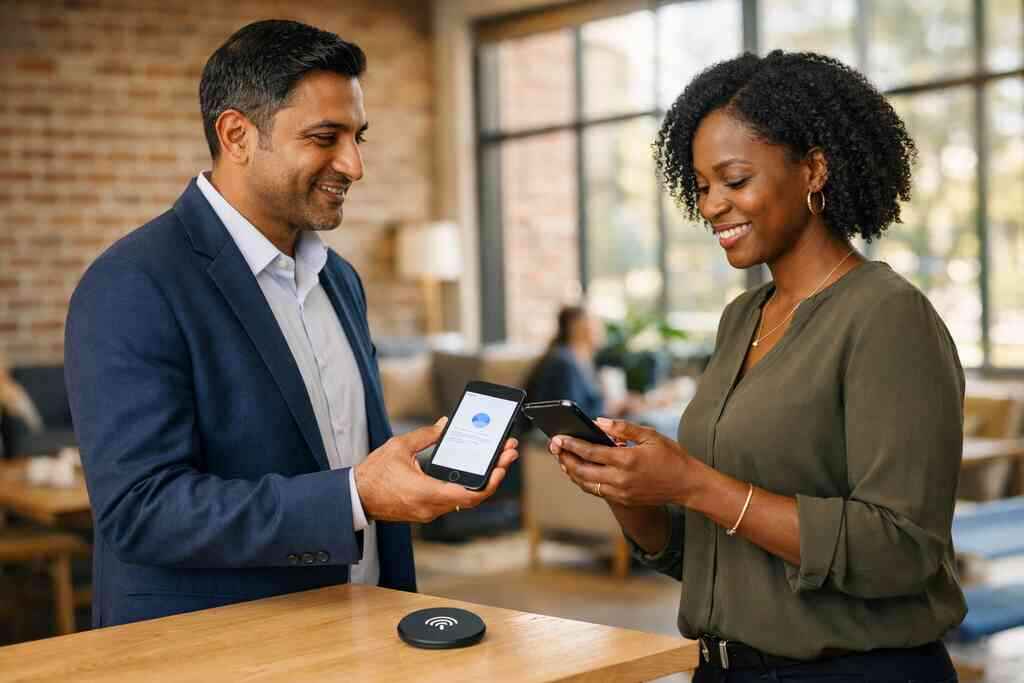
OptionBest forWatch forFree digital business cardSolo testing and simple sharingLimited control and fewer branding choicesPremium digital card plansTeams, frequent networkers, and structured follow-upMore setup, but more flexibilityDigital card pricing page reviewComparing value before committingCheck details carefully before decidingBefore you choose, review the digital business card pricing plans. The point is not to pay more. The point is to avoid repainting your whole system later. If you already know you need polish, control, and growth, free may feel tight fast. If you are just starting, free can still be a smart test.
The share-ready system that turns one scan into repeated visibility
A share-ready system does one thing well. It makes your card usable anywhere. That means on a story, in a DM, in email, and on a profile link. It also means the card still works after the moment passes. Repeated visibility is the real win, not one lucky exchange.
This is where design, wording, and social profile linking need to work together. A beautiful card that confuses people fails. A simple card that loads quickly keeps working. You want the second one. It is less flashy and more effective.
What a strong virtual business card design needs before you post it into a story, DM, or profile link
A strong virtual business card design starts with clarity. Your name, role, company, and best contact method should appear fast. Then your links should support action, not create clutter. The design needs to hold up in a tiny mobile view. That is where many cards break down.
Think of it like a storefront window. Too much text hides the point. Too many buttons create hesitation. A digital business card example should show the basics at a glance. That makes it easy to use in a story DM or as a profile link. It also keeps the card from feeling crowded.
If you are building from scratch, start with a clean business card template and trim anything that does not help the next step. One client in Garden City learned this the hard way. His first version had five links and three calls to action. The second version had one clear path. The second one got used more often.
How to create digital business card details that are clean, concise, and built for mobile-first networking
A digital card works best when your details are short and accurate. Use the name people call you. Use one main phone number. Use one email you actually monitor. That keeps the card easy to act on. Mobile-first networking punishes clutter.
The best digital card maker helps you create digital business card details without turning the process into a design project. That is why how to make a digital business card should feel straightforward. Fill in the essentials. Add only what improves response. Then test the card on your own phone before you share it widely.
A simple digital business card app workflow also helps here. You should be able to update a title, swap a phone number, or adjust a business card design without rebuilding everything. That flexibility matters for freelancers and small business marketing alike. It keeps your card current without making you start over.
Why digital business cards for networking work best when your social profile linking is intentional, not crowded
Social profile linking should guide people, not overwhelm them. One or two smart links usually outperform a dozen options. If someone finds you on LinkedIn, your digital business card for LinkedIn should support that path. If they find you on Instagram, the card should still feel natural. The wrong setup makes them hesitate.
Here is a simple rule: link only what serves the relationship. If you want email replies, keep email prominent. If you want direct booking, keep that path clean. If you want social proof, make sure the profile reflects it well. Crowded cards bury good intentions.
A practical digital business cards for networking on Long Island setup often includes just enough structure for local meetings and commuter exchanges. That might mean one main link for contact, one for a portfolio, and one for a calendar. It is not fancy. It is effective. That is usually the better trade.
How Long Island professionals use digital business cards near me logic at Hauppauge mixers, Commack co-working spaces, and NYC commuter meetings
Local behavior shapes how people share. In Long Island, a card often gets exchanged in motion. At a Hauppauge mixer, you may have seconds. In Commack co-working spaces, people may want to scan and save quietly. On the train into NYC, quick contactless sharing is often the easiest move. The format matters because the setting changes.
That is why “digital business cards near me” searches make sense. People want something practical, local, and quick. They want paperless networking that fits real schedules. They also want business networking on Long Island to feel less messy. A digital card does that without demanding a big workflow change.
A real estate agent in Suffolk County recently told us she shared her card after a showing, then sent a follow-up the same afternoon. The buyer did not need to search for her number. That small speed advantage mattered. Local networking still runs on trust, but digital contact sharing helps that trust travel faster.
When to send a digital business card for LinkedIn, when to use contactless sharing, and when NFC makes more sense
LinkedIn works best when the contact already knows your name or role. That is why a digital business card for LinkedIn is strong after a message or introduction. Contactless sharing makes more sense in person when the conversation is moving fast. NFC makes sense when device support and audience fit the tap behavior.
If your audience expects a tap, use tap. If they expect a scan, use QR. If they live in email and LinkedIn, send the link directly. The method should match the moment. That is the real etiquette of electronic business card exchange.
For a deeper device-level view, compare your options with QR code business cards for faster contact sharing and the difference between NFC and QR business cards for SMBs. Then decide whether tap-based sharing belongs in your setup. You do not need every option. You need the right one for the room.
What to do next on our how it works path if you want a simple setup with room to scale
If you want a simple setup, start small and build well. Fill out your profile. Choose a clean business card template. Add your contact details, then test the card on your phone. If it feels awkward to use, edit it again. Good setup should reduce friction, not add it.
Our how it works path is built for that kind of practical start. Create your card, share it, and let the contact path stay simple. If you later need more structure, you can expand into analytics, CRM integration, or team use. That is the benefit of a flexible digital card maker. It grows with your networking instead of forcing you to redo everything.
You do not need to solve every networking problem today. Start with one clean card, one clear share method, and one reliable follow-up habit. If you are in Long Island, New York, that small shift can make your next event feel far more controlled.
Frequently Asked Questions
Question: What makes a digital business card better than a paper card for social media networking in Long Island, New York?
Answer: A digital business card is built for the way people actually network online now. Instead of handing someone a paper card that can get lost, you can share contact info instantly through a link, QR code business card, or NFC business card. That makes it much easier to move from a social media message to a real conversation without friction. For Long Island professionals in Suffolk County or NYC commuter circles, that speed matters because follow-up often happens across LinkedIn, Instagram, email, and text. A digital card also supports paperless networking, which keeps your contact details easy to save, easy to update, and easier to use again later. It is a more modern fit for sales professionals, real estate agents, freelancers, and small business owners who want a cleaner way to stay connected.
Question: How does Digital Business Cards help with digital business card design, custom branding, and digital business card templates for social platforms?
Answer: Digital Business Cards is focused on helping people create digital business card setups that feel professional and easy to use across social platforms. A strong digital business card design should look good in a LinkedIn message, an Instagram bio, or an email signature without feeling crowded. That is where custom branding and the right business card template matter. When your virtual business card matches your profile and your brand tone, it feels more trustworthy and easier to remember. Digital Business Cards gives users a simple way to create digital business card layouts that keep the important business card details front and center. If you are comparing digital business card templates, the main question is whether the design makes it easier for people to contact you. If it does, it is doing its job.
Question: What makes What Makes Digital Business Cards Work for Social Media 2026 relevant for LinkedIn, Instagram, and electronic business card exchange?
Answer: The blog title What Makes Digital Business Cards Work for Social Media 2026 reflects a simple truth: social media networking works best when your contact handoff is quick and clear. On LinkedIn, a digital business card for LinkedIn can follow a connection request or direct message. On Instagram, it can live in a bio or be sent in a DM. In both cases, an electronic business card exchange is smoother than asking someone to type out your name and details later. Digital Business Cards supports this kind of online business card sharing by making it easier to keep your information in one place and share it in the format that fits the moment. That is especially useful for people who rely on mobile-first networking and want a practical digital card vs paper solution.
Question: Do QR code business cards and NFC business cards help with lead capture, digital card analytics, and follow-up automation?
Answer: Yes, they can support a more organized networking process when used well. QR code business cards and NFC business cards both make contactless sharing easier, which helps reduce the delay between meeting someone and getting your details in their hands. That faster exchange can improve lead capture because the connection is made while the conversation is still fresh. Digital card analytics can also be useful for understanding which shares get attention and which links people use most, though the exact functionality depends on the platform setup. Follow-up automation and CRM integration are helpful when they reduce manual work and keep leads from getting lost. For sales professionals, corporate teams, and real estate agents, that kind of structure can make professional networking more efficient without making the process complicated.
Question: What should I look for in a free digital business card versus premium digital card plans if I want better digital card pricing and networking results?
Answer: If you are just getting started, a free digital business card can be a practical way to test how digital business cards fit your workflow. It can help you learn what kind of digital business card features matter most, whether that is a clean business card template, contactless sharing, or simple social profile linking. Premium digital card plans are usually a better fit when you need more control, more consistent branding, or a setup that supports team use and ongoing networking. The key is to compare digital card pricing based on your real needs, not just the lowest number. If you are a freelancer, small business owner, or part of a growing team, the best digital business card platforms are the ones that keep your system simple and scalable. Before choosing, think about how often you will share your card, how important custom branding is, and whether your setup needs to support long-term professional networking.