
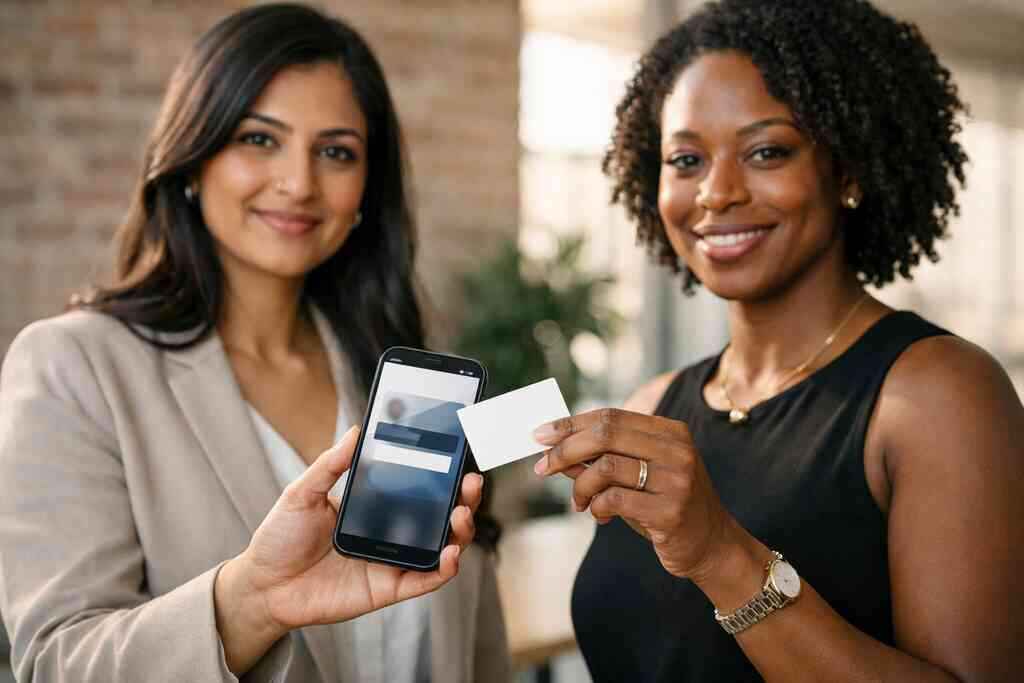
When a paper card becomes a dead end at the worst possible moment
A card falls out of your wallet. It lands in coffee. The ink smears before you get back to your car. That tiny mess can cost you a real follow-up, and it happens more often than people admit. If that frustrates you, you are in the right place.
Why smudged ink and lost stacks still cost real follow-up opportunities
Most people think a paper card fails only when it looks cheap. The bigger problem is timing. You meet someone valuable, they ask for your details, and your information disappears into a pocket, purse, or rental car cup holder. A 2023 Adobe survey found that many professionals have lost a paper card before following up, and that feels painfully familiar to anyone who networks often. The loss is not dramatic. It is just silent.
Here is the part most people miss: a business card is not really about paper. It is about what happens after the handoff. If the card cannot survive rain, ink smudges, or a crowded event, the opportunity can vanish with it. That is why many professionals are moving toward digital business cards and paperless networking.
One client we spoke with after a Hauppauge business mixer kept six cards in a jacket pocket for two days. By the time he checked them, two were unreadable. The contacts were still useful, but the momentum was gone. That is the real cost: not the card, but the delay.
How a digital business card keeps contact details in one place instead of in pockets and purses
A digital business card stores your contact details in one place and lets you share them instantly. Instead of handing over a paper object, you send an online business card, virtual business card, or electronic business card through a link, QR code, email, or tap. The format can vary, but the point stays the same: your details remain organized, current, and easy to share. That is why many teams now prefer a digital card maker over stacks of paper.
If you use What Is Digital Business Cards | Digital Online Cards to compare an online business card and virtual business card model, the advantage becomes clear. You can update one profile instead of reprinting dozens of cards. You can share contact info from one source instead of carrying backups everywhere. That matters for sales professionals, freelancers, and corporate teams who meet people all week.
A Commack co-working space manager once told us she kept paper cards in three bags. None were in the bag she needed. That kind of scramble disappears when your digital business card lives in one place and can be sent in seconds. It feels small until you are standing at a reception desk with one hand full of coffee.
What Long Island professionals notice first when switching from paper to paperless networking
Long Island professionals usually notice speed first. Then they notice control. Then they notice how much cleaner the follow-up process feels. On Long Island, where people often move between Suffolk County meetings, NYC appointments, and local networking events, that matters more than it sounds. A card that works in one setting but gets lost in another is not doing its job.
We have seen real estate agents in Garden City, consultants near the Huntington area, and small business owners in New York react the same way. They like not having to wonder whether their contact details are current. They like that paperless networking removes one more thing from a busy day. And yes, they like that the switch also supports sustainable business cards without making them look less professional.
What actually separates a digital business card from a QR card in real use
A QR card is useful. A digital business card is broader. That difference matters because people often treat them as the same thing, and they are not. A QR code business card can open a profile, but the profile itself is the real asset.
Why a digital business card is a full online business card while a QR card is usually just the doorway
Think of the QR code as a doorway, not the house. A QR card usually points someone to your details. A digital business card is the destination itself. It can hold your name, title, phone number, company, links, and other business card details in one place. The code is only one way in.
That is why the phrase digital business cards vs. QR code business cards in 2026 matters. The comparison is not just scan versus tap. It is complete profile versus static access point. A QR code business card can be enough for quick sharing. However, a full online business card gives you more room to organize, brand, and update your information.
If you are trying to understand the difference between digital and paper cards for sales teams, the biggest gap is flexibility. Paper freezes your details. A digital card adapts. That difference becomes obvious the moment your phone number changes, your role shifts, or you want to point people to a fresh campaign.
How QR code business cards and NFC business cards change the way people share contact info
QR code business cards work well when people are already looking at a screen. NFC business cards work well when a tap feels easier than a scan. Both support contactless sharing, but they change the handshake in different ways. QR is visible and familiar. NFC can feel faster and more polished.
Apple’s Core NFC framework and the ISO 14443 standard help explain why tap-to-share behavior feels smooth on supported devices. The technology is designed for short-range data exchange, which keeps the experience quick. QR, by contrast, follows the ISO/IEC 18004 standard and relies on camera scanning. Both are valid. They simply fit different habits.
- QR code business cards: best when users expect a scan
- NFC business cards: best when you want a fast tap
- Digital business cards: best when you want both, plus a live profile
If you want a deeper QR code business card and NFC business card comparison, that is usually where the practical decision gets clearer.
When a smart business card gives you more than a static scan ever can
A smart business card does more than open a contact page. It can support better organization, cleaner sharing, and more useful follow-up. That is where the difference between a basic scan and a real digital workflow shows up. A static QR code can send people somewhere. A smarter setup can also help you track interest and reduce friction.
On projects we have seen this year, the most useful cards were the ones that fit a real workflow. A freelancer could share a portfolio. A rep could send a calendar link. A team member could keep branding consistent across several offices. A smart business card is not about looking futuristic. It is about making the next step easier.
This is also where GDPR considerations matter. If your setup stores shared contact details, you need to think carefully about consent and retention. The most trustworthy systems make that easier to manage.
Where digital card vs. paper really becomes a workflow decision, not a design choice
The digital card vs. paper decision is often framed like a style choice. It is not. It is a workflow choice. Paper works when your information rarely changes and your networking is casual. Digital wins when you meet people often, follow up quickly, and need your contact details to stay current.
Here is a simple way to think about it:
SituationPaper cardDigital business cardDetail changesRequires reprintUpdate onceSharingPhysical handoffLink, QR, tap, emailFollow-upManualFaster and easierBrandingFixed printFlexible and editableThat is why many professionals now compare digital card vs. paper before they compare designs. The method matters more than the cardstock.
The parts of a modern card that matter more than the card itself
A modern card is really a system. The visible design matters, but the structure behind it matters more. If the details are hard to read, hard to update, or hard to share, even beautiful branding will not help much.
How business card details get organized for faster electronic business card exchange
Fast electronic business card exchange depends on clear business card details. That means name, title, company, phone, email, website, and the right links. It also means deciding what should appear first. A good digital card maker lets you organize that information so people can act quickly.
If you are learning how to create a digital business card with CRM integration, organization is where the value begins. The best systems reduce manual entry. They also support lead capture and smoother follow-up automation when someone shares their information back. That is especially helpful for sales professionals who cannot afford to lose a promising contact.
The goal is simple. You want a card that can be scanned, opened, and understood in seconds. Anything slower risks losing attention. And attention is expensive.
Why digital business card design and business card template choices shape trust before the scan
People judge design fast. Very fast. Before they scan, they notice color, spacing, logo placement, and whether the card feels consistent with your brand. That is why digital business card design and business card template choices shape trust so early. Sloppy layout suggests sloppy follow-up.
A strong business card template does not need to be flashy. It needs to be clear. The best digital business card templates usually make the contact path obvious and keep visual noise down. That helps real estate agents, corporate teams, and small business owners present themselves with confidence. It also helps freelancers look organized without overcomplicating the page.
If you want practical digital business card design templates for real estate and teams, focus on legibility first. Fancy is forgettable if the phone number is hard to read.
What digital card analytics and lead capture can tell you after someone views your card
This is where digital card analytics matter. A paper card disappears the moment it is handed over. A digital card can tell you more about what happens next. Did someone open it? Did they click a link? Did they save your contact? Those signals help you prioritize follow-up. Digital business card features for lead capture and analytics are especially useful for people who network all day. A realtor can see which open house contacts engaged. A consultant can notice which event contacts viewed the card twice. That is not magic. It is just better visibility, and visibility makes follow-up smarter. 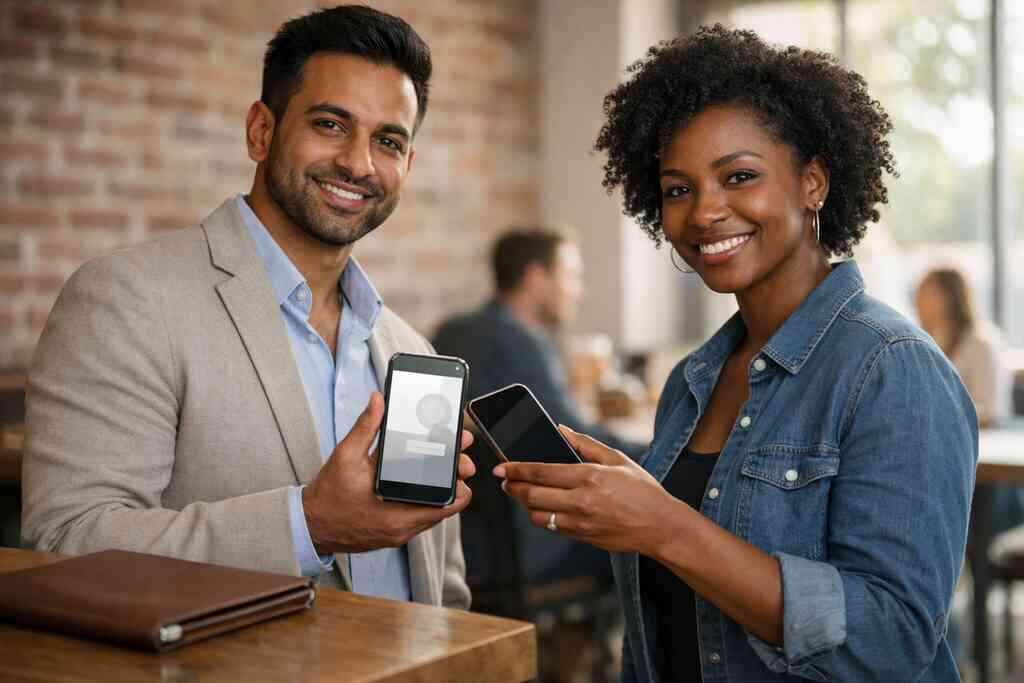
The best part is that this can support follow-up automation without feeling pushy. You are not guessing. You are responding to interest.
How custom branding and digital business card features support sales professionals, real estate agents, freelancers, corporate teams, and small business
Custom branding matters because your card is often the first proof of professionalism. Your logo, color palette, and layout should feel consistent with your website and email signature. That consistency builds confidence before anyone calls you. It also makes your digital business card easier to recognize later.
Different groups use the same tool differently:
- Sales professionals want fast sharing and follow-up
- Real estate agents want easy updates and open house sharing
- Freelancers want simple portfolio access
- Corporate teams want brand consistency
- Small business owners want one system that scales
If you want to compare how to make a digital business card for networking, the main question is not “what looks best?” It is “what helps people remember me and reach me faster?”
Why the best card choice depends on where and how you network
The best card is not the one with the most technology. It is the one that fits the room. A conference hall, an open house, and a one-on-one coffee meeting all reward different behaviors.
When a QR card works well at conferences, open houses, and quick introductions
QR cards are excellent when speed and visibility matter. At conferences, people already know how to scan. At open houses, guests can scan a sign or card without slowing the flow. For quick introductions, a QR card can be enough to move the conversation forward. That makes it practical for busy networking moments.
A QR code is also easy to print, easy to display, and easy to explain. For many people, that lowers friction. The code follows the ISO/IEC 18004 standard, so the format is familiar across devices. If you are still deciding whether to use a QR-first approach, that simplicity may be enough.
Still, a QR card is strongest when the destination is strong. If the landing page is weak, the scan feels wasted. That is why QR works best inside a broader digital business card strategy.
Why NFC business cards often feel faster for in-person meetings and premium handoffs
NFC business cards can feel almost invisible in use. You tap, and the exchange happens. No camera aiming. No extra instruction. That is why many people treat NFC as the premium handoff option. It feels fast in a way people notice immediately.
If you want a practical near-field communication cards for fast contact exchange explanation, think of it this way: less effort often means better adoption. At a seated meeting or a polished client event, the tap-to-share motion can feel smoother than asking someone to scan. That is especially true when the other person is holding coffee, a folder, or a badge lanyard.
We have seen this pattern in New York meetings and Long Island networking rooms. If you want the exchange to feel effortless, NFC can help.
How digital business cards for networking help NYC commuters and Long Island professionals stay organized
Commuters do not need more clutter. They need fewer loose ends. Digital business cards for networking in New York help by keeping one current profile instead of scattered cards and outdated print runs. That matters for anyone moving between Long Island and NYC on a packed schedule.
A digital system also makes it easier to sort contacts later. You can keep a clean trail of who you met, where you met them, and what information you shared. That kind of organization is why many people search for digital business cards for networking in New York. The tool is not glamorous. The result is calm.
What we see most often is simple. People stop missing names. They stop losing cards in coat pockets. They stop wondering which version of their contact details they handed out.
What matters for Suffolk County, NYC, and Garden City contacts who expect fast mobile sharing
Your contacts expect speed. In Suffolk County, at NYC meetings, and in places like Garden City, people are used to mobile-first communication. They do not want friction. They want the right link, the right number, and a path to reply quickly.
This is where digital business cards near me becomes a local search with real intent. People are not looking for a novelty. They are looking for a better system that fits local pace. In practice, that means fast mobile sharing, clean branding, and easy follow-up. Those are the basics that earn trust.
If your audience lives on their phone, your card should be ready there too.
The smartest way to choose your setup without overbuying
You do not need the most elaborate setup. You need the one you will actually use. That means matching features to your habits, your team size, and your follow-up process.
How to make a digital business card that fits your actual workflow and brand
Start with your workflow, not the template. Think about how you meet people, where you share contact info, and what you want them to do next. Then build the card around that. A good system should support your digital business card app use, your brand, and your daily routine.
If you are figuring out how to make a digital business card for networking, keep it simple:
- Choose the details you actually need.
- Match the design to your brand.
- Decide whether you want QR, NFC, or both.
- Test the sharing flow on your phone.
- Make sure updates are easy.
That process works better than overbuilding on day one. It also keeps the setup practical for real life.
When free digital business card options may be enough and when premium digital card plans make more sense
A free digital business card can work for light networking. If you only meet a few people a week and you just need basic sharing, that may be enough. But if you rely on networking for sales, recruiting, or referrals, premium digital card plans can make more sense. The difference is usually not vanity. It is efficiency.
You should compare options carefully before deciding. Digital card pricing for small teams and premium plans should be weighed against time saved, missed follow-ups, and brand consistency. That is a better standard than picking the cheapest option. The best digital business card platforms are the ones you can keep using without friction.
For small business owners, the right plan is often the one that reduces admin work. That is where value lives.
Why digital card pricing should be compared against time saved and missed follow-ups
Price is easy to see. Lost opportunity is harder. That is why digital card pricing should be measured against the time you save and the follow-ups you do not miss. If a better system saves even a few warm leads a month, the math changes quickly.
A paper card has hidden costs: reprinting, reordering, outdated titles, and lost contacts. A digital setup reduces those costs by keeping your business card details current. It also supports CRM integration when you want more disciplined tracking. That matters if you are serious about professional networking.
The mistake we see most often is comparing a digital system to a box of cards instead of comparing it to the cost of missed contact.
Which next move fits your goal whether you want a digital business card for LinkedIn, an Apple Wallet business card, or a Google Pay card
Your next move should match your audience. If your contacts live on LinkedIn, build for that. If you want something ready in a wallet, consider an Apple Wallet business card or a Google Pay card. If your focus is in-person networking, NFC and QR together may be the better mix.
You can also review The Difference Between NFC and QR Business Cards for 2026 if you want a more practical side-by-side view. The right choice is rarely the fanciest one. It is the one that makes sharing easy, branding consistent, and follow-up immediate.
If you want to keep it local and practical, start with one card that works for your Long Island, New York routine, then refine it from there. You do not have to figure this out alone, and you do not have to perfect it tonight. Pick one setup, test it at your next meeting, and see how much smoother the exchange feels.
Frequently Asked Questions
Question: What is the difference between digital business cards and QR code business cards in 2026?
Answer: The simplest way to think about it is that a QR code business card is usually the doorway, while a digital business card is the full destination. A QR card typically gives someone a fast way to scan and view your contact info, but a digital business card can function as a complete online business card, virtual business card, or electronic business card with your business card details organized in one place. That makes it easier to share contact info, update your information, and keep your branding consistent over time. For people in Long Island, New York, Suffolk County, and NYC who rely on professional networking, that flexibility can make a real difference.
Question: How do I create digital business card options that fit my brand and workflow?
Answer: The best way to create digital business card options is to start with your actual workflow first, then build the design around it. A good digital card maker should help you create a digital business card that reflects your role, your audience, and the way you network. That means choosing the right business card template, setting up clear business card details, and making sure your digital business card design feels aligned with your brand. If you are a sales professional, real estate agent, freelancer, corporate team member, or small business owner, the goal is to make your card simple to use, easy to share, and easy to remember. Digital Business Cards is based in Long Island, New York, and focuses on helping people move from paperless networking friction to a smoother digital card vs. paper experience.
Question: Are NFC business cards better than QR code business cards for contactless sharing?
Answer: NFC business cards and QR code business cards both support contactless sharing, but they work a little differently. QR code business cards are familiar and easy to scan, which makes them useful for conferences, open houses, and quick introductions. NFC business cards can feel faster in person because the exchange happens with a tap. In practice, many people prefer a smart business card setup that gives them both options, especially when they want to make sharing feel effortless. The right choice depends on your audience, the setting, and whether you want a scan-first or tap-first experience. For many professionals, the best digital business card platforms are the ones that keep things flexible rather than forcing one sharing method.
Question: What digital business card features matter most for lead capture, CRM integration, and follow-up automation?
Answer: The most useful digital business card features are usually the ones that help you move from an introduction to a follow-up without extra manual work. That can include lead capture, digital card analytics, CRM integration, and tools that make follow-up automation easier. For example, if someone views your card, clicks a link, or saves your contact, that kind of visibility can help you decide what to do next. This is especially valuable for sales professionals, real estate agents, and corporate teams who meet many people in a week. A strong electronic business card exchange should reduce friction, keep your data organized, and support your next conversation. Even if you are looking at a free digital business card or premium digital card plans, the real value is whether the system helps you stay current and responsive.
Question: Why should I choose Digital Business Cards instead of paper cards if I network in Long Island and NYC?
Answer: If you network often in Long Island, NYC, or Suffolk County, digital business cards can help you stay organized without carrying stacks of paper around. Paper cards can be smudged, lost, or outdated, while a digital business card keeps your information in one place and makes updates much easier. That matters when your role changes, your phone number changes, or you want to share a digital business card for LinkedIn, an Apple Wallet business card, or a Google Pay card. Digital Business Cards is focused on making that process simple with an approach that supports custom branding, sustainable business cards, and practical digital business cards for networking. If you are comparing digital card pricing, it is smart to think about time saved, missed follow-ups avoided, and the convenience of a system you will actually use. The result is a cleaner, more reliable way to share contact info and present a professional image.