
When a Paper Card Fails at Penn Station, What Actually Gets Your Contact Shared?
A paper card can disappear before the train leaves the platform. That is the part people forget. Ink smudges, cardholders bend, and pockets fill fast after a long day in Manhattan. If you are reading this because your follow-up feels weaker than your networking effort, that frustration makes sense. We hear it from commuters, sales reps, and founders all the time.
Why NYC teams lose momentum when paper cards pile up, smudge, or disappear
Paper cards look simple until the day they fail. A subway delay, a wet coat, or a crowded conference table can turn one card into a lost lead. In practice, that means your business card details never make it into the right phone. A digital card vs paper comparison usually ends right there for busy teams. Paper is physical. Follow-up is digital. The gap is where contacts vanish.
A 2023 Adobe survey found that many professionals have lost a paper card before following up. That lines up with what we see in Long Island and NYC. The problem is not effort. The problem is friction. When the card is easy to misplace, the conversation weakens before it becomes a relationship.
How a digital business card keeps contact info in one place for commuters and client meetings
A digital business card fixes the storage problem first. Instead of scattering information across a wallet, desk, or coat pocket, you keep everything in one place. That matters for professional networking because your share contact info moment becomes repeatable. A virtual business card or electronic business card also reduces the awkward pause of typing details by hand. For paperless networking, that alone changes the pace.
Here is the part most people miss. A digital card is not just a cleaner version of paper. It is a small system. You can create a digital business card design, store it in a digital business card app, and use it again across meetings. If you want a simple setup, start with a how-it-works guide. That keeps the workflow clear for NYC teams and Long Island digital business cards users alike.
One client in Garden City kept handing out folded paper cards at showings. By the time buyers reached the parking lot, half the cards were bent or gone. After switching to a smart business card, the same agent could share details in seconds. The conversation stayed alive. The contact did too.
Where QR code business cards and NFC business cards fit in a real New York networking moment
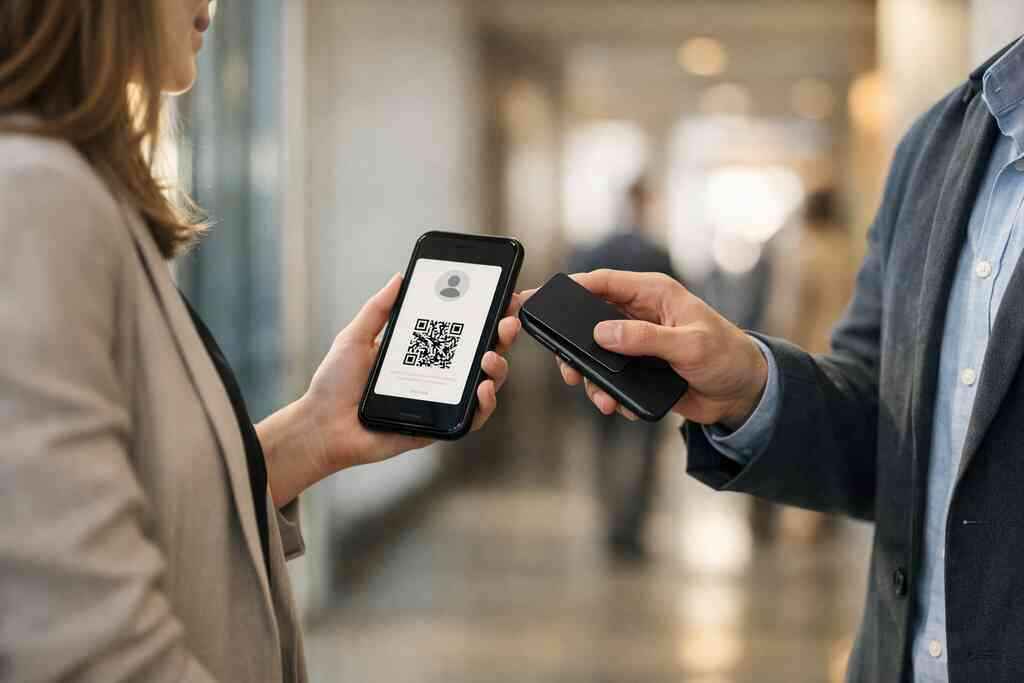
QR code business cards and NFC business cards solve the same problem in different ways. Both support contactless sharing, and both fit digital business cards for networking. QR works with a scan. NFC works with a tap. In a fast New York hallway, either can save time. The better choice depends on the room, the device mix, and your team’s habits.
If you are part of a small business, a freelance practice, or a sales team, QR usually feels more flexible. If you manage corporate teams, NFC can feel more polished. For a deeper side-by-side, see our comparison of QR code business cards and NFC business cards for brands. The right answer is not universal. It is operational.
The Quiet Technical Split Between a Scan and a Tap
The QR versus NFC choice seems small until you deploy it across a team. Then reliability matters. So does device behavior. So does speed. A good digital business card should match the way your team actually networks, not the way a brochure describes technology. That is why the technical details matter more than most people expect.
How QR code business cards work under ISO/IEC 18004 and why that matters for speed
A QR code is a visual matrix that a phone camera reads. The relevant standard is ISO/IEC 18004. That matters because standards improve interoperability. In plain English, the code is not guessing. It follows a defined structure that phones recognize quickly. For busy NYC business networking, that can be the difference between a clean scan and a missed moment.
QR also works well when you do not want a physical tap point. You can place it on a screen, badge, or printed card. That makes QR code scanning useful in conference lines, reception desks, and elevator conversations. It also keeps digital business card templates simpler. If you want a light, flexible path, QR is usually the easiest online business card format to share.
How NFC business cards use tap to share contact info and where ISO 14443 comes into play
NFC uses short-range radio communication. The main standard here is ISO 14443. That standard defines how a card and a reader exchange data at close range. In practical terms, you tap the card or device, and the phone opens the shared profile. That makes NFC tap sharing feel smooth in hand-to-hand introductions.
For teams that want to explore this format, our NFC vs QR Code Digital Business Cards: Which Wins in 2026 overview is a useful starting point. NFC often feels cleaner in brand-facing situations because the motion is simple. No camera. No aiming. No glare from glass walls or station lighting. Still, it depends on device support and user habit, which is why strategy matters.
Why Apple Core NFC support changes the reliability conversation for iPhone-heavy teams
If your team uses a lot of iPhones, Apple Core NFC becomes important. Apple’s framework supports NFC interactions in a controlled way. That improves the reliability conversation for electronic business card exchange. It also means your team should test behavior on the devices they actually use. Not every tap works the same across every phone model.
What we’ve seen in 2026 specifically is simple. Teams with heavy iPhone use often like NFC, but they still want a fallback. That is smart. If you rely only on tap, one unsupported device can stall a meeting. For digital business cards, reliability beats novelty. If you want a flexible setup for a mixed-device team, scan-based sharing can reduce surprises.
When a smart business card needs a QR fallback instead of betting on one method
A smart business card should not be fragile. That is the mistake we see most often. Teams choose one method, then discover a device mismatch, a dead battery, or a user who does not know what to do next. A QR fallback solves that. It gives the recipient another path to the same contact.
A simple rule helps. Use NFC as the polished touchpoint. Use QR as the universal backup. That combination works well for digital business cards for corporate teams in New York, especially when people move between Android, iPhone, and desktop habits. It also supports custom branding without forcing a single interaction pattern. If you are comparing formats for team rollout, a small-business comparison of NFC and QR code cards is worth a look.
Here is a quick comparison that helps in real rooms:
FormatStrengthBest useQR code business cardsFast, universal, flexibleMixed devices, screens, badgesNFC business cardsClean tap-to-share motioniPhone-heavy teams, polished handoffsQR + NFC togetherRedundant and resilientTeams that cannot afford missed contact sharingWhich Format Wins for Sales Teams, Real Estate Agents, and Office Networking in Long Island and NYC
The best format depends on how you work. A sales rep in Midtown does not network like a real estate agent in Garden City. A freelancer in Commack does not need the same setup as a corporate marketing team in a glass office tower. That is why the right answer starts with behavior, not branding. Your card should fit the room you are in.
Why sales professionals and freelancers often prefer QR code business cards for flexible sharing
Sales professionals move fast. Freelancers move even faster. QR works well because it can be shared from a phone, laptop, or badge without extra hardware. It also supports digital business cards for LinkedIn networking when you need a quick contact exchange after a call. For people who send links in follow-up, that flexibility matters. 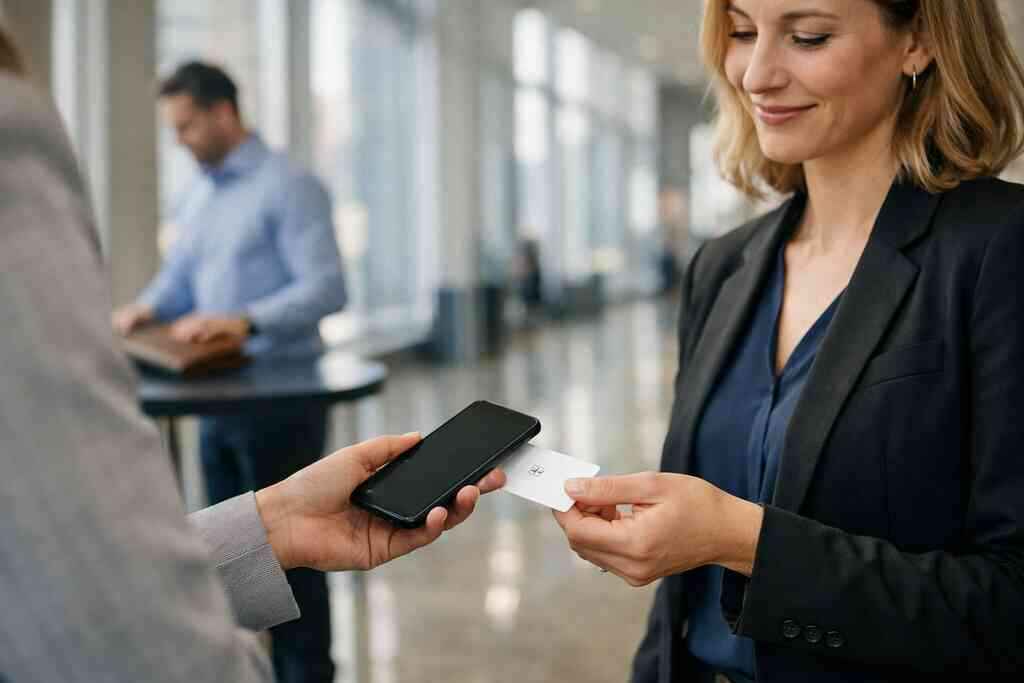
If your goal is speed, a QR-driven card often fits better than a tap-only card. It is easier to demo. It is easier to resend. It is easier to place in email signatures and event materials. For more industry-specific guidance, see our digital business cards for NYC sales teams. That path usually suits people who need to share contact info many times a day.
When corporate teams need NFC tap sharing for cleaner brand consistency
Corporate teams usually care about consistency. They want one design, one process, and one brand voice. NFC can help because the interaction feels deliberate. The card looks premium, and the tap motion feels controlled. That supports team branding consistency and cleaner internal adoption. It also pairs well with digital business card features that standardize how employees present themselves.
For larger organizations, rollout matters as much as design. If you need to create cards across a department, a structured platform helps. Our corporate team setup page explains that process. A thoughtful setup reduces confusion and supports brand and identity development. It also keeps the card aligned with your team’s real workflows.
How real estate agents in Garden City and client-facing teams in Long Island use digital business cards for networking
Real estate is personal. Agents in Garden City, Suffolk County, and throughout Long Island need a card that survives showings, open houses, and referral conversations. A virtual card design lets them present polished business card example details without carrying stacks of paper. That matters when someone asks for a contact after a property tour. You need the exchange to feel effortless.
A local agent once told us she lost three paper cards in one afternoon during a rain-heavy showing route. She switched to a digital business card app with a branded profile and never went back. The change was not dramatic. It was practical. For digital business cards for real estate agents in New York, the better choice often comes down to speed, image, and reliability. You can see related examples on our top digital business cards for real estate in NYC.
What matters more in crowded rooms like Hauppauge mixers and Commack co-working spaces
In crowded rooms, small details matter. Noise rises. Lighting changes. People keep moving. That is why paperless networking needs a tool that works in motion. Hauppauge business mixers and Commack co-working spaces both reward simple, low-friction handoffs. If the interaction takes too long, the moment passes.
For these settings, the winner is usually the card people understand instantly. QR wins when the group is mixed and the pace is fast. NFC wins when the group is familiar with tap sharing and wants cleaner presentation. Either way, the best digital business card platforms make the exchange invisible. If you are exploring options for a team or local shop, our guide to digital business cards for Suffolk County small businesses can help you choose with less guesswork.
The Decision Frame That Turns a Digital Card into a Real Networking System
A card is only useful if it supports follow-up. That sounds obvious, yet most teams still treat networking like a one-time handoff. The better approach is a system. Design, sharing method, lead capture, and follow-up should work together. That is where a digital card becomes more than a replacement for paper.
How to create digital business card designs that feel on brand without overcomplicating the layout
Good digital business card design starts with restraint. You need name, title, company, contact points, and a clear action. That is enough for most teams. Too much clutter slows the reader. Too many colors dilute the message. A clean business card template usually performs better than a crowded custom layout.
If you are building from scratch, keep the hierarchy simple:
- Name and role first
- Primary phone or email second
- One branded action next
- Optional social or wallet links last
This is where virtual card design and business card design overlap. The goal is not decoration. The goal is clarity. If your team needs a fast starting point, use digital business card templates. That keeps the work organized without forcing a generic look.
When to use templates and a digital card maker to standardize team cards fast
Templates save time when your team grows. A digital card maker can help you create digital business card layouts quickly, especially when you need several roles on one brand system. That is useful for small business owners, departments, and distributed teams. It also reduces design drift. Everyone stays on the same page.
Standardization helps with onboarding too. New hires should not wait weeks for a card. They should have a polished profile fast. That is one reason teams ask about how to make a digital business card with less back-and-forth. A structured template approach gives you control while still allowing custom branding. For setup help, see how to create a digital business card.
Where features like lead capture, CRM integration, digital card analytics, and follow-up automation may matter
This is where the card becomes a system. Lead capture helps you keep track of who engaged. CRM integration moves that contact into your sales process. Digital card analytics can show which cards get attention. Follow-up automation reduces the delay between meeting and message. Not every team needs all four, but many benefit from at least one.
If you are managing a pipeline, those tools matter more than design flair. They turn a contact exchange into a measurable action. That is especially useful for sales professionals, corporate teams, and service businesses that depend on consistent follow-up. For a deeper look, our digital business card analytics guide is a practical next read. It also helps you decide what you actually need.
How to choose between free digital business card options and premium digital card plans without guessing
Price matters, but so does fit. A free digital business card can be enough for a solo user testing the format. A paid plan may make more sense for teams that need branding control, admin oversight, or deeper sharing tools. The key is not to buy more than you need. It is to avoid choosing too little and rebuilding later.
Here is the clearest way to think about it:
- Start with your use case.
- Decide how many people need cards.
- Check how much branding control you need.
- Compare support for sharing and tracking.
- Review the plan before rollout.
For current options, visit our pricing and plans page. That keeps your decision grounded in actual needs, not assumptions. It also helps you compare digital card pricing with your team’s adoption goals.
What to do next if your team wants paperless networking that works in NYC and across Long Island
If your team wants real momentum, start with one card format and one rollout plan. Decide who needs QR, who needs NFC, and who needs both. Then test the card in the rooms you actually use. Try it in a Midtown lobby, a Long Island showroom, or a Commack co-working space. Real conditions reveal more than any feature list.
For teams thinking about digital business cards near me in Long Island, the next move is simple. Pick one person, one use case, and one design. Test it for a week. Then scale with confidence. If you want a practical rollout framework, our guide to improving email follow-up ROI is a strong place to continue. You do not have to solve everything at once, and you do not have to keep losing contacts to paper.
Frequently Asked Questions
Do digital business cards work without an app?
Yes, many do. Most digital business cards share through a link, QR code, or tap action that opens in a browser. That makes them easier to use in meetings and events. For teams that want simple contact sharing, browser-based access reduces friction. If you want setup details, review how digital business cards work.
Can I customize the design of my digital card?
Usually, yes. Custom branding is one of the main reasons teams switch from paper. You can often adjust colors, logos, titles, and layout choices. Good design keeps the card clear and fast to read. If your team needs a starting point, use digital business card templates.
Is NFC safe for sharing contact info?
In general, NFC is considered a safe short-range method for sharing basic contact details. It works only at close distance, which limits accidental activation. Still, your team should control what data appears on the card. For a stronger comparison, see our NFC business card guide.
What is better for NYC teams, QR or NFC?
It depends on how your team networks. QR is more universal and flexible. NFC feels smoother and more premium in close conversations. Many NYC teams use both to avoid missed connections. If you want a detailed breakdown, read QR code business cards and NFC business cards for NYC teams.
Can digital business cards help with CRM integration?
Yes, many teams use digital cards to support lead capture and CRM workflows. That can reduce manual data entry and speed up follow-up. The exact setup depends on the platform and your internal process. For a closer look, see digital business cards for CRM integration and lead capture.
Are digital business cards useful for real estate agents in New York?
Absolutely. Real estate agents need fast, polished contact sharing during showings, open houses, and referrals. A digital card also helps when paper cards get bent, wet, or misplaced. For examples tailored to the field, see digital business cards for real estate agents in New York.
What is the best next move for a small team in Long Island?
Start with one simple card design and test it in your busiest networking setting. That might be a client meeting, a Hauppauge mixer, or a commuter-heavy day in NYC. Then adjust the layout and sharing method based on real use. If you want a local-friendly path, explore digital business cards for Long Island small businesses.