
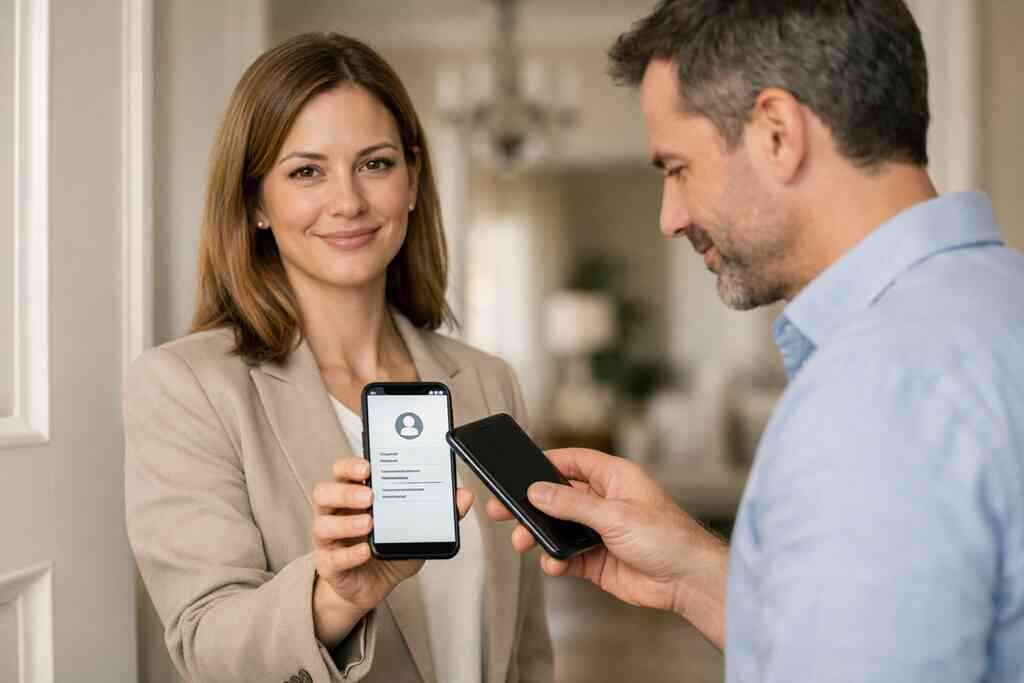
A real estate agent in Garden City once told us the awkward part was not the meeting. It was the silence after the handshake. Her paper card stayed in a purse pocket, then vanished under receipts, and the lead never got followed up. If you are reading this because your own contacts keep slipping away, that frustration makes sense. The difference between QR code business cards and NFC business cards is not small. It changes how fast someone can save you, trust you, and contact you again.
Why two cards can look the same but behave nothing alike at the point of contact
The moment a paper card gets swapped for a tap or scan
A paper card looks simple until it gets bent, smudged, or tossed. Then the contact is gone. A digital business card changes that moment completely. Instead of hoping the other person remembers your name, you give them a scan or tap that opens your details right away. That is why digital business cards, virtual business cards, and electronic business cards keep showing up in professional networking circles.
The emotional part matters here. People do not want another pile of forgotten paper. They want a clean exchange and a fast follow-up path. That is especially true for sales professionals, freelancers, and corporate teams who meet strangers all week. A digital business card gives you that cleaner handoff without making the conversation feel technical.
Why a QR code business card and an NFC business card solve different problems
A QR code business card solves the access problem. Nearly every modern phone can scan a code with the camera. An NFC business card solves the speed problem. You tap, and the card can trigger contactless sharing almost instantly on compatible devices. Both are smart business card formats, but they win in different moments.
Here is the part most people miss. The question is not which one is better in the abstract. It is which one fits the room, the device, and the pace of the meeting. On Long Island, that matters at crowded mixers, open houses, and trade events where the conversation moves fast. The best digital business cards for networking often use the method your audience will actually use.
What Long Island professionals notice first at mixers, open houses, and client meetings
At a Hauppauge business mixer, you may have thirty seconds before the next introduction. At an open house in Suffolk County, the handoff needs to feel smooth and professional. In both settings, people notice friction immediately. If they need to download an app, search for your email, or type a name later, the moment weakens.
One client in Commack kept using paper cards because they felt familiar. Then rain ruined a stack in the car console, and several cards were unreadable by the time the meeting ended. We hear that story often. Once people switch to paperless networking, they usually notice the same thing first: fewer lost contacts and fewer awkward follow-up delays.
The mechanics behind scan to connect and tap to share without the tech jargon
How QR code business cards work under ISO IEC 18004
A QR code is a machine-readable pattern defined under ISO/IEC 18004. That standard keeps the code readable across devices and apps. In plain English, it means the code can hold a link or contact pathway that a phone can open quickly. For QR code business cards, the code usually points to a profile page, a vCard file, or another digital destination.
The contact details are not living inside the code forever in the way people imagine. The code is the doorway. The real business card details sit behind it, often in a digital profile or online business card format. That is why QR code technology for mobile devices works well for electronic business card exchange. It gives the scanner a clear path to your information without forcing a complicated setup.
How NFC business cards use short range data exchange and Core NFC support
NFC business cards use near field communication, which relies on short-range data exchange. On Apple devices, Core NFC support helps the phone read compatible tags and trigger the card experience. The tap feels instant because the device is close enough to read the signal. That makes the exchange feel natural in face-to-face networking.
If you want a deeper technical reference, near field communication for contactless exchange explains the protocol behind the tap. Still, the practical point is simpler. NFC business cards are designed for convenience, speed, and polished presentation. Many professionals like them because the action feels smooth and memorable, especially in high-trust meetings.
Why one method needs camera access and the other depends on device compatibility
QR scanning usually needs camera access. That is easy for most people, but it still asks for one extra action. NFC depends on device compatibility instead. If a phone supports the tap, the process feels nearly invisible. If it does not, the card may need a QR backup.
That is why smart networking teams think in systems, not single features. A card should work in the real world, not just in theory. On the projects we’ve finished this year, the strongest setups were often hybrid ones. They combined scan-to-connect with tap-to-share networking so the sender had a backup no matter who was standing across the table.
Where a smart business card stores the contact details and where the real connection happens
A smart business card usually stores the contact pathway, not the whole relationship. The profile might hold your phone number, email, website, LinkedIn link, and other business card details. But the real connection happens after the exchange, when the recipient saves, clicks, or follows up. That is where digital business card features matter most.
If you care about lead capture, CRM integration, or follow-up automation, the storage layer becomes important. A how digital business cards work page should explain how the profile is created and shared. Privacy matters too. If you store or process personal contact details, keep GDPR principles in mind, even if your audience is local. Clear consent, limited collection, and responsible use are part of trustworthy digital networking.
When QR wins and when NFC earns the faster handshake
Why QR code business cards are often the safer universal choice
QR code business cards are usually the safer universal choice because they work on more phones. They do not require the other person to own a specific chip-enabled device. They also work well in bright daylight, busy rooms, and situations where people prefer camera scanning over tapping. For many professionals, that makes QR the most reliable default.
The other advantage is familiarity. People already scan menus, event badges, and signs. So the learning curve is low. In a practical QR code business card vs NFC business card comparison, QR often wins on reach. That matters if you meet strangers across different industries, age groups, and device habits.
Where NFC business cards feel smoother in high trust face to face moments
NFC business cards feel smoother when the meeting is personal and intentional. Think of a quiet sales pitch, a one-to-one coffee meeting, or a polished client introduction. The tap feels direct. It reduces hesitation and keeps the conversation moving. For some people, that physical motion signals professionalism before the profile even opens.
That matters in real estate, consulting, and executive networking. A smart business card with NFC can feel like a tiny piece of premium brand behavior. Still, the experience depends on the other person’s device. If compatibility fails, the smooth moment turns clumsy fast. That is why many teams keep QR available as backup.
Which option works better for crowded events, quick intros, and outdoor networking on Long Island
Crowded events favor QR more often than NFC. People are moving, phones are out, and camera scanning is a familiar reflex. Outdoor networking on Long Island adds another layer because sunlight, movement, and weather can make quick tapping less practical. At a summer event near the waterfront, you do not want the entire exchange to depend on a single device behavior.
That said, NFC still shines in controlled settings. If you are at a small executive roundtable in NYC or a private client meeting in Suffolk County, tap-to-share can feel elegant. The choice is less about technology and more about context. One recent freelancer in Nassau County switched to a dual setup after missing three follow-ups at a loud venue. The QR code handled the crowd; the NFC card handled the polished moments.
The hidden tradeoff between universal access and tap to share convenience
The tradeoff is simple. QR gives you broader access. NFC gives you faster convenience. You rarely get both without planning for backup. That is why many digital business cards for networking now treat NFC vs QR code comparison as a strategy question, not a feature war. 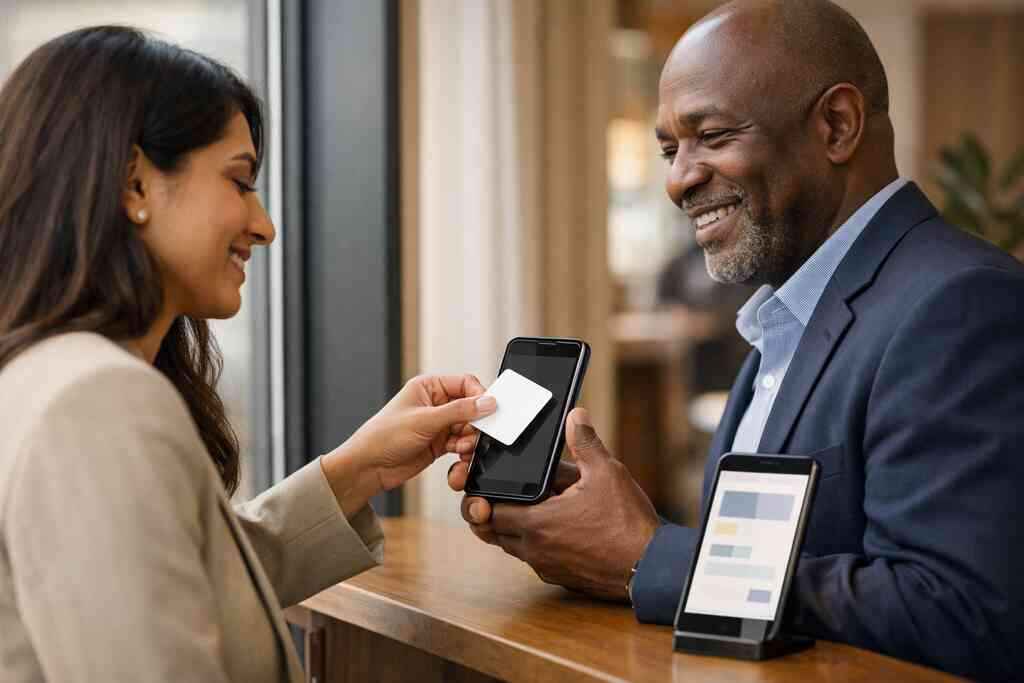
FactorQR Code Business CardNFC Business CardDevice reachBroadDepends on compatibilitySpeedFastFasterSetup feelFamiliarPremiumBackup needLowerHigherBest useMass networkingHigh-trust meetingsIf you want a purely practical answer, start with your audience. If you want maximum reach, QR is the safer bet. If you want a smoother handoff and your audience is device-ready, NFC earns its place.
What changes when your card becomes a digital business card instead of a piece of paper
How a digital business card can centralize contact info, links, and business card details
A digital business card turns scattered information into one clean profile. Instead of separate cards, bios, and link lists, you keep one online business card with the essentials in one place. That usually includes contact info, website links, social profiles, and business card details people actually need. For many users, that is the whole appeal. It also helps with paperless networking and sustainable business cards. You stop reprinting every time your title changes. You also reduce the chance of sharing outdated details. For digital business cards and electronic contact sharing, centralization is the real value, not just the format. ### Why digital card design matters for sales professionals, freelancers, corporate teams, and small business owners
Design matters because people judge fast. A digital card design that feels cluttered can weaken trust. A clean virtual card design helps you look organized and ready. That matters whether you are a freelancer, a small business owner, or part of a corporate team.
Sales professionals need quick access to contact pathways. Real estate agents often need listing links and a strong brand impression. Freelancers may want portfolio links. Corporate teams may need consistency across employees. A good business card template or set of digital business card templates helps each group present the right information without rebuilding everything from scratch.
Where custom branding, digital card analytics, and lead capture can support follow up
Custom branding makes the card feel like yours, not a generic page. Digital card analytics can show what gets clicked, which gives you a clearer sense of interest. Lead capture adds another layer when the platform allows a form or contact pathway before sharing. That combination can support follow-up without turning the exchange into a sales pitch.
If you are exploring this deeper, look for digital business card analytics for follow up tracking and related CRM integration options. The goal is not surveillance. The goal is better timing. A person who clicks your phone number at 9 p.m. may need a different follow-up than someone who only viewed your LinkedIn link.
How to make a digital business card with templates without starting from scratch
Templates save time and reduce decision fatigue. They help you create digital business card layouts that already feel balanced. If you are not a designer, that matters. A strong template gives you structure for your name, title, logo, call-to-action, and key links without making the page crowded.
Start with a simple business card template and adjust the essentials. Add your brand colors carefully. Keep the call-to-action direct. If you want practical guidance, digital business card templates and design ideas can help you see what a finished card should look like before you build one.
When the digital card vs paper choice starts saving time and missed opportunities
The savings show up in small moments first. No more reprints because your title changed. No more carrying a stack that gets bent in a bag. No more hoping someone typed your number correctly. Those missed opportunities add up, especially for digital business cards for networking.
The bigger benefit appears later. You can share faster, follow up sooner, and keep your contact details current. That matters for professionals moving between Long Island, New York, Suffolk County, and NYC. If you work across those markets, stale paper cards age badly. Digital keeps pace.
Which move makes sense next if you want a smarter card for networking in Long Island and beyond
How to choose between QR only NFC only or a combined setup based on your goals
Start with your audience, not the format. If you meet broad groups, QR only may be enough. If you want a premium handoff with smaller, high-intent meetings, NFC only can work. If you move between conferences, open houses, and private client settings, a combined setup is often the smartest move.
Here is a quick decision guide:
- Choose QR only if reach matters most.
- Choose NFC only if speed and polish matter most.
- Choose both if you want backup and flexibility.
- Choose digital plus paperless if you want less reprinting and easier updates.
That logic fits digital business cards near me searches, too. The best answer depends on how you actually network.
When to compare digital card pricing and free digital business card options on the pricing page
Pricing matters when you are testing a new workflow. If you are just exploring, a free digital business card option can help you learn what works. If you need more control, premium digital card plans may be worth comparing. The important thing is to understand what you need before you pay for extras you will not use.
Before you decide, review digital business card pricing and plan options with your actual use case in mind. Ask yourself how many people will use the cards, what level of branding you need, and whether lead capture matters. That keeps the decision practical instead of emotional.
Why design help from digital business card templates can make your card feel ready for real use
A card that looks finished gets used more often. That sounds obvious, but many people skip this part. They build something functional, then wonder why it does not feel professional. Good digital business card design makes the difference between a card someone saves and one they ignore.
Templates help if you are not a designer. They also help if your team needs consistency. For many businesses, that is the real reason to use a digital card maker instead of improvising. If you need a stronger starting point, custom branding for digital business cards can show you how to make the card look polished without overcomplicating it.
How Long Island New York professionals can test a card at local meetings before scaling to NYC contacts
Testing locally is smart. Try your card at a Commack co-working space, a Suffolk County networking breakfast, or a smaller Long Island business mixer. Watch how quickly people engage. Notice whether they prefer QR, NFC, or both. That real feedback is better than guessing.
A professional in Garden City recently told us the local test changed everything. Her QR card got more scans at group events, while NFC made a stronger impression in one-to-one meetings. That split helped her refine the setup before using it with NYC contacts. If your audience stretches from Long Island to Manhattan, small tests save time.
What to look at on the how it works page before you commit to your digital business cards setup
Before you commit, check the setup flow carefully. You want to know how the profile is built, how the card is shared, and how updates work later. You also want to know whether the platform supports the exchange style you need. That prevents surprises after launch.
If you want a clear overview, review How It Works before you decide. Look for simple onboarding, clear sharing options, and enough flexibility for your networking style. You do not have to figure this out alone, and you do not have to figure it all out today. Start with one meeting this week, test your card, and pay attention to which format people actually use.
Frequently Asked Questions
Question: What Is the Difference Between QR and NFC Cards 2026, and which option is better for digital business cards for networking on Long Island?
Answer: The main difference is how people access your contact info. QR code business cards work by scanning a code with a phone camera, which makes them a broad, familiar choice for scan-to-connect networking. NFC business cards work by tapping a compatible phone or device, which can feel faster and more premium in face-to-face meetings. If you want the safest universal option for crowded networking events in Long Island, New York, Suffolk County, or NYC, QR is usually the better default. If you want a smooth tap-to-share networking experience in high-trust meetings, NFC can be a strong fit. Many professionals choose both so they have contactless sharing and a backup method in one smart business card.
Question: How do I create digital business card with QR code business cards or NFC business cards using Digital Business Cards?
Answer: The process is designed to be straightforward. With Digital Business Cards, you can create digital business card details in one place, then share them through a QR code, a link, email, and other digital sharing methods described on the site. Your online business card or virtual business card can act as a central place for your contact info, business card details, and professional links. That makes it easier to move away from the digital card vs paper problem and into paperless networking. For anyone comparing business card template options or digital business card templates, the goal is to make setup simple without losing a polished digital business card design.
Question: Do NFC business cards and QR code business cards work better for sales professionals, real estate agents, and corporate teams?
Answer: It depends on how and where you network. Sales professionals often benefit from quick, repeatable contactless sharing, while real estate agents may prefer a card that feels professional during open houses, showings, and local meetings. Corporate teams may want a consistent digital business card example across employees, while freelancers and small business owners may care more about flexible business card design and easy updates. QR code business cards are usually more universally accessible, while NFC business cards can feel smoother in direct one-to-one introductions. The best choice is the one that fits your audience, device habits, and follow-up workflow.
Question: What digital business card features should I look for if I want lead capture, CRM integration, or follow-up automation?
Answer: If those are your goals, look for digital business card features that make sharing and tracking easier, such as customizable contact pathways, digital card analytics, and branding options. A strong smart business card should help you share contact info efficiently and support better follow-up, especially for professional networking. If a platform offers CRM integration or lead capture tools, that can help you organize contacts after a meeting instead of losing them in a stack of paper cards. It is also wise to review privacy and consent practices, especially when handling personal contact details. Digital Business Cards can help you centralize your information so you are not relying on a paper card that gets lost, bent, or forgotten.
Question: Are digital card pricing, free digital business card options, and premium digital card plans worth comparing before I choose a platform?
Answer: Yes, it is smart to compare digital card pricing before you commit. A free digital business card option can be useful if you are testing the format or learning how digital business cards work. Premium digital card plans may be worth considering if you need more control over custom branding, digital card analytics, or team consistency for corporate teams and small business use. The best digital business card platforms are the ones that fit your actual workflow, not just the ones with the most features. If you are based in Long Island or work across New York, NY and NYC, it makes sense to choose a digital card maker that helps you look professional, share contact info quickly, and support paperless networking without unnecessary complexity.