
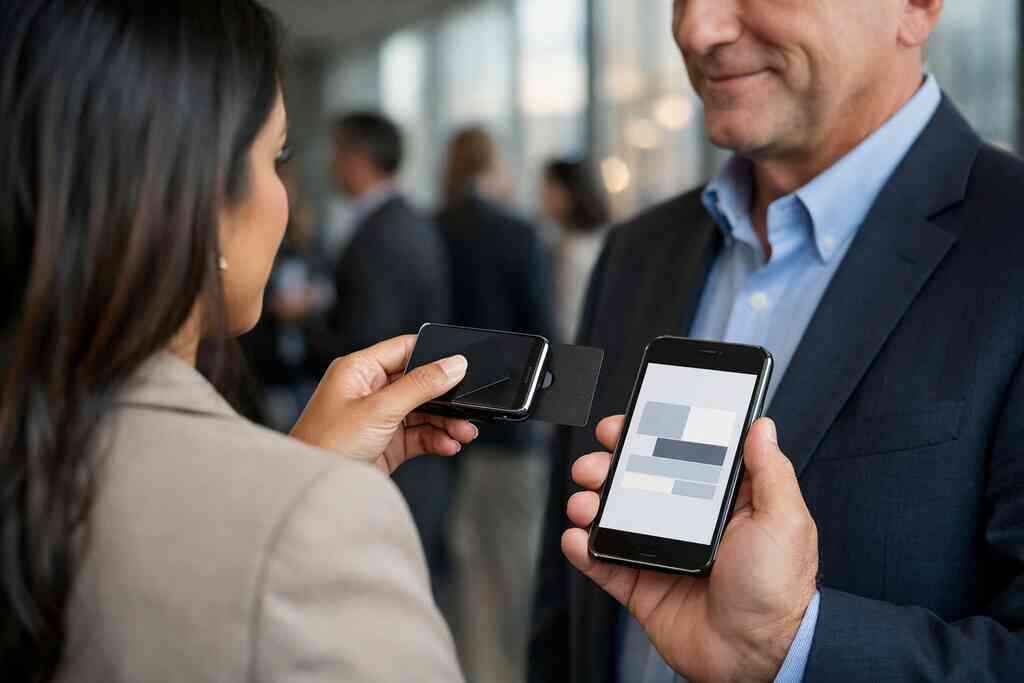
Why your email follow-up dies the moment a paper card gets buried in your pocket
A week after a crowded mixer, someone hands you a paper card. It feels important. Then it slips behind receipts, train tickets, and a coffee lid. By Friday, the lead is already cold, and that is frustrating in a very real way. If you have ever lost a strong contact before sending the follow-up, you know the sinking feeling.
The hidden cost of lost contacts after conferences and client meetings
This part is genuinely confusing for most people. You meet someone worth remembering, exchange details, and leave with good intentions. Then the rest of the day takes over. A 2023 Adobe survey found that many professionals have lost a paper card before following up, and that tracks with what we hear all the time. The issue is not effort. The issue is friction.
Paper cards depend on memory, storage, and luck. They get bent, smudged, or mixed with cards from three other meetings. That delay matters because follow-up works best while the conversation is still fresh. On Long Island, New York, that gap shows up after chamber events, client lunches, and busy conference days in NYC. One person at a Hauppauge business mixer may seem enthusiastic at 6 p.m. and be unreachable by morning.
Why a digital business card keeps your follow-up alive after the handshake
A digital business card changes the handoff. Instead of hoping you remember the paper, you share contact info instantly through a QR code, link, or tap. That simple shift protects the relationship. It also helps you look organized without trying too hard.
Here is the part most people miss. The value is not the card alone. It is the trail it creates from first meeting to email. A well-made digital business card for email follow up gives the other person a clean path back to you. That means your contact details stay usable even after the handshake ends.
What Long Island professionals notice when paper and digital are compared side by side
The comparison usually becomes obvious fast. Paper feels familiar, but digital feels immediate. At Commack co-working spaces, people often ask for the easiest way to send a contact without digging through a bag. In Garden City or Suffolk County meetings, that matters because time is tight and attention is split.
Digital business cards vs. paper cards is not a style debate. It is a follow-up debate. Paper cards can look polished, but digital cards keep working after the meeting. They also support sustainable business card goals, which many small business owners appreciate. When the card survives the meeting, your email has a real chance.
What actually makes a digital business card useful for email follow-up
A digital business card only helps if it removes friction. If the layout is cluttered, the link is slow, or the details are missing, the follow-up still stalls. The best cards make the next action obvious. They also make the person on the other end feel like replying will be easy.
The contact details that should be on every smart business card
Start with the basics. Your name, title, company, phone number, email address, and website belong on every smart business card. Add one clear action point, such as booking a call or sending a message. If you use an Apple Wallet business card or Google Pay card sharing, keep the core details consistent across platforms.
A strong card example does not need everything. It needs the right things. For sales professionals, real estate agents, freelancers, and corporate teams, that usually means direct contact details, a short bio, and one preferred next step. If your goal is professional networking, clarity beats cleverness every time. The best business card details are the ones people can act on in seconds.
Why share contact info needs to happen in one tap or one scan
The moment between meeting and follow-up is short. That is why contactless sharing matters. A QR code business card can open instantly on most phones. An NFC business card can work even faster in the right setting. Both remove the awkward pause of typing names into a phone while standing in a hallway.
For a clean online business card for email marketing follow up, the interaction should feel almost effortless. One tap. One scan. One saved contact. That is the difference between a lead moving forward and a lead disappearing. In our experience, the biggest mistake is asking the other person to do too much work.
How lead capture and follow-up automation change the handoff from meet to message
Lead capture changes the math. Instead of depending on your memory, it records interest while the conversation is still active. Some digital business card app workflows can support that handoff, though you should always verify the exact digital card features before you rely on them. The same caution applies to follow-up automation and CRM integration. Nice words are not enough. You need confirmed behavior.
A short note from a recent Long Island networking event makes this clear. One consultant we spoke with met three prospects in one evening, but only one had a digital path to contact. That one lead received a tailored email before breakfast. The others sat in a notebook, then faded. That is what lead capture with digital business cards is really for: less guessing, more follow-through.
Where digital card analytics can show whether your follow-up is getting attention
Analytics matter because attention is measurable. If someone opens your card, clicks your email, or revisits your profile, that tells you something. It may not tell you everything, but it gives you a real clue about timing. Digital card analytics can help you prioritize the warmest contacts first.
If you want to see how follow-up interest behaves, look for digital business card analytics for follow up tracking. That kind of signal is useful for small business owners and corporate teams alike. It also helps when you are deciding whether to send a quick reminder or a fuller message. The goal is not surveillance. The goal is better timing.
The follow-up chain from QR code business cards to inbox to conversation
A good networking exchange does not end at the contact share. It moves through a chain. First, the share. Then the inbox. Then the conversation. If any part is clumsy, momentum drops. That is why the right mix of QR, NFC, and email matters so much.
How QR code business cards and NFC business cards support different networking moments
QR code business cards and NFC business cards solve similar problems, but not in the same way. QR code sharing is visible and flexible. It works well when someone can scan a screen or printed code. NFC works well when a quick tap feels more natural. Both can support contactless sharing, but they fit different rooms.
If you want a deeper comparison, NFC business cards for fast networking handoffs is a useful frame. QR code business cards are often easier for group settings and busy events. NFC business cards can feel smoother in close, one-on-one introductions. The right choice depends on how people actually meet you.
FormatBest useStrengthLimitationQR code business cardsEvents, conferences, shared screensEasy to scanNeeds camera accessNFC business cardsQuick in-person exchangesFast tap-to-shareNot every device or setting is ideal### When email is the right channel after a face-to-face introduction
Email is usually the best next move after a face-to-face introduction. It gives the other person space to think. It also gives you room to be specific without sounding rushed. A short, human email works better than a long pitch.
Use email when you want to reference the meeting, restate the next step, or attach something useful. If the person seemed interested but busy, email keeps the thread alive without pressure. That matters in NYC meetings, where people often move from one room to the next. It also matters in Suffolk County, where a long commute can stretch the gap between meetings and replies. For many professionals, the digital business cards for networking approach works because it supports that exact handoff.
Why digital business cards for networking work especially well for sales professionals, real estate agents, freelancers, and corporate teams
Different roles need different follow-up rhythms. Sales professionals need speed and repeatability. Real estate agents need trust and easy recall. Freelancers need a simple way to look polished without extra admin. Corporate teams need consistency across multiple people.
That is why digital business cards for networking often outperform paper in busy environments. A real estate agent in Garden City may use one card to share listings, contact details, and a booking link. A freelancer may use one to move a prospect from a conference chat to an email thread. A corporate team may use the same system to keep brand identity steady across the group. The use case changes, but the follow-up logic stays the same.
How a digital business card for LinkedIn can keep the conversation moving across platforms
LinkedIn often sits between the handshake and the email. It is not the whole strategy, but it is useful. A digital business card for LinkedIn can give someone a second path to remember you. That helps if the inbox gets crowded. It also helps if the first email never gets opened. 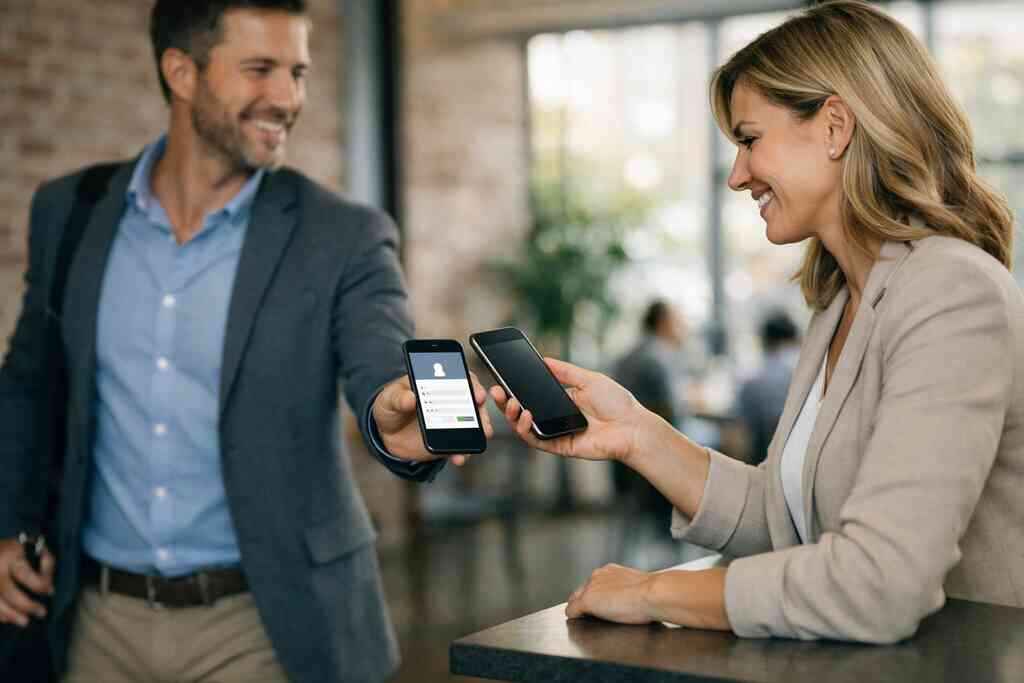
If your networking is built around LinkedIn, a digital business card for LinkedIn can keep the contact active across channels. That can be especially useful for recruiters, consultants, and B2B sellers. You are not asking people to start over. You are giving them another doorway back into the conversation.
What a strong digital card design needs before you send a single follow-up email
A follow-up email can only do so much if the card behind it feels weak. Design shapes trust before a single word of the email lands. Clean spacing, clear labels, and strong branding help people remember you. A messy card creates hesitation. And hesitation kills replies. ### Choosing a business card template that fits your role and your audience
A business card template should support your role, not fight it. A polished template for a broker looks different from one for a designer or a consultant. That is why templates matter so much. They give you structure without forcing sameness.
When you choose a digital card maker or business card template, ask how the layout will feel on a phone. Will the buttons be obvious? Will the text stay readable? Will the business card design still work after the contact saves it? Those questions matter more than decoration. A good template should make your next email feel expected.
How custom branding and clean digital business card design shape trust
Branding does real work here. Custom branding tells people you pay attention to details. That can include colors, fonts, logo placement, and the overall visual tone. The goal is not to impress with complexity. The goal is to look clear and reliable.
For a practical guide to custom branding for digital business cards, think consistency first. Match the tone of your website, your email signature, and your digital card design. If the card looks like a random add-on, trust drops. If it feels coherent, the follow-up email has a stronger opening.
What to include in a digital business card example without crowding the layout
A strong digital business card example does not cram every possible field into one screen. It prioritizes the business card details that matter most. Usually that means name, title, company, phone, email, website, and one action button. If you add social links, keep them secondary. Too many options can blur the next step.
Use this simple checklist:
- Full name
- Professional title
- Company name
- Primary email
- Mobile phone
- Website or booking link
- Optional LinkedIn or portfolio link
- Clear CTA for contact or follow-up
If you are studying business card design that converts leads, focus on clarity and hierarchy. The layout should guide the eye. It should not ask the viewer to think too hard. That is how you support email follow up without adding noise.
When free digital business card options make sense and when premium digital card plans may be worth a closer look
A free digital business card can be a smart place to start. It may suit someone testing the idea, refining their contact details, or exploring a new networking habit. But free is only valuable if it still supports your actual workflow. If it cannot reflect your brand or help you share smoothly, it may create more friction later.
That is why comparing pricing before you commit is smart. Premium digital card plans may be worth a closer look if you need more control, more branding, or better team consistency. I cannot verify every available feature on the site, so check the current product pages directly. The point is simple: choose the plan that fits your real networking pace, not the one with the most buzzwords.
How Long Island, New York professionals can keep a polished look in NYC and Suffolk County meetings
Long Island professionals often move between very different rooms. One day you are in Suffolk County. The next day you are in Manhattan. Your card needs to look steady in both places. That is where simple, clean digital business card design pays off.
A sharp digital card also helps if you are meeting people from outside the area. It signals that you are organized, current, and easy to reach. On Long Island, that matters because reputation travels fast. If you want a local example path, digital business cards on Long Island for professionals can help frame the setup. Keep the look professional, and your follow-up feels more credible before the email even opens.
The next move after the share link lands in someone’s inbox
The share itself is not the finish. It is the handoff. Once the link lands in someone’s inbox, the real work is making the reply feel easy. That means human language, clear timing, and no overcomplicated system in the middle.
How to pair your digital business card app with a simple follow-up email that feels human
A good follow-up email should sound like you, not like a template factory. Mention where you met, why you reached out, and one clear reason to continue. Keep it short. If the other person needs to hunt for the point, they will not reply.
A practical structure looks like this:
- Greet them by name.
- Reference the meeting.
- Restate one useful detail.
- Offer one next action.
- Make it easy to answer.
If you are using a digital business card app from Digital Business Cards, pair that workflow with a plain follow-up message. You do not need fancy language. You need clarity and timing. That is what turns a shared card into a real conversation.
What to check before relying on CRM integration or tracking tools
CRM integration can help, but only if it is working correctly. Check how contacts are stored. Check whether the fields map cleanly. Check whether follow-up automation sends what you expect. These details are boring until they break something important.
The same caution applies to tracking tools and electronic business card exchange systems. Make sure you understand what is being tracked and why. GDPR considerations matter if you store shared contact details from people outside the United States. The safest move is to keep consent clear and data handling simple. For many users, lead capture with digital business cards is most useful when it is transparent, not intrusive.
Why paperless networking works best when the card and the message are both easy to act on
Paperless networking works when it respects attention. The card should be easy to save. The email should be easy to read. The next action should be obvious. If any of those three pieces becomes annoying, the process slows down.
That is why the best digital business cards for email follow up are usually the simplest ones. The message and the card should feel connected. They should not compete for attention. That is especially important for busy sales professionals and corporate teams who cannot afford missed handoffs.
How to use the Digital Business Cards platform to create digital business card workflows that fit real networking habits
Digital Business Cards is built around a straightforward promise: create a digital card, share it, and let people reach you without paper friction. That makes it useful for real networking habits, not theoretical ones. You can create a digital business card workflow that supports email follow-up, contactless sharing, and a cleaner post-meeting process.
What works best is consistency. Use the same card across meetings, emails, and social follow-up. Keep your message aligned with your card design. Then watch which contacts actually respond. That is how you build a repeatable system without feeling robotic.
When to compare the pricing page, the templates page, and the How It Works page before you commit
Before you commit, compare the pages that explain the basics. The pricing page tells you how the plan structure works. The templates page shows how your card might look. The How It Works page explains the setup flow. Together, those pages give you a realistic picture.
That comparison matters because the wrong tool creates extra work. The right one makes follow-up easier. If you are weighing free digital business card options against premium digital card plans, do the math around your actual networking load. You do not have to figure this out alone, and you do not have to figure it all out today. Start by checking which workflow would save you the most time this week.
Frequently Asked Questions
Question: What makes digital business cards better than paper cards for email follow up in professional networking?
Answer: Digital business cards make follow-up much easier because they reduce the chance of a contact getting lost after a meeting. With paper cards, details can end up buried in a pocket, bag, or desk drawer. A digital business card lets you share contact info instantly through a link, QR code business cards, or contactless sharing, so the person you met can find you later without searching. That is especially helpful for sales professionals, real estate agents, freelancers, and corporate teams who need a smoother handoff from conversation to inbox. It also supports paperless networking and sustainable business card goals, which many small business owners appreciate. In short, a smart business card keeps the connection alive long enough for a meaningful follow-up email.
Question: How does the Ultimate Guide to Digital Business Cards for Email Follow Up explain the best way to share contact info after a meeting?
Answer: The guide emphasizes that the best follow-up happens when sharing contact info is simple, fast, and easy to act on. A digital business card should give someone one clear path to reach you, whether that is through email, a phone number, a booking link, or a digital business card for LinkedIn. QR code business cards and NFC business cards are both useful because they remove the friction of typing details manually. The goal is to make the transition from face-to-face conversation to email follow-up feel natural. For Long Island, New York professionals who move between Suffolk County meetings, NYC networking events, and local business lunches, that kind of convenience can make a real difference. The easier it is to save your details, the more likely the follow-up conversation will continue.
Question: What digital business card features should I look for if I want better lead capture and follow-up automation?
Answer: If your goal is better lead capture and follow-up automation, focus on digital card features that reduce friction and support a clear next step. At minimum, look for a digital business card app that lets you create digital business card profiles with accurate business card details, clean digital business card design, and easy sharing options. Some platforms may also support CRM integration, digital card analytics, or electronic business card exchange workflows, but it is important to verify the exact features before relying on them. The best digital business card platforms should help you move from introduction to follow-up without making the process complicated. You should also check whether the tool supports custom branding, because consistent branding can make your follow-up email feel more credible. A well-organized online business card can help turn a quick meeting into a real lead.
Question: How can Digital Business Cards help Long Island professionals looking for a digital business card near me?
Answer: Digital Business Cards is based in Long Island, New York, and is a practical option for professionals who want a digital business card near me without the paper hassle. The platform is designed for people who need an easy way to create digital business card profiles, share contact info, and support paperless networking across Long Island, Suffolk County, and NYC. Whether you are a real estate agent in Garden City, a freelancer in Commack, or part of a corporate team traveling into Manhattan, a virtual business card can help you look polished and stay easy to reach. The platform also fits different networking needs because the same digital card maker approach can work for individual professionals or small business teams. If you want a cleaner follow-up process, this kind of online business card is a strong place to start.
Question: How do digital card pricing, free digital business card options, and premium digital card plans compare when choosing a smart business card?
Answer: The right choice depends on your networking needs and how much control you want over your digital business card design. A free digital business card can be a useful starting point if you are testing the workflow or learning how to make a digital business card. Premium digital card plans may be worth exploring if you need more flexibility, stronger custom branding, or a more polished presentation for professional networking. Because pricing and digital card features can change, it is best to review the current pricing and plan details directly on the website before making a decision. For many users, the real question is not just cost, but whether the tool supports the follow-up habits they already use. If a smart business card helps you share faster, stay organized, and make follow-up easier, it can be a worthwhile investment.