
Why paper cards disappear before the follow-up ever starts
I still remember the look on a sales rep’s face after a conference in Hauppauge. He had a stack of cards, a full phone, and no easy way to reconnect with half the people he met. That is the frustrating part: the card was there, then it was gone. If you are feeling that same pressure, it makes sense. Paper networking feels simple until follow-up gets messy.
The moment a paper card gets lost in a bag or left on a table
Paper cards fail at the exact moment they matter most. They get tucked into a jacket pocket, bent in a tote, or left beside a coffee cup. A 2023 Adobe survey found that many professionals have lost a paper card before following up. That is not a design problem. It is a workflow problem. You need contact exchange that survives the meeting.
There is also a small frustration nobody mentions. You meet someone useful, promise to stay in touch, and then spend ten minutes later searching for the right name. That delay kills momentum. Digital business cards solve that by keeping your details in one place. They make contact exchange immediate, searchable, and far easier to store.
What digital business cards change for sales professionals, freelancers, and corporate teams
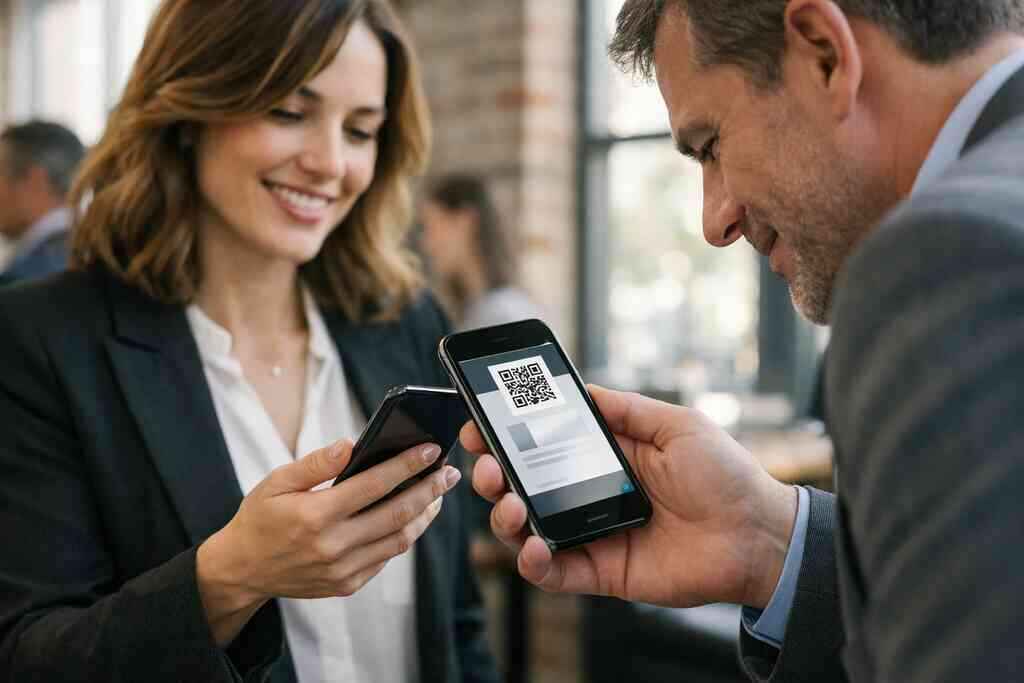
A digital business card changes the whole exchange. Instead of handing over paper, you share contact info through a link, QR code, tap, or email. That means the other person can save your details right away. For sales professionals, that helps lead capture. For freelancers, it makes sharing a portfolio faster. For corporate teams, it keeps brand consistency in every introduction.
We hear this from clients almost every week. The biggest complaint is not printing cost. It is the silent loss that happens after networking. Digital business cards for networking reduce that risk because the card lives on a device, not in a pile. They also support follow-up automation when the platform allows it, which keeps the next message from getting delayed.
Why Long Island networking moments demand faster contact sharing
Long Island networking has its own rhythm. A conversation at a Commack co-working space can turn into a Suffolk County referral before lunch. A room at a Long Island business networking group mixer fills quickly, and people move fast. In that kind of room, paper slows you down. A digital business card lets you respond while the conversation is still warm.
That matters even more across Long Island, New York, and NYC commuting patterns. Many professionals are on trains, in parking lots, or between client stops. They want contact sharing that takes seconds, not minutes. One real estate agent in Garden City told us she kept missing follow-ups because she forgot which pocket held the right card stack. Once she switched to digital sharing, the chaos dropped fast. The part most people miss is this: speed is not flashy, but it is what keeps a lead alive.
What actually lives inside a digital business card and why it matters
A digital business card is more than a fancy contact page. It is a compact profile that can hold your business card details, your brand, and your next action. That may sound simple. It is not. The details inside the card shape whether someone remembers you, trusts you, and follows through.
Business card details that should always be easy to update
The best online business card keeps your core information editable. That includes your name, title, company, phone number, email, website, and social links. If you change roles or phone numbers, you should not need a reprint. That flexibility is why digital business cards make sense for people whose contact details change often. Freelancers, sales professionals, and corporate teams all benefit from that kind of control.
You should also think about what the other person needs next. A digital business card example can include a calendar link, a map, or a portfolio page. Some users also want a digital business card for LinkedIn so the follow-up feels natural. The goal is not to stuff in every possible field. The goal is to make the right field easy to find and easy to use.
How a digital card maker turns one profile into an online business card
A digital card maker takes one profile and turns it into a reusable contact hub. You enter your information once, then share it many times. That is the basic promise behind a digital business card app. It removes the repetition that makes old networking feel tedious. It also keeps your profile consistent across every interaction.
The setup is usually simple. You create digital business card details in one dashboard, then publish the card. From there, you can share it by QR code, link, tap, or email. That is why people often search for how to make a digital business card and still end up wanting a guided setup. The process is easy only when the tool stays organized.
Digital business card design choices that make a stronger first impression
Design still matters. A digital business card design should look like your brand, not like a random template that five hundred other people used. Your colors, logo, photo, and layout shape that first impression. A clean virtual card design feels confident. A cluttered one feels rushed.
A business card template can help, but only if you adapt it carefully. This is where digital business card templates earn their keep. They give structure without forcing sameness. For many users, the right business card design is the one that loads quickly, reads clearly on a phone, and looks polished in a handshake moment. That is especially true when you are using the card in front of clients who notice details fast.
When QR code business cards make more sense than NFC business cards
QR code business cards and NFC business cards solve the same problem in different ways. QR code business cards are easy because almost every phone can scan them. NFC business cards work well for tap-to-share interactions, but device compatibility matters. If you want broad accessibility, QR is often the simpler path. If you want a tap experience, NFC can feel smoother.
OptionStrengthBest useQR code business cardsFast, universal scanningEvents, booths, quick exchangesNFC business cardsTap-to-share convenienceIn-person meetings, premium feelHybrid setupFlexible contactless sharingTeams with varied audiencesThe technical side also matters. QR code standards like ISO/IEC 18004 support reliable scanning. NFC systems often rely on frameworks like Apple’s Core NFC and standards such as ISO 14443. Those details do not need to overwhelm you. They simply explain why some formats feel effortless and others depend on the phone in the other person’s hand. If you want to compare the two more closely, see the guide on NFC versus QR code digital business cards.
How contactless sharing supports paperless networking in real meetings
Contactless sharing fits the way people already behave. In a noisy room, nobody wants to fumble with paper. At a tabletop meeting, nobody wants to lose a card under a notebook. Paperless networking removes that friction. It also supports sustainable business cards, which many teams now prefer for practical and environmental reasons.
We saw this at a recent client meeting near the Nassau border. A small team had five separate paper versions of the same title. Their details were already outdated. Once they moved to a shared electronic business card exchange, the confusion dropped immediately. That is the quiet advantage of digital tools. They reduce error before it spreads.
The decision point that separates a clever card from a true growth tool
A digital card is useful on day one. It becomes valuable when it helps you grow on day thirty. That difference comes down to structure, branding, and follow-through. You do not want a clever card that looks nice and does nothing else. You want a tool that supports real business movement.
How to make a digital business card without making it feel generic
Start with your audience. A card for a sales leader should not look like a card for a designer. A card for a corporate team should not look like a freelancer’s portfolio. The question is not whether the card is digital. The question is whether it feels like you. That is what keeps people from ignoring it. 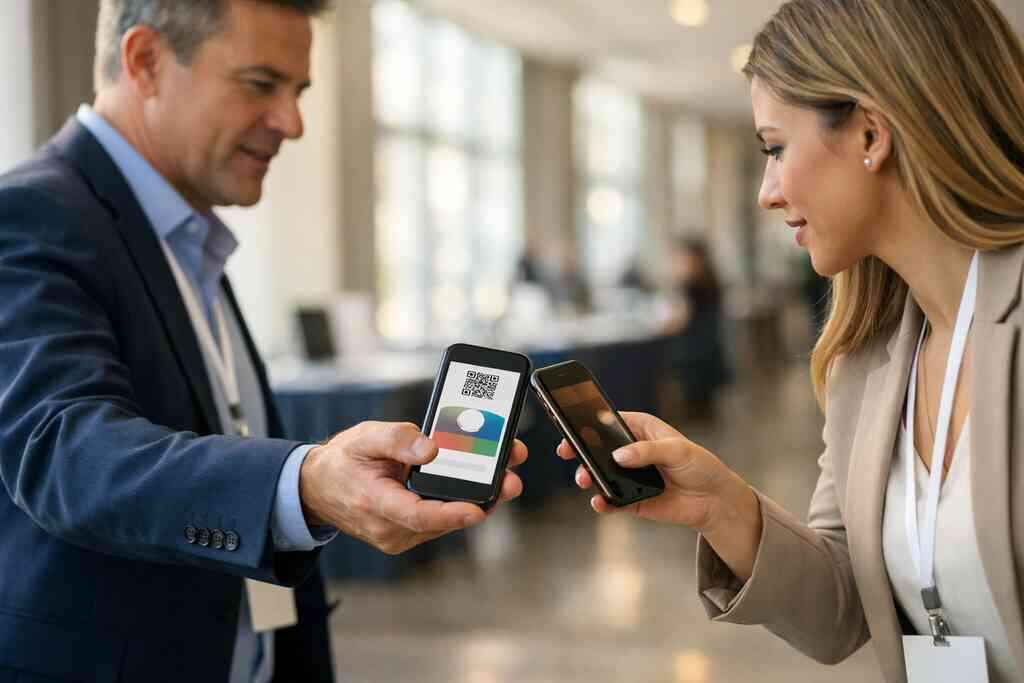
A smart setup uses your own tone, image, and call to action. Keep the layout clean. Keep the path short. If someone needs five taps to reach your contact details, you have already lost momentum. The best digital business card platforms make the card feel personal without making setup painful. That balance is what you should look for first.
Using digital business card templates without looking like everyone else
Templates are useful because they save time. They are also risky because they can look identical if you do nothing with them. A business card template should be a starting point, not a final answer. Use your logo, match your colors, and choose a layout that fits your role. Small changes often make the biggest difference. If you are building for a team, consistency matters more than novelty. Corporate teams need cards that look aligned across departments. Small business owners may want a stronger local identity. Real estate agents often need a more visual layout. For those use cases, digital business cards for corporate teams can be shaped to match role and brand without losing clarity. That is the practical middle ground. ### Where custom branding, digital card analytics, lead capture, and CRM integration fit in
This is where a digital business card stops being decorative. Custom branding tells people who you are. Digital card analytics show what they clicked. Lead capture helps turn interest into a usable contact. CRM integration moves that contact into your pipeline. Follow-up automation then keeps the handoff moving.
Not every user needs every tool. But the right mix can save time fast. If you track inquiries manually, you know how easy it is to lose one. If your team relies on scattered spreadsheets, you know the drag. Here is what almost no online guide mentions: these systems matter most when your day is busy, not when it is calm. For more detail on tracking and reporting, review the features page if you want to see how those pieces fit together.
What to look for in the best digital business card platforms
The best digital business card platforms are easy to set up, simple to share, and clear about what they offer. Look for stable sharing methods, good mobile viewing, and an interface your team will actually use. You should also want straightforward support and a clean dashboard. Fancy tools do not help if nobody opens them.
A good platform should also support paperless networking without friction. That includes quick updates, custom branding, and practical sharing options. If you are comparing tools, pay attention to the setup path. Ask yourself whether the system supports your daily routine or adds another task. For onboarding clarity, How It Works is a useful place to check the workflow before you commit.
When free digital business cards are enough and when premium digital card plans matter
Free digital business cards can be enough for basic personal use. If you only need a simple online business card, that may cover the need. But premium digital card plans usually matter once you need branding, analytics, or team management. That is especially true for growing companies. A free tool can be fine for testing. It is not always enough for scale.
If your business depends on consistent outreach, premium digital card plans may save time. They can support cleaner workflows and a more professional presentation. Pricing should always be reviewed carefully because needs vary. For a direct comparison, check the Pricing & Plans page. It helps you compare options without guessing.
Why corporate teams, small business owners, and real estate agents in Long Island, New York use different setups
Corporate teams need shared standards. Small business owners need flexibility. Real estate agents need speed, strong visuals, and easy listing follow-up. That is why one setup rarely fits everyone. A smart digital business card design reflects the job, the market, and the audience.
On Long Island, New York, that difference shows up quickly. A team in Suffolk County may need a polished, repeatable format. A solo consultant in NYC may want a leaner card with direct links. An agent in Garden City may want property-friendly follow-up tools. If you are in that last group, Best Digital Business Cards for Real Estate Agents in NY 2026 can help you think through the right structure. The point is simple: different jobs need different cards.
What smart next moves look like after the card is built
Building the card is useful. Sharing it well is better. This is where many people stall. They make the profile, admire the layout, and never build a habit around it. The result is a nice tool with no momentum. That is avoidable.
How to share contact info through email, QR code, tap, and direct link
Use the channel that fits the moment. Email works well after meetings. QR code sharing works in person. Tap works when the other person has a compatible device. Direct links work well in messages and signatures. The best approach is not one method. It is a few methods that you can use without thinking.
A practical rollout might look like this:
- Add the card to your email signature.
- Keep a QR code on your phone screen.
- Use tap sharing where NFC is supported.
- Save the direct link for text and chat follow-up.
That keeps sharing contact info simple. It also makes the digital business card app feel like part of your routine instead of another login to remember. If you are still setting things up, register and test the channels you actually use.
Why digital business cards for networking work well at conferences and commuter-heavy meetings
Networking events move quickly. So do commuter-heavy schedules. A digital business card gives you the same contact exchange at a pace that fits both. At a conference, that means faster scanning and fewer lost leads. On a train platform or between meetings, it means no paper to manage.
For B2B buyers, the appeal is obvious. Many prefer digital contact exchange because it is faster and easier to store. A Forrester 2022 report also pointed to strong preference for digital formats after the pandemic era. That pattern still shows up in sales halls, coworking spaces, and after-hours mixers across Long Island and NYC. If you want to see more practical use cases, the Blog section is a helpful place to explore.
How a digital business card for LinkedIn and an Apple Wallet business card can support follow-up
LinkedIn helps when you want context. An Apple Wallet business card helps when you want easy access on the phone. Together, they can make follow-up smoother. A digital business card for LinkedIn keeps the relationship visible. An Apple Wallet business card keeps the contact close. That combination can shorten the gap between meeting and message.
If your audience uses Apple devices often, wallet placement can be useful. If they live in LinkedIn, your profile link may matter more. You do not need every format at once. You need the format that removes friction for the person you met. The right follow-up path is the one they will actually use.
Where to compare pricing, templates, and setup paths on the Digital Business Cards site
If you are comparing setups, focus on the pages that answer real buying questions. Pricing tells you what level of access makes sense. Templates show how flexible the design can be. Setup pages show whether the platform is easy to use. That sequence saves time.
For direct comparison, use the Pricing & Plans page and the How It Works overview together. If you want design help, templates matter more than abstract promises. If you are still trying to see the fit, the About Digital Business Cards page gives context on the brand and location in Long Island, New York. That local base matters when you want service from a team that understands regional business pace.
How Long Island, Suffolk County, and NYC professionals can choose the right rollout plan
Start where your contacts already are. If you work mainly in Suffolk County, build for local sharing first. If you split time with NYC, make sure your card loads quickly on mobile. If you serve both areas, keep the layout clean enough for fast use in either market. That is how you avoid overbuilding.
The safest rollout is usually gradual. Test the card with your team. Test it in real meetings. Test it in a crowded room, not just in your office. If you run into setup questions, Contact Digital Business Cards and keep moving. You do not have to solve everything in one sitting, and you do not need a perfect system to get a better one working today.
Frequently Asked Questions
Question: What makes digital business cards better than paper cards for professional networking in Long Island, New York, and NYC?
Answer: Digital business cards make it much easier to share and store business card details without worrying about paper getting lost, bent, or forgotten after an event. For sales professionals, real estate agents, freelancers, small business owners, and corporate teams, that can make a real difference in follow-up. Instead of relying on a paper card that may disappear before the next conversation starts, you can share an online business card, virtual business card, or electronic business card through a QR code, link, email, or contactless sharing method. That helps keep the exchange fast, simple, and more organized for paperless networking. For professionals in Long Island, Suffolk County, and NYC, where meetings often move quickly, that convenience can be especially useful.
Question: How do I create digital business card details that look professional and fit my brand?
Answer: The best way to create digital business card details is to start with the essentials: your name, title, company, phone number, email, website, and relevant social links. From there, you can shape the digital business card design to match your brand with custom branding, a clean layout, and a strong business card template. A digital card maker or digital business card app should make it easy to update your profile without reprinting anything. If you want a business card example that feels polished, focus on keeping the layout simple, readable on mobile, and aligned with your company’s style. That approach works well for individuals and for digital business cards for corporate teams that need consistency across multiple users.
Question: Can QR code business cards or NFC business cards work better for teams using digital business cards?
Answer: Both QR code business cards and NFC business cards can support fast contactless sharing, but the right choice depends on how your team networks. QR code business cards are widely accessible because most smartphones can scan them easily, which makes them a practical option for events, meetings, and digital business cards for networking. NFC business cards can feel more premium and allow a tap-to-share experience, but compatibility can vary by device. For many corporate teams, a smart business card setup that includes a QR code option is a flexible choice because it helps more people access the card quickly. If your team works across Long Island, New York, and NYC, where contact exchange often happens on the go, convenience and reliability matter a lot.
Question: What should I look for in the best digital business card platforms for corporate teams and small business use?
Answer: The best digital business card platforms should be easy to use, simple to share, and practical for everyday networking. Look for tools that support digital business card templates, custom branding, digital card analytics, lead capture, CRM integration, and follow-up automation if those are important to your workflow. You should also check whether the platform supports a smooth digital business card app experience and whether it makes it easy to update business card details without extra steps. For teams, consistency matters, so the platform should help your corporate team present a unified brand while still allowing each person to personalize their card. It’s also smart to compare digital card pricing carefully so you can decide whether a free digital business card is enough for testing or whether premium digital card plans make more sense for your goals.
Question: How does the blog Ultimate Guide to Digital Business Cards | Digital & Online Business Cards for Corporate Teams help me choose the right setup?
Answer: The blog Ultimate Guide to Digital Business Cards | Digital & Online Business Cards for Corporate Teams gives a clear overview of how digital business cards can support professional networking, paperless networking, and more efficient follow-up. It explains the difference between digital card vs paper, how QR code business cards and NFC business cards compare, and why design, branding, and sharing methods matter for sales professionals, freelancers, real estate agents, and corporate teams. It also helps readers understand practical options like a digital business card for LinkedIn, an Apple Wallet business card, or a Google Pay card depending on how they prefer to share contact info. If you are trying to decide how to make a digital business card that fits your role, the guide is a useful starting point before you compare pricing, templates, and setup options from Digital Business Cards based in Long Island, New York.