
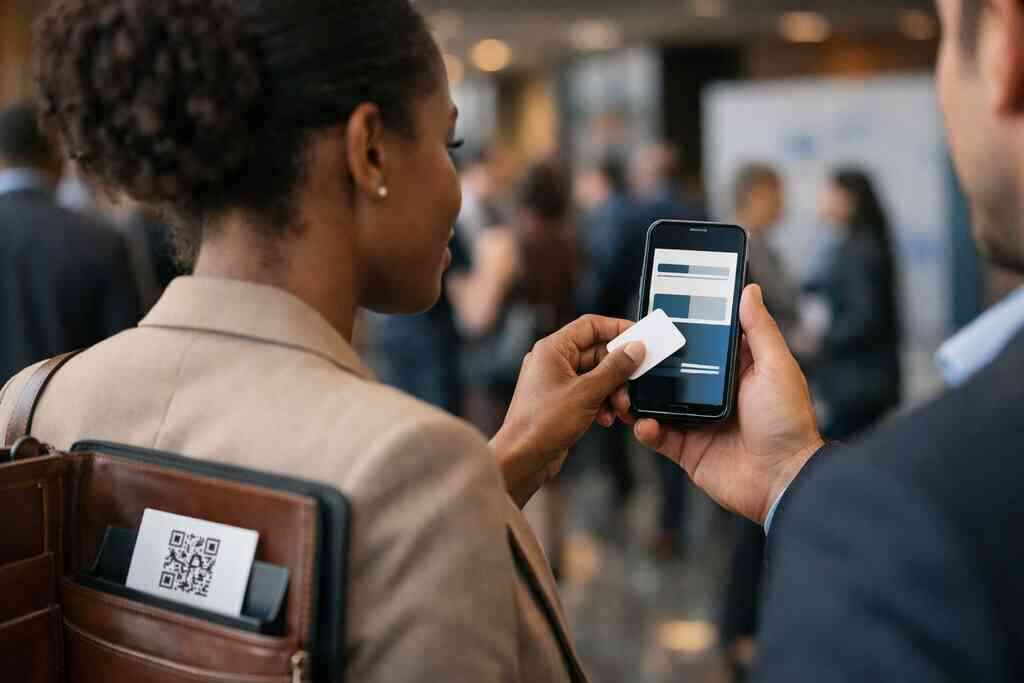
Why one bad handoff can make a brand look behind before the meeting even starts
A card should open a conversation, not create awkward silence. Yet we still see paper cards bent in wallets, buried in tote bags, or smudged by rain at a trade show. If you are reading this because your networking feels harder than it should, that frustration makes sense. The handoff matters more than most people admit. A clean, contactless exchange can set the tone before you even sit down.
The paper card problem that still shows up in client meetings and trade shows
Paper cards fail in small, annoying ways. Ink fades, corners curl, and details get lost after one rushed handshake. A 2023 Adobe survey found many professionals have lost a paper card before following up, and that feels painfully familiar. On a busy expo floor, people grab six cards, then forget which one came from which conversation. That is why digital business cards keep replacing paper in serious professional networking.
There is also the image problem. When someone pulls out a damp, folded card, your brand can feel dated before the meeting starts. We hear this from sales professionals and freelancers all the time. They do not want flashy. They want reliable, clean, and easy-to-share contact info. That is where the shift from digital card vs paper becomes obvious.
How QR code business cards change the handoff from fragile paper to instant access
QR code business cards turn a handoff into a scan. Instead of relying on a physical card surviving the rest of the day, you give people instant access to your details. A QR code business cards for brand contactless sharing setup works well when you want simple contactless sharing with almost no friction. The other person only needs a phone camera or scanner. That keeps the interaction moving.
One client in Commack told us the best part was not the code itself. It was the follow-up. He was tired of retyping names from paper cards after dinner meetings and Suffolk County mixers. With a digital business card, the information arrives cleanly and is easier to store. Here is the part most people miss: the handoff is not just about sharing. It is about whether your contact survives the night.
Where NFC business cards feel faster and where a scan still wins in the real world
NFC business cards feel elegant because they use a tap. That makes them attractive in fast-moving rooms where every second counts. A NFC business cards for faster tap to share contact info setup can feel smoother than asking someone to scan a code. Still, NFC depends on device behavior, settings, and whether the recipient knows how to tap correctly. In some rooms, that is effortless. In others, a QR code wins because it is more obvious.
The truth is practical, not ideological. If someone has a newer phone and expects tap to share contact info, NFC feels great. If the room includes mixed devices, tired attendees, or people who just want speed, scan to share contact info can be more dependable. We have seen this at local mixers near Hauppauge and in NYC meetings where people are rushing between sessions. The format that looks clever is not always the format that works best. The format that gets your details saved usually wins.
What Long Island professionals notice when networking in NYC, Suffolk County, and local business mixers
Long Island professionals notice the gaps quickly. In NYC, people move fast and rarely want extra steps. In Suffolk County, you may get a more relaxed conversation, but you still need a contact method that survives the day. At a Hauppauge business mixer or a Commack co-working space event, the best card is the one that feels immediate. That is why many brands lean into digital business cards for networking instead of paper stacks.
Local professionals also care about perception. A real estate agent in Garden City does not want to look behind when a client asks for details on the spot. A corporate team meeting in Long Island, New York, may involve several people sharing contact info at once. That is where a smart business card or online business card can feel more modern and more organized. The technology matters, but the experience matters more. Your card should make the next conversation easier, not harder.
The hidden mechanics behind tap to share contact info and scan to share contact info
The mechanics behind these tools are simple once you strip away the jargon. QR codes and NFC both move contact details from one device to another. The difference lies in how the transfer begins. One uses a visual scan. The other uses a wireless tap. If you understand that, the rest gets much easier.
What QR code business cards actually rely on and why ISO IEC 18004 matters
QR code business cards rely on a standard called ISO/IEC 18004. That standard defines how the code stores information, so scanners can read it consistently. In plain English, it is the reason a code made on one platform can still work on another phone. That reliability matters for any electronic business card or virtual business card. Without the standard, scan-based sharing would be far messier.
The code itself does not carry magic. It usually points to a profile, landing page, or contact file. That means the quality of your digital business card design matters just as much as the code. A strong digital business cards for networking in New York strategy depends on both the code and the experience behind it. If the page loads slowly or looks generic, the scan feels weak. If it is clean and branded, it feels professional.
How NFC business cards work with Apple Core NFC and ISO 14443 in plain English
NFC business cards work by sending a small packet of data when a phone comes close enough. Apple’s Core NFC framework helps iPhones read that data, while ISO 14443 helps define the communication layer used by many contactless cards. You do not need to memorize those names. You only need to know they help the card and phone speak the same language. That is the core of near field communication for tap to share contact details.
The practical benefit is speed. The tap feels almost instant when the phone supports it and the settings are right. But there is a small catch. Some phones and cases behave differently. Some users need to wake the device or accept a prompt. That is why NFC tap card for brands can feel premium, yet QR still stays useful as a backup.
When a digital business card app or smart business card makes sharing smoother
A digital business card app can make the whole process less fragile. Instead of only handing off a code or tap card, you can manage business card details in one place. That helps with digital card and contact list management too. A smart business card often works best when the card, page, and follow-up process all connect. The experience feels smoother because you are not forcing the recipient to do extra work. This is where sustainable digital card vs paper networking becomes more than a slogan. Less printing means less waste, but the larger win is consistency. Your profile does not get left in a coat pocket. It stays accessible. For many small business owners, that alone justifies the switch. The card becomes a living contact point, not a disposable object. ### Which format fits sales professionals, real estate agents, freelancers, corporate teams, and small business better 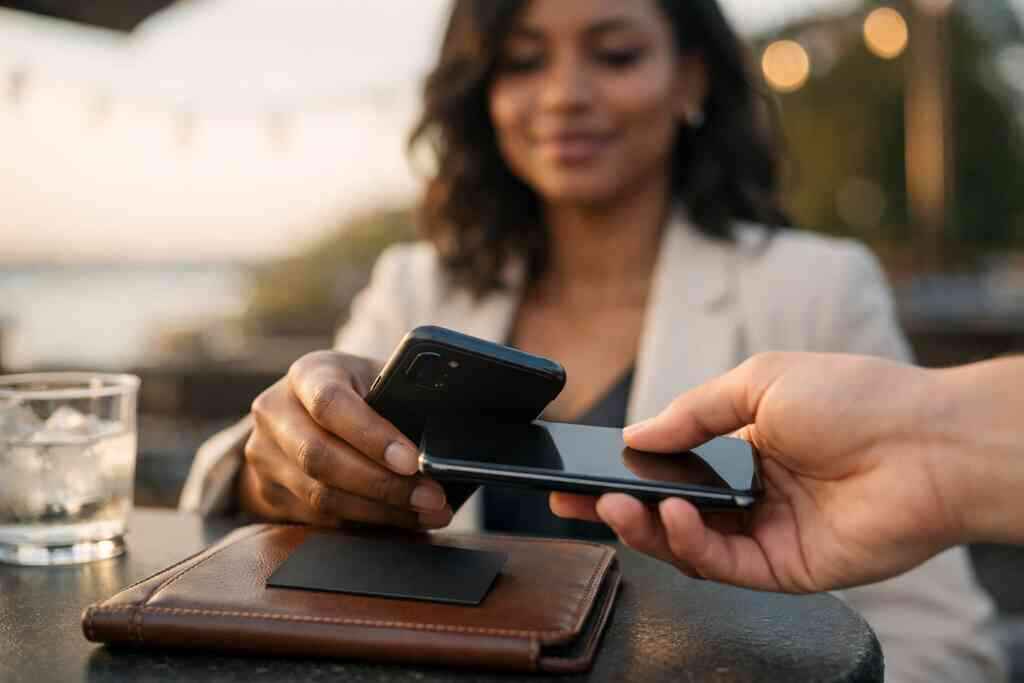
Different roles need different strengths. Sales professionals often care about speed, follow-up automation, and lead capture. Real estate agents need polished presentation and easy sharing after showings. Freelancers want low-friction contact exchange without extra complexity. Corporate teams usually care about branding consistency and internal control. Small business owners often want the simplest tool that still looks sharp.
A quick comparison helps:
Use caseQR code business cardsNFC business cardsSales professionalsStrong for fast scan-based sharingStrong when quick tap feels naturalReal estate agentsEasy to share after showingsClean and memorable in personFreelancersSimple and budget-friendlyPremium feel, if device fit is goodCorporate teamsEasy to scale across staffUseful for polished, branded exchangesSmall businessFlexible and practicalGood for high-touch meetingsFor many teams, the best answer is not either-or. It is choosing the format that matches the audience you meet most. If you need a smart business card setup with lead capture and follow-up automation, the choice gets even more strategic. Your card should fit your real networking habits, not a theoretical ideal.
How brands choose between QR code and NFC without guessing wrong
Choosing between QR and NFC should feel clear, not risky. Start with budget, then device behavior, then brand context. After that, look at your workflow. Do you need fast manual sharing, automated follow-up, or both? Once you answer those questions, the right format becomes easier to see.
The decision grid that starts with budget, device behavior, and brand context
Budget matters because different teams need different levels of investment. Some people only need a free digital business card or a simple online business card setup. Others want premium digital card plans with deeper control. Device behavior matters because your audience may use older phones, mixed operating systems, or locked-down corporate devices. Brand context matters because a luxury advisor, a contractor, and a startup founder do not all need the same card experience.
Here is the simple grid we use when advising clients:
- Choose QR when you need broad compatibility.
- Choose NFC when you want a premium tap-first moment.
- Choose both when your audience is mixed.
- Choose a digital card maker that supports easy changes.
- Choose a platform that fits your real workflow, not just the demo.
That is why comparing pricing plans for premium digital business cards matters before you commit. The cheapest option is not always the best fit. The strongest one is the one your team will actually use.
Why custom branding, digital card design, and business card template choice matter more than most teams expect
People judge a card fast. If the layout feels generic, the value feels generic too. That is why custom branding for digital business card design is not cosmetic. It shapes trust. The business card template, colors, typography, and virtual card design all signal whether you pay attention to detail.
Here is one thing almost no online guide mentions. A great template can save time and also make staff adoption easier. If your team can create digital business card profiles without redesigning every detail, they are more likely to keep using them. A custom branding for digital business card design approach helps both brand consistency and ease of use. That matters for corporate teams, but it matters just as much for solo professionals who want a polished digital business card example.
When lead capture, CRM integration, follow-up automation, and digital card analytics become the real deciding factors
The real difference often shows up after the exchange. If your card can capture leads, connect to CRM integration, and trigger follow-up automation, it stops being a contact card and starts being a sales tool. That is where digital card analytics for networking ROI becomes useful. You can see what gets opened, what gets clicked, and where conversations may be slipping. That data helps you make better choices.
A client in a Garden City office once told us his team kept saying they were “getting leads,” but nothing was reaching the CRM. The issue was not interest. It was process. Once their digital business card workflow matched their follow-up system, the handoff became measurable. That is the hidden advantage. You stop guessing.
How to create digital business card experiences that work on LinkedIn, Apple Wallet business card, and Google Pay card
If you want your digital business card for LinkedIn to do real work, keep the path simple. Make sure people can open your profile without friction. If you use wallet access, keep Apple Wallet business card and Google Pay card compatibility in mind so the card stays easy to find. The goal is not to impress people with options. It is to make your contact easy to save and easier to revisit.
Start by reviewing how to create a digital business card with CRM integration if your team needs workflow support. Then test the result on different phones. An experience that works on a LinkedIn profile but breaks on mobile is not finished. The best digital business card platforms make this process feel calm, not technical. That is especially helpful for small business owners who already have enough to manage.
What to check on /pricing/, /templates/, /features/, /how-it-works/, and /nfc-digital-business-cards/ before you commit
Before you choose a platform, check the basics in order. Pricing tells you whether the tool fits your budget. Templates tell you how much brand control you get. Features show whether it supports the actions you actually need. How it works tells you whether setup will be simple. NFC pages tell you whether tap sharing fits your audience.
Use this checklist:
- Review the pricing page for clear plan structure.
- Inspect templates for clean digital business card design.
- Check features for lead capture and sharing options.
- Read the setup process before you create digital business card profiles.
- Confirm NFC details if your team wants tap support.
For Long Island, New York, teams, especially those serving NYC and Suffolk County, that practical review saves time. It also helps you compare the digital card pricing against the actual value. If you want a starting point, the nfc-digital-business-cards page is a natural place to compare the tap model with scan-based sharing. You do not have to figure out every detail in one sitting. Just make the next decision with the facts in front of you.
If you are ready to compare formats for your own brand, look at how your team really shares contact info this week. Then test one digital business card in a real meeting, not just a mockup. That small move will tell you more than a dozen opinions.
Frequently Asked Questions
Question: What is the main difference between QR code business cards and NFC business cards for professional networking?
Answer: QR code business cards use a scan to share contact info, while NFC business cards use a tap to share contact info. In practice, both are contactless sharing tools that make it easier to share contact info without paper. QR code business cards are often the simpler option because most phones can scan a code with the camera, while NFC business cards can feel faster and more premium when the recipient’s device supports it well. If your audience includes sales professionals, real estate agents, freelancers, corporate teams, or small business owners, the best choice depends on how they actually network day to day. At Digital Business Cards, we focus on helping you choose the format that fits your audience, your brand, and your workflow, whether you want a virtual business card, an electronic business card, or a smart business card experience.
Question: How does the blog The Difference Between QR Code and NFC Cards for Brands help me decide which digital business card is right for my team?
Answer: The blog explains the practical tradeoffs between QR code business cards and NFC business cards in a way that is useful for real-world professional networking. It covers how each format works, when QR code business cards may be more dependable, and when NFC business cards may feel more polished. It also looks at important decision factors like budget, device behavior, custom branding, and how your team actually shares business card details. If you are comparing digital card vs paper options, or trying to create digital business card experiences that feel modern and easy to use, the article is a helpful starting point. For brands based in Long Island, New York, including Suffolk County and NYC, it can also help you think through what kind of digital business cards for networking make the most sense for your clients and team members.
Question: Can Digital Business Cards help me create a digital business card with custom branding and a business card template?
Answer: Yes, Digital Business Cards is designed to help you create digital business card profiles that are easy to share and store in one place. A strong digital business card design should reflect your brand clearly, and that is where custom branding and the right business card template matter. Whether you want a clean digital business card example for client meetings or a more polished virtual card design for a corporate team, the goal is to make sharing feel smooth and professional. A good digital card maker should help you present your business card details in a way that looks organized and trustworthy. That is especially important if you are using your online business card for paperless networking, digital business cards for networking events, or a digital business card for LinkedIn.
Question: What should I look for in digital business card features if I want lead capture and CRM integration?
Answer: If lead capture and CRM integration matter to your team, you should look for digital business card features that support a smooth follow-up process after the first exchange. The real value of a digital business card often shows up after someone saves your details, especially if your team relies on follow-up automation or wants to reduce manual data entry. A strong platform should make it easier to move from an electronic business card exchange to an organized workflow. That is useful for sales professionals, corporate teams, and small business owners who want more than just a digital card vs paper replacement. It also helps make your digital card analytics more meaningful, because you can better understand how people interact with your contact information over time. We recommend reviewing how a platform supports your actual workflow before you commit.
Question: Is paperless networking and sustainable business cards a good fit for Long Island professionals in NYC and Suffolk County?
Answer: Yes, paperless networking can be a very practical choice for professionals across Long Island, New York, including Suffolk County and NYC. Many people in these areas move quickly between meetings, trade shows, and networking events, so a digital business card can make contactless sharing easier than relying on paper cards that get lost or damaged. Sustainable business cards also reduce printing waste, which is appealing for brands that want a more modern and environmentally conscious approach. Whether you use QR code business cards, NFC business cards, or a combination of both, the goal is the same: make it easy to share contact info in a way that feels current and reliable. For professionals comparing the best digital business card platforms, the key is choosing one that supports your brand, your audience, and your preferred sharing style without making the process complicated.