
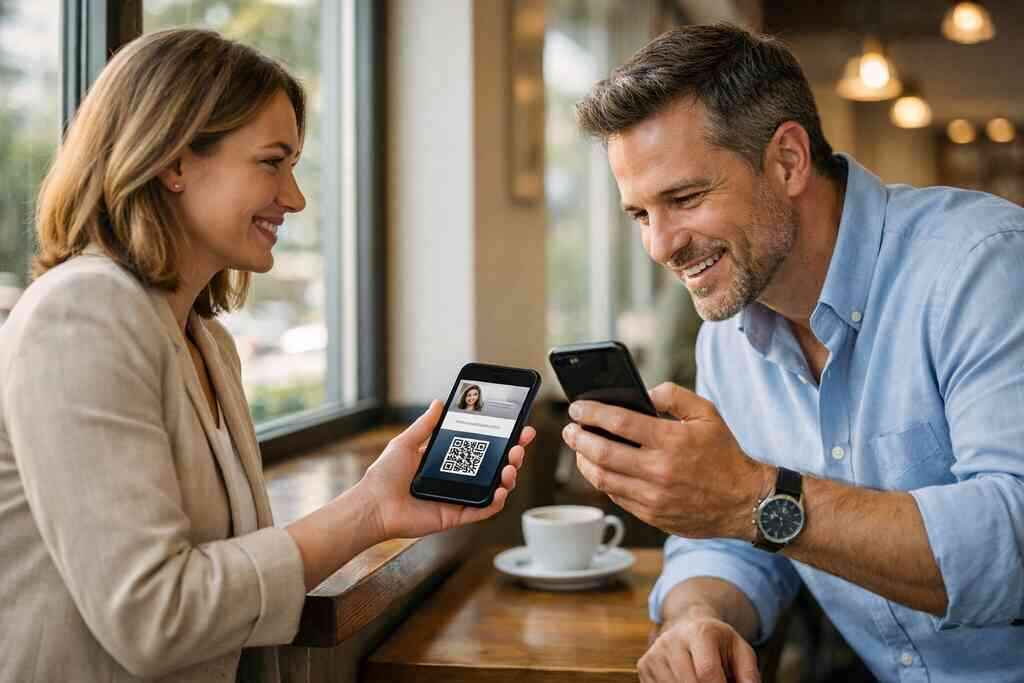
Why paper cards still vanish before the follow up ever starts
I still hear the same frustration from professionals across Long Island, New York. You shake hands, exchange a paper card, and mean to follow up later. Then the card slips into a pocket, a notebook, or the bottom of a tote bag. By the time you sit down to email, the context is gone. That is why digital business cards matter so much now.
If you are reading this because follow-up feels messy, that makes sense. This part is genuinely confusing for most people, especially after a busy event. The contact is there, but the connection is not. A digital business card helps you keep the conversation alive while it still has energy. That small shift changes everything.
How a digital business card can capture a lead while the conversation is still warm
A digital business card turns a quick introduction into a usable lead. Instead of handing over paper, you share a QR code, link, or tap-based card. The other person can save your details immediately. That matters because warm interest cools fast. It also helps you share contact info without relying on memory.
One client at a Hauppauge business mixer told us he used to collect stacks of cards and still lose the best leads. He now sends people his online business card during the conversation. That means the contact lands in a phone, not a jacket pocket. The handoff feels smooth, and the next message starts from a real record, not a half-legible note. That is the difference between hope and a follow-up system.
Which details matter most in a business card example for sales professionals, freelancers, and small business owners
A strong business card example is simple and specific. You need your name, role, company, phone, email, and one clear next action. For sales professionals, that may mean a booking link. For freelancers, it may mean a portfolio or project inquiry path. For a small business owner, it may mean a direct call route.
The best cards do not try to cram in everything. They make the important details easy to see. That includes clean business card design, a clear headline, and a mobile-friendly layout. If you are building a virtual business card, think like the person scanning it. They want to know who you are, what you do, and how to respond without friction.
Why contactless sharing beats the old paper exchange at a Hauppauge mixer or a Commack coworking table
At a crowded mixer, paper can feel awkward. At a coworking table in Commack, it can feel even worse. You are juggling coffee, a laptop, and a rushed introduction. Contactless sharing solves that problem with less clutter and fewer mistakes. It also fits the pace of modern business networking.
Here is the part most people miss: the exchange itself shapes the follow up. A paperless networking flow feels cleaner and more intentional. It also supports sustainable business cards without sacrificing professionalism. When you use QR code business cards or NFC business cards, the contact goes straight to the right place. That makes the next email easier to write because the lead is already captured correctly.
Why the best follow up starts before the email is written
Most people think follow up begins in the inbox. It does not. It begins the moment someone agrees to connect. If that moment is handled well, the rest of the process gets simpler. If it is handled poorly, even a strong email can feel late and generic.
The smartest networking systems are built around what happens before the email draft opens. That is where lead capture, contact enrichment, and timing work together. A modern digital card maker gives you a structured handoff. It turns a casual exchange into a record you can actually use. For people who rely on referrals, that is not a nice extra. It is the backbone.
The follow up engine hiding inside a digital business card
What lead capture really means when someone scans a QR code business card
A scan is not just a scan. It is a signal. When someone uses a QR code business card, they are showing active interest right then. That is why lead capture matters so much in the first minutes after a meeting. The lead is warmer, cleaner, and easier to prioritize.
The standard behind most QR systems is ISO/IEC 18004, which supports reliable code structure. That does not guarantee a sale. It does mean the format is widely recognized and easy to use. In plain terms, the person does not need a special setup to view your details. That lowers friction, which improves the odds of a response. A good smart business card makes that scan feel natural.
How email marketing follow up becomes easier when contact details are shared cleanly
Email follow up gets better when the contact record is clean. No one wants to guess whether “Mike from LI” is Michael, Micah, or something else. A digital business card app can reduce those mistakes by sharing structured details. That means your email marketing follow up starts with clearer data. Cleaner data creates cleaner segmentation.
There is also a human side to this. When someone receives your details right away, they do not feel abandoned after the event. They have your name, role, and context in one place. That helps your email sequence for networking feel relevant instead of random. We have seen that simple clarity matters more than fancy copy. The best follow up often sounds like a continuation, not a cold pitch.
Where CRM integration and follow up automation fit in a modern networking funnel
This is where the system becomes powerful. CRM integration lets your contact move from scan to pipeline without manual copying. Follow-up automation can then trigger the right message at the right time. That could be a thank-you note, a meeting prompt, or a resource email. The point is not automation for its own sake. The point is consistency.
If you want to see how this process is typically explained, the page on how a digital business card works is a useful place to start. It shows the basic flow without overcomplicating it. That matters because many professionals want help, not jargon. The cleaner your process, the easier it is to keep momentum after networking events, client meetings, or trade shows.
Why digital card analytics can sharpen timing, messaging, and reply rates without guessing
Digital card analytics can show what people do after they receive your card. You may see opens, clicks, or repeats. That tells you which contacts need a quicker response. It also helps you stop guessing about timing. In follow up, guessing is expensive.
The mistake we see most often is sending the same message to everyone. That rarely works. Analytics help you separate the curious from the serious. They can also guide your sales follow-up strategy. If someone clicked your calendar link twice, that is a different signal than a passive save. You do not need more noise. You need better timing.
What a strong digital card does that paper never could
When custom branding and digital business card design help you look credible fast
A strong card does not just store information. It shapes trust. Custom branding and thoughtful digital business card design help you look organized in seconds. A neat photo, clean typography, and clear colors all matter. People notice these details faster than most of us think. A recent digital business card example we reviewed had one job and did it well. It showed the person’s role, a clean logo, and a short call to action. Nothing felt crowded. That is often the best move for freelancers and small business owners, who need fast credibility. Good virtual card design is less about decoration and more about clarity. If you are still choosing a structure, the templates page can help you think through layout choices. A business card template should support your work, not fight it. The right digital business card templates make that easier. 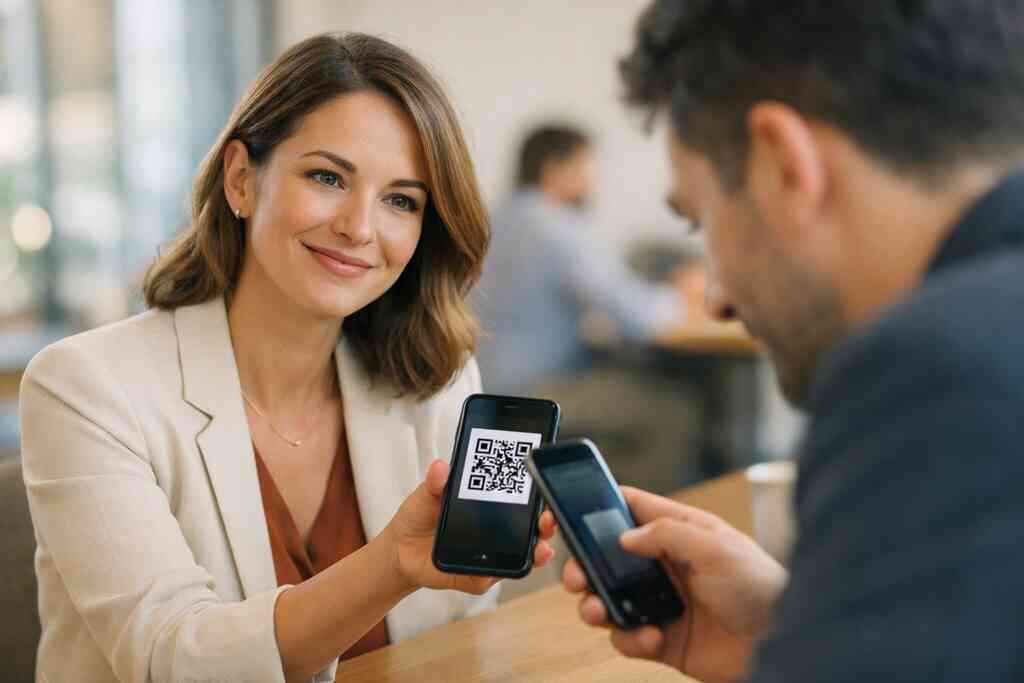
How NFC business cards, QR code business cards, and an Apple Wallet business card each change the handoff
The handoff matters as much as the design. NFC business cards let someone tap to receive details. QR code business cards let them scan. An Apple Wallet business card can keep your contact close on a phone. Each option changes the moment in a different way.
Apple’s Core NFC framework supports tap-to-share behavior on compatible devices. That makes the exchange feel quick and modern. NFC also aligns with ISO 14443, a standard used for contactless communication. QR remains useful because it is familiar and broadly accessible. If you want a comparison, NFC vs QR Code Digital Business Cards: Which Wins in 2026 is worth a look. The right choice depends on your audience, not hype.
What to look for in digital business card features without assuming every platform works the same
Not every platform works the same way. That is important. Before you choose, look for the digital business card features that fit your workflow. You may care about custom fields, branding, team management, or sharing options. You may also care about exportability and privacy controls.
If you are comparing options, start with the Pricing & Plans page. I cannot verify every platform’s pricing or feature set, so I will not pretend otherwise. But I can say this: the best digital business card platforms make setup simple and sharing reliable. They also support the way you already work, instead of forcing a new routine. That is especially important for corporate teams and sales teams.
Why digital card vs paper is also a choice about speed, sustainability, and contact enrichment
The digital card vs paper debate is not just about trendiness. It is about speed, sustainable business cards, and better information capture. Paper can be elegant, but it is easy to misplace. Digital cards move faster and store more useful context. That matters when you want contact enrichment later.
A well-built electronic business card can support notes, links, and structured fields. That makes it stronger than a static card. It also reduces waste, which many teams appreciate. On Long Island, New York, where professionals move between offices, events, and commuter trains, speed matters. So does a system that keeps up.
FactorPaper cardDigital business cardSharing speedSlowerFasterUpdateabilityHardEasyContact storageManualStructuredSustainabilityLowerHigherFollow up readinessLimitedStronger### How real estate agents, corporate teams, and sales professionals can use one template differently
One template can serve many roles. Real estate agents may use listing links and neighborhood info. Corporate teams may want consistent branding across departments. Sales professionals often need a simple path to book a conversation. The same structure can support all three.
For more targeted guidance, the Best Digital Business Cards for Real Estate Agents in NY 2026 page is a useful reference point if property work is your world. The key is flexibility. Your business card details should reflect the next step you want. A good template makes that easy. A weak one turns every interaction into extra work.
The next move for Long Island professionals who want better follow up
How to make a digital business card that supports email sequence for networking without feeling pushy
A good follow up sequence should feel helpful, not forced. Start with a short thank-you. Then add one relevant resource. After that, keep the tone human. The point is to continue the conversation, not pressure the contact into a decision. That is especially true in email marketing follow up.
If you need a practical starting point, the guide on how to create a digital business card that converts leads is useful. It can help you think through the structure before you build. You want a card that supports your email sequence for networking cleanly. You also want it to feel like you, not a template somebody else copied.
When to use templates, pricing pages, and setup guidance to choose the right fit
Setup matters more than people expect. A good digital card maker should make it easy to choose a layout, review the details, and share quickly. That is where digital business card design and setup guidance work together. Templates help you start faster. Pricing pages help you compare options honestly.
If cost is part of your decision, use the Pricing & Plans page rather than guessing. I will not invent pricing, because that would help nobody. If you want to compare free vs. paid tools, think about support, branding, and team use. A free digital business card can be enough for light use. Premium digital card plans may make more sense for teams that need consistency.
Why New York professionals from Suffolk County to NYC commuters need a simpler mobile-first networking system
Mobile-first networking is not a luxury anymore. It is the default. That is true for people in Suffolk County and for commuters heading into NYC. You need a system that works on a phone, a train platform, or a busy lobby. Paper does not always fit that reality.
Long Island professionals already know the rhythm of moving between local meetings and city appointments. A digital business card for LinkedIn can fit that rhythm well. It keeps your contact details close and easy to share. If you are searching for digital business cards near me , the real question is not location alone. It is whether the system matches your day.
How to turn one scan into a clean handoff, a clearer next step, and a better conversation later
The best follow up is simple. One scan should lead to one clean record. That record should trigger one thoughtful message. Then the next conversation gets easier. That is the real payoff of digital lead generation in networking.
We saw this pattern recently with a Garden City agent who moved from paper cards to digital sharing. She stopped retyping contacts after events. Her next messages became faster and more specific. The improvement did not come from magic. It came from removing friction between meeting and message. That is exactly what the right electronic business card exchange should do.
What to check before you share your card at your next Long Island event or client meeting
Before your next event, check a few basics. Make sure your contact details are current. Make sure your headline is clear. Make sure the mobile view looks good. Also check privacy and consent rules, especially if you store shared details for outreach. GDPR matters when contact data is collected and used across systems, even if your audience is local.
Here is a quick checklist:
- Confirm your name, phone, and email are correct.
- Test your scan or tap flow on more than one device.
- Review your message for clarity and tone.
- Make sure any saved contacts feed your follow-up process.
- Keep the design clean and easy to read.
If you want a direct starting point, use Digital Business Cards for Networking in Long Island as your local reference and build from there. You do not have to figure this out alone, and you do not have to fix every part at once. Start by making your next introduction easier to save, easier to remember, and easier to follow up on.
Frequently Asked Questions
Question: How can digital business cards help with email marketing follow up after professional networking events in Long Island, New York?
Answer: Digital business cards make follow up easier by capturing contact details while the conversation is still fresh. Instead of relying on paper cards that can get misplaced, you can share an online business card or virtual business card through QR code business cards, contactless sharing, or a link. That helps create a cleaner handoff for email marketing follow up, because the contact information is already saved in a structured way. For professionals in Long Island, Suffolk County, and NYC, this is especially useful after mixers, client meetings, and trade shows where fast post-event follow-up matters. A digital business card also supports paperless networking and sustainable business cards, which can be a good fit for sales professionals, real estate agents, freelancers, corporate teams, and small business owners who want a more efficient way to share contact info.
Question: What should I include in a strong digital business card example if I want better lead capture and follow-up automation?
Answer: A strong digital business card example should make it very clear who you are, what you do, and how someone should reach you next. At minimum, include your name, title, company, phone number, email, and one clear call to action such as a booking link or website. If you are trying to improve lead capture and follow-up automation, it also helps to use business card design that is clean and easy to read on mobile devices. For sales professionals, that might mean a direct calendar link. For real estate agents, it may mean a listing page or neighborhood guide. For freelancers, it may mean a portfolio link. Digital business cards from Digital Business Cards are designed to support this kind of simple, mobile-first networking approach, so your contact details are easier to save and use later.
Question: How does Digital Business Cards support contactless sharing, CRM integration, and digital card analytics?
Answer: Digital Business Cards is built around the idea that sharing contact info should be quick and easy. You can create digital business card details that can be shared through QR code business cards, a link, or other mobile-friendly methods, depending on how you choose to use the platform. That makes contactless sharing much smoother at events, meetings, and daily networking situations. If your workflow includes CRM integration, a digital business card can help reduce manual data entry by keeping the contact record more organized from the start. Digital card analytics can also be valuable because they may help you see how people interact with your card, which can improve timing and messaging for your sales follow-up strategy. While exact features can vary, the overall goal is to help you move from first contact to next step with less friction.
Question: What is the difference between digital card vs paper, and why do many professionals choose a smart business card instead?
Answer: The biggest difference between digital card vs paper is speed and flexibility. Paper cards are easy to hand out, but they are also easy to lose, damage, or forget. A smart business card or electronic business card makes it easier to share, store, and update your business card details without needing to reprint anything. That is helpful for professionals who attend multiple networking events, travel between Long Island and NYC, or want a more consistent way to manage contacts. Digital business cards also fit better into modern professional networking because they support mobile-first networking and can help your follow-up process start sooner. For many users, the appeal is not just convenience but also the ability to present a polished, custom branding experience that feels current and professional.
Question: How do I know whether a free digital business card or premium digital card plans are better for my team?
Answer: The right choice depends on how you plan to use the card. A free digital business card may be enough if you only need a simple way to share your contact information and are just getting started. Premium digital card plans may make more sense if you need stronger digital business card features, team consistency, custom branding, or a more organized setup for multiple users. Corporate teams and small business owners often look for business card template options, digital business card templates, and easier ways to keep branding consistent across staff. If you are comparing choices, it is smart to review the digital card pricing and plan details on the website rather than guessing. Digital Business Cards, based in Long Island, New York, is focused on helping people choose a format that fits their workflow without overcomplicating the process. If you are unsure how to make a digital business card that fits your needs, starting with the available templates and setup guidance is often the easiest path.