
Why paper cards still disappear at the worst possible moment
You know the feeling. You leave a mixer, reach for the card you just received, and find lint instead. Or you hand someone your own card, then realize your bag soaked through on the train. That small moment can quietly kill a follow-up. If you are reading this because paper cards keep failing you, that frustration makes sense. It is not a small problem when your next client depends on a clean handoff.
The networking moment when a paper card gets lost before follow-up
Paper cards fail in ordinary life. They bend in pockets, smear in the rain, and vanish in tote bags full of receipts. We hear this from professionals after conferences in Midtown and quick introductions in Commack co-working spaces. One person can get three great leads in a night, then lose all three cards before breakfast. That is painful because the opportunity was real.
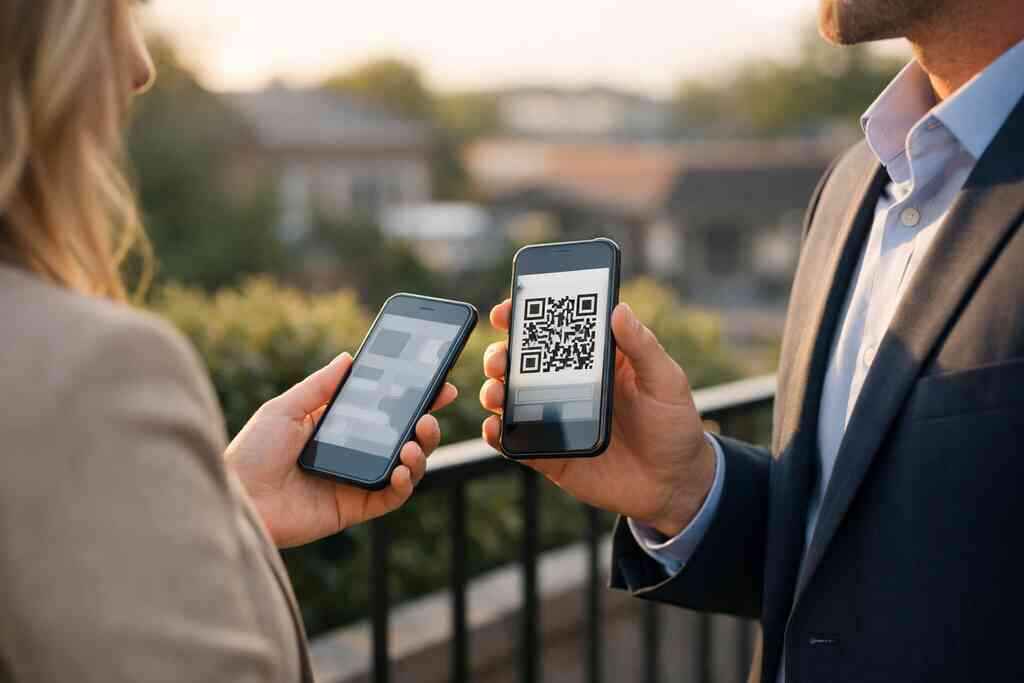
A digital business card changes the exchange itself. Instead of hoping someone keeps a rectangle of cardstock, you let them save your contact info instantly. A digital business card, online business card, or virtual business card lives where people already work: their phone. That means less clutter and fewer missed follow-ups. It also means your electronic business card can be shared again without reprinting anything.
Why a digital business card solves the same problem without the clutter
A good digital business card removes friction. You tap, scan, or send a link, and the other person gets your details right away. That is the core difference between paper and paperless networking. The card does not need a wallet slot, and it does not wait for someone to type your number later. It simply makes the exchange easier.
There is also a sustainability angle. Many professionals want sustainable business cards because they care about waste and image. A smart business card supports contactless sharing while keeping your brand polished. The best part is that you can keep one version current instead of juggling stacks of outdated print runs. If your phone number changes, your card can change with it.
What Long Island professionals notice after switching from paper to contactless sharing
On Long Island, timing matters. A real estate agent in Garden City may go from an open house to a coffee meeting, then onto the LIRR. A paper card can get buried fast in that rhythm. A digital business card stays ready on the phone, which is exactly where busy people look first. That makes the exchange feel smoother.
Here is what we notice most with Long Island professionals. They stop worrying about running out of cards. They also stop apologizing for smudged ink or old job titles. In a region that moves between Suffolk County offices, NYC meetings, and local networking events, that consistency matters. For many, the shift feels less like a tech upgrade and more like getting organized.
What actually goes into a digital business card that people will tap, scan, and save
A digital business card works best when it is simple, clear, and useful. You are not building a mini website for show. You are building a fast contact exchange that people can trust and save. That means the design, the details, and the sharing method all need to support the same goal. If any part slows people down, they will not finish the save.
Choosing a business card template that matches your brand and role
Start with the right business card template. The template should fit your role, not distract from it. A sharp consultant needs a different digital business card design than a local contractor or a boutique realtor. The best templates make your name, role, and contact path easy to spot. They do not bury the essentials under decoration.
If you are trying to find digital business card design templates for professional branding, think in terms of clarity first. Your virtual card design should reflect your tone, industry, and audience. Use colors that match your brand, but keep contrast strong. A business card example that works well is one where the viewer can identify you in two seconds. That is enough time to earn the save.
Building the right business card details for sales professionals, real estate agents, freelancers, and teams
The business card details you choose matter more than fancy effects. At a minimum, include your name, title, phone, email, company, and a clear action path. For sales professionals, that may mean a direct calendar link. For real estate agents, it may mean a listing page or property inquiry route. For freelancers, a portfolio link often matters more than a long company description.
Different groups need different emphasis. Corporate teams may need a consistent format across departments. Small business owners may want a simple, flexible layout. If you work in property, real estate digital card examples can help you see how the presentation changes without losing professionalism. The key is not to cram every detail onto the screen. Include what helps someone contact you quickly.
How QR code business cards, NFC business cards, and an online business card fit different situations
This is where many people overthink things. QR code business cards are great when someone can scan from a screen, badge, flyer, or printed item. NFC business cards are useful when you want quick tap-to-share contactless sharing. An online business card works well when you need a simple link for email signatures, text messages, or LinkedIn messages. Each option has a different strength.
If you want a clear comparison, QR code and NFC business card sharing options help you match the tool to the moment. QR code business cards use the ISO/IEC 18004 standard, which supports reliable scanning across many devices. NFC smart business cards use short-range communication, and Apple’s Core NFC framework helps support tap behavior on compatible devices. For many professionals, the smartest move is not choosing one forever. It is picking the format that fits your meeting style.
FormatBest useStrengthLimitationQR code business cardsEvents, printed materials, quick scansVery easy to shareRequires camera scanNFC business cardsIn-person networkingFast tap-and-shareDevice compatibility mattersOnline business cardEmail, text, LinkedInFlexible and link-friendlyDepends on a shared link### What custom branding means for a smart business card without overcomplicating the design
Custom branding should make your smart business card recognizable, not busy. Think logo, color palette, headshot, and clean typography. Those elements help people remember you after the meeting. They do not need animation, noise, or clutter. Good digital business card design feels calm and deliberate.
If you want a practical place to explore setup choices, the how to create a digital business card for networking guide is a useful reference point. A strong design supports trust. It also makes your digital card for LinkedIn look consistent when someone opens it later. That consistency matters in professional networking because it reduces confusion. People remember the brand they can read, not the brand that tries too hard.
Where digital card analytics and lead capture matter, and where they do not
Analytics sound exciting, but they are only useful when they answer real questions. Digital card analytics can show you when people viewed your card, clicked a link, or saved a contact. Lead capture can help if you need a record of who engaged. That is useful for sales professionals and corporate teams. It is less important if you simply want a clean exchange.
Here is the part most people miss. Tracking is only valuable when it supports follow-up. If you never review the data, it is just decoration. A good digital business card app should make sharing easier first and tracking second. If you want to compare options, digital business card features for lead capture and analytics explains why those tools matter in some workflows and not others. For many users, a modest setup is enough.
How to turn one card into a repeatable networking system that keeps working after the handshake
A digital business card is not just a card. It is a system for staying reachable. That system works best when your contact details stay current, your follow-up is timely, and your sharing method fits the setting. The goal is repeatable networking, not a one-time trick. If that sounds like a relief, it should.
Using a digital business card app to keep contact info current across every channel
A digital business card app helps you update once and share everywhere. That matters when you are moving between meetings, phone calls, and events. You do not want an old title living on ten printed cards. You also do not want different versions floating around your email signature and your LinkedIn profile. Central control keeps your professional image clean.
If you are comparing setup paths, the Pricing & Plans page can help you think through how a free digital business card might differ from premium digital card plans. I am not going to guess at pricing here, because that changes. What matters is the logic: choose a plan that matches your volume, branding needs, and sharing habits. In our experience, the biggest mistake is overbuying features you never use. Simpler often wins.
When CRM integration, follow-up automation, and lead capture actually save time
CRM integration and follow-up automation help when you already have a repeatable sales process. If you meet dozens of prospects each week, saving contacts directly into your system can reduce manual entry. Lead capture also helps when you need to segment contacts by event, territory, or service line. That is where the time savings become real. Anything less structured can feel like overhead. The smartest use case is usually selective. A freelancer may need a simple contact save. A sales leader may need the full path from scan to CRM. If you want a deeper look, digital business cards for corporate teams and small business growth can show how teams think about scale. And if you operate in property, digital business cards for real estate agents in New York is a good model for high-velocity follow-up. The right setup should save time, not create another system to babysit. 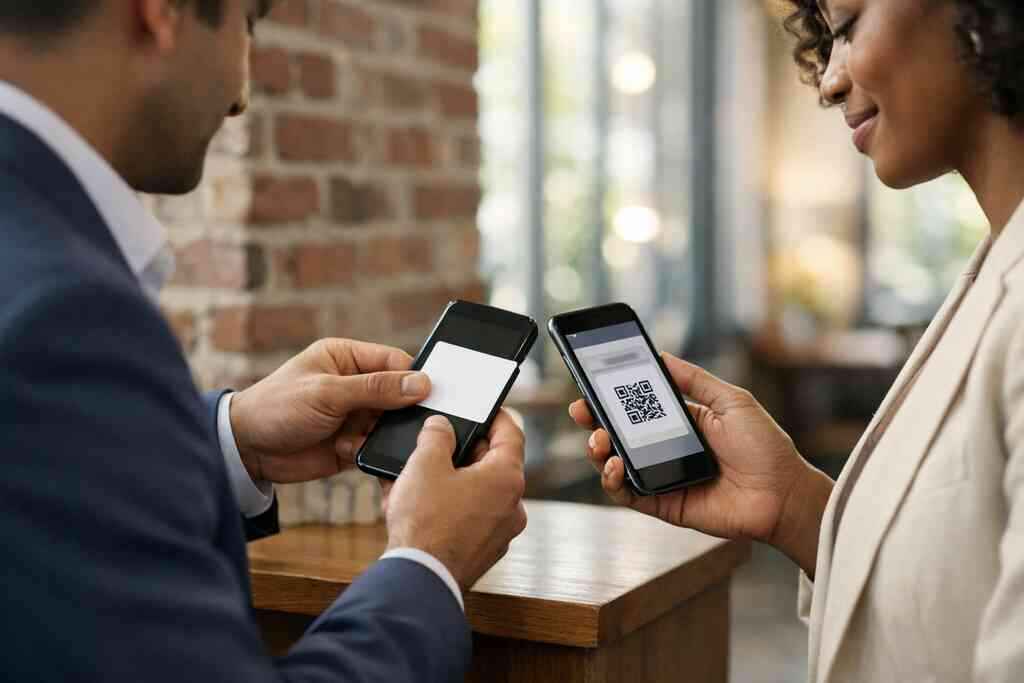
How Apple Wallet business card and Google Pay card options can support easy access on the move
Wallet access is underrated. An Apple Wallet business card or Google Pay card can make your contact details easier to reach during a busy day. That matters when you are walking into a conference, rushing to a client site, or standing outside Penn Station. Instead of digging through apps, you open the wallet you already check. Fast access helps.
These options do not replace everything else. They support convenience. They can be especially useful for NYC commuters and Long Island professionals who split their week across multiple locations. The point is not novelty. It is reducing the number of taps between you and a useful introduction. That is what good digital business cards do best.
Why the best digital business card platforms are judged by clarity, not gimmicks
The best digital business card platforms are easy to understand. They do not overwhelm you with flashy extras. They make it obvious how to create digital business card profiles, share contact info, and keep business card details current. Clear platforms also help the person receiving your card. If they need instructions, the system is too complicated.
Think about what the recipient sees. Can they save your contact quickly? Can they open the card on mobile without friction? Can they find the one action you want them to take? Those questions matter more than a long feature list. If you want a model for simplicity, paperless networking and digital cards vs paper cards gives a balanced view. Clarity always wins after the handshake.
What a strong digital card vs paper comparison looks like for Long Island, New York, and Suffolk County professionals
For Long Island, New York, and Suffolk County professionals, the comparison is practical. Paper cards work only as long as someone keeps them clean and reachable. A digital card survives the commute, the conference table, and the meeting follow-up. It also fits a market where people switch from in-person to online conversations constantly. That flexibility matters.
One client at a Hauppauge business mixer handed out a paper card and a digital card in the same week. The paper card disappeared before the follow-up call. The digital one was saved, opened later, and forwarded to a colleague. That kind of story is common, even if the details change. If you want an easier local route, Long Island networking and professional business growth can help frame the broader networking culture here. The takeaway is simple: the card that stays on the phone is the one people can still use tomorrow.
The next move after setup: choosing the right use case for networking, sales, and small business growth
After setup, choose one primary use case. Do you need better networking? Faster sales follow-up? Cleaner small business introductions? Pick the use case that matters most and let the card support it. That focus keeps the system useful.
For some users, the best move is building a card for trade shows and community events. For others, it is a card for client meetings and referrals. A digital card maker should support both, but you should not start with everything at once. If you are unsure, review the How It Works flow and map your real routine against it. Then test it in one meeting, one event, and one follow-up chain. You do not have to figure out every detail today. Start with the version you will actually use this week, then refine it after the first five shares.
Frequently Asked Questions
Question: How do I create a digital business card with Digital Business Cards if I want something simple, professional, and easy to share?
Answer: Creating a digital business card is usually a straightforward process. You start by building your profile, adding the business card details that matter most, and choosing a business card template that fits your brand. From there, you can create digital business card pages designed for contactless sharing through QR code business cards, NFC business cards, a link, or other sharing methods supported by the platform. The main idea is to make it easy for people to save your contact info without paper clutter. If you are in Long Island, New York, Suffolk County, or NYC, that convenience can be especially helpful for busy professional networking. A clean setup is often better than one packed with too much information, so keep your card focused and easy to act on.
Question: What should I include on my digital business card design for sales professionals, real estate agents, freelancers, or corporate teams?
Answer: The best digital business card design depends on your role, but the essentials are usually the same: your name, title, company, phone number, email, and a clear way to reach you. Sales professionals may want a calendar link, real estate agents may want listing or inquiry links, freelancers often benefit from portfolio access, and corporate teams may need a consistent format across departments. A good digital business card template should make those details easy to find without overwhelming the viewer. Custom branding also matters, because your colors, logo, and photo can help make your virtual business card feel recognizable and trustworthy. The goal is not to add every possible detail, but to include the business card details that help someone take the next step quickly.
Question: Are QR code business cards better than NFC business cards for digital business cards near me in Long Island?
Answer: Neither option is automatically better for everyone, because QR code business cards and NFC business cards serve slightly different situations. QR code business cards are useful when someone can scan from a screen, printed item, badge, or flyer, while NFC business cards are designed for quick tap-and-share contactless sharing in person. For many people in Long Island, New York, and Suffolk County, the best choice depends on how they network most often. If you move between meetings, conferences, and client visits, a smart business card setup may include more than one sharing method. That flexibility can make an electronic business card exchange smoother and more memorable. The best digital business card platforms are usually the ones that make sharing easy first and complicated second.
Question: Can a digital business card help with lead capture, CRM integration, and follow-up automation?
Answer: Yes, a digital business card can support those workflows when your networking process is designed around follow-up. Digital card analytics may help you see when someone viewed your card or clicked a link, and lead capture can make it easier to organize new contacts for later outreach. CRM integration and follow-up automation can be especially useful for sales professionals, corporate teams, and small business owners who meet many prospects and need a better way to manage them. That said, those features are most valuable when they actually fit your process. If you only need a simple online business card for sharing contact info, a lighter setup may be enough. A strong digital card maker should support growth without forcing you into extra complexity.
Question: What makes How to Create a Digital Business Card with Digital Business Cards useful for someone comparing digital card vs paper?
Answer: The blog How to Create a Digital Business Card with Digital Business Cards is useful because it explains the practical difference between digital cards and paper cards in real networking situations. Paper cards can bend, get lost, or become outdated, while a digital business card can stay current and be shared again without reprinting. That matters for professional networking, especially if you want a paperless networking approach that feels modern and sustainable. The article also helps readers think through business card design, business card template choices, and how to make a digital business card that fits their role. For people in Long Island and nearby areas, this can be a helpful way to simplify everyday networking while keeping a polished brand presence.