
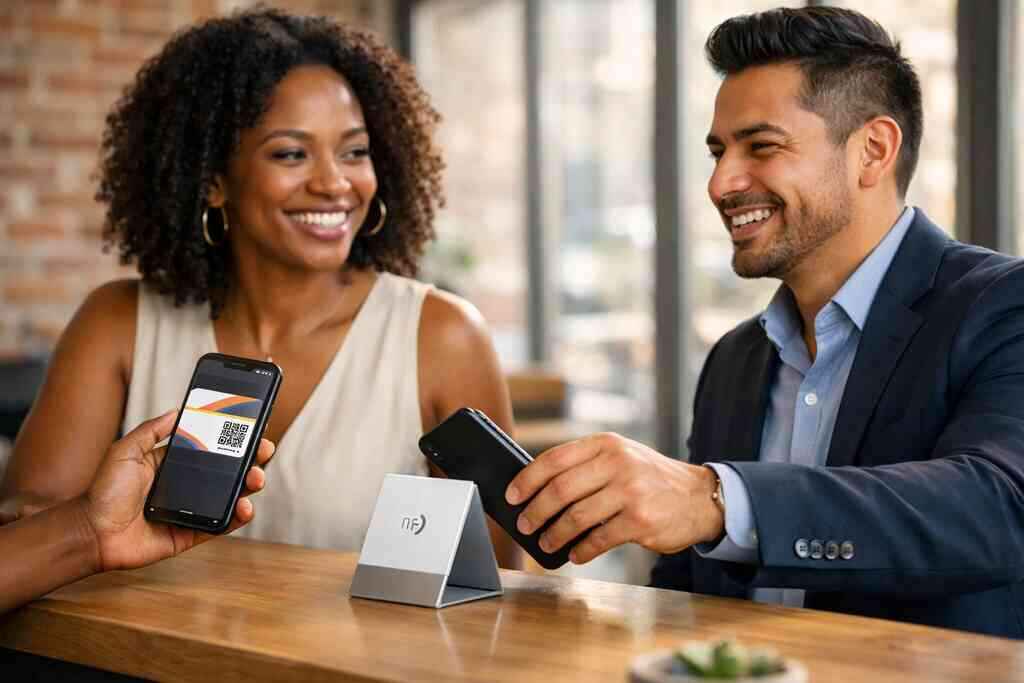
When your paper cards disappear before the follow-up lands
You know the feeling. You leave a meeting with a promising contact, then the paper card vanishes into a pocket, bag, or desk pile. That small loss can break the follow-up chain. If you are reading this because your leads feel harder to track than they should, that frustration makes sense. A digital business card fixes that weak handoff before it costs you a reply.
Why a lost card breaks the email marketing chain before it starts
A paper card depends on memory, timing, and a clean desk. That is a lot to ask from a busy person. If the card gets smudged, bent, or tossed, the contact info never makes it into your inbox workflow. The result is simple: no record, no sequence, no next message. That is why digital business cards matter for email marketing follow-up. They keep the contact path open from first hello to reply.
Here is the part most people miss. Email marketing does not start with a campaign tool. It starts when someone can still find you. A clean electronic business card or virtual business card gives you a linkable, searchable, and shareable point of contact. That makes it easier to move from a conversation to a message without relying on a stack of cards. If you want the mechanics, How Digital Business Cards Work for Professional Networking is a good place to start.
What a digital business card changes in the handoff from contact info to inbox
A digital business card turns contact sharing into a live action. Instead of handing over paper, you share a page that can hold your phone number, email, website, and more. That means the receiver can act right away. They can tap, save, or open your details without typing anything twice. In practice, that removes friction from the exact moment people decide whether to follow up.
An online business card also supports better organization. You can connect one share to a contact record, then route that record into your email workflow. That is where a digital card maker becomes more than a design tool. It becomes a bridge between networking and message delivery. If you need to build that bridge carefully, Digital Business Cards and Email Marketing Follow Up in 2026 covers the broader strategy.
The Long Island networking moments where paper still fails at the worst time
Long Island networking is full of moments where paper cards underperform. Think about a crowded Hauppauge business mixer, a Commack co-working space, or a quick handoff before a train into Manhattan. In those settings, cards get damp, bent, or mixed with receipts. That is especially painful when you are trying to protect a warm lead. A smart business card solves the awkward “I forgot your card” problem before it starts.
One sales rep we heard about at a regional mixer tucked a dozen cards into a coat pocket and lost half of them before the next morning. The contact list that should have been simple became guesswork. The fix was not more paper. It was a paperless networking setup with contactless sharing and a searchable record. On Long Island, where people move between Nassau, Suffolk County, and NYC all week, that kind of reliability matters.
The email signature move that turns a digital business card into a lead engine
Your email signature is already a tiny trust signal. That makes it prime real estate for a digital business card for LinkedIn-style connection, even if the conversation began elsewhere. Instead of treating the signature like an afterthought, treat it like a clickable follow-up channel. This is where a virtual business card can quietly support sales without feeling pushy. Used well, it creates a natural path back to your details.
How to place your online business card where people already click
The best placement is simple. Put your card where recipients already expect useful contact details. That usually means your email signature, follow-up email footer, and thank-you message after a meeting. Keep the call to action direct, such as “View my digital business card” or “Save my contact info.” People click when the next step feels obvious. They hesitate when it feels like work.
A good digital business card app should support that flow cleanly. You want a link that opens fast on mobile and desktop. You also want the page to match your brand and role. If your audience is in sales, real estate, or a small business team, the card should feel professional without adding clutter. That is the practical side of digital business cards for networking.
What belongs in the card details so replies feel natural and fast
Keep your business card details focused. Include the fields people need to act, not every detail you have ever collected. Name, title, company, email, phone, website, and one strong call to action are usually enough. You can also add social links if they support your work. The goal is fast response, not a crowded profile.
A useful business card example follows a simple rule: the most important action should be visible first. For some people, that is saving a contact. For others, it is booking a call or opening a portfolio. If you are a freelancer, you may want one clear link. If you work in corporate outreach, you may want a cleaner path to a calendar or CRM. A well-built digital card design keeps the message sharp.
Why contactless sharing works better when the card and email message match
Contactless sharing works best when the card and the email read like the same conversation. If your card says one thing and your follow-up says another, people feel the split. That is why contactless sharing should mirror your email tone, subject line, and next step. The handoff should feel effortless. It should not feel like a system change.
This is where consistency helps trust. A matching card and email message make the exchange feel intentional. That matters for professional networking, especially when you are juggling referrals, introductions, and warm leads. If you share a card after a meeting, your follow-up should reference the same promise. For some teams, a tighter system around digital business cards and email marketing follow-up for sales teams keeps that rhythm intact.
How lead capture and follow-up automation can support sales professionals and small business teams
Lead capture is simply the act of collecting contact details in a structured way. Follow-up automation is the next layer. It sends the right message after the right action, without forcing you to do every task by hand. For sales professionals and small business teams, that saves time and reduces missed replies. It also helps keep new contacts organized before the lead goes cold.
What we see most often is this: people try to remember too much after an event. That never works well. A cleaner system uses the card to capture the contact, then routes that contact into email follow-up. If you need setup help, How to Create a Digital Business Card With CRM Integration is the right place to connect those steps. Just remember GDPR and similar privacy rules if you store shared contact details.
When to use a QR code business card, an NFC business card, or both
A QR code business card works well when people are already using a phone screen or printed display. An NFC business card is useful when a tap feels faster than a scan. Both can support electronic business card exchange, but they serve slightly different habits. QR is universal and familiar. NFC feels smoother in live conversations. If you want a balanced comparison, QR Code vs NFC Cards for Contactless Sharing helps clarify the choice. 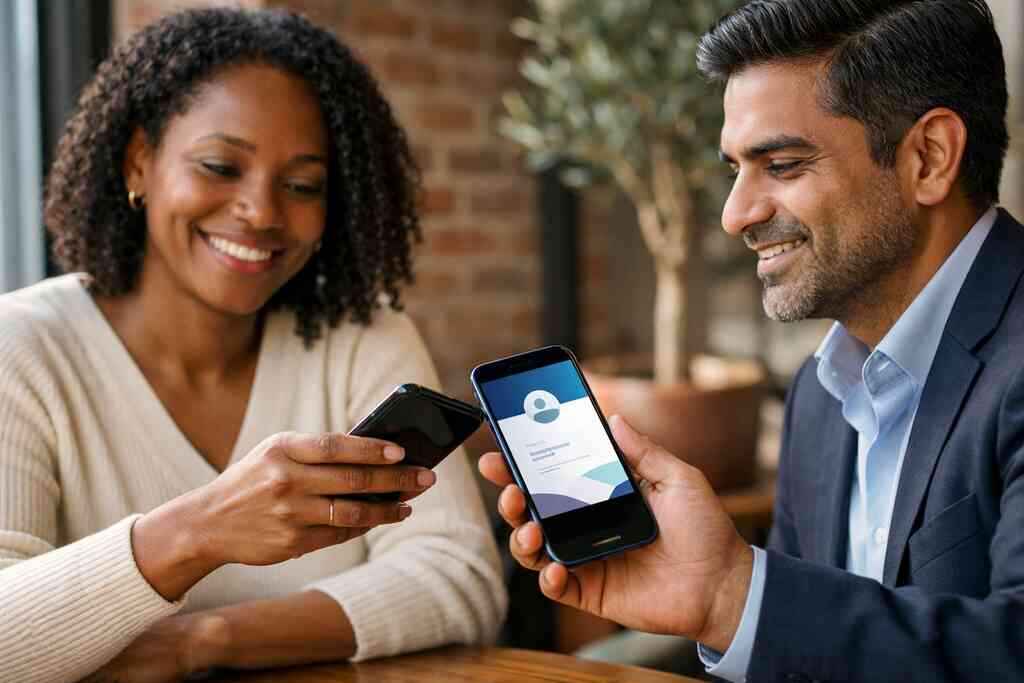
OptionBest useStrengthWatch out forQR code business cardsEvents, badges, printed materialsEasy to scanNeeds camera accessNFC business cardsFast in-person sharingTap-to-share convenienceNot every phone or setup is readyBoth togetherMixed networking settingsFlexible contactless sharingRequires a thoughtful card layoutIf you network across NYC, Long Island, and Suffolk County, both formats can be useful. Apple’s Core NFC framework and the ISO 14443 standard support reliable tap behavior on compatible devices. QR relies on the ISO/IEC 18004 standard. In plain English, both are established, but QR is usually the safest universal fallback. NFC adds speed when the room is ready for it. From one share to measurable follow-up: what smart digital card design should trigger next
Good design does more than look clean. It shapes what happens after the scan. The best digital business card design invites action without crowding the message. It also supports tracking, branding, and follow-up. That is where your card stops being a static profile and starts behaving like part of your marketing system.
How to make a digital business card that looks sharp without crowding the message
Start with whitespace. Serious design needs room to breathe. A digital card maker should let you arrange your name, title, logo, and contact buttons without stacking too much on one screen. If everything competes for attention, nothing wins. A strong virtual card design feels simple at first glance and useful on second glance.
Use one clear purpose per card. A recruiter may want resume access. A broker may want listings. A consultant may want a booked call. The cleanest digital business card template supports that purpose without overloading the visitor. If you are deciding on structure, digital business card templates can help you see what balanced layouts look like. Good design should feel easy, not decorative for its own sake.
Which business card template choices help digital card analytics and custom branding
Template choice affects more than looks. It can shape digital card analytics and custom branding too. A clearer layout makes it easier to see which buttons get clicks. It also helps visitors recognize your brand faster. That is important if you are trying to measure which introduction led to a reply. Tracking only works when the design invites consistent behavior.
A strong template supports both trust and readability. Use your logo, brand colors, and one recognizable image if needed. Keep the text readable on small screens. This matters for How to Measure ROI from Digital Business Cards Analytics because the data is only useful when the experience is consistent. Custom branding should feel polished, not loud.
Why digital card vs paper changes the way freelancers, real estate agents, and corporate teams stay organized
The digital card vs paper debate is really about memory and scale. Freelancers need a quick way to collect leads without losing them in inbox chaos. Real estate agents need a reliable way to keep listings, calls, and open house contacts aligned. Corporate teams need consistent branding across many people. Paper cards cannot do that well. A digital system can.
We saw this clearly with a Garden City real estate agent who shared a digital card after a property showing. The contact stayed in one place, and the follow-up email referenced the exact home tour. That kept the conversation warm and specific. It did not feel automated, which is the point. For more role-based context, Top 7 Digital Business Cards for Real Estate in NYC shows how the format adapts to that market.
What to check before choosing free digital business card tools or premium digital card plans
Free tools can be useful. They are not always enough. Before choosing a free digital business card, check whether it allows basic sharing, branding control, and contact updates. Then compare it with premium digital card plans if you need more structure. Do not assume paid means better for your use case. Do assume your workflow may outgrow a free option.
Use this checklist:
- Can you update your card without rebuilding it?
- Does it support your branding cleanly?
- Can it connect to your email or CRM workflow?
- Does it offer useful digital business card features for your team?
- Is the card easy to share from mobile?
If you want to compare options carefully, Pricing & Plans will help you weigh the tradeoffs. I cannot verify every plan detail here, so check the live page before deciding.
How Long Island and NYC professionals can use digital business cards for networking without losing the human touch
People worry that digital tools make networking colder. That only happens when the tool replaces the relationship. On Long Island and in NYC, the best networking still starts with a real conversation. The card should support that moment, not dominate it. If you meet someone at a commute-heavy event or a neighborhood mixer, your follow-up should sound like you remember the exchange.
That balance matters in local networking rooms. At a Hauppauge mixer, a simple scan can feel smoother than fumbling for paper. In a Manhattan lobby, a clean tap or QR share respects everyone’s time. A thoughtful card keeps the conversation human. It just removes the mess.
The next move after the scan: how to connect your card to email marketing and stay memorable
The scan is not the finish line. It is the opening. After someone saves your card, your email should confirm the meeting, restate the context, and give one next action. That may be a call, a quote request, or a shared resource. The message should feel like a continuation, not a cold blast.
Use your digital business cards to support timing. Then use email to build memory. That is how you stay relevant after the event ends. For many teams, the real win is consistency. If you want a broader view of this kind of growth, Best Virtual Business Card Tools for NYC Sales Teams 2026 is a helpful comparison point.
A smart next move is simple. Pick one recent contact, update your card, and send a follow-up that matches the same language. Keep it short. Keep it human. And if you want a smoother system for contactless sharing, CRM handoff, and cleaner follow-up, take a close look at Digital Business Cards. You do not need to overhaul everything today. Start with one useful card and one better email.
Frequently Asked Questions
Question: How can digital business cards help with email marketing follow-up for sales professionals, freelancers, and small business teams?
Answer: Digital business cards make follow-up easier by turning a first meeting into a trackable contact handoff. Instead of relying on a paper card that can get lost, you can share an online business card, virtual business card, or electronic business card by link, QR code, or contactless sharing. That helps the recipient save your details right away and gives you a cleaner path into email marketing follow-up. For sales professionals, freelancers, real estate agents, and corporate teams, this means less manual data entry, faster lead capture, and a more organized process for staying in touch. A well-built digital business card can also support CRM integration and follow-up automation, which keeps your outreach consistent without losing the human touch.
Question: What should I include in my digital business card design so people can reply faster?
Answer: A strong digital business card design should stay simple and focused. The most useful business card details usually include your name, title, company, email, phone number, website, and one clear next step. Depending on your goals, you may also want a digital business card for LinkedIn, a portfolio link, or a booking page. The best digital card maker tools should let you create digital business card layouts that feel clean on mobile and desktop while still supporting custom branding. If you are comparing business card template options, choose one that keeps the main action visible first. That helps with digital card analytics too, because a clear layout often makes it easier to see what people click and how they respond.
Question: What is covered in the blog Ultimate Guide to Digital Business Cards for Email Marketing, and how does it help Long Island and NYC networking?
Answer: The blog Ultimate Guide to Digital Business Cards for Email Marketing explains how a digital business card can support networking, lead capture, and better email follow-up after meetings. It looks at why paper cards break the follow-up chain, how contactless sharing helps people save your information faster, and how an email signature with digital business card placement can keep your details visible after the first conversation. It also connects the idea to real-world networking in Long Island, Suffolk County, and NYC, where busy schedules and commuting can make paper business cards easy to misplace. For professionals in New York who want a smoother workflow, this approach supports professional networking while keeping the process practical and approachable.
Question: Should I choose QR code business cards, NFC business cards, or both for paperless networking?
Answer: It depends on how and where you share contact info. QR code business cards are a flexible choice because they work well in many settings and are familiar to most people. NFC business cards can feel faster in one-on-one conversations because they allow tap-to-share convenience on compatible devices. For many users, both is the best option because it gives flexibility across events, meetings, and everyday professional networking. If you are building a smart business card for sales professionals, real estate agents, or corporate teams, having both QR and NFC can improve electronic business card exchange and make your paperless networking setup more reliable. The key is to choose a card that matches your audience and your typical sharing environment.
Question: What should I check before choosing a free digital business card or premium digital card plans?
Answer: Before choosing a free digital business card or premium digital card plans, check whether the option supports the basics you actually need. That includes the ability to update your information easily, use custom branding, share contact info quickly, and maintain a clean digital business card design. You should also look at whether the platform supports digital business card features that matter to your workflow, such as CRM integration, lead capture, and analytics. If you are comparing digital card pricing, it helps to think about how the card will be used by your team and whether the layout can scale for multiple users or business card template styles. For anyone looking at the best digital business card platforms, the right choice is the one that fits your goals without adding unnecessary complexity.