
Why Labor Day weekend exposes every weak point in paper networking
The first cold drink is in hand. The conversation is going well. Then your pocket is empty, and the last paper card is already gone. That moment feels small, but it exposes a real problem with paper networking. If you are reading this because follow-up has felt messy, frustrating, or strangely fragile, that reaction makes sense. Labor Day events bring out that weakness fast.
The card pocket that runs empty right when conversations heat up
Paper cards fail at the exact moment you need them most. You may meet three people in ten minutes, then realize you have no clean cards left. One card is bent, another is smudged, and a third is still sitting on your desk. That is not a branding problem. It is a timing problem.
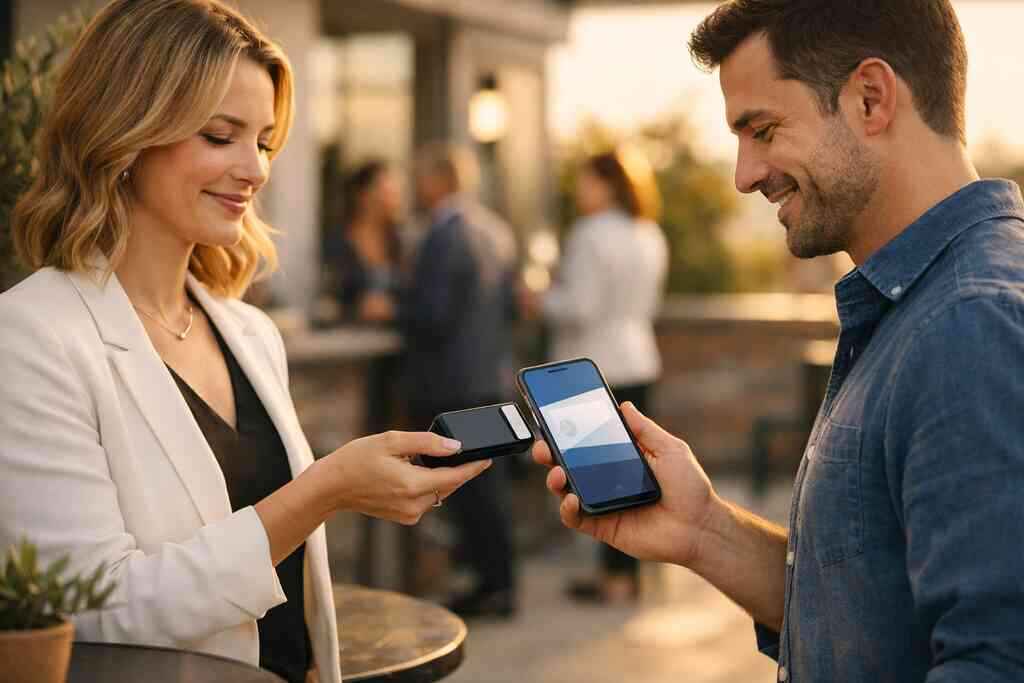
On busy weekends, people move fast and talk fast. You do not get a polite pause while you search for a card holder. You get one chance to share contact details clearly. A digital business card removes that bottleneck and keeps your information ready all the time. It also supports contactless sharing, which feels far smoother in crowded rooms.
Here is the part most people miss. The problem is not only running out of cards. It is the mental interruption that follows. Once the moment breaks, the lead weakens. A smart online business card keeps the exchange moving, which matters during holiday mixers and quick introductions.
How lost follow-up quietly kills otherwise strong leads
A strong conversation means little if the next step disappears. Paper cards get tucked into a jacket, then into a bag, then into a drawer. By the time you find them, the memory is already thin. That is where good leads quietly die. Most people do not mean to forget. They simply lose momentum.
A 2023 Adobe survey found many professionals have lost a paper card before following up. That lines up with what we hear from local professionals all the time. A freelance designer in Commack once told us she met four promising contacts at one evening event, then found only two cards later. The other names vanished into a folder on her laptop and never got a reply. That is not rare. It is normal.
A virtual business card changes that pattern because the exchange can stay connected to measurable next steps. You can track visits, see interest, and keep the contact in one place. That makes follow-up automation far easier to manage. It also gives you a cleaner path to lead capture, instead of hoping a pocket card survives the night.
Why Long Island professionals feel the paper shuffle more at holiday events and commuter meetups
Long Island has its own networking rhythm. People move between Suffolk County meetings, Garden City lunches, and NYC train platforms with almost no downtime. That pace exposes paper’s weak spots quickly. You may be heading from a Hauppauge business mixer to a commuter meeting, and your cards are already wrinkled from humidity. That is not ideal when you want a polished first impression.
We see this especially with sales professionals, real estate agents, and freelancers. They often need to share details in motion, not from behind a desk. The electronic business card fits that reality better because it can be shared by QR code, link, or tap. If you want a practical contrast, the digital business cards versus paper networking costs comparison shows how quickly the paper habit adds friction.
What we’ve seen in 2026 specifically is simple. The professionals who rely on paper spend more time reorganizing than networking. The ones using paperless networking tools spend more time talking and less time searching. That difference feels small until you count the missed replies.
What digital card analytics actually reveal after a scan, tap, or share
Analytics change the conversation. Instead of guessing who is interested, you can see who opened your profile, scanned your code, or tapped your card. That does not replace judgment, but it sharpens it. A smart business card becomes much more useful when it leaves a trail you can read. The numbers are not decoration. They are clues.
Profile visit analytics and what they say about real interest
Profile visits tell you more than vanity counts. A single quick glance means less than repeated visits over two days. Someone who returns to your profile is likely comparing options, reviewing your business card details, or checking your custom branding before replying. That is real buying behavior. It is subtle, but it matters.
On a good digital business card app, profile analytics can help you separate curiosity from intent. Someone who lands once and leaves may just be browsing. Someone who revisits after a conversation is worth faster attention. That is especially useful for professional networking, where timing shapes the outcome. If you are building a how to make a digital business card in 2026 for leads workflow, those patterns help you prioritize.
One real estate agent we spoke with in Garden City noticed something interesting after a property event. A prospect kept returning to the card profile before asking for details. That repeat activity signaled caution, not disinterest. The agent replied with a short, specific follow-up and moved the conversation forward. The analytics did not close the deal, but they pointed to the right moment to respond.
QR code scan tracking versus NFC taps in the field
QR and NFC both work, but they tell slightly different stories. QR code business cards usually show scan behavior from mobile devices. NFC business cards track a physical tap, which often signals stronger intent. The technology behind QR follows the ISO/IEC 18004 standard, while NFC relies on close-range exchange frameworks such as ISO 14443. Apple’s Core NFC framework also supports tap behavior on compatible devices, which helps explain why tap-to-share feels so immediate.
If you want a practical breakdown, the QR code scan tracking and NFC tap analytics guide is useful. QR often wins in flexibility. NFC often wins in speed and presence. Both support contactless sharing, and both work well in crowded rooms. The better choice depends on where you network most.
Here is a simple field rule. Use QR when you need universal access. Use NFC when you want a fast tap with a sharper in-person feel. Many professionals keep both options ready because one size rarely fits every conversation. That works especially well for digital business cards for networking in mixed environments.
Engagement metrics that matter more than vanity views
A high view count looks nice, but it does not pay off by itself. The metrics that matter are the ones tied to action. Look for repeated visits, button clicks, contact saves, message opens, and time spent on the profile. Those signals show attention. Attention is the real currency.
The best digital card analytics help you answer three questions. Who looked? Who came back? Who acted? If you can answer those, you can make better decisions about networking ROI. That is why many teams treat analytics as part of the card, not a separate extra.
For some readers, this feels more technical than they want. That is fair. The good news is simple: you do not need to inspect every metric. Start with two or three that match your goal. If you want appointments, watch reply behavior. If you want referrals, watch shares and saves. If you want better targeting, watch repeat profile visits.
Conversion tracking and lead capture for sales professionals, real estate agents, and freelancers
Conversion tracking is where digital cards stop being clever and start being useful. A conversion may mean a form fill, a saved contact, a booked meeting, or a CRM entry. For sales professionals, that can mean a warmer pipeline. For real estate agents, it can mean a faster property inquiry. For freelancers, it may mean a new discovery call.
The How to make a digital business card with lead tracking resource can help frame setup choices. Build with the end goal in mind. If you want cleaner lead capture, keep the card simple. If you want stronger conversion tracking, make the path from scan to response obvious. That is the heart of good digital business card features.
A good setup also respects privacy. If you collect contact details, be careful with storage and consent. GDPR rules matter if you handle contacts across regions, even informally. In plain terms, store only what you need and explain how you use it. That keeps your electronic business card exchange more trustworthy.
The analytics stack that turns a virtual business card into a networking tool
Analytics alone are not enough. You need a stack that supports design, sharing, tracking, and follow-up without turning into a mess. The strongest setups feel almost invisible to the user. They just work. That is what makes a virtual card design useful instead of merely attractive. It should help people contact you faster.
How to make a digital business card with tracking in mind
If you want better data, start with structure. Keep your headline clear. Use a clean photo. Include only the links people truly need. Add one main call to action, not five competing ones. That makes the behavior easier to measure.
A useful create a digital business card process usually starts with the profile and ends with the workflow. Think about what you want tracked before you build. If the goal is lead capture, the card should point to a contact form or direct message path. If the goal is referrals, highlight shareable details. The how-it-works page can help you picture the flow without overcomplicating it.
Here is a simple checklist:
- Keep the card clean and focused.
- Choose one primary action.
- Use trackable links where possible.
- Test every share method before an event.
- Review scan behavior after each meeting.
That approach works whether you use a digital card maker, an online business card, or a smart business card tied to a larger system.
Which digital business card templates support better custom branding and clearer data
Templates matter more than people think. A weak template hides the brand and muddies the data. A strong one makes your name, role, and action buttons easy to read. That helps both humans and analytics. Good digital business card templates should support clarity before style. If you want more design control, start with digital business card templates for stronger branding. Strong digital business card design does not mean crowded design. It means intentional spacing, readable text, and a clear hierarchy. That is especially helpful for corporate teams and small business owners who need consistency across multiple users. A business card template should also match your networking context. A realtor may need property links. A freelancer may need portfolio links. A sales rep may need meeting booking links. The more focused the structure, the cleaner the analytics become. That is where custom branding and tracking meet. 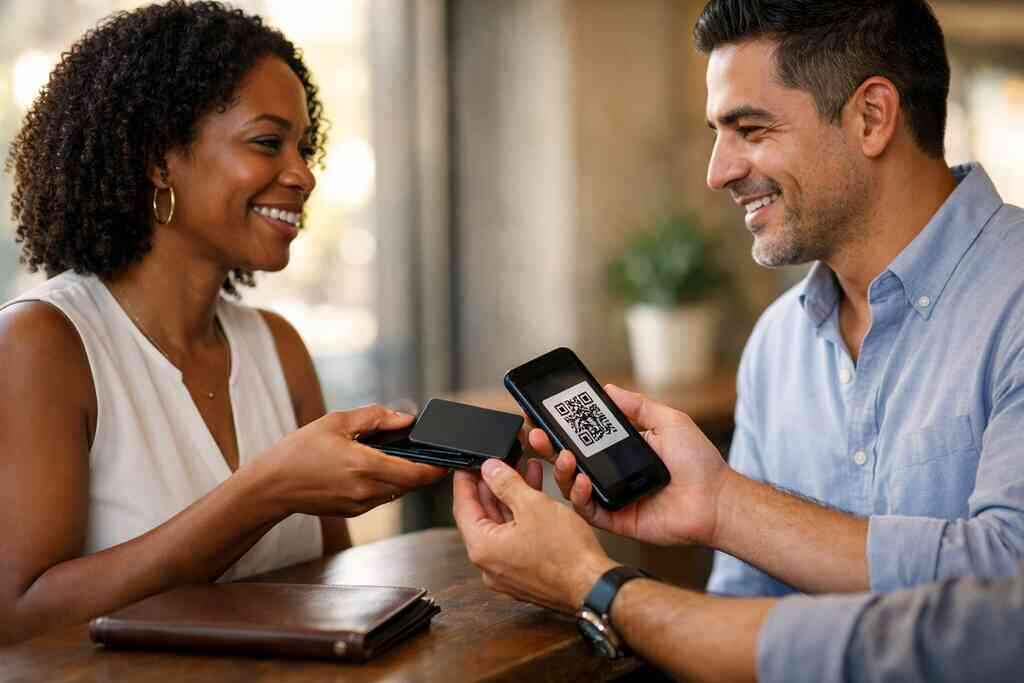
CRM integration and follow-up automation without making the workflow messy
CRM integration turns contact sharing into follow-up. That sounds simple, but messy setups create more work than they save. You want contacts moving into one place, tagged correctly, and ready for outreach. That is where CRM integration for digital business cards matters. It can reduce manual entry and improve consistency.
The best workflows are boring in the right way. Scan, save, route, follow up. Done. No duplicate records. No missed notes. No wondering which contact came from which event. That matters for digital card performance tracking because clean data produces clean decisions.
On the projects we’ve finished this year, the fastest wins came from keeping the workflow simple. If a team tried to track everything, they slowed down. If they tracked the right fields, they got results faster. That is especially true for digital business cards for networking teams in NYC, where speed matters and follow-up windows close quickly.
Digital card performance tracking for digital business cards for networking across teams
Team tracking changes the conversation from individual convenience to shared accountability. A single rep can see what works for them. A team can see what works across regions. That helps sales leaders, marketing teams, and office managers make better choices. It also helps with training. People learn from real behavior, not guesses.
The question is not only who scanned. It is what happened next. Did the contact save the profile? Did they click the booking link? Did they reply within a day? Those details reveal momentum. They also show where the handoff breaks down. That is the part almost no online guide mentions.
If your team works across Long Island and NYC, tracking matters even more. One person may network in Commack co-working spaces. Another may spend the morning on a train into Manhattan. A shared system helps both. That is how digital business cards become an operational tool, not just a nice-looking profile.
When a digital card vs paper comparison changes the decision for small business and corporate teams
Sometimes the decision becomes obvious only when you compare the process, not the price alone. Paper has a printing cost, but it also has a handling cost. Digital has setup effort, but it also has tracking, sharing, and updating advantages. The digital business cards pricing plans for small business ROI page can help you compare options, but the real comparison is workflow.
FactorPaper cardsDigital business cardsUpdatesReprint requiredEdit once, share instantlyTrackingNoneScan and engagement analyticsSharingPhysical handoff onlyQR, link, tap, emailFollow-upManualEasier with CRM integrationBrand controlFixed after printFlexible and currentFor small business and corporate teams, that difference can change the entire approach. Paper still has a place in some settings. But once you need reporting, consistency, or repeat sharing, the digital card vs paper choice shifts quickly. In many cases, digital wins simply because it removes friction.
How to read the numbers and act before the momentum disappears
The hard part is not collecting data. The hard part is acting while the conversation is still warm. If you wait too long, even strong interest cools. That is why your response plan matters as much as the card itself. Numbers should prompt action, not sit in a dashboard.
Which contacts deserve an immediate reply and which need a slower touch
Not every contact needs the same pace. Someone who opened your profile twice and clicked a booking link deserves a faster reply. Someone who scanned once and left may need a softer nudge later. That is the value of behavior-based follow-up. It helps you respond with precision.
A useful rule is simple:
- Reply immediately to repeat visitors.
- Reply quickly to anyone who clicked a contact or booking option.
- Wait a bit longer for passive viewers.
- Re-engage with a useful message, not a hard pitch.
This is where conversion tracking becomes practical. You are not chasing every name. You are reading signals. That makes your outreach more human and less random. It also keeps your energy for the contacts most likely to move forward.
Using digital card analytics to refine a digital card template for the next event
Your analytics should shape the next version of the card. If people ignore one button, move it. If one headline gets clicks, keep it. If your profile feels busy, trim it. That is how a digital card template improves over time. Small edits can change outcomes.
A smart review cycle looks like this:
- Check the top action clicks.
- Review repeat profile visits.
- Compare scan sources.
- Remove clutter.
- Test one change at a time.
That process works well for virtual business card users who attend regular events. The lesson is simple. Do not build once and forget. Update based on what people actually do, not what you hope they do. That makes your business card design sharper each round.
What to test on Long Island before the next Hauppauge mixer or NYC commute meeting
Local testing makes the data more honest. A card that works in a quiet office may fail in a crowded room. A link that loads fine on Wi-Fi may feel slow on a train platform. That is why Long Island use cases matter. Test where you actually network.
Before your next Hauppauge mixer or NYC commute meeting, try these:
- Open the card on mobile data.
- Scan the QR code in low light.
- Tap the NFC card on both iPhone and Android devices.
- Check whether the profile loads quickly.
- Confirm the contact details are easy to save.
This is also where local relevance matters. Long Island, New York, professionals deal with busy schedules, quick handoffs, and mixed device behavior. The better you test, the fewer surprises you face later. That saves time and protects the impression you make.
When to choose /features/ /templates/ /how-it-works/ /pricing/ or /nfc-digital-business-cards/ as the next move
The right next page depends on your current problem. If you need analytics details, start with features. If your design feels weak, look at templates. If setup feels unclear, How It Works is the best place to begin. If cost is the question, pricing gives you the structure. If tap sharing is your priority, go to NFC digital business cards.
That kind of routing keeps your decision clean. You do not need to solve every issue at once. You just need the right page for the right question. That is how good tools save time. It is also how a digital business card app stays useful instead of becoming one more thing to manage.
The next round of smarter sharing with a digital business card app that keeps your network working
A good digital business card app should make sharing easy, data readable, and follow-up manageable. It should help you keep your contacts alive after the room gets quiet. It should also fit the way you network now, not the way people networked ten years ago. That includes QR, NFC, email, and link sharing. It includes mobile-first behavior too.
If you are still using paper cards for every event, start small. Pick one upcoming meeting. Switch one card to digital. Watch what happens after the scan, tap, or share. You will learn more from that one event than from a month of guessing. And if you want a simple way to keep contact exchange clean, the digital business card app features and custom branding page is a sensible place to compare options.
You do not have to overhaul everything today. You do not have to master every metric before you act. Start with the contacts already in motion, choose one better tracking method, and make your next follow-up count.
Frequently Asked Questions
Question: What makes digital business cards better than paper cards for Labor Day networking in Long Island, New York?
Answer: Digital business cards are a practical fit for Labor Day networking because they make it easier to share contact info quickly, even when events get busy. Instead of worrying about running out of cards, damaged paper, or missed follow-up, you can use an online business card or virtual business card that is always ready to share by QR code, link, or tap. For professionals in Long Island, Suffolk County, and NYC, that convenience matters at mixers, commuter meetups, and fast-moving introductions. A digital business card app can also support paperless networking, contactless sharing, and easier lead capture, which is especially useful for sales professionals, real estate agents, freelancers, corporate teams, and small business owners who want a cleaner path from conversation to follow-up.
Question: How does the Guide to Digital Business Cards Analytics for Labor Day 2026 help me understand digital card analytics and follow-up automation?
Answer: The Guide to Digital Business Cards Analytics for Labor Day 2026 explains how digital card analytics can show who viewed your profile, scanned your code, or revisited your card after a meeting. That kind of insight helps you move beyond guesswork and into smarter follow-up automation. Instead of relying on memory or paper card stacks, you can use engagement metrics such as profile visit analytics, scan analytics, and conversion tracking to decide who deserves a quick reply and who may need a softer follow-up later. For anyone using a smart business card or electronic business card exchange workflow, this is a valuable way to improve networking ROI and keep conversations moving after the event ends.
Question: What digital business card features should I look for if I want stronger QR code business cards and NFC business cards analytics?
Answer: If analytics matter to you, look for digital business card features that make sharing and tracking simple. Strong QR code business cards should support clear scan behavior, while NFC business cards can add fast tap-based contactless sharing. A good digital card maker should also make it easy to create digital business card layouts that are clean, mobile-friendly, and easy to update. Helpful elements include profile visit analytics, QR code scan tracking, engagement metrics, and CRM integration so you can move leads into your workflow without manual copying. If you also care about digital business card design, choose digital business card templates that support custom branding and a readable business card template structure. That keeps the card useful for both the person viewing it and the person tracking the result.
Question: Can digital business cards help sales professionals, real estate agents, freelancers, and corporate teams manage lead capture more effectively?
Answer: Yes, digital business cards can help those groups manage lead capture more efficiently because they connect sharing with action. For sales professionals, that might mean a faster path to a booked meeting. For real estate agents, it can mean easier follow-up after a showing or open house conversation. For freelancers, it may mean a better way to direct interested contacts to a portfolio or discovery call. Corporate teams can benefit from more consistent digital card performance tracking across staff, while small business owners can use the same system to keep contact details current. With CRM integration and follow-up automation, the process becomes easier to manage and less dependent on paper notes or memory. That is one reason many people compare digital card vs paper workflows before deciding which approach fits their networking style.
Question: What should I do next if I want to make a digital business card for professional networking on Long Island or NYC?
Answer: The best next step is to start with the way you actually network. If you need a clear digital business card example, begin with a simple layout that includes your name, role, business card details, and one main call to action. Then decide whether you want QR code business cards, NFC business cards, or both. If your main goal is professional networking, choose a digital business card design that keeps the card easy to read on mobile devices and simple to update later. You can also compare digital card pricing, free digital business card options, and premium digital card plans if you are deciding how to begin. For Long Island, New York professionals, especially those moving between Suffolk County and NYC, the goal is to choose a tool that makes sharing contact info fast, clear, and consistent. That is where a well-structured digital business card app can make a real difference.