
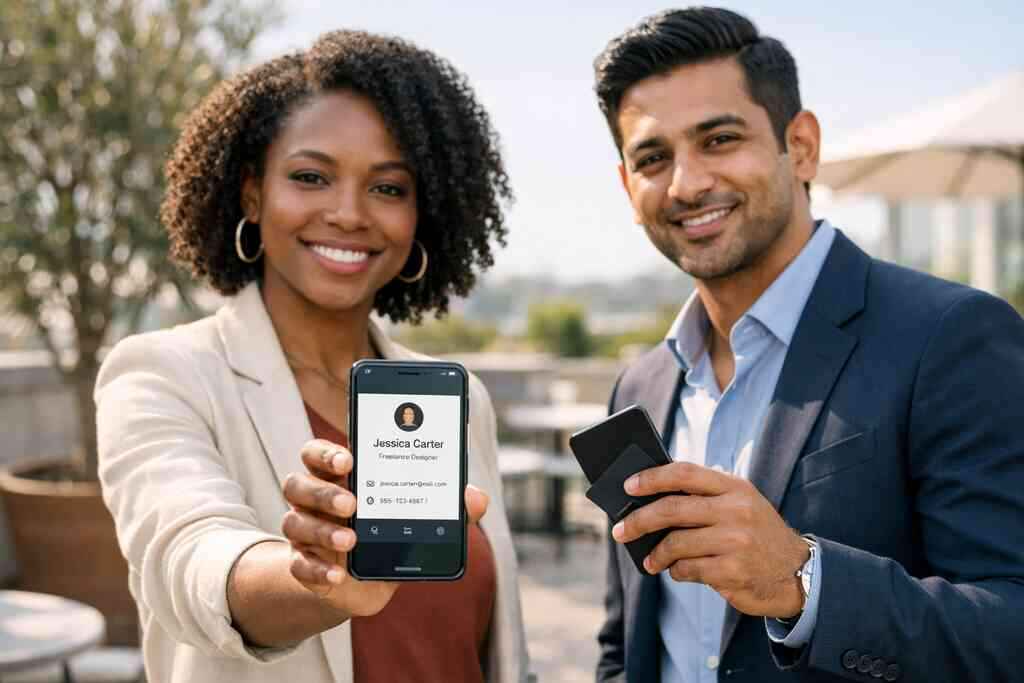
When a paper card dies in your pocket, what does that cost your content strategy
A coffee stain can ruin more than paper. It can break the only bridge between a good conversation and a useful follow-up. If you have ever found a bent card after a conference, you know the frustration. The name is there, but the email is blurred, and the next step disappears.
Why a smudged paper card still breaks the follow-up chain
That moment feels small. It is not small. A paper card depends on memory, handwriting, and a pocket that stays dry. Once the ink smears, your content plan loses the person who was supposed to see it.
Here is the part most people miss. A contact is not only a name. It is a path to a blog visit, a booking page, a case study, or a later conversation. When the card fails, the chain fails with it. A 2023 Adobe survey found that many professionals have lost a paper card before following up, and that matches what we hear often.
One consultant at a Hauppauge meetup told me he had fifteen cards in his jacket after a single morning. By the time he got back to the office, three were unreadable and two were gone. He had to search LinkedIn, guess at the spelling, and hope the person accepted the request. That is not a strategy. That is recovery work.
How lost contacts quietly weaken brand visibility and lead generation
Lost contacts do not announce themselves. They simply never become leads. They never reach your content, never join your newsletter, and never see the next offer. Over time, that silence weakens brand visibility in a very practical way.
This matters even more for small business owners, sales professionals, real estate agents, and freelancers. Your marketing only compounds when people can find you again. If the contact vanishes, your content marketing for small business has to start over. That means more money spent to re-create attention you already earned.
A digital business card changes that pattern. It keeps your business card details in one place and makes them easy to share again. It also supports mobile-first networking, which fits the way people actually meet now. On Long Island, New York, that matters in client parking lots, co-working spaces, and lobby conversations just as much as in formal events.
Where digital business cards fit into a modern content marketing workflow
A digital business card is more than an online business card. It can act as a live destination that points to your content, your booking flow, and your contact management workflow. That is why digital business cards for networking have become so useful. They help you share contact info and content at the same time.
Think of the workflow this way:
- You meet someone.
- You share a digital card.
- They open a page with your bio, links, and resources.
- They choose a next action.
- Your follow-up becomes easier.
That sequence is simple, but it is powerful. A smart business card for LinkedIn can link to your site, your blog, or a booking page. If your digital card analytics are available, you can also learn which content gets attention. That turns a handshake into measurable interest.
For setup, how digital business cards work for modern networking is a helpful place to start. It shows the basics without making the process feel technical. If you are comparing paperless networking options, that clarity matters.
Why Long Island, New York professionals are moving from paper handouts to shareable digital identity
Long Island professionals are practical. They want tools that save time and still look polished. That is why digital business cards are showing up more often in Suffolk County networking, real estate offices, and small agency teams. The shift is not flashy. It is functional.
What we have seen in 2026 specifically is that people want shareable identity, not just a card. They want a smart business card that works after the event ends. They want contactless sharing at a commuter stop or a quick tap in a lobby. They want something cleaner than paper and easier to update than a box of old cards.
Long Island, New York, also has a strong mix of local and city-facing work. Many people split time between NYC business networking and neighborhood meetings at home. A digital card fits both. It can travel from a Commack co-working space to a Manhattan coffee meeting without getting damaged once.
The content engine hiding inside a digital business card
A digital business card can do far more than store contact data. It can become a content gateway. That is why the best digital business card platforms feel less like storage and more like distribution. They help your brand show up consistently, even after the conversation ends.
How a digital business card becomes a live destination instead of a dead end
A paper card ends in a drawer. A digital business card can keep moving. It can link to a website, a portfolio, an appointment page, or a lead magnet. That makes every share a content touchpoint.
This is where a digital card maker earns its value. When you create a digital business card with the right structure, you are not just saving data. You are designing a small marketing hub. Your digital business card design should support action, not just appearance. A good digital business card example always gives the viewer one clear next step.
On a recent project, a freelance designer added her latest case study, a booking link, and a simple services page to her digital card. She did not add more noise. She removed friction. Her leads stopped asking where to find her work, because the card answered it immediately.
Why QR code business cards and NFC business cards push people deeper into your brand story
QR code business cards and NFC business cards do different jobs, but both reduce friction. QR code business cards work well when someone wants instant scanning. NFC business cards work well when a tap feels faster than handing over a phone. Both support electronic business card exchange without the clutter of paper.
For QR, the relevant standard is ISO/IEC 18004, which is why scanning has become so reliable across devices. For tap-to-share, Apple’s Core NFC framework and the ISO 14443 standard help explain why NFC interactions are stable on compatible devices. That does not mean every device behaves the same. It does mean the underlying technology is proven and widely used.
If you want a deeper compare-and-contrast view, see the difference between NFC cards and paper cards for SMBs. It is a useful way to judge which format matches your audience. For some people, the tap feels elegant. For others, the scan is simpler.
Which digital business card features actually support content sharing and audience engagement
Not every feature matters equally. Some digital business card features help with branding. Others help with distribution. A few support actual content marketing. The most useful ones are the ones that make follow-up easier.
Here are the features that usually matter most:
- Share contact info through a link, QR code, or tap.
- Digital card analytics to see who engaged.
- Lead capture fields for a faster handoff.
- CRM integration for organized follow-up.
- Custom branding for a consistent look.
- Follow-up automation to reduce manual work.
If your platform offers those tools, your digital card becomes an audience engagement tool. If it only stores a phone number, it is still useful, but less strategic. For local business owners, that difference shows up fast. A few saved minutes per lead adds up.
How custom branding and digital business card design keep your content looking consistent
Content marketing depends on trust. Trust depends on consistency. If your website, social profiles, and digital business card all look different, people feel that disconnect. It may be subtle, but it matters.
Your virtual card design should mirror your brand colors, tone, and visual style. A clean business card template can help you start with structure, then adjust the details. Digital business card templates also make it easier to keep a team aligned. That is especially helpful for corporate teams and small business groups that need a unified look.
If you are weighing layout options, the digital business card blog can help you think through design choices. It is also useful for comparing a business card design approach with a broader content strategy. Good design should not shout. It should guide.
Why smart networking beats louder marketing in Long Island and NYC
The loudest marketer does not always win. The most connected one often does. Smart networking turns short conversations into repeat visibility, and repeat visibility builds content momentum. That is especially true across Long Island and NYC, where people move quickly and expect immediate access.
How sales professionals, real estate agents, freelancers, and small business teams use digital card sharing differently
Different roles need different workflows. Sales professionals may want quick lead capture and fast CRM integration. Real estate agents often need branded materials and property links. Freelancers may care most about portfolio access and flexible business card details. Small business teams usually need shared standards across several staff members.
A real estate agent in Garden City once told me she stopped carrying three different paper card versions. She switched to one digital business card and linked her listings, review page, and contact form. That gave her fewer excuses for scattered follow-up. It also made her look prepared at every showing.
If you work in property, real estate digital card examples can show how the format supports that field. The same logic applies in sales and freelance work. The goal is not novelty. The goal is easier recall.
What happens when a business card for LinkedIn connects to your website, blog, and booking flow
A business card for LinkedIn is helpful, but it should not stop there. If the card also connects to your website, blog, and booking flow, it becomes part of your content ecosystem. That means people can move from introduction to interest without hunting for links.
This is where digital business cards for LinkedIn start to feel more useful than a profile alone. LinkedIn helps with discovery. The card helps with action. The website explains your offer. The blog builds authority. The booking flow closes the loop.
If you want to see how that connection works in practice, digital business cards for LinkedIn networking in 2026 is a good reference. It shows how to connect identity sharing with content sharing. That combination is stronger than either one alone.
How contactless sharing works at Hauppauge mixers, Commack co-working spaces, and NYC commuter meetings
Contactless sharing feels natural once people try it. At a Hauppauge business mixer, you can scan a QR code business card in seconds. In Commack co-working spaces, you can tap an NFC card without digging through a wallet. On a crowded NYC commuter meeting, that speed matters even more. The mistake we see most often is waiting too long to share. People assume a follow-up email will fix everything later. It often does not. The better move is to make contactless sharing immediate, clear, and repeatable. 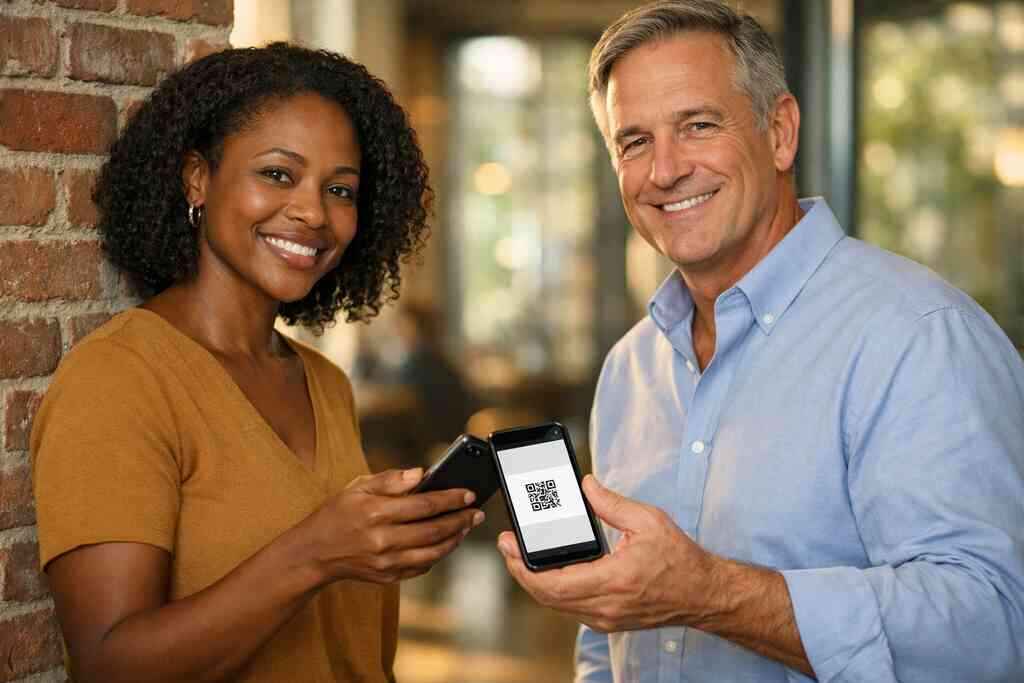
That is also where paperless networking shines. You remove the awkwardness of carrying, storing, and retyping details. You also reduce the chance of a typo. For a region that mixes suburban driving, train commuting, and conference hopping, that efficiency matters.
The practical role of lead capture, CRM integration, and follow-up automation in content marketing for small business
Lead capture is not glamorous. It is essential. CRM integration keeps contacts organized. Follow-up automation helps you respond before interest cools. Together, those tools give your content marketing for small business a real back end.
Here is a simple comparison:
NeedPaper CardDigital Business CardContact captureManual typingFaster digital exchangeContent sharingLimitedLinks to blog, booking, and resourcesTrackingNonePossible with digital card analyticsFollow-upEasy to delayEasier to automateBrand consistencyHard to controlEasier with custom brandingIf you want a deeper look at this layer, how digital business cards help email follow-up automation explains the workflow well. It is not about replacing human outreach. It is about supporting it. That difference matters.
What to do next if you want your business card to pull its weight
The smartest move is not buying the flashiest option. It is building a card that fits your goals. If your card helps people find your content, your offer, and your contact path, it is doing real work. If it only looks nice, it is underperforming.
How to make a digital business card that supports content goals instead of just storing details
When you make a digital business card or update an existing one, start with outcomes. Ask what you want the viewer to do after the scan. Do you want them to book, read, call, or save your contact details? That answer should shape the card.
A strong setup usually follows this order:
- Choose the main action.
- Add only the links that support it.
- Keep the digital business card design clean.
- Test the experience on mobile.
- Refine the wording.
If you want a structured walkthrough, how to make a digital business card in 2026 for leads is a useful guide. It keeps the process simple without flattening the strategy. That balance is important.
Why templates, business card details, and virtual card design matter before you publish anything
A business card template saves time, but it also shapes behavior. If your layout is cluttered, people hesitate. If the details are unclear, they leave. If the design feels off, they may not trust the brand. That is why virtual card design deserves real attention.
Before you publish, check the basics:
- Name and title are correct.
- Contact details are current.
- Links work on mobile.
- Branding matches your site.
- The main action is obvious.
This is especially helpful for digital business card templates used by teams. A consistent structure prevents confusion. It also makes onboarding easier. If you are comparing templates and setup choices, how digital business cards work for modern networking is a good companion piece.
When to compare free digital business card options with premium digital card plans and pricing pages
A free digital business card can be enough for testing. It can also be a smart way to learn what your audience uses. Still, free plans often limit branding, tracking, or team controls. That is where premium digital card plans may make sense.
Do not compare based on price alone. Compare based on fit. Ask what the platform allows, what it limits, and what it will save you in time. For small business owners, that ROI question is often more useful than a monthly number. If you need help weighing the tradeoff, digital business card pricing and plan comparison gives a useful starting point.
How to choose the best digital business card platforms for paperless networking, sustainable business cards, and local growth in Suffolk County
The best digital business card platforms support real work. They help with paperless networking, sustainable business cards, and local growth without adding complexity. They also respect how people actually share contact info now. That means fast loading, easy edits, and simple sharing.
Look for these signs:
- Clear setup instructions.
- Flexible digital card pricing.
- Useful digital card analytics.
- Good branding control.
- Support for NFC business cards and QR code business cards.
- Easy sharing across email, link, and wallet tools like Apple Wallet business card or Google Pay card options, if offered.
If you are in Suffolk County, the local advantage is simple. A card that works in a mall parking lot, a marina office, or a commuter platform is doing its job. For more local context, what Long Island SMBs need in a digital card maker in 2026 is worth a look. You do not have to overhaul everything today. Start by replacing one paper handoff with a digital one, then build from there.
Frequently Asked Questions
Do digital business cards work without an app?
Yes, many digital business cards can work through a link or QR code without requiring a separate app. That makes sharing simpler for the person receiving it. It also lowers friction during networking events and meetings. If you want a smoother setup path, review the platform’s onboarding details and sharing options before choosing a plan.
Can I customize the design of my digital card?
Usually, yes. Most digital card makers allow some level of digital business card design or custom branding. The amount of control varies by platform, so check what you can change before you publish. A good design should match your website, social profiles, and overall business card example style.
Is NFC safe for sharing contact info?
NFC business cards are generally safe for contactless sharing because they transmit short-range data. The main risk is not the tap itself. The bigger issue is what you choose to store or link. Keep the shared page focused on contact details and relevant content, and review any privacy settings carefully.
What should I include on a digital business card for LinkedIn networking?
Keep it simple. Include your name, title, company, phone, email, LinkedIn profile, and one or two links that support your goals. You can also add a portfolio, booking page, or content hub. The best digital business cards for LinkedIn networking feel focused, not crowded. If you want examples, see the blog and marketing insights.
Are digital business cards better than paper cards for small business?
For most small business use cases, yes, because they are easier to update, share, and track. They also support lead capture, CRM integration, and follow-up automation in ways paper cannot. Still, the best choice depends on your audience and how you network. If you want a side-by-side comparison, review the pricing and plan comparison and think about your actual usage.
How do I choose between free digital business card and premium digital card plans?
Start with your goals. A free digital business card may be enough if you only need basic sharing. Premium digital card plans make more sense when you need stronger branding, analytics, or team features. Compare what each plan supports, then match it to your networking habits. For a local perspective, digital business cards for networking can help you think through the tradeoffs.