
Why your paper card disappears before the follow-up does
The worst part is not handing out the card. It is watching the card vanish. You meet someone at a mixer, shake hands, and promise to follow up. Then the paper card ends up in a coat pocket, under receipts, or in a bag nobody opens.
If you are reading this because that has happened to you, take a breath. It is frustrating, and it is common. We hear this from clients almost every week. The problem is not your effort. The problem is the format.
The moment a pocket full of paper turns into lost opportunities
Paper cards fail in small, ordinary ways. Ink smudges in humid weather. Corners bend. Names get mixed with other contacts after a long event. A stack of cards looks organized until you need one fast.
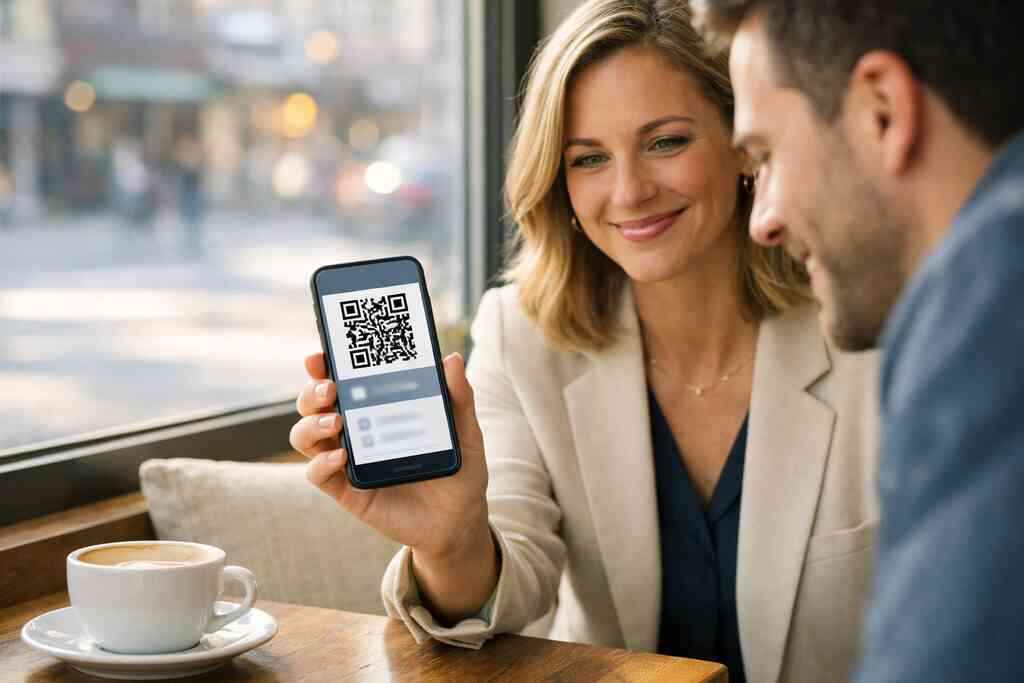
A digital business card avoids that delay. It keeps your business card details in one place and makes them easy to share again. Instead of hoping someone remembers your email, you can share contact info instantly through a link, QR code, or tap. That matters after conferences, client meetings, and quick introductions where attention is short.
One client at a Hauppauge business mixer told us he collected twelve paper cards in one night. Two days later, only three were still readable. He switched to a virtual business card because he wanted one clean record, not a pile of paper guesses. That is the real issue: follow-up depends on recall, and paper is terrible at recall.
What makes a digital business card feel more reliable in real networking
Reliability comes from reducing friction. A digital business card can live on a phone, in a browser, or inside a digital business card app. It can be opened when the other person is ready, not when your jacket pocket decides to cooperate. That creates a smoother electronic business card exchange.
The best part is how the format supports modern habits. People scan, tap, save, and message quickly. A smart business card fits those habits better than a printed card does. It also feels more professional in crowded rooms because you are offering a clean action instead of another thing to carry.
If you want a practical example, think of a digital business card example as a mobile-ready profile. It includes what matters now and leaves out what clutters the page. That is why many professionals compare the digital card vs. paper choice and decide paper has become the weaker option.
Why Long Island professionals are moving from paper handouts to share contact info instantly
On Long Island, networking often happens in compressed moments. You may meet someone in Commack, at a Nassau County breakfast, or on a train into NYC. In those settings, speed matters. So does trust. A card that opens cleanly on a phone feels more dependable than a paper slip that may get lost before lunch.
We have also seen more paperless networking among sales professionals, real estate agents, freelancers, and small business owners. That shift makes sense. These roles depend on quick contact exchange and easy follow-up. A digital business card for LinkedIn can also help keep professional profiles aligned, which saves time later.
If you want a local starting point, explore digital business cards for networking in Long Island and NYC. It is a natural fit for professionals who want modern sharing without extra friction. The goal is simple: make the introduction easy to remember.
What actually lives inside a digital business card and what should stay out
A good online business card is not a tiny résumé. It is a focused tool. The most effective cards show only what helps the next conversation happen. Anything else becomes noise.
That is where many people get stuck. They either add too little or too much. The sweet spot is clear, and it is easier to reach than most people think. A clean card feels helpful. A crowded card feels like work.
The business card details that matter most for a clean first impression
Start with the basics: your name, your role, your company, your best phone number, and your email. Add a website if it supports the next step. Those are the core business card details people actually use.
Then add one clear call to action. Ask yourself what you want the person to do next: call, book, message, or save your contact. That choice should shape the digital business card design. Keep it simple enough to load fast on a mobile screen.
Here is the part most people miss: clarity beats completeness. A polished electronic business card does not need every credential on the front. It needs enough structure to support action. If the contact has to search for your information, the card is too busy.
Digital business card design choices that keep the message sharp on mobile
Mobile layout changes everything. Tiny fonts, crowded icons, and long paragraphs fail quickly on a phone. A strong virtual card design uses space well. It gives each element room to breathe.
A good business card design usually follows a short hierarchy:
- Name first
- Role second
- Company third
- Contact action next
- Optional links after that
That is where a well-built digital card maker helps. You can test spacing, color, and hierarchy before you share. If you want to create digital business card content that works, think like a mobile reader. They are scanning fast. They are not studying.
If you need a starting framework, use how to make a digital business card. The point is to remove guesswork. A clean layout often does more than fancy graphics ever will.
Business card template decisions that work for sales professionals, real estate agents, freelancers, and small business teams
Templates are useful because they save time. They also create consistency across teams. A smart business card template can support different roles without forcing everyone into the same mold. That matters for corporate teams and growing small business groups.
For sales professionals, a template should prioritize speed and lead capture. For real estate agents, the design often needs room for listings, regions, or a direct calendar link. For freelancers, the card should make services easy to understand in one glance. Digital business card templates should reflect the job, not just the brand color.
One real estate agent in Garden City told us she kept sending people to a crowded paper card with three phone numbers. Her response rates improved once her card had one primary contact line and a clean save option. That is not magic. It is just less confusion.
When custom branding helps and when it starts to clutter the card
Custom branding can make your card feel memorable. A logo, a consistent color palette, and a familiar typeface help people recognize you later. That is useful in competitive fields where people see many names in one day.
Still, branding should support the message. It should not bury it. If your logo is oversized, your fonts are decorative, or your background is too busy, the card starts to work against you. In that case, the design looks clever but performs poorly.
The safest rule is simple: brand the card enough to feel like you. Do not design it like a poster. If you want structured examples, review business card details that make professionals memorable. A card should be recognizable and usable at the same time.
NFC, QR code business cards, and the share path your contacts will really use
The sharing method matters as much as the design. Some people prefer a tap. Others prefer a scan. A few still want email. The best cards support all three without making any one path awkward.
This is where the technical side becomes practical. You do not need a lab manual. You need to know what your contact will actually use in a noisy room, on a subway platform, or after a quick handshake. That is the real test.
When a tap feels smoother than a scan and when QR still wins
NFC business cards are excellent when the other phone supports the tap. Apple’s Core NFC framework and the ISO 14443 standard make tap-to-share reliable on compatible devices. The move feels smooth. It feels modern. It also feels fast. 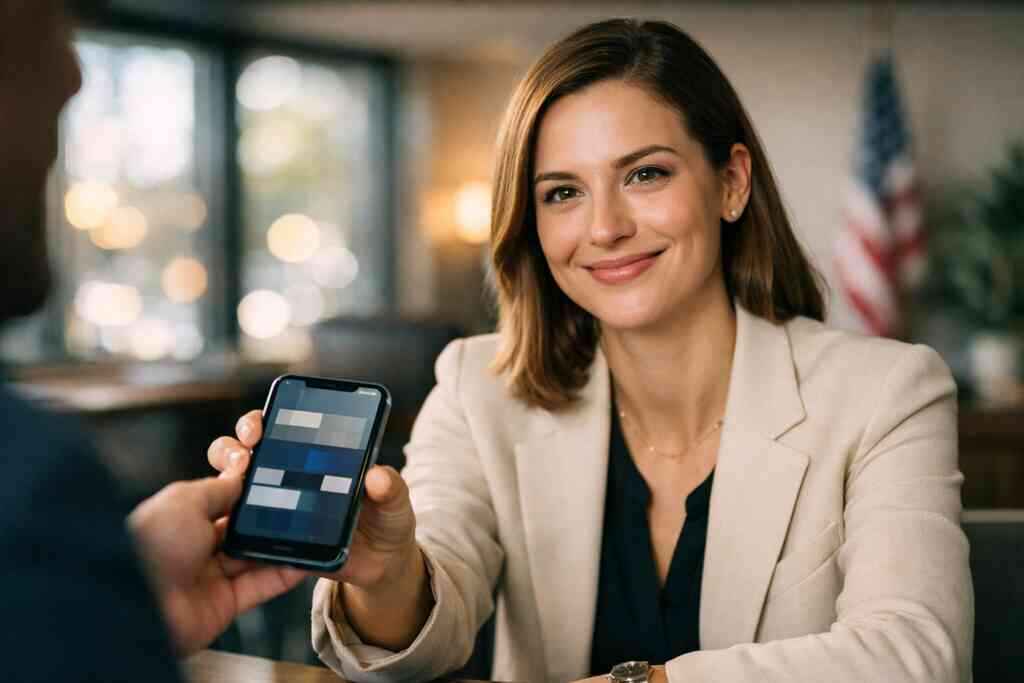
Still, QR code business cards often win in mixed crowds. QR codes follow the ISO/IEC 18004 standard and work across many devices without much explanation. If someone can open a camera, they can usually scan. That makes QR a strong choice for events where you do not control the audience’s phones.
If you are comparing both, this guide may help: NFC and QR code business cards compared in 2026. The practical answer is not one-size-fits-all. Tap feels smoother for some contacts. QR wins when universality matters more.
How contactless sharing works across phones, wallets, and email
Contactless sharing is broader than one format. Your digital business card app may let people open a link, scan a code, tap a card, or save details into their phone. Some users also want wallet support, such as an Apple Wallet business card or Google Pay card, because those tools keep the contact nearby.
That flexibility matters at live events. A contact may not want to install anything. They may prefer email, text, or a saved link. So the best contactless sharing system lowers the number of steps. It should not ask for extra effort just to store your name.
A digital business card should also support easy re-sharing. If your contact can forward your card to a colleague, your reach expands naturally. That is one reason digital business cards for networking outperform paper in busy markets like Long Island and NYC.
What to know about digital card analytics, lead capture, and follow-up automation without overpromising
Some platforms offer digital card analytics. That usually means you can see clicks, views, or taps. That can be useful, especially if you want to understand which outreach path people use. But data is not destiny. A high click count does not guarantee a sale.
The same caution applies to lead capture and follow-up automation. These tools can reduce manual work, but they still need good input and thoughtful use. If the underlying contact information is weak, automation only sends weak messages faster. Keep your expectations grounded.
If analytics matter to you, review digital business card analytics for lead quality. Also keep GDPR principles in mind when storing shared contact details. Collect only what you need, explain why you need it, and protect it carefully. That is good practice everywhere.
The practical difference between a digital card vs. paper card for networking in Long Island, New York, and NYC
The digital card vs. paper difference shows up after the event. Paper depends on memory, organization, and physical storage. Digital depends on access, search, and simple sharing. One is easy to misplace. The other is easier to retrieve.
On Long Island and in NYC, that difference matters in daily movement. You may leave a meeting in Suffolk County and jump on the LIRR. A saved digital contact survives that commute. A folded paper card may not. That is especially true after long conferences or crowded reception tables.
For readers who want a side-by-side look, see digital business cards vs. paper networking costs in New York. The takeaway is straightforward. Digital is usually easier to keep, easier to share, and easier to follow up on.
What to do next if you want a card that actually gets used
The goal is not to own another app. The goal is to make your contact easy to save and even easier to use. That means choosing a platform that fits your habits, your team, and your audience. If the setup feels heavy, people stop using it.
A good plan keeps the process light. Build the card. Test it. Share it. Adjust it. That is enough to get started.
How to make a digital business card without turning it into a tech project
The easiest path is to keep the setup small. Decide what contact fields matter. Pick one design. Choose your main sharing method. Then test it on your own phone before you share it with anyone else.
If you want a simple workflow, follow how to make a digital business card and build from there. A strong digital card maker should not require a long learning curve. It should help you create a card, share it, and update it without reprinting anything.
Here is a practical checklist:
- Use one primary phone number
- Keep the headline short
- Add one main action
- Test QR and tap sharing
- Review how it looks on mobile
That is enough for a clean launch.
Where pricing, templates, and platform trust should shape your choice
Do not choose only by price. Start by comparing the value of the plan with the way you will actually use it. Free tools can be useful for testing. Paid tools may better support teams, branding, or more advanced organization. You should always review the current details on the provider’s site.
If pricing is part of your decision, visit digital business card pricing and plans. Then compare that with your real workflow. A cheap platform that slows you down is expensive in practice. A simple, trusted platform can save time every week.
Trust matters too. Read digital business card reviews and platform trust before you commit. Look for signs of stable support, clear policies, and straightforward account access. If you need help later, you will care less about fancy claims and more about getting answers.
Why local professionals in Suffolk County and Commack are choosing paperless networking for modern connections
In Suffolk County and Commack, paperless networking fits how people actually work. You may move between client sites, co-working spaces, and regional meetings without much downtime. A digital business card keeps your contact ready during those transitions. That makes follow-up less fragile.
We have seen interest from professionals who want a lighter networking kit. No stacks. No card holders. No wondering which pocket the cards went into. That is especially useful for people attending mixed local and city events in the same week.
If you want a local perspective, review digital business cards for Long Island real estate professionals. Then compare that to your own work style. The best platform is the one that feels simple enough to use every day.
The decision frame for picking the best digital business card platform for your goals
Use a clear decision frame. First, check whether the card is easy to create. Second, see whether it shares cleanly. Third, ask how it helps you stay organized. Fourth, verify whether it supports your brand without clutter.
Then compare these factors:
FactorWhat to look forWhy it mattersDesignClean layout, mobile clarity, flexible templatesHelps your card get read fastSharingQR, tap, email, and link optionsMatches how different contacts behaveTrustClear support, login access, and policiesReduces friction laterGrowthTeam use, CRM integration, and remindersHelps with follow-up and organizationIf you want a platform with a broader learning path, browse the digital business card blog and networking tips. You can also compare digital business card login for account access and register for a digital business card account once you are ready. If you need guidance, contact digital business cards support and ask specific questions before you commit. You do not have to figure this out alone, and you do not have to solve it all today. Pick one card layout, test it with three contacts this week, and see how fast it gets used.
Frequently Asked Questions
Question: In Digital Business Cards | Digital and Online Business Cards Guide 2026, what makes digital business cards better than paper cards for professional networking in Long Island, New York, and NYC?
Answer: The main advantage is simple: digital business cards make it easier to share contact info and easier for others to keep it. Instead of handing out a paper card that can get lost, bent, or forgotten, an online business card gives people a quick way to save your details through a link, QR code business card, or contactless sharing. That is especially useful for professional networking in Long Island, Suffolk County, and NYC, where meetings often move fast and follow-up matters. A digital business card also supports paperless networking, which is a cleaner and more modern approach for sales professionals, real estate agents, freelancers, corporate teams, and small business owners. It is a practical way to keep your business card details accessible without relying on a physical stack of cards.
Question: What should I include in a digital business card design so it works well as an electronic business card and not just a digital business card example?
Answer: A strong digital business card design should focus on the business card details people actually need right away. That usually includes your name, title, company, phone number, email, website, and one clear action such as call, message, or save contact. If you use a business card template or digital business card templates, keep the layout clean and mobile-friendly so it reads well on a phone. A virtual card design should not feel crowded or decorative for the sake of style. The best electronic business card is one that makes it easy to move from first impression to follow-up. Custom branding is helpful, but it should support clarity rather than hide the contact information. In short, the card should look professional, load quickly, and make it simple for someone to save your details.
Question: How does a digital card maker help me create digital business card content for NFC business cards and QR code business cards?
Answer: A digital card maker helps you create digital business card content in a structured way, so your card is ready to share in the format that works best for your audience. For many professionals, QR code business cards are useful because almost any phone camera can scan them. NFC business cards can feel even smoother when the receiving phone supports tap-to-share. The best approach is usually to choose the sharing method that fits your networking environment. In a crowded event, QR may be the easiest. In a fast one-to-one introduction, NFC can feel more seamless. A good digital card maker should help you organize the right details, test the business card design, and keep the sharing path simple. That way, your digital business card app or platform becomes a practical tool rather than extra technology to manage.
Question: What are the most useful digital business card features for sales professionals, real estate agents, freelancers, corporate teams, and small business owners?
Answer: The most useful digital business card features are the ones that help people share contact info quickly and stay organized afterward. For sales professionals, lead capture and follow-up automation can support faster next steps. For real estate agents, a digital business card for LinkedIn, calendar link, or a clean save-contact option can make the card more useful during active client conversations. Freelancers often benefit from simple branding, portfolio links, and a focused business card example that explains what they do in one glance. Corporate teams and small business groups may want consistent business card templates and easier coordination across multiple users. CRM integration can also be valuable when it is available, since it may help organize contacts more efficiently. Not every platform offers the same tools, so it is smart to review the current details carefully before choosing. The best digital business cards for networking are the ones that fit your work style and make follow-up easier without adding clutter.
Question: How do I choose between free digital business card options and premium digital card plans when comparing best digital business card platforms?
Answer: The best choice depends on how you plan to use the card. A free digital business card option can be a good starting point if you want to test the format, learn how to make a digital business card, or compare different digital business card platforms before committing. Premium digital card plans may be better if you need stronger branding, team use, more organization, or other advanced business card features. When comparing digital card pricing, look beyond the headline cost and think about how the platform fits your actual workflow. A low-cost tool that slows you down can become more expensive over time than a simple system that saves time every week. It is also a good idea to check trust factors such as support, account access, and platform stability before making a decision. If you are searching for digital business cards near me in Long Island or NYC, the goal is not just to find a platform, but to find one that works reliably for your day-to-day networking needs.