
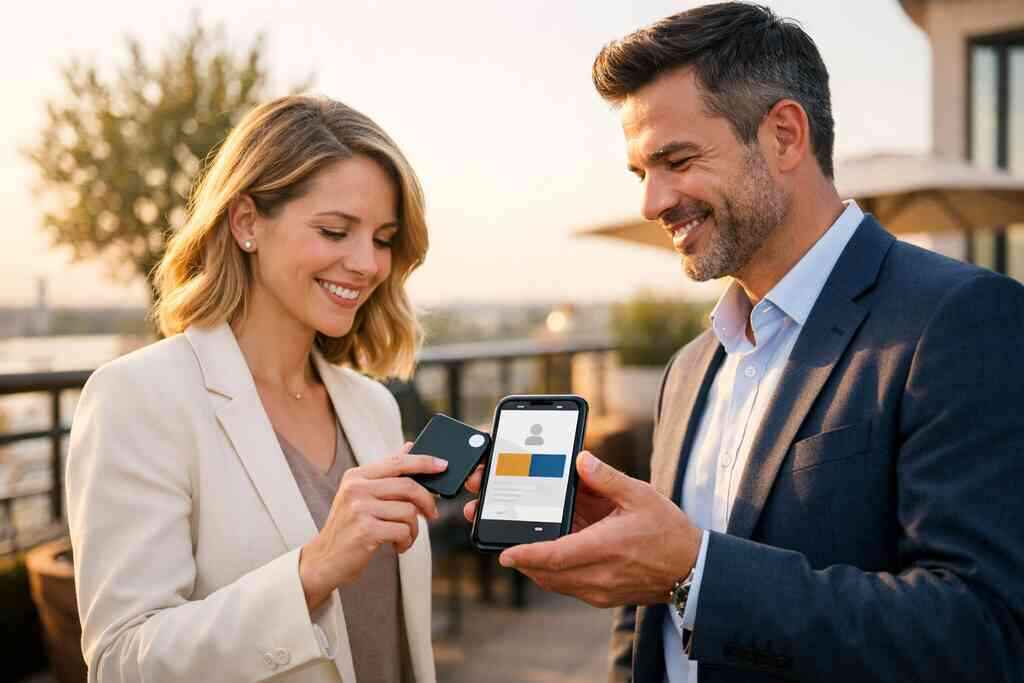
Why a hot PPC lead can cool off before you ever say hello
A PPC lead can arrive warm, curious, and ready. Then the clock starts. If you have ever watched a good click go quiet by lunch, you already know the frustration. The ad did its job. The handoff did not.
The hidden friction between ad click and real conversation
The gap is usually small, but it feels huge. A person clicks, scans a landing page, fills out a form, and waits. Meanwhile, your team is switching tabs, checking voicemail, and trying to remember who said what. That delay hurts PPC lead follow up rates because interest fades fast. Response speed often matters more than perfect wording.
A recent Adobe survey found many professionals have lost a paper card before following up. That tracks with what we see in the field. The real issue is not only lost paper; it is lost momentum. When a lead must wait for the right person to retype details, the conversation cools before it starts. If your process depends on memory, you are already leaking conversions.
How paper cards get lost in the gap between form fill and follow up
Paper still has a habit of disappearing into coat pockets, desk drawers, and dashboard crevices. I have seen a fresh stack of cards survive one conference and vanish by the next afternoon. That is not a design problem. It is a workflow problem. Digital card vs paper is really a question of whether the contact stays attached to the lead.
One salesperson I spoke with after a Hauppauge business mixer had three strong conversations and one bent paper card. By the time he got back to his desk, the card was unreadable. He knew the name, but not the spelling. That small missing detail delayed the call, and the call delayed the quote. The lead never went cold on purpose. It simply cooled in the gap.
Why Long Island sales teams feel this delay in the field and on the commute
Long Island sales teams feel this acutely because the day is fragmented. You may leave a meeting in Nassau, sit through traffic near the LIE, and answer messages while heading into NYC. That is a lot of motion for one simple follow-up task. Paper cards do not help you under those conditions. Paperless networking does.
Here is the part most people miss. Speed is not only about calling sooner. It is about preserving context while the lead still remembers you. A digital business card keeps the exchange alive even when you are between appointments. That matters for sales professionals, real estate agents, freelancers, corporate teams, and any small business trying to get more from paid traffic.
What changes when the contact stays with the lead instead of in your wallet
The best follow-up systems do not rely on memory. They keep the contact tied to the interaction itself. That is the core advantage of digital business cards. Your details stay connected to the person who just engaged with you. The lead does not need to decode handwriting, search a desk, or retype your email later.
How digital business cards keep your business card details attached to the lead
A digital business card acts like a living contact layer. It can hold your business card details, your title, your company, and the best channel for the next conversation. When someone receives an online business card or virtual business card, the information stays easy to open again. That gives your lead less work and your team fewer missed connections. Instant contact exchange is a simple idea with real conversion value.
If you are comparing digital card vs paper, the difference shows up after the meeting. Paper asks the lead to do the work later. A digital format makes the details available right away. That helps when someone is rushing to catch a train, leaving a trade show, or heading out from a listing appointment. It also makes sense for professional networking, where timing is everything.
Why instant contact exchange beats manual typing after a paid click
Manual typing creates avoidable drag. Every extra step adds drop-off. A lead who clicked an ad already showed intent. That makes the handoff precious. If the next move is typing a name into a phone, the workflow is too slow. Electronic business card exchange reduces that friction.
There is also a trust factor. A person who taps or scans your card feels a cleaner transition than one who is told, “I’ll send you something later.” On a busy day, later often means never. A digital card maker helps you create digital business card pages that make the exchange immediate. For many teams, that is the difference between a casual conversation and a booked call.
How share contact info instantly supports faster follow up workflows
When you share contact info instantly, you shorten the gap between curiosity and commitment. That is where follow-up automation becomes useful. The contact is no longer stranded in your wallet or hidden in an email thread. It is available when the lead is ready. That supports better lead nurturing and a tighter ad-to-lead workflow.
A realtor in Garden City once told us her best conversations came from people who reopened her card while heading home on the train. She did not have to chase them for a number. She had a clean path back to them. That is the real promise of a smart business card. It keeps the next conversation easy to start.
The follow up machine behind a digital business card
A strong follow-up system is not magic. It is structure. QR code business cards and NFC business cards help structure the handoff so that it happens fast, cleanly, and with less room for error. They also fit naturally into mobile habits, which matters when your lead is already holding a phone.
How QR code business cards and NFC business cards reduce response time
QR code business cards are simple to use and widely familiar. They work with the ISO/IEC 18004 standard behind QR code scanning. NFC business cards add a tap-based shortcut, and they rely on proximity communication that feels smooth on the spot. Apple’s Core NFC framework helps support reliable tap interactions on compatible devices, while ISO 14443 guides NFC data exchange. That technical foundation matters because people only trust tools that work when they need them.
A quick comparison helps:
FormatBest useStrengthFrictionQR code business cardsQuick scan sharingEasy for most phonesRequires camera actionNFC business cardsTap-to-share momentsVery fast contact exchangeNeeds supported hardwarePaper cardIn-person handoff onlyFamiliarEasy to lose or damageFor many teams, the right answer is to use both. That gives you flexibility in a crowded event hall, a client meeting, or a commute-heavy city day.
Where lead capture and CRM integration fit into a cleaner ad to lead workflow
This is where the workflow gets serious. A contact is not valuable just because it exists. It is valuable because it enters your system correctly. Lead capture and CRM integration keep the contact from getting lost between the scan and the callback. That is how a digital business card app can support a cleaner process. 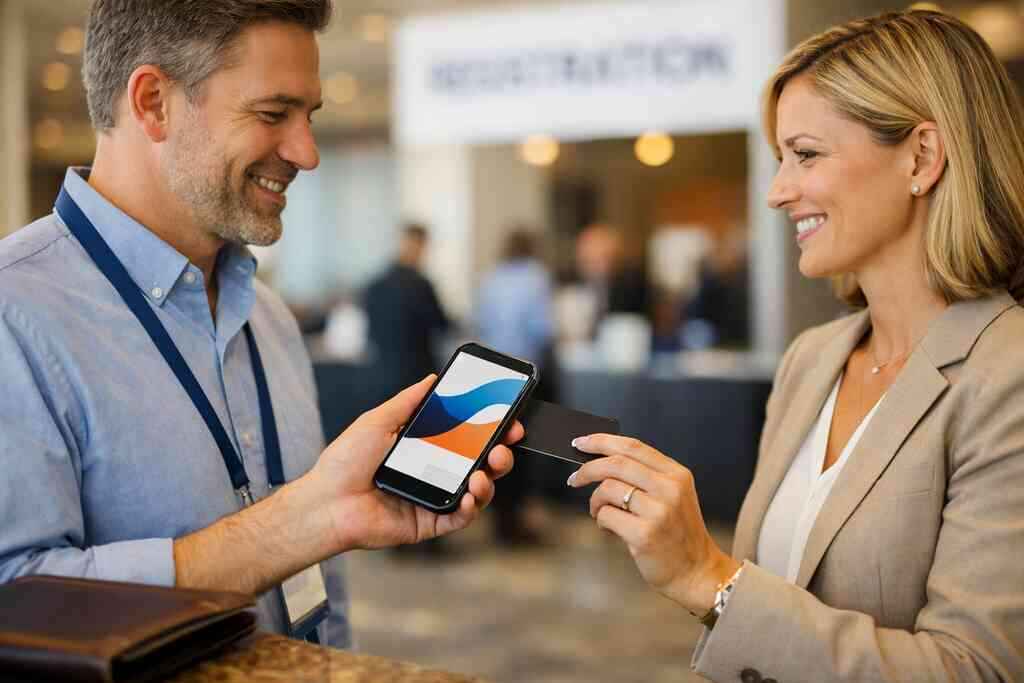
If you want to go further, look at CRM integration for digital business cards and lead nurturing. It is the bridge between contact exchange and actual sales activity. In practice, that means cleaner notes, fewer duplicate records, and less manual cleanup. GDPR-style privacy thinking still matters here too. If you store shared details, you need a clear reason and a sensible process.
Why digital card analytics help you spot which leads are warm before the first call
Digital card analytics give you signals that paper never can. You can see who opened the card, who clicked again, and who engaged twice. That matters because the second touch is often the real clue. A lead who returns to your card is not casual. They are leaning in. Lead response speed improves when you know who to call first. What we have seen in 2026 specifically is that teams use those signals to sort their day better. They stop guessing. They call the warmer lead first. They send a tailored note to the one who viewed twice. For a digital business cards setup, that is where the ROI starts to show. You are no longer reacting blindly. You are prioritizing with evidence. What to build first if you want PPC leads to convert faster
If your PPC traffic is solid but your conversion rate feels stuck, start with the page itself. The card or landing page must match what the ad promised. If the message shifts too much, trust slips. People notice. They may not say it, but they feel it.
How to create digital business card pages that match the promise of the ad
Your card page should echo the ad headline, the offer, and the next action. If the ad promised a quick quote, the page should not bury the quote behind extra steps. If the ad promised a consultation, the path should be obvious. That is why how digital business cards improve PPC lead capture matters so much to paid traffic.
A good digital card maker should help you keep that continuity tight. A strong online business card does not distract. It supports the promise. That is also why landing page optimization and visitor-to-lead conversion belong in the same conversation. You are not just making a profile. You are reducing hesitation.
Which business card template and digital business card design choices improve trust
Trust starts with clarity. Use a business card template that keeps the essentials visible. Name. Role. Company. Contact path. Nothing crowded. A clean digital business card design should feel like a polished extension of your ad, not a separate island. If the page looks generic, the lead notices.
For teams that want inspiration, digital business card templates for sales teams and realtors can help you think more clearly about structure. The goal is not decoration. It is confidence. Digital business card templates work best when they support quick scanning and easy recall. A lead should understand you in seconds.
When custom branding and mobile first networking make the handoff feel seamless
Custom branding makes the card feel like part of your business, not an afterthought. That matters during mobile-first networking, where the first impression often happens on a screen. On a crowded trade floor or in a Commack co-working space, people decide quickly. A clean, branded card feels more reliable. That can improve the odds that the lead takes the next step.
If you want a better match between your ad and your card, create a digital business card with custom branding is a sensible place to start. The point is not to overload the page. The point is to make the next action feel natural. That is what seamless handoff really means.
How sales professionals, real estate agents, freelancers, and corporate teams can use the same digital card differently
Different roles need different emphasis. Sales professionals may want a strong call to action and quick scheduling. Real estate agents may want neighborhood context, listings, and a clearer lead path. Freelancers often benefit from portfolio links and fast contact options. Corporate teams usually need consistent custom branding and simple governance.
That is why a single digital business card for LinkedIn use case may not fit everyone. The same tool can serve many goals, but the content should shift with the job. For real estate, the page may need a more visual style. For a corporate rep in NYC, the page may need crisp clarity. The best digital business card features are the ones that support the actual conversation you want.
The playbook for turning paid clicks into booked conversations in Long Island and beyond
By now, the pattern is clear. Faster follow up depends on less friction, better handoff, and better visibility. The question becomes how to arrange the pieces so they work together every day. That is where a good app, a sensible plan, and a disciplined workflow matter.
How to match your digital business card app with a faster follow up workflow
Start with the workflow, then choose the tool. A strong digital business card app should help you share contact info quickly, support lead capture, and keep the process easy for your team. If the tool requires too much training, it will slow down adoption. That is why how to make a digital business card should always include the follow-up process, not just the design.
If you are comparing options, look at the workflow more than the hype. The best digital business card platforms are the ones your team will actually use. That means simple setup, clear sharing, and a path to automation. It should feel lighter than paper, not heavier.
When a free digital business card is enough and when premium digital card plans may fit better
A free digital business card can be enough for solo use or light networking. If you are testing the waters, start there. But if you need CRM integration, analytics, or stronger branding controls, premium digital card plans may make more sense. That is where digital business card pricing for small business plans becomes part of the decision.
The mistake is choosing based on price alone. You want to compare digital card pricing against time saved and leads recovered. A low-cost option that creates manual work is not really low cost. A better setup can pay for itself through cleaner follow-up automation and fewer missed opportunities. Still, there is no need to overspend on features you will not use.
Why the next move is to align templates, tracking, and follow up around one clear call to action
You do not need a complicated system. You need one clear call to action, a consistent template, and visible tracking. That combination supports sales funnel efficiency and better marketing attribution. It also makes it easier for someone to know what happens next. That clarity is what turns a click into a conversation.
If you want a practical path forward, pair the page design with digital business cards for LinkedIn lead generation and then align your email or call workflow behind it. Keep the choice simple. Keep the message direct. And keep the next action obvious.
How Long Island, New York, NY, and Suffolk County teams can use the same system for local networking and NYC meetings
The same system works whether you are in Suffolk County, crossing into NYC, or meeting prospects around Long Island, New York, NY. That is useful because local networking and city meetings create different rhythms. The card has to travel well between them. A clean electronic business card does. It can be used at a small business mixer in Hauppauge, then again on a train into Manhattan.
For teams that want a regional angle, digital business cards on Long Island for local networking fits the way people actually work here. If your contacts move between local meetings and city appointments, your follow-up system should move with them. Keep the card simple. Keep the tracking visible. Then use the response signals to decide who gets called first today.
You do not have to rebuild everything at once. Start by tightening the handoff on one PPC campaign, one team, or one location. Then test how much faster leads move when the contact stays attached to the conversation. If you are ready to clean up that workflow, review your templates, your tracking, and your follow-up path with Digital Business Cards and make the next paid click easier to convert.
Frequently Asked Questions
Question: How do digital business cards help improve PPC lead follow up and response speed for Long Island businesses?
Answer: Digital business cards help reduce the time between the first click and the first real conversation by making it easier to share contact info instantly. Instead of waiting for someone to retype details from a paper card or a form submission, a digital business card keeps your business card details in one place and makes them easy to reopen, save, and share. That can support a faster follow-up workflow, which is especially useful for PPC lead follow up where response speed matters a lot. For businesses in Long Island, New York, NY, Suffolk County, and NYC, that extra speed can make a real difference when prospects are moving between meetings, commutes, and mobile-first networking. Digital Business Cards are designed to make contactless sharing simpler, so your ad-to-lead workflow is less likely to lose momentum.
Question: What makes How Digital Business Cards Improve PPC Lead Follow Up Rates relevant for sales professionals, real estate agents, freelancers, and corporate teams?
Answer: The blog highlights a practical truth: leads cool off quickly when follow-up is delayed, and different professionals need a cleaner way to stay connected after the first interaction. Sales professionals often need fast handoffs and simple next steps, real estate agents benefit from easy contact sharing during property tours and networking, freelancers may want a flexible online business card they can send by link or QR code, and corporate teams usually need consistency and custom branding. A digital business card can support all of these use cases by making the first exchange easier and helping the contact stay attached to the lead. That is the core advantage of digital business cards for networking and professional networking in general.
Question: What are the main differences between digital card vs paper when it comes to lead capture and follow-up automation?
Answer: The biggest difference is that paper depends on memory and manual effort, while a digital business card keeps the exchange connected to the next action. Paper cards can be lost, damaged, or buried in a wallet, which creates friction after a PPC click or in-person meeting. A digital card maker lets you create digital business card pages that can be shared through QR code business cards, NFC business cards, email, or a link, which helps with instant contact exchange and electronic business card exchange. When lead capture and CRM integration are part of the process, the contact can move more cleanly into your follow-up workflow. That is why digital card vs paper is not just a format choice, but a workflow choice.
Question: Which digital business card features matter most for conversion rate optimization and sales funnel efficiency?
Answer: The most useful digital business card features are the ones that reduce friction and support a clear next step. Helpful elements often include clean business card design, strong custom branding, an easy-to-read business card template, and simple ways to share contact info instantly. Digital card analytics can also be valuable because they help you see which leads reopen or engage with your card, which supports better prioritization and lead nurturing. If your digital business card app also supports lead capture or CRM integration, that can improve sales funnel efficiency by reducing manual follow-up work. The goal is not to add complexity, but to make the right action obvious and easy for the lead to take.
Question: How should I choose between a free digital business card and premium digital card plans for my small business?
Answer: A free digital business card can be a good starting point if you are testing digital business cards for networking or only need a simple way to share contact info. For a small business that wants stronger branding, better lead capture, CRM integration, or more advanced digital card analytics, premium digital card plans may be a better fit. The best choice depends on how your team actually works, not just on price. If your goal is to improve PPC lead follow up, reduce manual work, and keep the ad-to-lead workflow clean, then it is worth comparing digital card pricing against the time saved and opportunities recovered. Digital Business Cards is based in Long Island, New York, and focuses on helping businesses choose a practical digital card solution that fits their workflow, whether that means a simple setup or a more advanced one.