
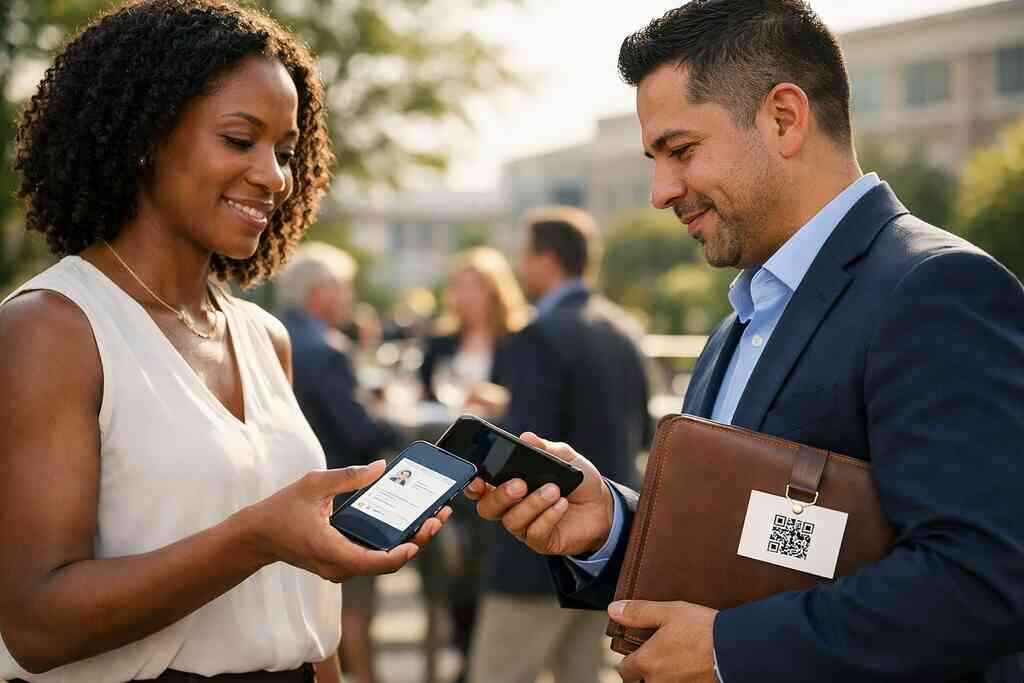
Why your next handshake might fail before the follow-up ever starts
The hardest part of networking is not the introduction. It is what happens after the handshake. If you are reading this because you have lost contacts, missed follow-ups, or watched a promising lead fade out, that frustration makes sense. Many professionals still carry paper cards, even though the exchange often ends in a pocket, a pile, or a trash bin. A digital business card changes that handoff completely.
The forgotten card problem that still costs professionals real contacts
Paper cards disappear fast. That is not a theory; it is a field problem. People collect stacks at events, then sort them later, and later often never comes. A digital business card keeps the contact alive in the moment, while interest is still high. That is why digital business cards, virtual business card tools, and electronic business card exchange systems keep gaining ground in business networking.
A recent Adobe survey found that many professionals have lost paper cards before following up. That matches what we hear constantly. You meet someone at a mixer, they seem interested, and then the card vanishes under receipts or conference flyers. The pain is not the paper itself. The pain is the delay between interest and action.
Why smudged paper cards and crowded inboxes lose momentum fast
Paper cards fail in two ways. First, they wear out, smudge, or bend. Second, they require someone else to do work later. They must type your name, company, email address, and telephone number into a contact list. That extra step is where momentum slips.
Here is the part most people miss. A crowded inbox can be just as bad as a lost wallet card. If your follow-up email arrives after your contact has already forgotten you, the connection cools fast. Digital business card features like instant sharing, contactless sharing, and share contact info immediately reduce that lag. The result is simple: fewer lost leads and fewer awkward “just circling back” messages.
Where Long Island, New York networking makes speed more important than ever
Long Island networking moves quickly. You see it in Hauppauge business mixer rooms, Commack, New York co-working spaces, and NYC commute-heavy meetings where people are already checking the clock. In those settings, speed matters because attention is scarce. If your contact method takes too long, the moment passes.
One client in Garden City told us his paper cards kept getting buried during back-to-back client meetings. He switched to a digital card maker approach and stopped depending on pockets and lanyards. That shift did not change his pitch. It changed his follow-up rate. Paperless networking works best when the exchange feels natural and fast, especially across Suffolk County and into NYC.
When NFC feels instant and when QR code business cards quietly win
How NFC card sharing actually works with tap to share contact info
NFC card sharing is built for speed. You tap a smart business card, and the phone reads the stored contact action. In simple terms, NFC business cards use near field communication (NFC) to trigger a link or profile without typing. The process feels almost invisible, which is why many sales professionals like it.
If you want a plain-English reference, NFC technology for contactless sharing on mobile devices relies on very short-range radio exchange. The buyer does not need to understand the radio part. They only need to know the tap works. On most modern phones, that means a quick motion, a short pause, and a contact page opening on screen. That is why people describe it as “tap to share contact info” rather than anything more technical.
Why QR card sharing is more universal at conferences and mixed-device events
QR card sharing has one major strength: reach. Nearly every modern smartphone camera can scan a QR code business card. That makes it a strong choice at conferences, trade shows, and mixed-device events. It is also useful when people hesitate to tap unfamiliar hardware.
The standard behind this format, ISO/IEC 18004, supports consistent QR code behavior across devices. In buyer language, that means the code should scan reliably if the design is clean and the lighting is decent. A QR code business card, smart business card, or online business card can all use this route. For many teams, that universality beats the flash of a tap.
The real tradeoff between contactless sharing speed and device compatibility
This is where the decision gets practical. NFC is usually faster in hand. QR is usually easier across device types. If everyone in the room has a compatible phone and knows how to tap, NFC card sharing feels elegant. If your audience is mixed, QR card sharing often wins because it asks less of the other person.
FactorNFC business cardsQR code business cardsSpeedVery fastFast, slightly slowerCompatibilityBest on supported phonesBroad across smartphonesUser effortTap and goScan and goEvent fitExecutive meetings, sales callsConferences, open networkingBest advantageInstant feelUniversal accessWhat we’ve seen in 2026 specifically is that hybrid setups are common. Many professionals keep both options in one digital business card profile. That way, a tap works when it can, and a scan works when it should.
What ISO 14443 and ISO/IEC 18004 mean in plain English for buyers
ISO 14443 is the standard most often tied to NFC card systems. It helps define how contactless cards and readers communicate at very short range. In buyer language, it is the reason some tap systems feel smooth and others feel flaky. You do not need to memorize the number. You just need to know the standard exists.
ISO/IEC 18004 governs QR code structure. That matters because scan reliability depends on how the code is built and displayed. For buyers comparing NFC vs QR code business cards, these standards tell you something important. Both formats can be solid, but each one depends on different device behavior. If you understand that, you avoid choosing based on hype.
How Apple Core NFC and smartphone camera scanning shape everyday reliability
Apple Core NFC affects how reliably compatible iPhones respond to tap actions. If a card uses NFC properly, the phone should recognize it quickly under the right conditions. That is useful, but it is not magic. Device settings, cases, and positioning still matter. Camera scanning is more forgiving. Most smartphones already know how to scan a code from the camera app. That makes QR code business cards a dependable fallback. 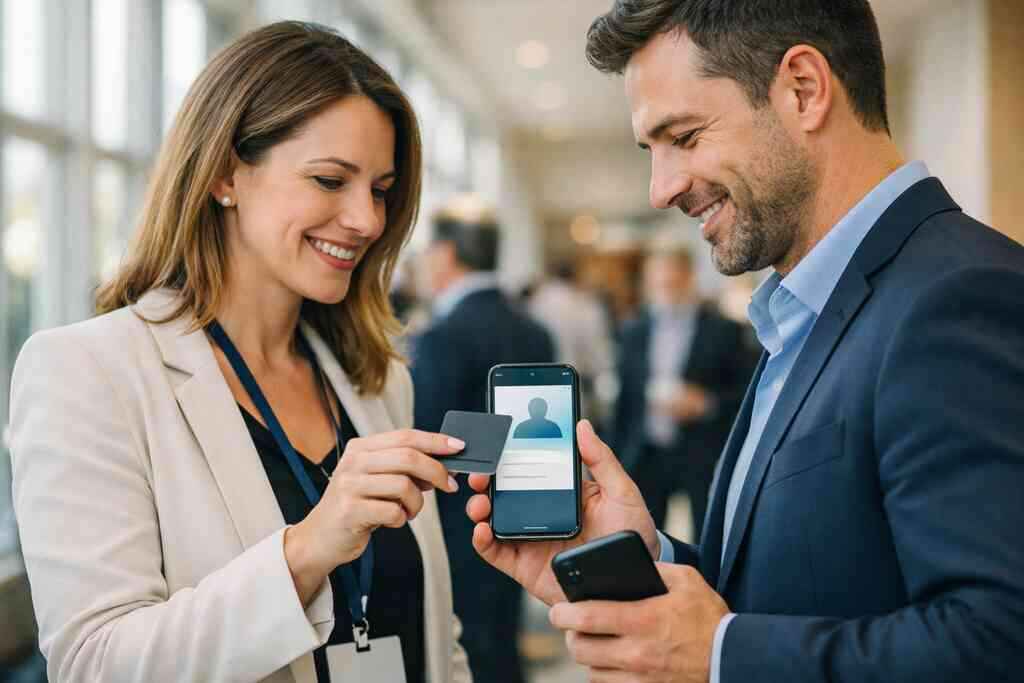
Here is a real-world example. We watched a freelancer at a Commack co-working meetup tap her NFC card to one person, then switch to QR for two others using older devices. That flexibility kept the room moving and saved the conversation. What smart professionals should choose after the scan or tap is over
Which format fits sales professionals real estate agents freelancers and corporate teams
The best choice depends on how you work. Sales professionals often want speed, clean branding, and smooth handoffs after pitch meetings. Real estate agents need something that looks polished and stays easy to share during showings. Freelancers usually want flexibility and low friction. Corporate teams often need consistent design, control, and easy distribution.
For real estate use, a virtual business card for real estate in 2026 can help keep listings, contact details, and brand presentation in one place. Teams that want consistency should also look at digital business card design for corporate teams. The right format is the one your audience will actually use. That sounds obvious, but many buyers choose the flashiest option instead of the most practical one.
How digital business card design affects trust custom branding and recall
Design does more than decorate. It tells people whether you are organized, current, and credible. A clean digital business card design helps trust form faster than a cluttered one. That matters in professional networking, where first impressions move quickly.
If you are building an online business card, think about visual simplicity, readable business card details, and strong custom branding. Your virtual card design should look like you, not like a random template. A good business card example usually has clear name placement, one primary action, and enough contrast for easy reading. Here is the part people skip: the card should feel easy to remember after the event ends.
Why lead capture CRM integration and follow up automation matter more than the gimmick
This is where the gimmick ends and the real value starts. A digital business card app is useful only if it helps you act on the contact. Lead capture, CRM integration, and follow-up automation are what keep the relationship alive. Without them, your card is just a nicer contact list.
If you want deeper detail, digital business card analytics for lead capture explains how engagement data can support your next move. The practical benefit is clear. You can see what people clicked, what they opened, and where the connection warmed up. That gives you better timing for the next message. It also helps teams measure what their networking tools are actually doing.
When to use a digital card maker templates or a full digital business card app
A digital card maker works well when you need speed and control. Business card templates and digital business card templates are useful if you want a clean starting point without design stress. That is often enough for freelancers, small business networking, and solo sales pros. It is also a smart choice if you want a free digital business card option before moving up.
A full digital business card app makes more sense when your needs are more complex. If you want customization, contact organization, and team consistency, the app route is stronger. You may also care about digital card pricing, premium digital card plans, and how much flexibility comes with them. The right choice is not about status. It is about how much structure your networking actually needs.
What to check before you create digital business card profiles for LinkedIn Apple Wallet business card or Google Pay card
Before you create digital business card profiles, check three things. First, confirm your business card details are current. Second, make sure your LinkedIn connection flow is clean. Third, verify whether wallet-style saving fits your audience. A digital business card for LinkedIn can be helpful, but only if the path is simple.
Apple Wallet business card and Google Pay card support depend on how the platform is built. I cannot verify every platform’s exact wallet behavior, so you should confirm that before buying. The same caution applies to any exact digital business card features list. Also, if you share personal contact details in the EU or with EU clients, consider GDPR when storing and sharing data. Privacy is not a side note anymore. It is part of trust.
How to decide between NFC business cards and QR code business cards for Long Island networking and NYC commute heavy meetings
If you spend time between Long Island and the city, your card has to handle changing conditions. Some meetings are polished and device-friendly. Others are noisy, rushed, and full of people juggling bags, jackets, and coffee. In that mix, QR code business cards usually give you the widest reach. NFC business cards give you the smoothest moment.
Here is a practical rule. Choose NFC if your audience uses newer phones and you want a premium feel. Choose QR if you want broad compatibility and easy backup. If you work across Long Island networking, Suffolk County business networking, and NYC professional networking, the hybrid approach is often the smartest. For many teams, the best answer is not either-or. It is both, with a clear digital business card strategy behind them.
One last thing. You do not need to solve everything in one sitting. Start by comparing your current handoff against a digital option that fits your audience, then test it at your next event. If you want a cleaner setup for Long Island networking with digital business cards, keep the choice simple and let real use cases decide.
Frequently Asked Questions
Question: What is the difference between NFC vs QR code business cards in The Difference Between NFC and QR Card Sharing in 2026?
Answer: NFC business cards are designed for tap to share contact info, which makes the handoff feel fast and seamless when the other person has a compatible phone. QR code business cards work by scan to share contact info, which usually makes them more universally accessible across different smartphones and event settings. For most people, the best choice depends on the audience: NFC card sharing can feel more premium in one-on-one meetings, while QR card sharing often performs better at conferences, mixed-device events, and busy professional networking situations. At Digital Business Cards, the goal is to help you choose the format that fits your real-world networking habits, whether you are a sales professional, real estate agent, freelancer, or part of a corporate team in Long Island, New York.
Question: How can I create digital business card profiles that work for paperless networking and digital business cards for networking?
Answer: A strong digital business card starts with accurate business card details, clean digital business card design, and a clear action for the recipient. With a digital card maker or digital business card app, you can create digital business card profiles that make it easy to share contact info instantly through a QR code business card, NFC business card, email, or link. That flexibility is what makes paperless networking so effective. Instead of handing over a card that may get lost, you are giving people a simple way to save your information right away. Digital Business Cards helps professionals in Long Island, Suffolk County, and NYC keep the process practical, polished, and easy to use.
Question: Which is better for sales professionals, real estate agents, and freelancers: an online business card or a smart business card?
Answer: An online business card and a smart business card both support modern networking, but the right choice depends on how you work. Sales professionals often benefit from a smart business card because it can support quick sharing and a more memorable first impression. Real estate agents may prefer a virtual business card or electronic business card that keeps contact details, branding, and listings easy to access during showings. Freelancers often want something simple, flexible, and easy to update without reprinting anything. Digital Business Cards is built for that kind of practical use, helping different professionals choose a format that fits their workflow instead of forcing them into a one-size-fits-all option.
Question: What should I look for in digital business card features, digital card analytics, lead capture, and CRM integration?
Answer: The most useful digital business card features are the ones that help you do something with the contact after the first meeting. That usually means lead capture, follow-up automation, CRM integration, and digital card analytics that show how people interacted with your card. Those tools can help you understand whether someone opened your profile, clicked a link, or saved your information, which makes follow-up more intentional. If you are comparing best digital business card platforms, look for a solution that supports your workflow without making things complicated. Digital Business Cards focuses on helping professionals keep networking organized, especially when they need a clean path from first contact to follow-up.
Question: How do I choose between a free digital business card, premium digital card plans, and business card templates for my Long Island networking needs?
Answer: The right starting point depends on how much control and consistency you need. A free digital business card can be a smart way to test the idea, especially if you are just learning how to make a digital business card or want to try a simple digital business card template first. If you need stronger custom branding, team consistency, or a more polished business card example, premium digital card plans may be a better fit. Business card templates and digital business card templates can save time, but your final choice should still reflect your brand and how you actually network in Long Island, New York, Suffolk County, and NYC. Digital Business Cards helps users choose the format that matches their goals, whether they are focused on sustainable business cards, digital card vs paper comparisons, or building a more professional first impression.