
A virtual business card helps LinkedIn leads stay warm by making it easy to share your contact info, capture details, and follow up quickly. Instead of hoping someone saves a paper card, you can attach your digital business card to the conversation and give them one tap, scan, or link to reach you.
Key Takeaways
- A virtual business card for LinkedIn leads works best when it shortens the gap between meeting someone and giving them a simple way to respond.
- Paper cards go cold because they get lost, smudged, or forgotten after events; a digital business card keeps your details in the same place as the LinkedIn conversation.
- The strongest digital business card features for lead capture are clear contact details, a direct call-to-action, and easy sharing by QR code, NFC, or link.
- QR code business cards work well for quick scans at events, while NFC business cards are ideal when you want a tap-to-share moment.
- For professionals in Long Island, New York, and NYC, a clean online card can make follow-up faster after mixers, conferences, and client meetings.
Why LinkedIn connections go cold after the first message
A LinkedIn connection goes cold when the follow-up is slow, the contact info is hard to find, or the next step is unclear. The fix is simple: share a virtual business card right away, so your contact details stay attached to the conversation instead of sitting in a forgotten inbox or a drawer full of paper.
The paper card problem that shows up after conferences in Long Island and NYC
The paper card problem is not that paper is bad. It is that paper is easy to lose at the exact moment you need speed. At a Hauppauge business mixer or a crowded event in Midtown, people leave with five conversations, two coffee cups, and a stack of cards they never sort through. That is why digital business cards for networking are so useful: they keep your business card details in a format people can actually act on.
A paper card can also create a bad handoff. The person may type your name later, misread your email, or never remember which meeting was yours. On Long Island, where many professionals split time between Nassau, Suffolk County, and NYC, that delay matters. The longer the delay, the colder the lead.
How a virtual business card keeps your contact info attached to the conversation
A virtual business card keeps the exchange tied to the moment someone met you. You can share a digital business card by link, QR code, or tap, and the recipient can save your details while the conversation is still fresh. That matters for contactless sharing because it removes the friction that causes people to postpone follow-up.
One real estate agent we spoke with in Garden City had a simple problem: she was meeting prospects at open houses, but her paper cards were not driving replies. Once she started sending an electronic business card exchange link after each introduction, the contact info stayed in the same thread as the lead. The conversation felt natural, not forced.
For a deeper look at setup, the how it works page explains the sharing flow in plain language. That matters because the best tool is the one you can use without making your outreach more complicated.
What LinkedIn lead generation looks like when the handoff is instant instead of forgettable
LinkedIn lead generation works better when your share happens in seconds, not hours. The ideal flow is: connect, share, save, follow up. A digital card turns that into a clean handoff, so the recipient can move from your LinkedIn profile to your contact details without hunting through messages. Here is what changes when the handoff is instant: – Your contact details are visible right away.
- The recipient does not need your paper card to act.
- You can reduce missed follow-up after conferences, sales calls, and mixers.
- Your card can reinforce your custom branding instead of relying on a generic text message.
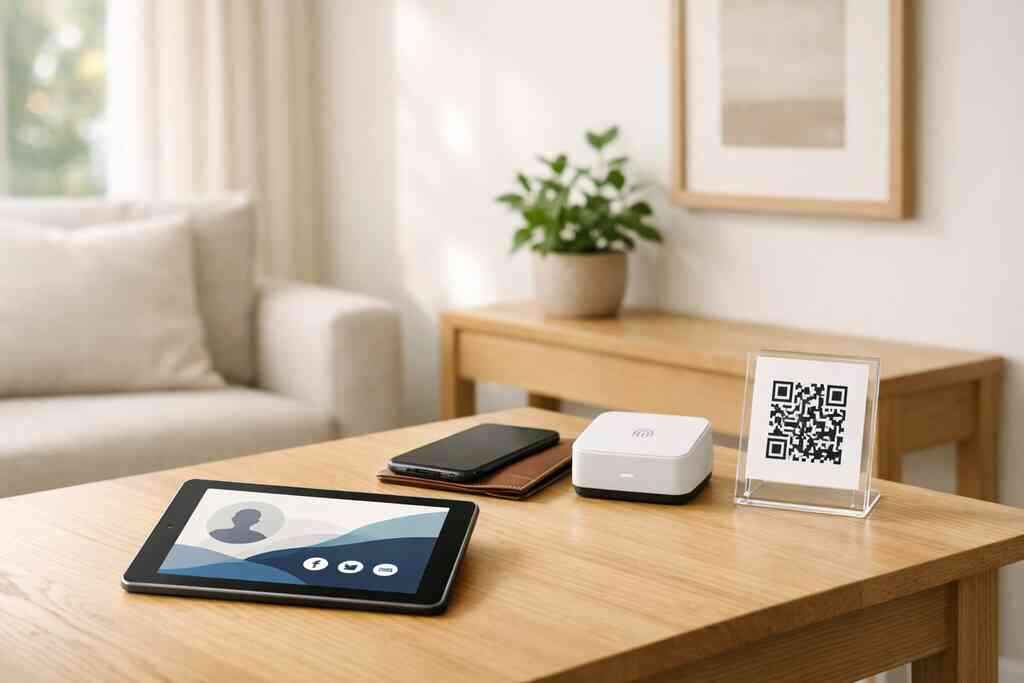
If you want a practical share flow, this guide to sharing maps out how professionals use a digital card in live networking settings. The same logic applies on LinkedIn: make the next action obvious.
What makes a digital business card actually work on LinkedIn
A digital business card works on LinkedIn when it gives the other person enough information to trust you and enough simplicity to respond. The best cards do not try to say everything. They focus on the essentials: who you are, how to reach you, and what action you want someone to take next.
The profile details that turn a simple share into a real lead capture moment
The strongest digital card design is the one that supports a fast decision. On LinkedIn, that means the card should make your name, role, company, phone, email, and website easy to find. If you have a portfolio, service page, or booking link, include that too. A clean business card template helps, but the real value is in the structure, not decoration.
A useful online business card for professional networking should also support lead capture in a way that feels natural. If someone can save your contact info and respond without extra steps, you lower the chance of drop-off. This is especially useful for sales professionals, freelancers, corporate teams, and small business owners who rely on quick follow-up.
A good checklist for LinkedIn sharing:
- Use a clear title and headshot.
- Keep your role and company readable.
- Add one primary call-to-action.
- Include a direct way to reply.
- Use a card that loads well on mobile.
If you are comparing layouts, the templates page is the right place to see how different structures support different networking goals. The design should help someone act, not make them admire the layout.
Why QR code business cards and NFC business cards each fit different networking moments
QR code business cards and NFC business cards solve the same problem in different ways. QR is best when you want someone to scan with a phone camera. NFC is best when you want a tap-to-share moment on supported devices. Both support paperless networking, but each shines in a different setting.
FormatBest use caseWhat the other person doesWhy it worksQR code business cardsConferences, mixers, open housesScans the codeFast, familiar, and device-friendlyNFC business cardsIn-person introductions, sales meetingsTaps a card or deviceSmooth, memorable, and quickLink-based sharingLinkedIn DMs, email signatures, follow-upClicks a linkEasy to reuse in digital channelsA practical note: QR code business cards are built on the ISO/IEC 18004 standard, which is why they scan reliably across devices. NFC business cards use short-range data exchange, and Apple’s Core NFC framework helps support that tap experience on compatible devices. If you want a deeper comparison, the NFC cards page explains where tap-to-share is strongest.
Here is the part most people miss: you do not need one format for every situation. A real estate agent in Suffolk County may prefer QR at an open house and NFC in a private meeting. A commuter heading from Long Island to Manhattan may use a link in LinkedIn messages and a tap card at in-person events. The right mix depends on the room.
For a broader view of presentation choices, the best digital business card template guide is useful when you want a clean LinkedIn-ready design. If you are comparing plans, the pricing page can help you evaluate options without guessing.
A final trust point matters here: if you store or share contact data, keep privacy in mind. GDPR-style principles still matter even for small teams because clear consent and careful data handling build trust. On Long Island and in NYC alike, that trust is often what determines whether a lead becomes a conversation or disappears.
If you want a straightforward place to create a digital card and share it by QR, NFC, or link, Digital Business Cards is worth a look. It is especially practical for professionals who want a customized card that can be shared instantly without asking the recipient to install anything.
Frequently Asked Questions
Question: How does a virtual business card for LinkedIn leads help with lead capture and follow-up compared with a paper card?
Answer: A virtual business card for LinkedIn leads helps because it keeps your contact details attached to the conversation instead of leaving them in a pocket, drawer, or inbox. With digital business cards, the other person can save your information right away through a link, QR code, or tap, which makes follow-up feel natural and timely. That is especially useful for sales professionals, real estate agents, freelancers, corporate teams, and small business owners who rely on quick responses. Compared with a paper card, a digital business card also supports paperless networking and contactless sharing, which can reduce the chance that a lead goes cold before they have a chance to reply.
Question: What digital business card features matter most for LinkedIn networking and professional networking?
Answer: The most helpful digital business card features for LinkedIn networking are the basics done well: clear business card details, a clean business card design, an easy way to share contact info, and one simple next step for the recipient. A strong online business card for professional networking should make it easy to see your name, role, company, phone, email, website, and any relevant booking or portfolio link. Good digital business card templates and a polished virtual card design can also reinforce custom branding without making the card feel cluttered. If you want a practical starting point, a well-structured business card template is often better than a flashy layout because it makes lead capture simpler.
Question: When should I use QR code business cards instead of NFC business cards for LinkedIn lead generation?
Answer: QR code business cards and NFC business cards both support LinkedIn lead generation, but they fit different moments. QR code business cards are ideal when you want someone to scan quickly during conferences, mixers, open houses, or other busy networking settings. NFC business cards are a great fit when you want a tap-to-share experience in person and the device setup supports it. For many professionals on Long Island, New York, and in NYC, the best approach is to use both: QR for fast public events and NFC for polished one-on-one meetings. That flexibility makes your digital business cards for networking easier to use across different environments.
Question: How do I create digital business card content that works well on LinkedIn and supports lead capture?
Answer: To create digital business card content that works on LinkedIn, keep it simple, readable, and action-focused. A strong digital business card example usually includes a headshot, name, title, company, business card details, and one clear call-to-action such as booking a call or sending a message. If you are learning how to make a digital business card, focus first on clarity rather than decoration. A digital card maker should help you organize the essentials so the recipient can respond quickly without searching for the right link or trying to remember your name later. If your goal is lead capture, the best online business card for professional networking is one that loads well on mobile, looks professional, and makes the next step obvious.
Question: How can Digital Business Cards help professionals in Long Island, Suffolk County, and NYC with digital card design and paperless networking?
Answer: Digital Business Cards is based in Long Island, New York, and is built for professionals who want a practical way to share contact info in a fast-moving networking environment. Whether you are in Suffolk County, commuting into NYC, or meeting clients locally, digital card design matters because people need a simple way to save your details on the spot. A clean digital business card, a strong business card template, and easy contactless sharing can all support paperless networking without adding friction. For professionals comparing digital card vs paper, the advantage is convenience: your information stays tied to the moment of the introduction, which makes it easier for prospects to follow up. If you are exploring the best digital business card platforms, Digital Business Cards offers a straightforward way to create digital business card options that fit modern networking needs without making the process complicated.