
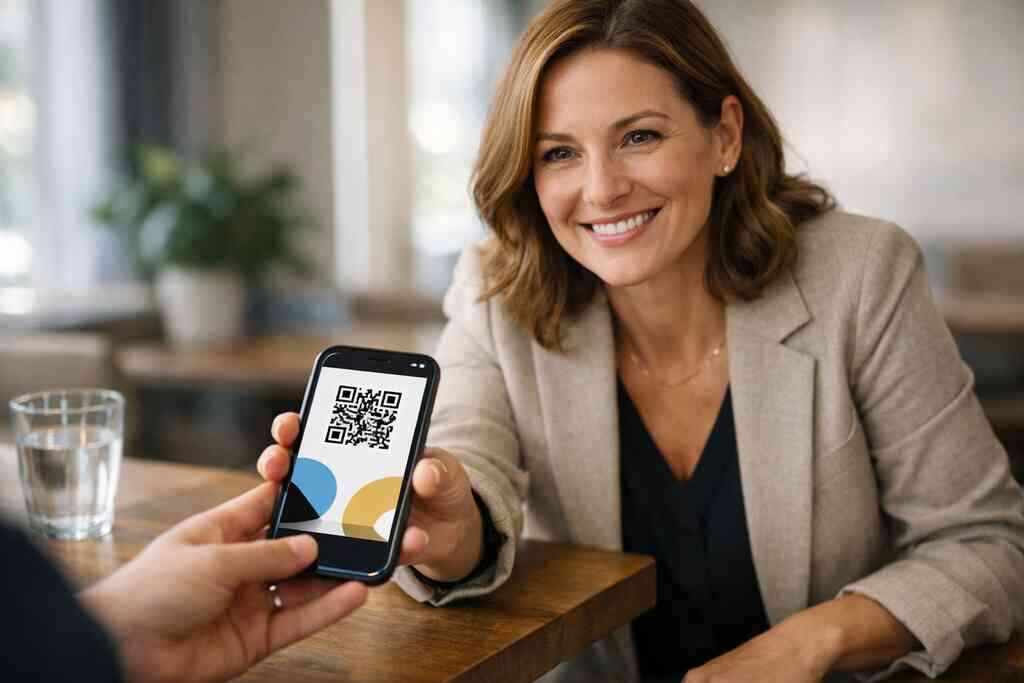
A guy in a Hauppauge lobby handed out twelve paper cards before lunch, then found only three in his jacket that night. That is the real problem. The card looked good. The conversation went well. Still, the follow-up slipped.
If you are reading this and feeling that familiar sting, it makes sense. Paper cards are easy to lose, hard to update, and too often forgotten before the inbox ever sees a name. For a small business, that lost contact can mean a lost estimate, a delayed referral, or a missed meeting.
Why paper business cards still disappear before the follow-up ever happens
The quiet cost of a forgotten card after a good conversation
A paper card seems simple until the moment it is not. You hand it over in a noisy room, and the other person drops it into a tote, a blazer pocket, or a car console. By the time they are ready to reach out, the card is bent, smudged, or gone.
That lost card creates a quiet cost. You spent money printing it. You spent time explaining your work. Then the connection fades because the contact details never made it into a phone.
A 2023 Adobe survey found that 58% of professionals have lost a paper card before following up. That tracks with what we hear from clients almost every week. The problem is not the meeting. The problem is the handoff after the meeting. Digital business cards and paper networking costs become very different once you count lost follow-up.
One freelance designer we spoke with after a Commack co-working meetup had a stack of perfect paper cards left from a print run. She still missed two warm leads because the cards never reached the CRM. That is the sort of gap a digital business card closes fast.
How digital business cards keep contact info in one place instead of a coat pocket
A digital business card keeps your contact info in one place, and that matters. Your name, phone number, email address, website, and links live on one shareable profile. You can update details once instead of reprinting a whole stack.
That is the appeal of paperless networking. You share a digital card by QR code, link, tap, or email. The other person saves the info immediately, which means your details stay where they belong.
If you want the mechanics, how digital business cards work is the simplest place to start. It helps remove the guesswork around setup. It also shows why a virtual business card can feel easier than juggling printed stock.
Here is the part most people miss. Digital business cards are not just about saving paper. They also help you control the version of your identity people see first. That matters when your online business card appears before your website does.
Why small business owners in Long Island, New York are moving faster than the paper stack
On Long Island, speed matters. You may be meeting someone at a Hauppauge business mixer, then driving to an estimate in Suffolk County, then taking a train into New York City the next morning. A paper stack does not love that kind of schedule.
Small business owners want contactless sharing that works in real life. They want a smart business card that does not crease in a glove box. They want something that feels modern without becoming complicated.
We see this especially with owners who work across Long Island, New York, and the city. The same card needs to work at a local chamber event and on a crowded subway platform. A digital business card fits that rhythm far better than a paper one.
What changed in 2026 specifically is simple. People expect fast sharing, cleaner branding, and less friction. That is why digital business cards for networking are moving ahead of print for many small teams.
What a digital business card actually is and why the format matters
Digital business card versus online business card versus virtual business card
These terms overlap, but they are not identical in everyday use. A digital business card is the broad term for a shareable contact profile. An online business card usually means a web-based page you can open and send. A virtual business card often describes the same idea in a more flexible, mobile-friendly format.
An electronic business card can also include a VCard-style contact file. That makes it easier to save details directly into a phone. For many readers, the differences matter less than the outcome: can people save your details in seconds?
If you are comparing tools, focus on the user experience. The best systems make sharing simple and saving effortless. They also avoid clutter, which is why paperless networking feels cleaner from the first scan.
QR code business cards and NFC business cards explained in plain English
QR code business cards work by letting someone scan a code with their phone camera. The scan opens your card, which can hold contact details, links, and more. The standard behind the format is ISO/IEC 18004, which gives QR codes their structure and reliability.
NFC business cards work differently. A tap transfers data through near field communication, which follows standards like ISO 14443. Apple’s Core NFC framework also helps support tap-based interactions on compatible devices.
If you want a deeper tech comparison, nfc vs qr code digital business cards in 2026 is the kind of breakdown that helps with real decisions. The short version is this: QR is universal and easy. NFC feels sleek and fast when the phone supports it.
When a smart business card works better than a traditional business card template
A traditional business card template gives you fixed space and fixed limits. That works for a few basics, but it breaks down when you need links, booking pages, or multiple contact paths. A smart business card gives you room to grow.
Think about the moments that matter. You meet a prospect, and they want your email now. Another wants your portfolio, while a third wants a saved contact in one tap. A smart format handles all three without redesigning your card.
One real estate agent in Garden City used a digital share at an open house and got a follow-up that same afternoon. The difference was not luck. The difference was that the buyer already had the details on their phone.
How to make a digital business card that feels polished, not generic
What business card details belong on a strong digital card design
Strong digital card design starts with the basics. You need your name, title, business name, phone number, email address, and website. After that, add only what helps someone contact you faster.
A good digital card example keeps the layout clean. It avoids stuffing every social profile onto the screen. It also makes the most important action obvious, which is usually saving contact info or visiting your website.
Here is a simple checklist for business card details that matter most:
- Name and role
- Company name
- Mobile number
- Email address
- Website or booking link
- Location, if relevant
- Social links only when useful
If your audience includes LinkedIn contacts, a digital business card for LinkedIn should feel especially tidy. People judge fast. Clear beats crowded every time.
Choosing a digital card maker and a digital business card template that fits your brand
A digital card maker should help you create digital business card layouts without confusion. That means simple editing, clear previews, and a template structure that supports your brand. A weak template makes every profile look copied.
The right business card template gives you room for a logo, your colors, and a strong photo. It should also keep the mobile view readable. Many people will open your card on a phone first, not a laptop.
If you are comparing presentation options, templates matter more than most buyers think. A solid digital business card template can make a solo freelancer look as polished as a corporate team. That is useful, because your card often speaks before you do.
Custom branding moves that make a digital business card for LinkedIn look professional
Custom branding does not need to be fancy. It needs to be consistent. Use the same colors, headshot style, and logo treatment that appear on your website and LinkedIn profile. A professional virtual card design uses contrast well. It keeps text readable. It also avoids oversized graphics that slow down the message. That matters when someone is scanning your card between meetings. 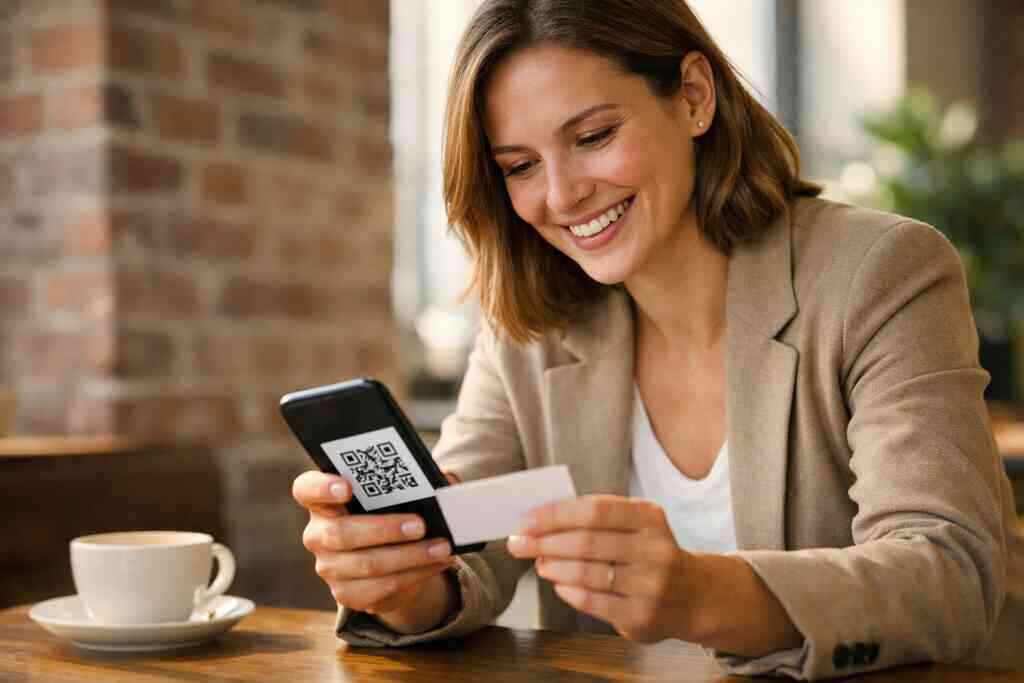
For teams, digital card design and branding should align with the rest of your sales material. If your digital business card looks unrelated to your site, trust drops. If it feels familiar, people move faster.
Where digital business cards pay off fastest for small business networking
Why sales professionals and real estate agents use contactless sharing on the move
Sales professionals live in motion. Real estate agents do too. They meet people in lobbies, hallways, model homes, parking lots, and conference rooms. Contactless sharing fits those moments better than a paper handoff.
Real estate digital card examples matter because timing matters. A prospect may not want to carry a card, but they will scan a code if it takes two seconds. That speed can keep a lead alive.
On the projects and networking events we have seen this year, the best results came from simple habits. The agent or rep opens the card. The client scans it. The contact is saved before the conversation ends.
How freelancers and corporate teams use electronic business card exchange without slowing down
Freelancers need flexibility. Corporate teams need consistency. Both groups benefit from electronic business card exchange because it removes the delay between meeting and follow-up. Nobody has to type a number from a coffee-stained card later.
For digital business cards for freelancers, the biggest win is control. You can send one card to a prospect, a collaborator, or a vendor, and the same link still works. For teams, shared branding keeps everyone aligned.
This is also where CRM integration starts to matter. If your card can move contacts into your system cleanly, you save hours. That is not flashy, but it is valuable.
What digital card analytics, lead capture, CRM integration, and follow up automation can change in the field
This is where digital tools move from helpful to serious. Digital business card analytics for lead quality can show which links people tap and when they return. Lead capture helps you collect contact details without manual typing. CRM integration pushes those details into your sales workflow.
Follow-up automation matters because speed wins. If someone scans your card and then hears from you quickly, the conversation stays warm. That is especially helpful after trade shows, open houses, and local mixers.
A few terms, simply put:
- Lead capture: collecting a prospect’s details
- CRM integration: sending data into your customer system
- Follow-up automation: sending timely messages without manual work
- Digital card analytics: seeing how people interact with your card
For compliance, keep privacy in mind. If you store or share personal data, review your consent language and retention practices. GDPR may matter if you work with European contacts, even from Long Island.
What to do next if you want a card that works in the real world
How to compare free digital business card options with premium digital card plans
A free digital business card can be a fine test drive. It helps you explore layout, sharing, and basic contact display. But free tools often limit branding, customization, or tracking.
Premium digital card plans usually make more sense once your card becomes part of daily work. That is where you want better branding, stronger features, and a more reliable workflow. The right choice depends on how often you network and how much your follow-up matters.
If you are comparing digital business card pricing and plans, ask a simple question: will this help me close more conversations? If the answer is yes, the upgrade may pay for itself. If not, a lighter option may be enough for now.
What to look for in the best digital business card platforms before you commit
The best digital business card platforms are not always the flashiest. They are the ones you will actually use. Look for easy editing, mobile-friendly sharing, clean design options, and clear support.
You should also check whether the platform explains setup plainly. A good digital business card app should not make you guess how to share your information. It should make the process feel natural from day one.
Before you choose, compare these points:
- Ease of editing
- Branding control
- Sharing methods
- Analytics and tracking
- Team support
- Privacy and data handling
If you need social proof, digital business card reviews can help, though they should never replace your own test. Your workflow is unique. Your platform should match it.
Using /how-it-works/, /templates/, /pricing/, and /features/ to choose a setup that fits your next event in Suffolk County or NYC
If your next event is in Suffolk County or NYC, think about the card before you arrive. You want a setup that opens quickly, looks sharp, and saves people time. That is the real test.
Start with how it works if you want the basics. Then review templates for design fit, pricing for budget clarity, and features for practical tools. Those four pages tell you far more than a glossy pitch ever will.
If you are in Long Island, New York, and still handing out paper by habit, try one real event with a digital card. You do not need to redesign your whole process today. Start with one card, one scan, and one follow-up message after the next meeting.
Frequently Asked Questions
Question: What are the main benefits of digital business cards for small business networking in Long Island, New York, and how do they compare to paper cards?
Answer: Digital business cards make professional networking faster and more reliable because your contact information can be shared instantly through QR code business cards, NFC business cards, a link, or email. For small business owners in Long Island, New York, this is especially useful when you are moving between meetings in Suffolk County, NYC, or local networking events and do not want to rely on paper that can be lost or damaged. A digital business card keeps your business card details in one place, supports contactless sharing, and makes it easier for people to save your info right away. Compared with a digital card vs paper approach, the digital option is easier to update, easier to share, and better suited to paperless networking and sustainable business cards. It can also create a more polished first impression because your online business card or virtual business card can include only the most important information in a clean format.
Question: How do I know which digital business card template or digital business card design is right for my brand?
Answer: The best digital business card design is one that feels clear, professional, and consistent with your business. A strong digital card maker should let you create digital business card layouts that match your branding without making the process complicated. Look for a business card template that supports your logo, brand colors, headshot, and the contact details that matter most. In many cases, the best virtual card design is not the busiest one. It is the one that helps people find the right information quickly and makes it easy to share contact info. If you want a digital business card for LinkedIn, for example, the design should feel especially tidy and professional so it fits naturally with your online presence. A well-built template also helps small business owners, freelancers, sales professionals, and corporate teams keep their presentation consistent across every interaction.
Question: What features should I look for when comparing the best digital business card platforms and digital card pricing?
Answer: When comparing the best digital business card platforms, start with the basics: easy editing, mobile-friendly sharing, custom branding, and clear support. You should also look at digital business card features that help your workflow, such as lead capture, CRM integration, follow-up automation, and digital card analytics, if those tools are available on the platform you are considering. If you are evaluating digital card pricing, it is smart to compare a free digital business card option with premium digital card plans so you can decide whether the upgrade is worth it for your business. Free plans can be useful for testing, but premium options often make more sense for teams or anyone who wants stronger branding and a more complete professional networking experience. The key is to choose a digital business card app that feels easy to use and fits the way you actually work.
Question: How to make a digital business card that feels professional and works well for sales professionals, real estate agents, and freelancers?
Answer: If you are wondering how to make a digital business card, start with the most useful business card details: your name, title, company name, phone number, email, website, and location if it helps people reach you. From there, build a simple digital business card design that keeps the most important action obvious, such as saving contact info or visiting your site. Sales professionals and real estate agents often benefit from QR code business cards or NFC business cards because those formats support fast contactless sharing during busy meetings, showings, and events. Freelancers often prefer a virtual business card or electronic business card exchange that can be updated quickly and shared with different prospects without needing a reprint. A smart business card should make it easy to move from first meeting to follow-up, especially if you use digital card analytics, lead capture, or CRM integration to stay organized.
Question: What does the blog Ultimate Guide to Digital Business Cards for Small Business 2026 say about digital card vs paper and when should a small business switch?
Answer: The main point of Ultimate Guide to Digital Business Cards for Small Business 2026 is that paper cards often disappear before the follow-up happens, while digital business cards help keep the connection alive. A paper card can be lost in a pocket, bag, or car, but a digital business card lets someone save your details immediately. That makes it a stronger option for digital business cards for networking, especially for small business owners who meet people at mixers, open houses, local events, or while traveling between Long Island, New York, Suffolk County, and NYC. The switch makes sense when you want easier updates, cleaner branding, and a better way to share contact info without depending on printed stock. If your business depends on timely follow-up, the digital version is usually the more practical choice. It also supports a more sustainable business cards approach, which many modern businesses appreciate.
Question: Can Digital Business Cards help with Apple Wallet business card, Google Pay card, or digital business cards near me searches?
Answer: Digital Business Cards is focused on helping people create and share a digital business card in a simple, practical way, with a Long Island, New York base that makes the service relevant for local professionals searching for digital business cards near me. If you are exploring options like an Apple Wallet business card or Google Pay card, the most important thing is to confirm exactly what the platform supports before you commit. Since features can vary by provider, it is best to review the product details directly and make sure the setup matches your needs. What matters most is that your online business card works smoothly, supports contactless sharing, and helps you present your business in a professional way. For small business networking, the right platform should make it easy to share a smart business card, keep your information current, and support the way you connect with clients in Long Island, Suffolk County, and NYC.