
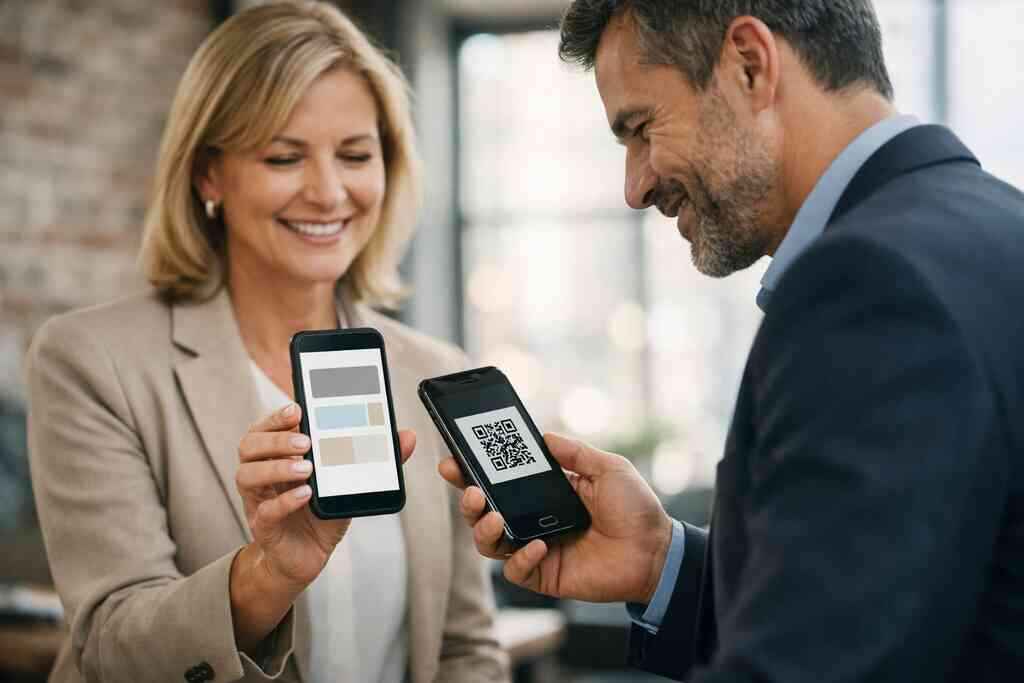
Why a paper card still loses money after the handshake
You shook hands, exchanged smiles, and reached for a card. Then the card slipped into a jacket pocket, landed in a bag, and sat there. That is the quiet leak most people never measure. If you feel frustrated by good meetings that never turn into calls, that feeling is valid. The problem is rarely the conversation. It is usually the handoff.
How lost follow-ups quietly drain ROI after events and client meetings
A paper card only helps if someone remembers to use it. That sounds obvious, but it is where ROI disappears. At busy events, people collect cards faster than they can sort them. A 2023 Adobe survey found many professionals have lost a paper card before following up, and the number feels believable in real life. On the ground, that means missed calls, delayed emails, and fewer deals.
Here is the part most people miss. Follow-up speed matters more than almost any other networking habit. The longer your contact sits in a pile, the colder the lead becomes. With digital business cards ROI in 2026, the economics change because the contact can move from handshake to saved contact in seconds. That is not hype. That is friction removed.
I once spoke with a consultant who attended three mixers in one week. She left with almost thirty paper cards and only two usable leads. The rest had smudged ink, incomplete numbers, or names she could not place later. That is not just a networking problem. It is a systems problem.
Why smudged paper, old titles, and missing details break momentum
Paper ages badly. Ink fades, corners bend, and titles go stale faster than people expect. If your company changes roles, service areas, or email addresses, old cards become tiny pieces of confusion. That confusion costs you trust. It also slows the buyer who wanted to move quickly.
A digital business card avoids that trap because your contact details can stay current in one place. A virtual business card or online business card also makes room for more than one channel. You can share contact info instantly without hoping the other person types it correctly later. That matters in sales prospecting, where speed and accuracy shape the next conversation.
Smudged cards create a second problem. They make you look less prepared than you are. Even a great conversation can lose momentum when the follow-up channel looks unreliable. In practice, a clean electronic business card or smart business card is not just easier. It feels more current at the point of contact.
What Long Island professionals notice when contacts pile up after Hauppauge and Commack networking events
Long Island networking has its own pace. Hauppauge business mixers can move fast. Commack co-working meetups can be full of cross-industry introductions. By the end of the night, your card stack may look impressive, but the stack itself is not ROI. The real test comes on Monday morning.
What we see with digital business cards for networking in Long Island is simple. People want less sorting and more action. They want a clean way to keep notes, share contact details, and know which conversation came from which event. That is especially useful for Suffolk County business networking, where relationships often develop through repeated local introductions.
One Garden City real estate agent described the pain well. She could remember faces, neighborhoods, and property types, but not always which card matched which buyer. After switching to a digital business card, she stopped guessing. She could see who scanned, who opened, and who needed a follow-up. That kind of clarity changes how you work the next day.
What actually turns a digital business card into a revenue tool
A digital business card is not valuable because it is modern. It is valuable because it helps a lead move. That is the difference between a nice tool and a revenue tool. If your card only replaces paper, you have made a cosmetic change. If it shortens the path to contact, follow-up, and conversation, then it starts to pay for itself.
How share contact info instantly changes the speed of the sales conversation
The fastest networking wins happen when the next step is obvious. A QR code business card or NFC business card makes that easier because the exchange is immediate. You do not wait for someone to type your name. You do not hope they save the right number. You simply share contact info and keep the momentum.
That speed matters in professional networking, especially for sales professionals and freelancers. The shorter the delay, the more likely your contact remembers the context. A digital business card app can support that flow by keeping the exchange clean and mobile-friendly. If you want a clear view of the setup process, How Digital Business Cards Work is the right place to start.
The value here is not abstract. It is practical. People respond better when the path is easy. A good electronic business card exchange makes that path feel natural instead of forced.
Why digital card analytics matter more than a stack of printed cards
Printed cards give you volume. Digital card analytics give you signal. That difference matters because not every lead is equal. If someone opens your card twice, saves your details, and taps your website link, that is more useful than knowing they took a paper card home.
Analytics help you focus your time. They show which events produced actual interest and which ones only produced handshakes. For anyone doing lead capture, that is a major shift. It helps you spend less time chasing every contact and more time pursuing warm ones. If you want to see this more clearly, Digital Business Cards Analytics To Track Lead Quality is where the difference becomes visible.
Here is the simple truth. People do not buy from your stack of cards. They buy from follow-through. Digital card analytics tell you where that follow-through should happen. That makes them one of the strongest digital business card features for ROI.
When CRM integration and follow-up automation start paying for themselves
CRM integration is where a digital business card starts acting like a sales system. Instead of manually copying contacts, you move them into a workflow. That means less admin and fewer dropped leads. It also means your follow-up automation can begin sooner, which is often the whole point.
This is especially useful for small business teams and corporate teams. A lead should not live in a spreadsheet waiting for someone to remember it. It should enter a process. If you are evaluating this side of the tool, Digital Business Cards CRM Integration Strategies For 2026 is the sort of capability that can justify the switch.
The math is straightforward. Save ten minutes per lead across a month, and the savings add up. Save one lost opportunity, and the system may have already paid for itself. That is why Automate Follow Ups Using Digital Business Cards in 2026 matters more than most people realize.
What custom branding and digital business card design do for trust at the point of contact
Trust starts before the meeting ends. A polished digital business card design signals care, consistency, and professionalism. That matters whether you are a freelancer, a sales manager, or part of a larger corporate team. Custom branding helps your contact recognize you later, which is essential when inboxes are crowded.
Good design also keeps the card readable on a phone. A strong business card template should make the details easy to scan, tap, and save. If you want examples of layouts that are built for that purpose, Top 5 Business Card Templates That Convert Leads Faster in 2026 can help you think through structure before you build. Clean virtual card design often looks simple because the hard work happens in the spacing.
On the projects we’ve seen this year, the best results came from clarity, not decoration. The card named the person quickly. It matched the brand well. It removed hesitation. That kind of design is a trust tool, not just a visual choice.
NFC taps QR scans and mobile-friendly networking without the guesswork
Some people want tap-to-share simplicity. Others want scan-and-go flexibility. The right answer depends on where you network, what devices your contacts use, and how often you need to share. The good news is that both NFC business cards and QR code business cards can work very well.
When NFC business cards make sense and when QR code business cards are the better move
NFC business cards shine when speed matters and the other person has a compatible phone. The tap feels effortless. It is a clean example of contactless sharing. QR code business cards, however, work on a wider range of devices and need no special tap behavior. That makes them a practical default for mixed audiences. Apple’s Core NFC framework and the ISO 14443 standard help explain why tap-based exchanges can feel reliable when supported. Still, not every networking room is NFC-heavy. QR code contactless sharing can be safer as a universal backup, especially at events with many phone types. If you want a direct comparison, NFC vs QR Code Digital Business Cards: Which Wins in 2026 is a useful guide. For many professionals, the better choice is not either-or. It is both. Tap when you can. Scan when you must. That flexibility reduces friction, and friction is what kills follow-up. 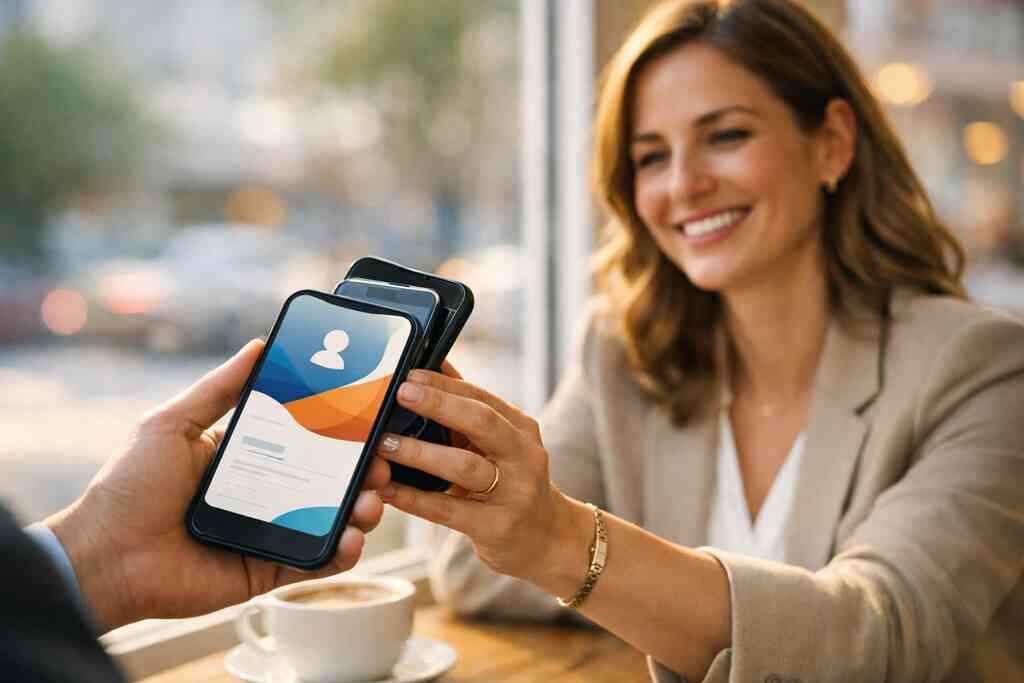
What Apple Wallet business card and Google Pay card options can do for on the go sharing
Wallet-based sharing is useful because it keeps your contact details close at hand. An Apple Wallet business card setup can make your card easier to access during travel, site visits, or back-to-back meetings. A Google Pay card option can play a similar role for Android users. The idea is simple. Your card lives where people already look.
That convenience matters for NYC commuters and busy Long Island professionals. A salesperson riding the train does not want to dig through email threads. A consultant walking into a client office wants contact details one tap away. If this fits your workflow, Setup Digital Business Cards For Apple Wallet Success 2026 is worth reviewing.
Just remember privacy and compliance. If you store or exchange contact details, be thoughtful about consent and retention. GDPR principles are a good reminder, even for U.S.-based teams, because they reinforce disciplined handling of shared information. Good tools should support that discipline, not complicate it.
How to create digital business card layouts that work on phones not just desktops
Mobile first means readable first. Many digital business cards look fine on a laptop and fail on a phone. Text becomes tiny. Buttons crowd each other. The contact saves nothing because the design feels awkward. That is why the best create digital business card process starts with the smallest screen.
A strong layout usually includes only the essentials:
- Name
- Role
- Company
- Phone
- Primary action
- Short brand line
If you are building from scratch, keep the business card details concise. A digital card maker should support that discipline. For structure ideas, Custom Branding Tips for Digital Business Cards in 2026 can help you balance visual identity with clarity. The goal is not to impress. The goal is to be remembered correctly.
Why digital card vs paper is really a question about friction speed and contactless sharing
The digital card vs paper debate sounds like a format debate, but it is really a friction debate. Paper requires storage, typing, and interpretation. Digital reduces those steps. That difference becomes huge when you are meeting people quickly, like at conferences, showroom visits, or local networking breakfasts.
The best business networking and follow-up systems remove effort from the contact. A smart business card does that well because it supports mobile-friendly networking without making people work. That is why Why QR Code Business Cards Outperform Paper Cards in 2026 is more than a comparison page. It is a conversion question. Fewer steps usually means more saved contacts.
For Long Island networking group members, this is especially useful. People move between rooms, tables, and industries. A contactless exchange keeps the conversation alive while the context is still fresh. That is where practical ROI starts to show itself.
What real estate agents sales professionals freelancers and corporate teams should prioritize in a smart business card
Different roles need different priorities. Real estate agents often need quick sharing, polished branding, and a clear path back to listings or contact forms. Sales professionals need lead capture and follow-up support. Freelancers need a simple way to look credible. Corporate teams need consistency across many employees.
A smart business card should support the job you actually do. If you are in property sales, Best Digital Business Cards for Real Estate Agents in NY 2026 can show how that workflow changes in practice. If you manage a sales team, the structure should make follow-up easier, not harder. The same is true for small business owners who need every introduction to count.
In Long Island, New York, and nearby NYC business networking circles, people tend to judge tools fast. If it looks awkward, they move on. If it feels easy, they keep going. That is why the best online business card setup is usually the one people can use without thinking.
The ROI decision frame that tells you what to use next
ROI is not a mystery once you define the job. If the job is to share contact details, save follow-up time, and improve lead conversion, then the right choice becomes clearer. You do not need the most elaborate setup. You need the one that fits your goals, your audience, and your workflow. That is the frame that keeps decisions grounded.
How to compare free digital business cards with premium digital card plans without guessing
Free tools can be useful for testing. They help you create a digital business card and learn the basics. But free digital business card options often have limits. Those limits may matter once you start caring about branding, team use, or data. The key is to compare the tool against your real use case, not against a wish list.
Premium digital card plans usually make sense when the card becomes part of a selling system. If you need more control, better presentation, or support for a larger group, paid tools can be easier to justify. For a direct breakdown, Pricing & Plans is the right page to review. The point is not to buy more. The point is to buy less friction.
A practical comparison table can help:
NeedFree optionPremium optionBasic sharingOften enoughAlso supportedCustom brandingLimitedUsually strongerTeam useSometimes awkwardOften better organizedLead workflowBasicMore scalable### Which digital business card features usually matter most for small business and professional networking
Small business owners often ask for too much at first. Then they use too little. The features that matter most are usually the simplest ones. Think share contact info, brand control, easy editing, and a clear follow-up path. Those are the tools that protect time.
For professional networking, useful digital business card features often include:
- Custom branding
- Digital card analytics
- Lead capture
- CRM integration
- Fast mobile sharing
- Editable business card template options
If your goal is How Digital Business Cards Improve Lead Conversion in 2026, these are the levers that matter. Everything else is secondary. A long feature list looks impressive. A short list that supports action usually performs better.
Where digital card pricing fits into a practical lead conversion strategy
Digital card pricing should be judged against lead conversion, not vanity. If a platform saves one lost lead, one missed follow-up, or one hour of admin each week, the math changes quickly. That is why the cost conversation should start with process, not price alone. A cheap tool that gets ignored is expensive.
You should also compare ownership costs. Printing paper cards over and over adds up. Reprints happen when titles change, logos update, or phone numbers shift. A digital card removes many of those repeat costs and helps keep your business card example current. If you are weighing the tradeoff carefully, Pricing & Plans deserves attention alongside your sales workflow.
How Long Island and NYC networking habits shape the right online business card setup
Local behavior matters. Long Island networking often feels relational and repeat-based. NYC networking can be faster, denser, and more transactional. Both reward speed, but for different reasons. In Suffolk County business networking, the follow-up might happen after another coffee meeting. In the city, it may need to happen before the train ride ends.
That is why Why Digital Business Cards Outperform Paper in NYC Sales and Long Island use cases should not look identical. A good setup should support both. It should work at a Hauppauge business mixer, in a Commack co-working space, and on a commuter platform. If your audience moves across those settings, your card should too.
The best online business card is usually the one that matches your rhythm. Fast for the city. Clear for the suburbs. Easy for the person who receives it.
What to check on /how-it-works/ /templates/ /features/ and /pricing/ before you commit
Before you commit, check the basics with a clear eye. Look at how the system works, how the templates look on mobile, what the features actually support, and how pricing aligns with your needs. That keeps you from buying for a vague idea instead of a real workflow. It also reduces regret.
A simple review checklist helps:
- Confirm the sharing flow.
- Review the business card template options.
- Check the digital business card features you will use.
- Compare pricing against your lead volume.
- Test it on a phone before rollout.
If you want to compare setup and structure, How It Works is the most practical place to start. Then compare templates and pricing with the same standard: will this help me get contacted faster? That is the real ROI question. And it is the one worth asking before you hand out another paper card.
Frequently Asked Questions
Question: What makes digital business cards drive ROI in 2026, and how does Digital Business Cards help with lead capture and follow-up automation?
Answer: Digital business cards drive ROI when they reduce friction between meeting someone and getting that contact into your workflow. Instead of relying on paper cards that can get lost, damaged, or forgotten, a digital business card lets you share contact info instantly and move faster toward follow-up. That speed can matter a lot in professional networking, sales prospecting, and event-based lead capture.
At Digital Business Cards, the goal is to make that handoff simpler for Long Island, New York, and NYC professionals who want a cleaner way to network. A smart business card can support electronic business card exchange through QR code business cards, NFC business cards, links, and other mobile-friendly networking methods. If your process also includes CRM integration or follow-up automation, the value becomes even clearer because contacts can move from introduction to action more efficiently.
In short, the ROI comes from saving time, reducing missed follow-ups, and keeping your business card details current in one place.
Question: How does the blog What Makes Digital Business Cards Drive ROI in 2026 connect digital card vs paper to real networking results?
Answer: The blog makes a strong case that digital card vs paper is really a question of friction. Paper business cards can still work, but they depend on someone keeping, typing, and remembering your details later. A digital business card removes several of those steps by making it easier to share contact info instantly and save it on the spot.
For people doing digital business cards for networking in Long Island, Suffolk County, or NYC, that difference matters. In fast-moving settings like business mixers, co-working spaces, and professional networking events, a virtual business card or online business card can help you stay top of mind. The key is not just looking modern. It is making the next step easier for the person you just met.
Digital Business Cards focuses on practical use, not hype. That means helping users create digital business card experiences that are simple, readable on mobile, and easy to use in real conversations.
Question: What digital business card features matter most for small business owners, sales professionals, real estate agents, and freelancers?
Answer: The most useful digital business card features are usually the ones that help people move faster and follow up better. For small business users, sales professionals, real estate agents, and freelancers, that often includes custom branding, digital card analytics, easy editing, lead capture, and mobile-friendly sharing. Those are the kinds of features that support real business outcomes instead of just looking polished.
For example, a real estate agent may want a digital business card design that makes it easy to share listing contact details and stay recognizable. A sales professional may care more about lead capture and follow-up automation. Freelancers often want a clean virtual card design that builds credibility quickly. Corporate teams usually need consistency across multiple users and business card template options that are easy to maintain.
Digital Business Cards is built around making that process more manageable, especially for users who want a professional electronic business card without the paper hassle.
Question: Should I choose NFC business cards or QR code business cards for contactless sharing and networking efficiency?
Answer: The best choice depends on your audience and where you network. NFC business cards can feel very fast and seamless when the other person has a compatible phone, while QR code business cards are usually more universal because they work across a wide range of devices. For many professionals, the smartest approach is to have both options available so you can adapt in the moment.
If you are networking in Long Island, NY, or NYC, that flexibility is especially useful. Different rooms, devices, and audiences can affect what works best. QR code contactless sharing is often the easiest fallback, and NFC business cards can add a polished touch when tap-to-share works well.
Digital Business Cards supports the kind of mobile-first networking that helps people share contact info without slowing the conversation down.
Question: How do digital business card templates, custom branding, and digital card pricing fit into a practical ROI strategy?
Answer: A practical ROI strategy starts with choosing a business card template that works well on phones, supports your brand, and helps the other person know exactly how to reach you. Good digital business card templates should keep the layout simple, the business card details clear, and the call to action easy to understand. Custom branding matters because it helps your card feel professional and memorable, especially in crowded networking environments.
When it comes to digital card pricing, the right question is not just what it costs, but whether it helps reduce wasted time and missed opportunities. A free digital business card may be enough for testing or very basic use, while premium digital card plans may make more sense for teams, branding needs, or lead workflow support. The best decision depends on how often you network and how important lead conversion is to your business.
Digital Business Cards is a Long Island-based company, so the focus is on helping local professionals, small business owners, and corporate teams find a setup that fits real-world networking in New York rather than a one-size-fits-all approach.