
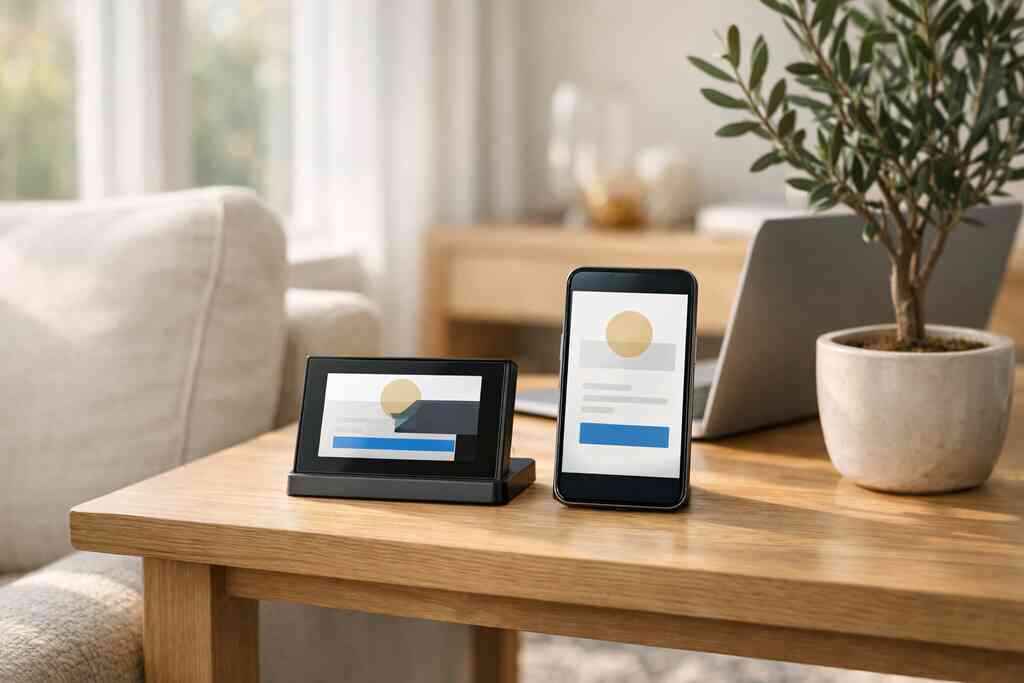
The best digital business card features for better follow-up are contactless sharing, lead capture, custom branding, analytics, and CRM integration. These five tools help you share contact info quickly, keep it organized, and know who to call first.
If you have ever left a mixer in Hauppauge with a pocket full of paper cards and the sinking feeling that half the names will never get followed up with, you are not alone. That frustration is exactly why many Long Island professionals are switching to digital business cards and a cleaner follow-up system.
Key Takeaways
- Contactless sharing through NFC or QR code business cards helps people save your details before the conversation ends.
- Lead capture turns a quick exchange into usable information, such as names, emails, phone numbers, and notes.
- Custom branding makes your digital business card look polished and memorable, especially in networking and sales.
- Digital card analytics show which shares and views deserve immediate follow-up.
- CRM integration keeps follow-up work organized as your contacts grow across events, referrals, and team use.
1) The follow-up killer hidden in your paper card stack
Paper cards disappear because they depend on memory, pocket space, and later sorting. A digital business card keeps your details in one place, so the contact is still there after the meeting ends. That is the difference between hoping someone remembers you and making follow-up much easier.
Why paper cards disappear right after a strong conversation
The awkward part is not getting the card. It is getting home, setting the stack on a desk, and realizing the best conversation of the night is now buried under receipts. A card can be smudged, bent, or left in the car. That is why paper feels simple in the moment and messy an hour later.
A digital card changes that pattern. Instead of handing over a loose slip of paper, you share a stored profile that can be opened again, saved, and sent to the right person later. For many sales professionals and freelancers, that alone removes the biggest follow-up problem.
How a digital business card keeps contact details in one place after the handshake
A digital business card, sometimes called an online business card, virtual business card, or electronic business card, holds your business card details in one searchable place. You can create a digital business card once and share it by QR code, NFC tap, or direct link. That makes it easier to send the same contact information every time.
Here is the part most people miss: consistency matters as much as speed. If your LinkedIn, phone number, email, and company name all live together, you reduce the chance of a bad handoff. For setup basics, the platform’s How It Works guide can help you understand the flow without guesswork.
What Long Island professionals notice first when they stop losing leads at mixers and client meetings
The first thing most people notice is not technology. It is relief. At a Commack co-working space or a Suffolk County networking breakfast, you can share your card and keep talking instead of digging for paper.
One real estate agent we spoke with used a digital card after a Garden City open house. The contact did not vanish into a wallet stack. It stayed available, so the follow-up email could go out before the lead cooled. That kind of speed matters when the conversation is fresh.
2) The tap or scan that gets your contact saved before the conversation ends
NFC business cards and QR code business cards both solve the same problem: they let people save your details immediately. NFC is faster in close face-to-face settings, while QR codes work on nearly any phone with a camera. The best choice depends on how you network and who you meet.
Why NFC business cards can speed up contactless sharing in face-to-face settings
NFC business cards are useful when you want a tap-and-go exchange. On supported phones, the person taps the card and your digital profile opens right away. Apple’s Core NFC framework shows how tap-based interactions work on supported devices, and NFC itself follows the ISO 14443 family of standards for close-range data exchange.
That matters because the exchange feels natural. No typing. No searching. No delay. If you meet people often at conferences or local business mixers, the less friction you create, the more likely they are to save your contact while you are still talking.
How QR code business cards work when someone does not have NFC enabled
QR code business cards are the fallback that almost never feels like a fallback. If someone does not have NFC enabled, they can simply scan the code with a phone camera and open your card. QR codes follow the ISO/IEC 18004 standard, which is why they are so widely recognized and reliable.
A QR business card is also useful in crowded spaces. People at a tradeshow, a Suffolk County chamber event, or a quick coffee meeting can scan in seconds. If you want a deeper comparison, this QR code guide breaks down practical use cases for sales teams.
MethodBest forStrengthLimitationNFCFast in-person handoffTap-to-open convenienceRequires supported phone behaviorQR codeBroad compatibilityWorks on most smartphonesNeeds camera scanDirect linkEmail and text follow-upEasy to resend laterLess physical presence### Which sharing method fits sales professionals, freelancers, and corporate teams in Long Island, New York
Sales professionals often prefer NFC because it shortens the moment between handshake and saved contact. Freelancers usually like QR codes because they can place them on a badge, portfolio, or inbox signature. Corporate teams often use both, since different clients prefer different sharing habits.
For teams across Long Island, New York, that flexibility is practical. A commuter headed into NYC may want a link saved in email. A local contractor may prefer a fast scan at a jobsite. The best digital business card platforms make room for all three.
3) The lead capture field that turns a quick exchange into a real opportunity
Lead capture is the feature that turns a polite exchange into a usable lead. Instead of just sharing your details, you can collect names, emails, phone numbers, and notes in a structured way. That gives you a cleaner follow-up pipeline and less manual sorting later.
Which contact details should be collected to make follow-up easier without creating friction
Start with the basics: name, email, phone number, company, and a short note about where you met. That is usually enough to personalize the next message without making the exchange feel like a form.
If you ask for too much, people hesitate. Keep it light. A single optional note field can help you remember, for example, “Garden City open house” or “Hauppauge networking breakfast.” That small detail often makes the follow-up message feel personal instead of automated.
How a smart business card can organize names, emails, phone numbers, and notes for faster outreach
A smart business card can organize contact details so you are not rebuilding every lead from scratch. That matters when you meet ten people in one evening and only two are immediate prospects. Digital card analytics and lead capture work together here, because they show what to follow up on first.
A clean system is also useful for compliance and clarity. If you store and use personal contact details, be mindful of privacy expectations and rules that may apply in your market. The FTC’s advertising guidance and GDPR-style best practices both remind businesses to handle information carefully and transparently.
What digital card vs. paper means when the goal is a cleaner follow-up pipeline
Paper cards force manual entry later. That delay creates errors, and errors kill follow-up. A digital card reduces that drag by keeping details ready to use immediately.
Here is a simple comparison:
ItemPaper cardDigital cardContact storageManualCentralizedFollow-up speedSlowerFasterNotes from meetingSeparateEasier to attachSearchabilityLowHighWhen the goal is a cleaner pipeline, the digital option is usually the practical one. The features page shows how the core tools fit together without overcomplicating the process.
4) The design layer that makes people remember you after the meeting ends
Design matters because people decide whether you feel trustworthy in seconds. A strong digital business card design uses custom branding, a clear business card template structure, and simple navigation. Good design does not just look nice; it helps people remember who you are and why they should reply.
How custom branding and digital business card design shape trust at a glance
Custom branding gives your card a professional feel that paper often cannot match. Your colors, logo, headshot, and message should feel consistent with the rest of your business. That consistency helps people recognize you later when they search their inbox or phone. 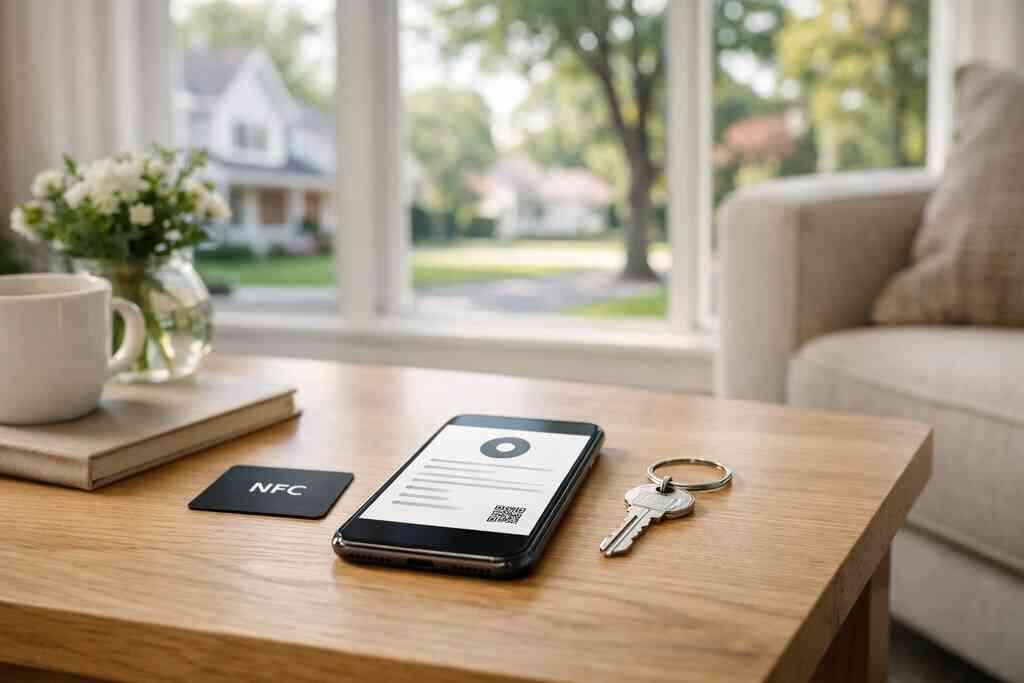
This matters for sales professionals, real estate agents, freelancers, and small business owners alike. In real estate especially, a polished card can support trust before the first showing. If you work in that field, the real estate examples page is a useful reference.
Why digital business card templates matter when you need a polished look fast
Templates save time without sacrificing quality. A solid business card template gives you structure, spacing, and hierarchy so your contact details are easy to read. That is especially helpful if you need to create a digital business card quickly for an event or new role.
A good template should include:
- Your name and title
- Primary contact method
- Company or brand name
- One clear call to action
- Optional social or portfolio links
If you want a quick starting point, a template gallery can help you move faster without guessing at layout choices.
What a strong digital business card example should include for networking, real estate agents, and small business owners
A strong digital business card example is simple, not crowded. It should make your name visible, your contact path obvious, and your brand easy to remember. For real estate agents, that may include listings or a short bio. For small business owners, it may mean a service summary and a booking link.
The mistake we see most often is cramming in too much. One clean card works better than five competing messages. That is true whether you are meeting someone in NYC, at a Long Island Business Network event, or through a referral.
5) The analytics signal that tells you who is warm enough to call back
Analytics help you stop guessing. When you can see who opened your card, tapped it, or viewed it more than once, you know where to focus first. That makes follow-up more strategic and less random.
How digital card analytics can show which shares and views deserve immediate follow-up
Digital card analytics show which contacts are actively engaged. If someone viewed your card twice, saved it, or clicked through a link, that is a warm signal. It does not guarantee a sale, but it gives you a better reason to reach out now.
That kind of tracking is why many professionals move from paper to digital. The top features guide goes deeper into lead capture and tracking tools for follow-up work.
Why CRM integration matters when your contact list starts growing across events and referrals
CRM integration matters when your network stops fitting in your head. Instead of exporting leads by hand, you can move contact data into the system your team already uses. That reduces duplicate entries and missed reminders.
For growing firms, that is not a luxury. It is basic organization. The U.S. Census business data and the U.S. Bureau of Labor Statistics both reflect how many professionals now rely on service-based, relationship-driven work, which makes clean follow-up a real business advantage.
When premium digital card plans may make more sense than a free digital business card for serious business follow-up
A free digital business card can be enough for simple sharing. Premium digital card plans may make more sense if you need branding control, analytics, or team-wide consistency. The right choice depends on how often you network and how much follow-up you manage.
NeedFree digital business cardPremium digital card plansBasic sharingYesYesCustom brandingLimitedUsually strongerAnalyticsMay be limitedMore usefulTeam useBasicBetter fitIf you want to compare options, the Pricing & Plans page is the place to review what fits your workflow. For professionals who want a simple setup with strong sharing options, Digital Business Cards is a practical choice because it lets you create and share a card without making recipients install an app. You can move from paperless networking to a cleaner follow-up system without adding friction.
Frequently Asked Questions
Do digital business cards work without an app?
Yes. Many digital business cards can be shared through a QR code, NFC tap, or direct link without requiring the recipient to install anything. That is one reason they work so well in networking settings. If you want a simple setup process, the setup guide is helpful.
Can I customize the design of my digital card?
Yes. Most platforms let you adjust branding, colors, profile details, and layout choices. A good design should stay readable and easy to save. If you are building a card for networking or client meetings, use a clean template and keep the message focused.
Is NFC safe for sharing contact info?
NFC is generally safe for sharing contact information because it works over very short range. It is designed for quick exchange, not broad broadcasting. Still, you should only share the business details you actually want people to have.
What is the difference between a digital card and a paper card?
A paper card is static and easy to lose. A digital card can be updated, shared again, and tracked. That makes it more useful for ongoing follow-up, especially when you meet a lot of people in a short time.
Can digital business cards help with real estate networking?
Yes. Real estate agents often benefit from quick sharing, branded design, and easy follow-up after showings or open houses. A digital card can also make it easier to share listings, contact details, and portfolio links from one place.
How do I make a digital business card that looks professional?
Start with clear business card details, a strong headshot or logo, and one main call to action. Use a clean template and keep the layout simple. If you want help getting started, the features page and templates page are good places to begin.
If you want a modern way to share your contact details and make follow-up easier, Digital Business Cards is worth a look. Create your card online, then share it by QR code, NFC, or direct link, and keep the next conversation from getting lost in the pile.