

Digital business cards help small businesses share contact info faster, keep it organized, and follow up without relying on paper. They are especially useful when you want contactless sharing, stronger branding, and a cleaner way to turn quick introductions into real conversations.
If you have ever found a bent paper card in your coat pocket and thought, “I should reach out,” you already know the problem. The card is still there, but the moment is gone. That is the pain point digital business cards solve.
Key Takeaways
- Digital business cards make it easier to share and store contact info in one place after meetings, referrals, and events.
- QR code business cards and NFC business cards both support fast sharing, but they work best in different settings.
- A strong digital business card design should include clear business details, custom branding, and a simple path to contact you.
- The best digital card features for growth usually include lead capture, contactless sharing, and some form of follow-up support.
- For small business owners in Long Island, New York, digital cards can reduce paper waste while making networking more consistent across in-person and online touchpoints.
Why paper cards disappear before the follow up does
Paper cards fail because they depend on memory, pocket space, and a later manual entry step. Digital business cards keep your contact details in one place and make it easier to act while the conversation is still fresh. For small businesses in Long Island, that matters because local networking often happens fast at mixers, client sites, and referrals, where follow-up timing decides the outcome.
What small businesses in Long Island notice first when paper networking stops working
The first sign is usually simple: you have contacts, but not enough usable contacts. A stack of paper cards does not tell you who opened the card, who saved it, or who meant to call you back. It also creates friction for the other person, who still has to type your number or email by hand.
We hear this most often from sales professionals, real estate agents, freelancers, and owners who move between Suffolk County offices, NYC meetings, and local events. The card gets handed over. Then it gets buried. If you are reading this because follow-up has felt messy, that is a normal frustration, not a personal failure.
A paper card can still work in some situations, but it is weak after the first exchange. For business owners comparing tools, SBA marketing guidance is a useful reminder that consistent follow-up matters as much as the first touchpoint.
How a digital business card keeps contact info in one place after conferences, meetings, and referrals
A digital business card centralizes your business card details so you can share them by link, QR code, or tap. Instead of passing around paper, you can send one online business card that stores your phone, email, website, social profiles, and other essentials in a single profile. That keeps the exchange cleaner and makes it easier to reuse the same contact record later.
Here is the part most people miss: a digital card is not just a nicer-looking replacement. It also makes your contact information easier to update. If your title changes, your number changes, or your service area expands across Long Island, you update one profile instead of reprinting 500 cards.
One local owner we spoke with after a Hauppauge business mixer had a simple issue. They collected twelve cards, then spent the next morning trying to match names to notes. A digital card would not have solved every follow-up problem, but it would have reduced the manual sorting right away.
Why QR code business cards and NFC business cards solve different parts of the same problem
QR code business cards are best when you want instant scanning with almost no setup. NFC business cards are best when you want tap-to-share speed and a smoother in-person exchange. They solve the same core problem—making contact sharing faster—but they fit different habits and settings. OptionBest use caseStrengthLimitationQR code business cardsEvents, printed materials, public spacesWorks with most smartphones and is easy to displayThe other person must open the camera or scannerNFC business cardsHand-to-hand networkingFast tap-to-share and polished feelRequires compatible hardware and the right setupDigital link sharingEmail, text, LinkedIn, follow-upFlexible and easy to resendLess physical presence than a card or tapThe QR standard is grounded in ISO/IEC 18004, which is why it has become such a dependable format for business sharing. NFC is a different path, and Apple’s Core NFC framework supports tap-based interaction on compatible devices. If you want a deeper look at tap sharing, the NFC card guide is a useful place to start.
What a smart digital business card actually needs to do for growth
A smart digital business card should make it easy to understand who you are, trust you quickly, and contact you without extra friction. Growth comes from clarity, not clutter. The best profiles give people the right business card details in a format that feels simple, branded, and easy to act on. 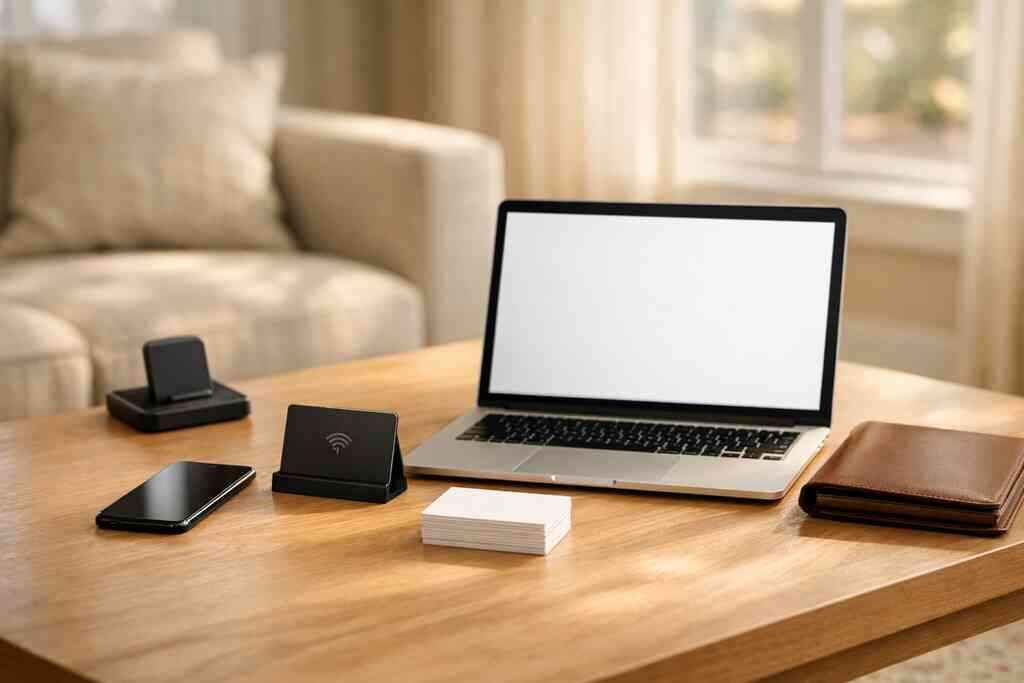
The business card details that matter most when you create digital business card profiles
When you create digital business card profiles, start with the basics people actually use. A strong profile should make it easy to identify you, remember you, and reach you again. If those pieces are missing, even a polished card will underperform.
Focus on these essentials:
- Full name and role
- Business name
- Phone number and email
- Website or booking link
- Social links that support your sales process
- Service area, if local visibility matters
- A short bio that explains what you do
- A clear call to action
If you work in a field like real estate or B2B sales, the profile should also support easy handoff to your next step. That may be a calendar link, a portfolio, or a direct contact form. For examples built around local selling, real estate digital card examples can help you think through structure.
How digital business card design and custom branding shape trust in the first ten seconds
Digital business card design affects trust faster than most people expect. A clean layout, readable text, and consistent brand colors make your card feel current and credible. A cluttered or generic card can make even a strong business look less organized.
That is why custom branding matters. Your logo, color palette, and tone should match the experience you want clients to expect. A freelancer might use a simple portfolio-style card. A corporate team may need a more uniform look across several employees. A local service business may want a straightforward design that feels practical and easy to use.
If you want a useful design benchmark, the core elements of digital business card design article is a solid reference. It helps you compare business card template choices before you commit to a final version.
Which digital card features support lead capture, contactless sharing, and follow-up automation
The most useful digital card features are the ones that reduce friction after the first hello. That usually means contactless sharing, lead capture, and some form of follow-up automation or tracking. If you can see what happened after the card was shared, you can improve your outreach instead of guessing.
A practical feature set often includes:
- Contactless sharing through QR, NFC, email, or link
- Lead capture forms that collect names or notes
- Digital card analytics to show views or interactions
- Custom branding for team consistency
- CRM integration for organized follow-up
- Sharing to LinkedIn or other professional channels
- Easy updates so your card stays current
There is also a compliance side worth keeping in mind. If you store shared contact details, good privacy practices matter, especially for European contacts or cross-border outreach. The FTC’s advertising guidance is not a software manual, but it does reinforce the need for clear, accurate claims in your marketing.
One marketing manager in a Long Island office told us the biggest shift was not the card itself. It was the follow-up. Once every exchange landed in one system, the team stopped losing warm leads between the event table and the inbox.
If you want a practical setup path, our how it works page shows the basic flow in plain language. That is often the easiest way to see whether a digital card fits your workflow.
For small businesses comparing providers, best virtual business card tools for NYC sales teams is also a helpful comparison point. It shows how different tools support different kinds of networking, from field sales to office-based teams.
Digital Business Cards is one option worth considering if you want a simple, no-app-for-recipients setup with QR, NFC, and link sharing in one place. The platform is especially useful if you want to move from paper to a cleaner sharing process without adding friction for the person receiving your card.
Frequently Asked Questions
Do digital business cards work without an app?
Yes, they can. A good digital business card should let recipients view your details through a browser, QR scan, or tap link without requiring a separate download. That lowers friction and makes sharing easier in fast networking settings. If you are comparing platforms, check the how it works page for the exact sharing flow.
Can I customize the design of my digital card?
Usually, yes. Custom branding is one of the main reasons professionals switch from paper to digital. You can often adjust colors, logos, layout, and the information shown on the card. The best designs stay simple and readable, especially on mobile screens.
Is NFC safe for sharing contact info?
Yes, NFC is widely used for short-range data exchange and is considered safe for basic contact sharing when used correctly. It does not broadcast your information across long distances. For a deeper technical comparison, the NFC card guide explains how tap-to-share works in practice.
What is better for networking, QR or NFC?
It depends on the situation. QR code business cards are flexible and work well in most settings. NFC business cards feel faster and more polished in face-to-face conversations. Many professionals use both so they can adapt to the moment.
Can digital business cards help with lead capture?
Yes. That is one of their strongest advantages. If a card includes a form or tracking layer, you can collect more than a name and hope for the best. You can build a better follow-up path. If analytics matter to you, look at the features page before choosing a platform.
Are digital business cards useful for small business owners in Long Island?
Absolutely. They are a strong fit for local owners who meet people at events, in client visits, and across both Long Island and NYC. They also help keep branding consistent across teams and reduce the need to reprint paper cards. For local examples, browse the Long Island Business Network and compare how different professionals present themselves.