
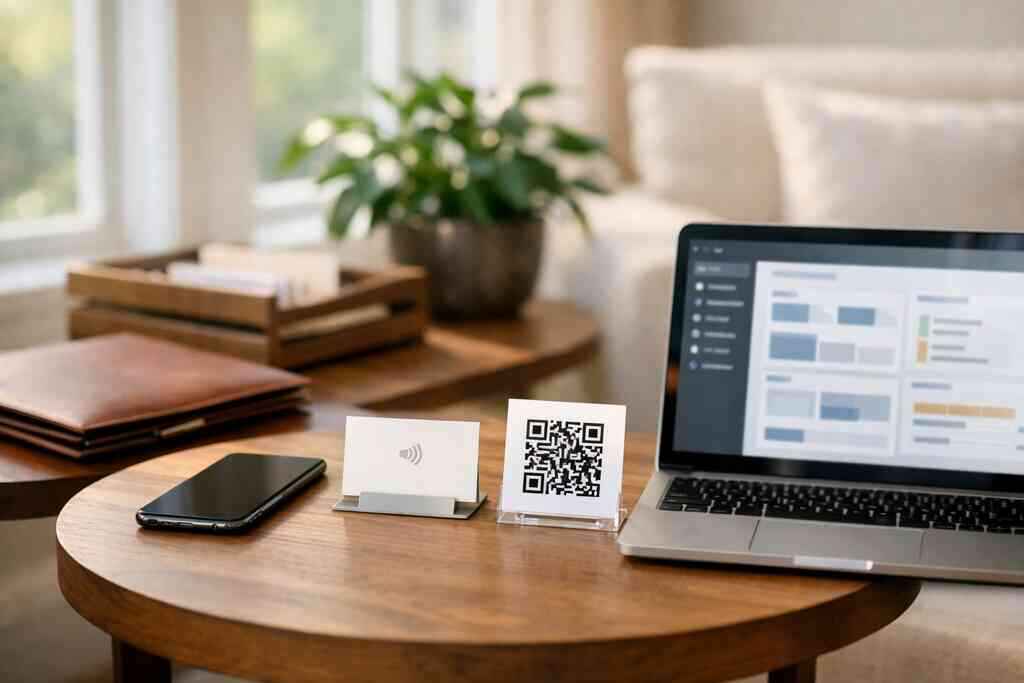
A digital business card keeps working after the handshake because it captures contact details instantly and sends them into a follow-up system before they get lost. If you are tired of cards piling up in a jacket pocket, this is a cleaner way to turn a brief meeting into a real next conversation.
Key Takeaways
- Digital business cards help you share contact info quickly and move prospects into follow-up before the lead goes cold.
- QR code business cards and NFC business cards support contactless sharing, which is useful at mixers, commute meetings, and trade events.
- The most useful setup collects only the details you need, then sends them into CRM integration, lead routing, and post-scan outreach.
- Good automation still sounds human when you personalize the next message by role, meeting context, and intent.
- For Long Island, New York professionals, a well-designed virtual business card can help you stay organized across local networking, NYC meetings, and mobile-first selling.
Why your paper card dies after the handshake while a digital follow up keeps working
A paper card usually fails because the conversation ends before the contact becomes searchable. A digital business card keeps working because it stores the exchange, preserves the details, and makes follow-up automatic instead of dependent on memory. That matters after a strong meeting in Hauppauge, on a crowded LIRR ride, or after a quick client chat in Manhattan.
What usually goes wrong after a great meeting at a Long Island business mixer or NYC commute
The problem is not the meeting. It is the gap afterward. Cards get bent, coffee-stained, or slipped into the wrong pocket, and even a good contact can vanish into the usual follow-up backlog. We hear this often from sales professionals, real estate agents, and small business owners who meet people in motion and mean to follow up later.
Here is the part most people miss: a paper card requires three extra steps before it becomes a lead. You have to keep it, read it, type it in, and remember why you wanted to call. On a busy day, that chain breaks fast. A digital card vs paper approach removes most of that friction and keeps the contact ready while your conversation is still fresh.
How a digital business card captures contact info before it gets lost in a coat pocket or inbox gap
A digital business card turns the exchange into a live handoff. Instead of hoping someone remembers your name, you can share contact info through a link, QR code business cards, or NFC business cards in seconds. If the recipient saves the details right away, the lead moves from “maybe later” to “already captured.”
That difference matters in paperless networking. A contact collected in the moment can feed a digital follow-up system while the context is still clear. One Long Island consultant I worked with used to leave mixers with a pocket full of cards and no next steps. Once she switched to a smart business card format, every scan became a clean record she could sort by event, role, and interest.
For setup guidance, many teams pair the card with a simple onboarding flow like how to set up your card. That keeps the process simple for the owner and easy for the recipient.
What actually gets the follow up moving from a scan to a sales ready contact
A scan only helps if it creates a usable record. The best digital business cards for networking do not just collect a name. They create a clean path from first contact to CRM-ready lead, so you can qualify, route, and follow up without extra admin work.
How QR code business cards and NFC business cards trigger contactless sharing without slowing the conversation
QR code business cards and NFC business cards both support contactless sharing, but they work best in different moments. A QR code is ideal when someone wants a quick scan. NFC is ideal when a tap feels more natural and faster, especially at in-person events. Both reduce friction and keep the conversation moving.
OptionBest useReader experienceTypical strengthQR code business cardsEvents, presentations, quick exchangesScan with cameraSimple and widely familiarNFC business cardsHigh-touch networking, fast tap sharingTap to open profileSmooth, premium feelLink-based sharingEmail, text, social follow-upClick and viewEasy remote sharingIf you want the technical side, Apple’s Core NFC framework shows how tap-to-read interactions are designed on supported devices, and the ISO 14443 standard underpins NFC card exchanges. For QR systems, the relevant benchmark is ISO/IEC 18004, the standard for QR code symbology.
A recent real-world example: a freelance designer at a Commack co-working space used a tap-to-share card during back-to-back introductions. No app was needed on the recipient side, which removed the usual hesitation. The conversation stayed natural, and the lead did not disappear into a pile of paper.
Which details to collect so lead capture feels useful instead of invasive for sales professionals and small business teams
Collect only what helps the next conversation. Too many fields make the exchange feel invasive. Too few fields make the lead useless. For most sales teams, the best balance is contact details plus one or two context fields that support smart lead nurturing.
A practical lead capture setup usually includes:
- Name
- Email or phone
- Company
- Role or title
- Source event or meeting location
- Interest tag or service category
- Consent note, if your workflow stores shared contact details
That structure helps with customer relationship management without turning the form into a survey. It also supports GDPR-conscious data handling if you serve contacts beyond local markets. The FTC’s advertising guidance is a useful reminder to keep claims clear and not imply anything the user did not actually agree to.
For teams comparing options, the top feature guide is a smart place to evaluate what matters most: sharing speed, branding, analytics, and lead capture. If you are building a digital business card example for a sales team or a small business, keep the form short and the next step obvious.
The workflow that turns a digital business card into automated follow up without sounding robotic
A strong workflow uses automation to save time, not to erase personality. The card should trigger the right next action, move the contact into the right list, and help you send a message that sounds like it came from a real person who remembers the meeting.
How CRM integration, lead routing, and contact enrichment can support a cleaner digital follow up system
The best automation path is simple. A scan creates the contact. The system adds context. CRM integration sends the lead to the right place. Then follow-up automation chooses the next message based on role, source, or interest. A clean workflow often looks like this: 1. Someone scans your card or taps NFC.
- The system captures business card details.
- Lead routing sends the contact to the right owner or segment.
- Contact enrichment adds useful context, if available.
- The CRM triggers a personalized follow-up sequence.
That is the difference between a digital card and a real sales tool. It supports contact management automation and instant lead routing without making the recipient do extra work. If you want more on setup, this onboarding guide shows how to keep the process clean from the start.
Long Island businesses often need this kind of speed because they work across local meetings and NYC appointments. A card can be shared in Suffolk County in the morning and followed up on before a Midtown meeting ends. That is where mobile-first networking starts to pay off.
How to build personalized follow up sequences for real estate agents, freelancers, and corporate teams
Personalized follow-up sequences work best when they match the reason for the meeting. Real estate agents should reference the neighborhood or property need. Freelancers should tie the message to the project type. Corporate teams should keep the next step tied to the department or objective discussed.
Use this simple structure:
- Subject line: mention the meeting or event
- Opening line: reference one specific detail
- Value line: answer a likely need
- Close: offer one clear action
For example, a real estate agent in Garden City might follow up with a note that mentions the neighborhood, timeline, and preferred home type. A freelancer can reference the service discussed and attach one relevant sample. A corporate rep can send a concise recap with a calendar link or document.
If you are comparing tools, the email follow-up guide is a useful companion to your workflow. And if you want to see how teams connect sharing to pipeline movement, this follow-up automation article shows the broader system. For Long Island, New York, NY teams that need a practical setup, that combination is often easier to maintain than a complicated sales stack.
Digital Business Cards is a strong option if you want a simple, professional way to create a virtual business card, share it by QR, NFC, or link, and keep follow-up organized without asking recipients to install anything. If you want a cleaner workflow and a card you can customize fast, you can review the platform and decide whether it fits your team.
Frequently Asked Questions
Do digital business cards work without an app?
Yes, they can. A recipient usually opens the card through a QR scan, a tap, or a link. That makes the experience easier for networking because the other person does not need to install anything first. If you want a simple setup for sharing contact info during events, a no-app recipient flow is one of the most practical advantages. You can also review the card setup guide for the basics.
Can I customize the design of my digital card?
Yes, customization is one of the main reasons professionals switch from paper. You can usually tailor colors, layout, profile details, and branding so the card matches your role or business style. That matters for sales professionals, corporate teams, and freelancers who want a polished first impression. If you are comparing layouts, the feature overview is a helpful reference.
Is NFC safe for sharing contact info?
NFC is generally a safe way to share contact details because it is designed for short-range communication and simple data exchange. It is also familiar to many users because they already tap phones or cards for payments and access. The key is still good data handling on your side: only collect what you need, store it responsibly, and make your follow-up process transparent. For teams using it in Long Island or NYC networking, that balance matters.
What is the difference between a QR code business card and a virtual business card?
A QR code business card is one way to access a digital profile. A virtual business card is the broader concept, which can include QR codes, NFC taps, links, and mobile sharing. In practice, the virtual version gives you more flexibility because you can share it in person, by text, or in email. The QR code is just one delivery method.
How does follow-up automation help small business owners?
It saves time and reduces missed opportunities. Instead of manually typing every contact into a spreadsheet, automation can send the lead into a CRM, tag the source, and trigger a relevant message. That means you can respond faster, stay organized, and keep the conversation going while the meeting is still fresh. For small business owners in Suffolk County or NYC, that speed can make a real difference.
What should I compare before choosing a platform?
Look at sharing methods, customization, analytics, and whether the recipient needs an app. Also compare setup time and how well the card connects with your workflow. If pricing matters, review the pricing page and think about whether a free digital business card or premium digital card plans fit your needs. If you want a local, practical place to start, checking the platform directly is usually the fastest move.